

ScorpiusUI Forever
Profile Details
Profile ID:
29381
Uploaded:
Nov 16, 2026
Updated:
Nov 16, 2026
Installs:
346
Website:
Source Link
Theme & Expansion
Roles
Content
Resolution
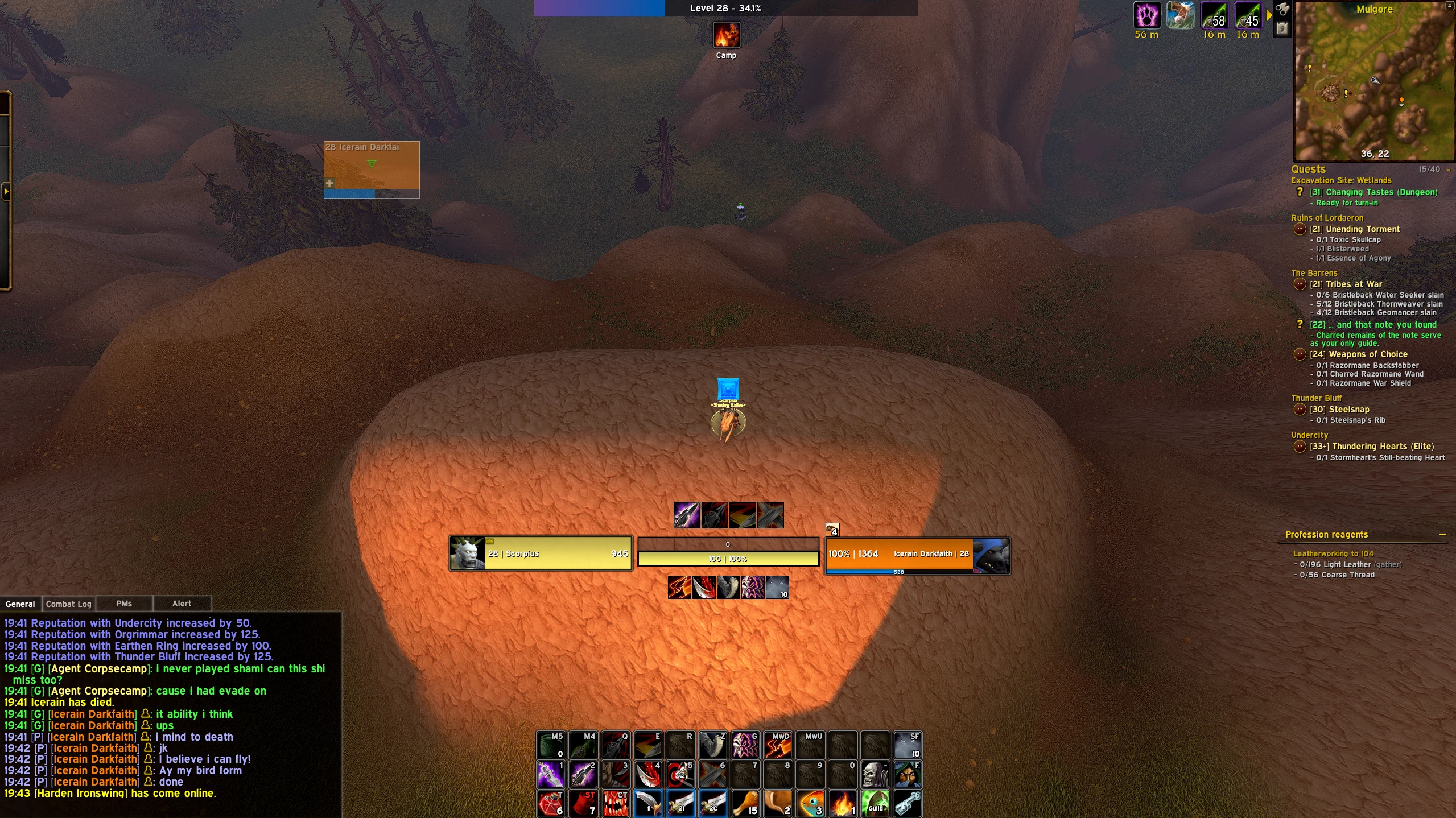
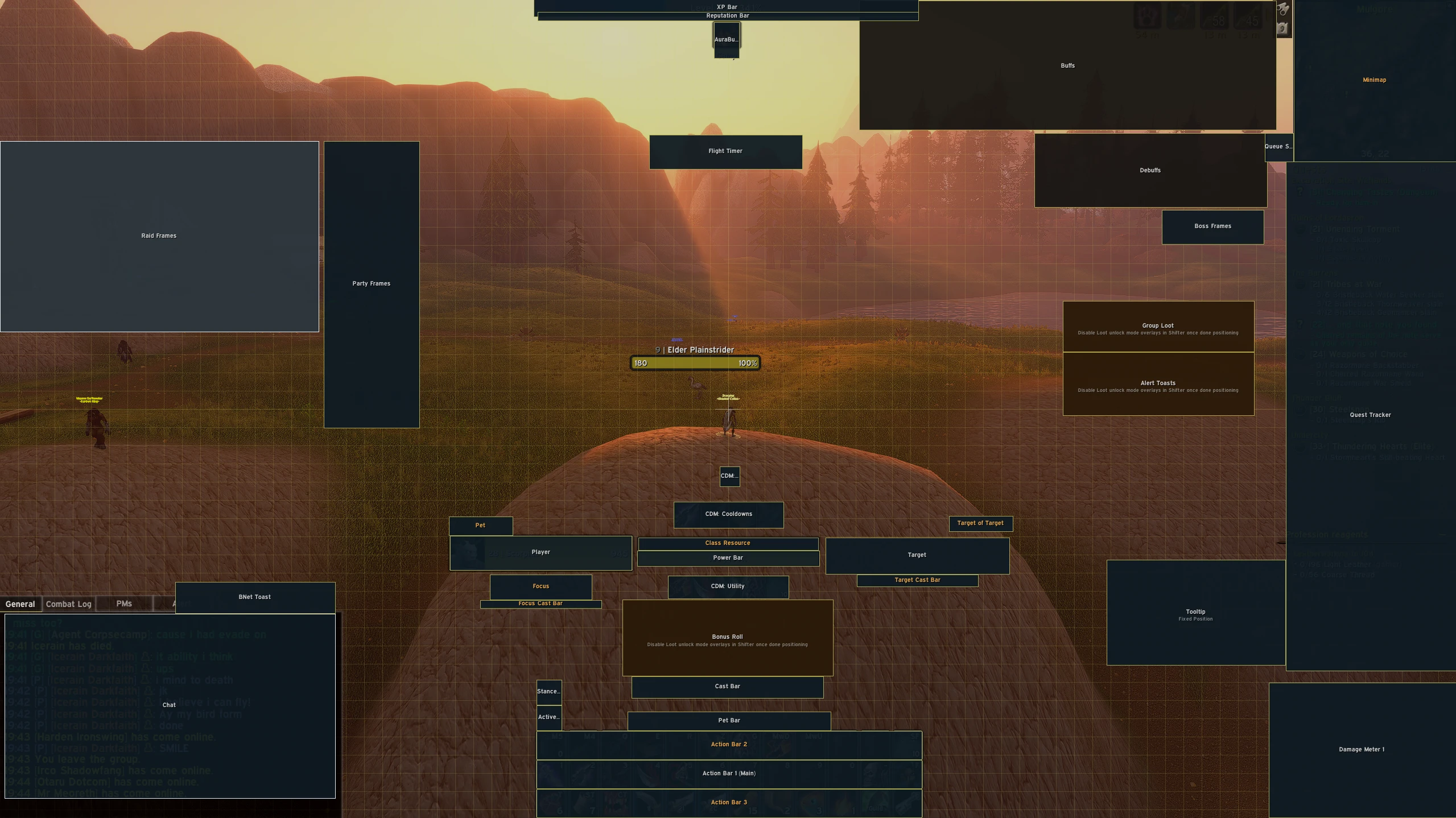
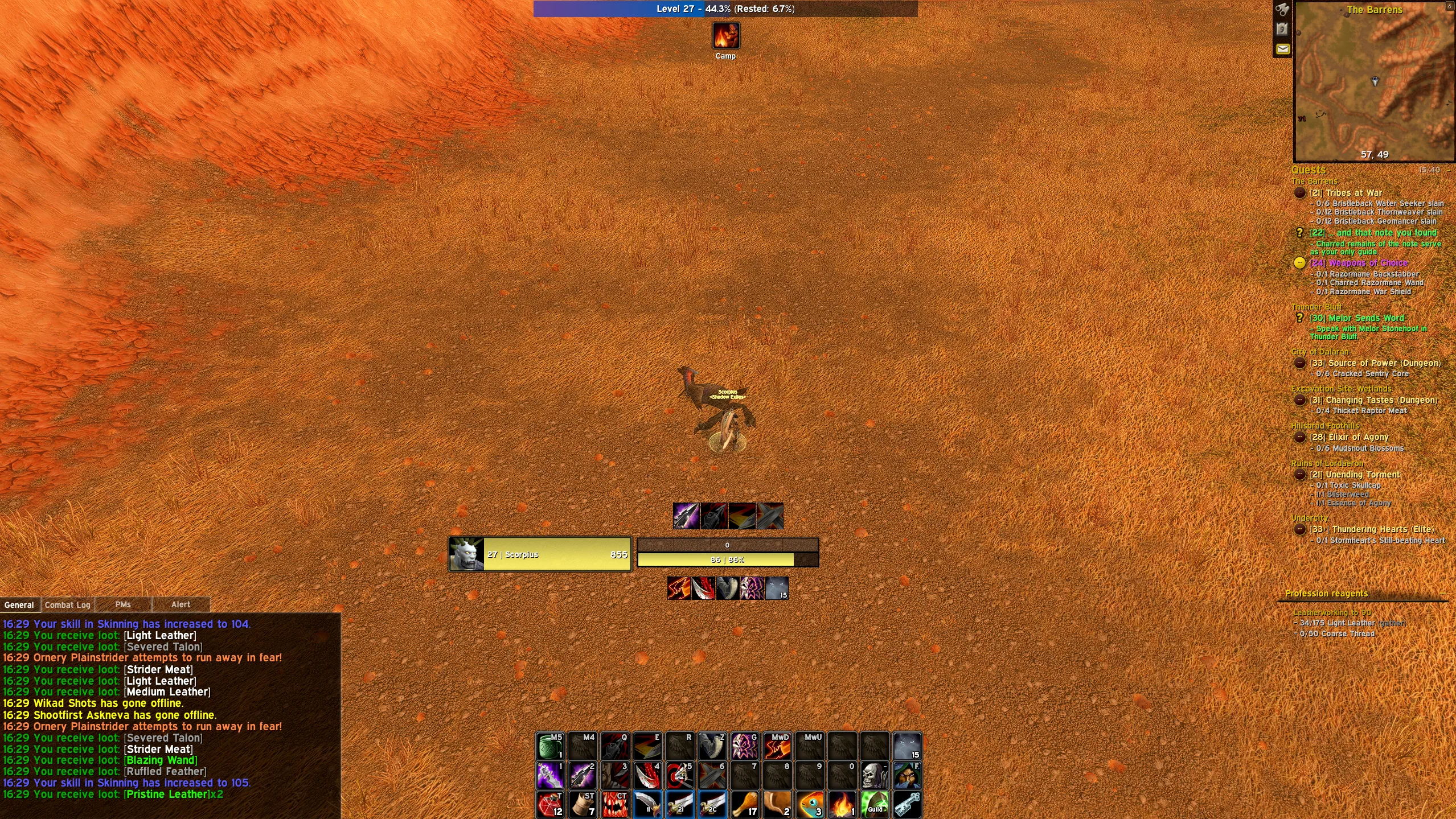
This is a clean UI for all content and all classes. You can tweak anything and everything you might like or dislike through the EllesmereUI options. I am currently using EllesmereUI for almost everything UI related, chat, QOL, Action Bars, Nameplayes, Damage Meter, Bags, Quest Tracker and more.
I am only using Addons for things that EllesmereUI does not cover, for example, Dungeon Journal, What's Training, Mastercrafter etc, everything else is purely Ellesmereui.If you have any questions feel free to join me Live over on Twitch and Youtube @ScorpiusOfficial
Code
How to install
1 Copy the entire code string shown above.
2 Open World of Warcraft and open the EllesmereUI settings in the chat to open the EllesmereUI settings.
3 In the EllesmereUI window, go to Profiles → Import Profile.
4 Paste the code string into the box.
5 Click Import to apply the profile.