

MMO Mouse (12 Buttons)
Profile Details
Profile ID:
29722
Uploaded:
Nov 16, 2026
Updated:
Nov 16, 2026
Installs:
Less than 100
Website:
Source Link
Theme & Expansion
Roles
Content
Resolution
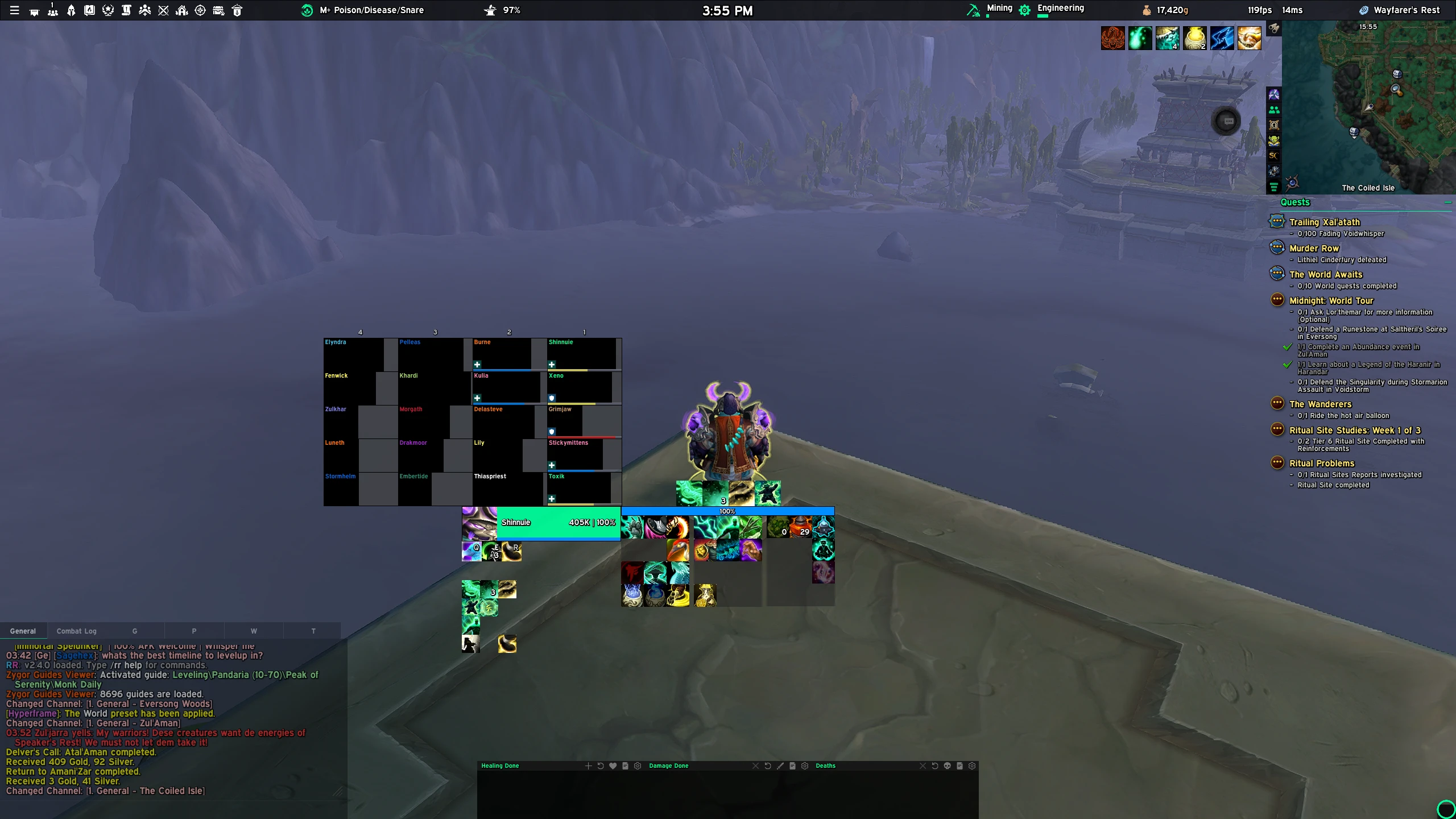
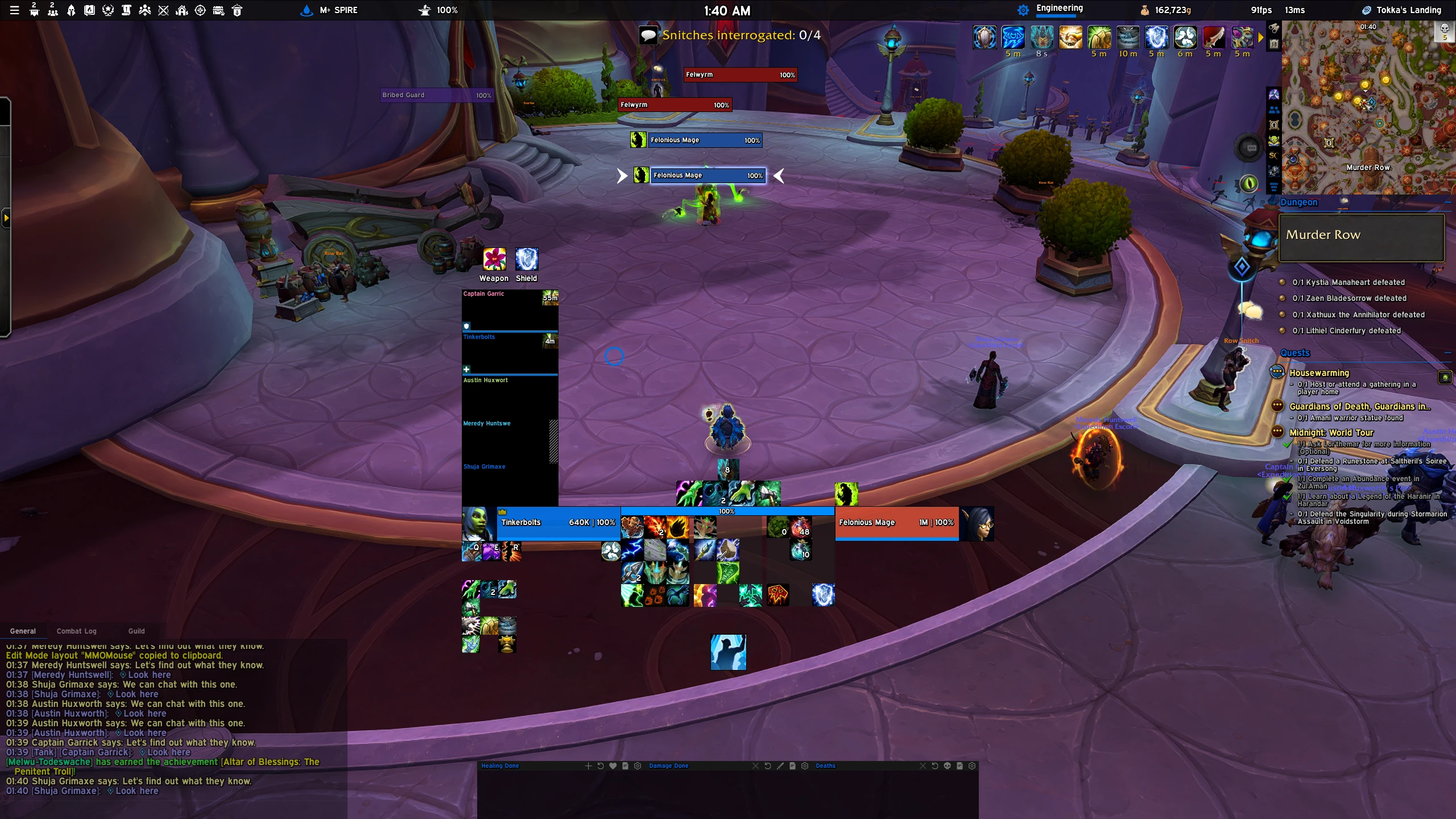
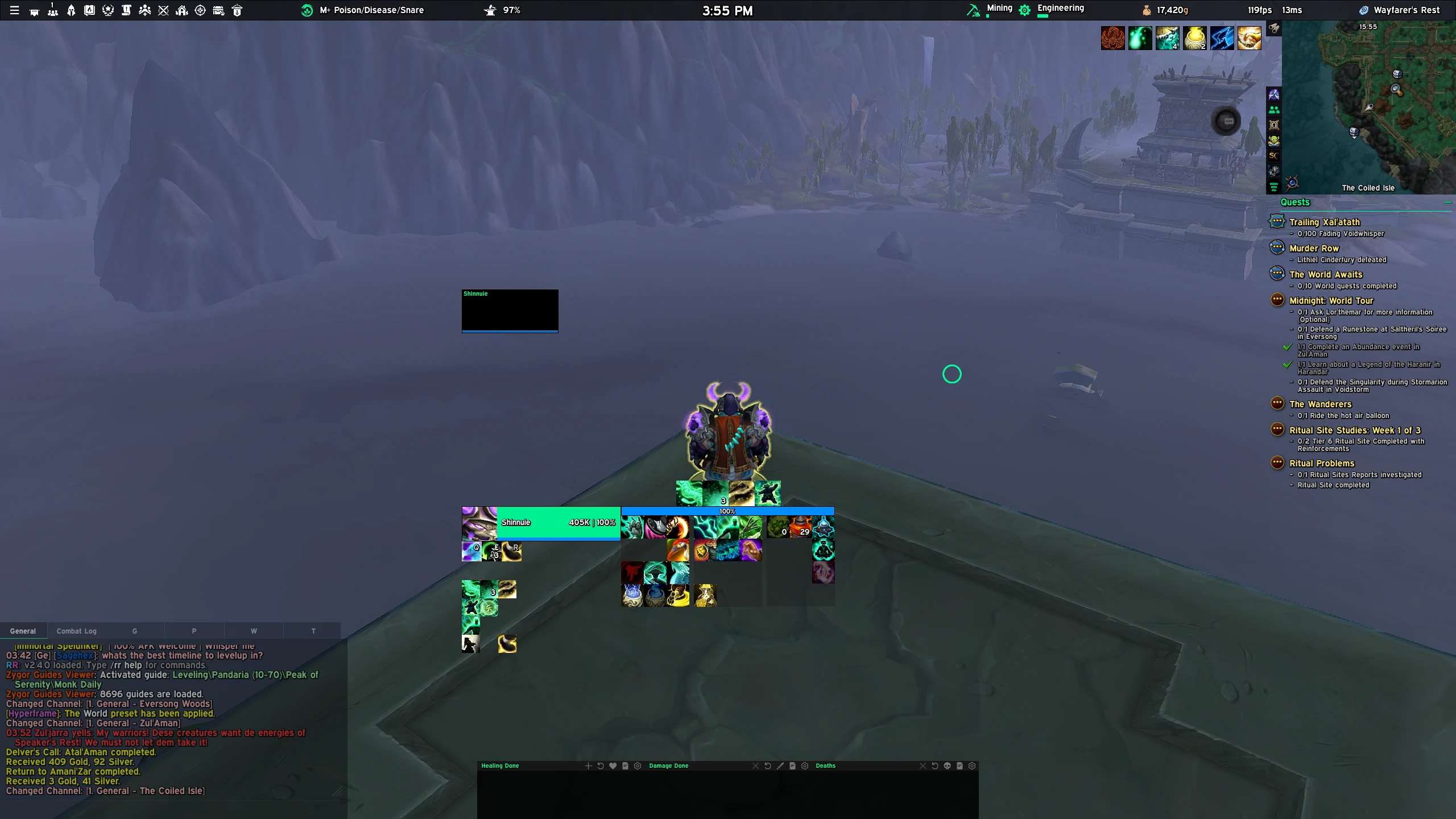
Layout for MMO Mouse gamers (12 side buttons)Used mainly for healing but I use it on all roles just fine. The 3x4 action bar under the players health unit frame is simply to track my hover casts but you can disable it if you dont need it.IMPORTANT: If you have a spec that has a double resource bar, like Paladin, all you need to do is copy the profile and just make a spec specific profile and move the middle buffs up a bit. Simple.I use the following keybinds for my action bars:
1-12 is the left bar.
Shift 1-12 is the middle bar.
Ctrl 1-12 is the right bar.Healer grid tracker action bar: (Hover Casts)
LMB, MMB, RMB
Shift-LMB, Shift-MMB, Shift-RMB
Ctrl-LMB, Ctrl-MMB, Ctrl-RMB
Q,E,RPlease note: I do not use the EUI character sheet. I use Chonky Character Sheet for that instead as I prefer the layout. So if you want to use it, enable it manually!
Code
How to install
1 Copy the entire code string shown above.
2 Open World of Warcraft and open the EllesmereUI settings in the chat to open the EllesmereUI settings.
3 In the EllesmereUI window, go to Profiles → Import Profile.
4 Paste the code string into the box.
5 Click Import to apply the profile.