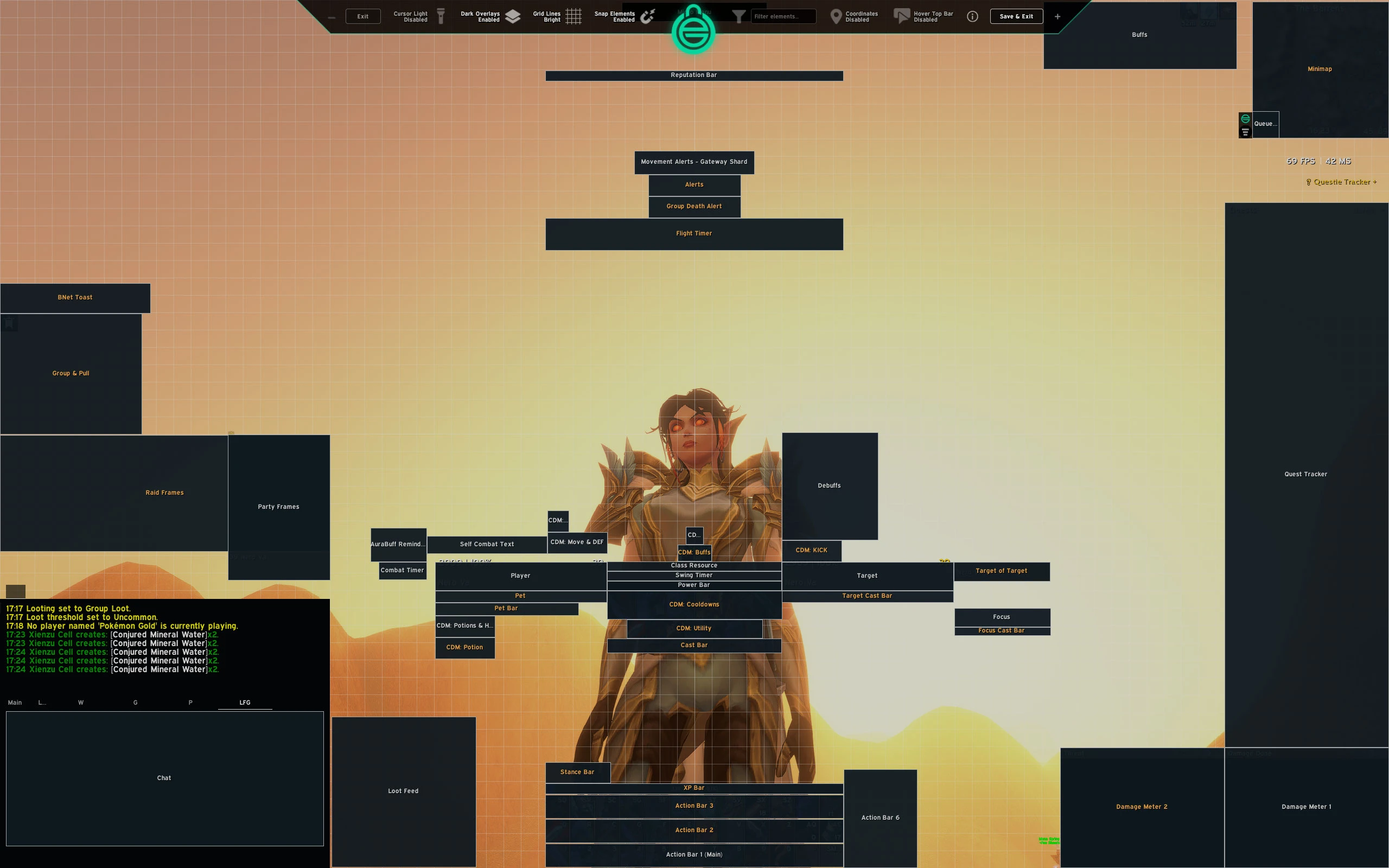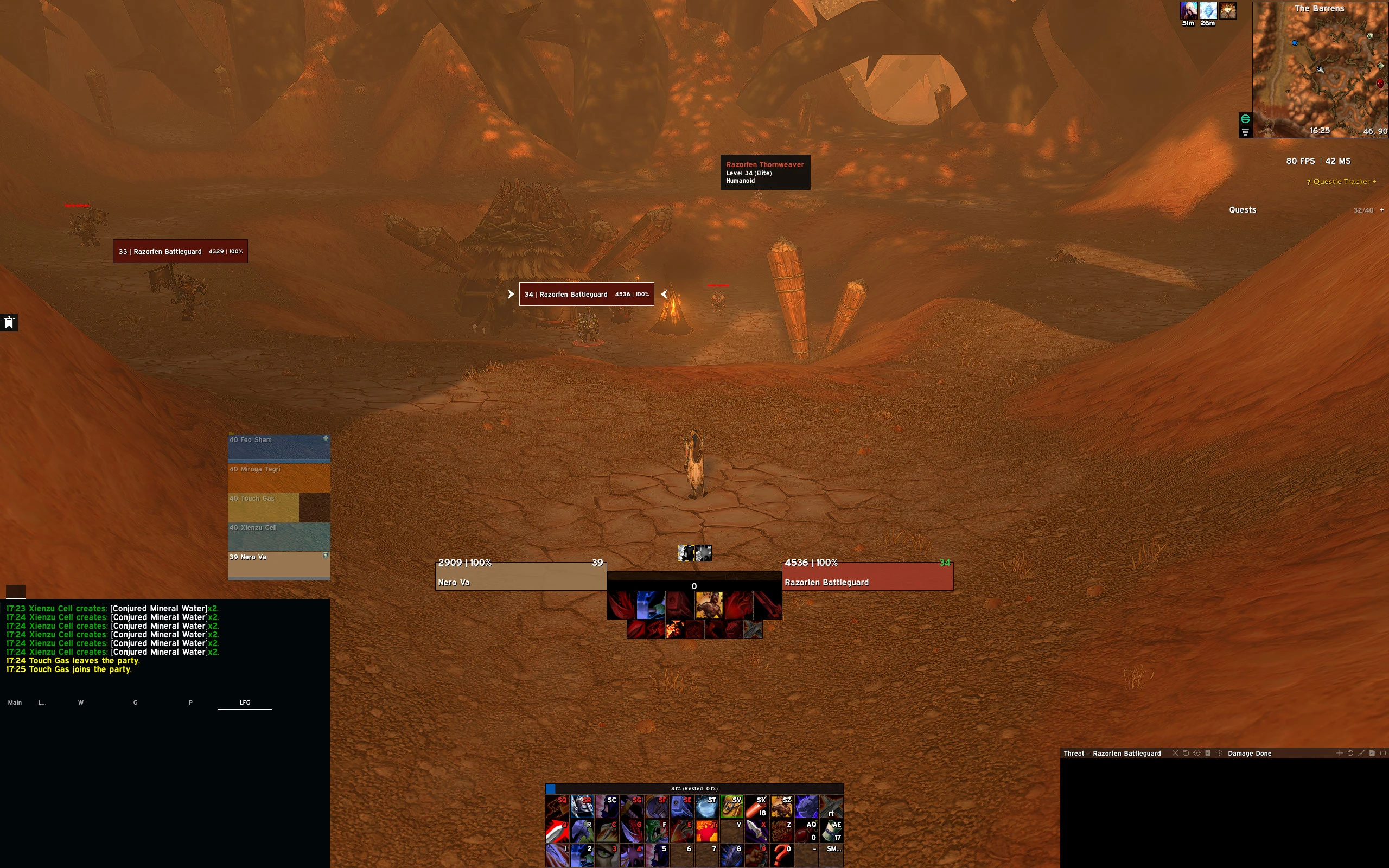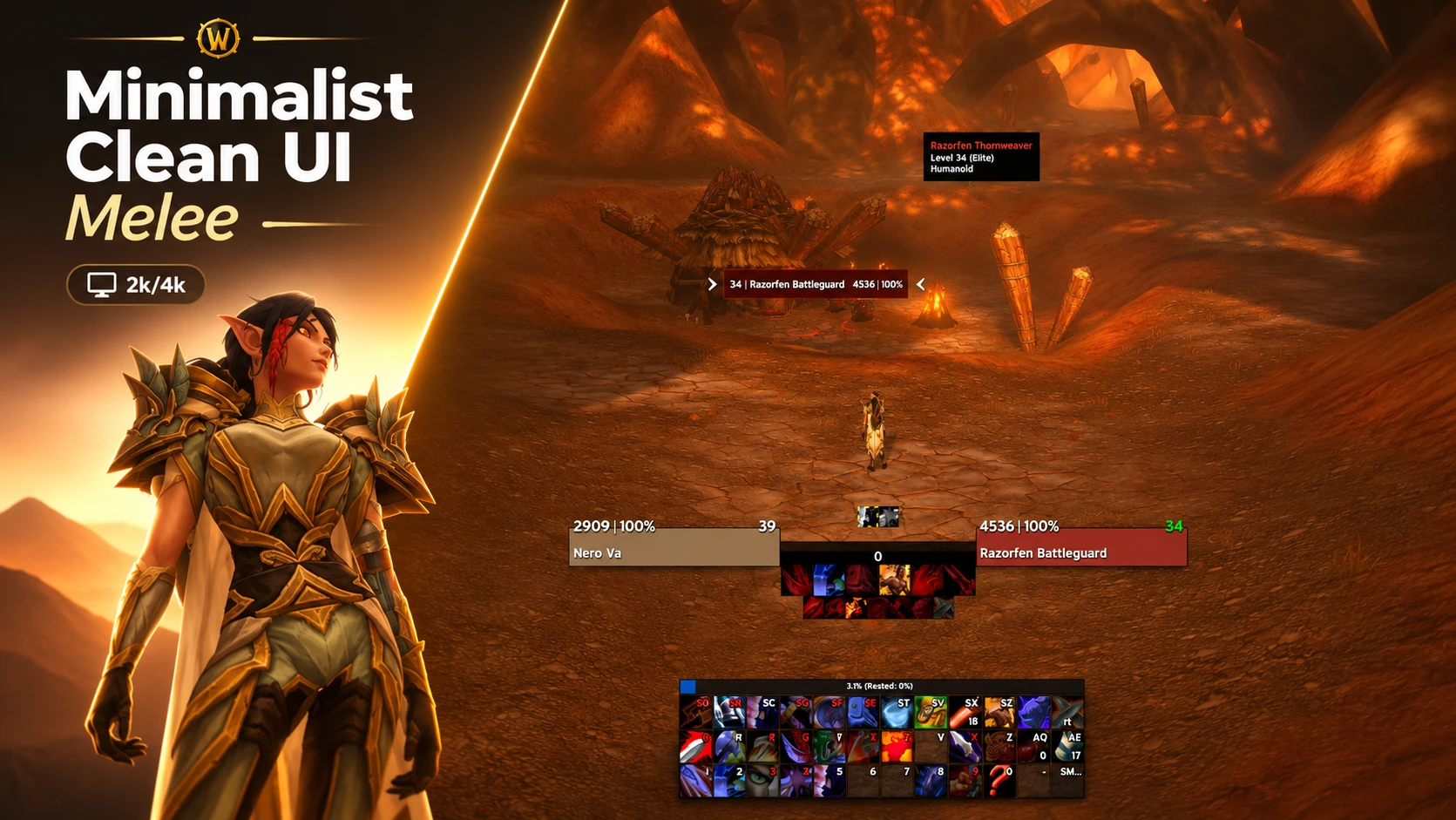


Minimalist Clean UI Melee
Profile Details
Profile ID:
29545
Uploaded:
Nov 16, 2026
Updated:
Nov 16, 2026
Installs:
9,164
Website:
Source Link
Theme & Expansion
Roles
Resolution
2k, clean, adjusted, tweaked for personal beta needs
Mostly done for warriors/rogues/meleeNote:
- Chat tabs using files per character, you will get a base alligned chat widnow
- Aspect ratio is set to 16:10
- Aspect ratio for 16:9 will be done at 4k import stringUpdates:
- Updated chat/damage/threat metters
- Updated raid frames 10-40 man
- Frame grids adjustments
- Added bliz edit mode stringUpdates:
- Nameplates update
- Unit frames update
- SCT updateUpdates:
- 2k anchor palels updated
- 4k coming during the week of the forever release----------------Issues:
- Some 16:9 aspect ratio installs reuire manual frame adjusments for right side of the screen in unlock mode.
Code
How to install
1 Copy the entire code string shown above.
2 Open World of Warcraft and open the EllesmereUI settings in the chat to open the EllesmereUI settings.
3 In the EllesmereUI window, go to Profiles → Import Profile.
4 Paste the code string into the box.
5 Click Import to apply the profile.