

MF UI WoW Forever
Profile Details
Profile ID:
29561
Uploaded:
Nov 16, 2026
Updated:
Nov 16, 2026
Installs:
1,344
Website:
Source Link
Theme & Expansion
Roles
Resolution
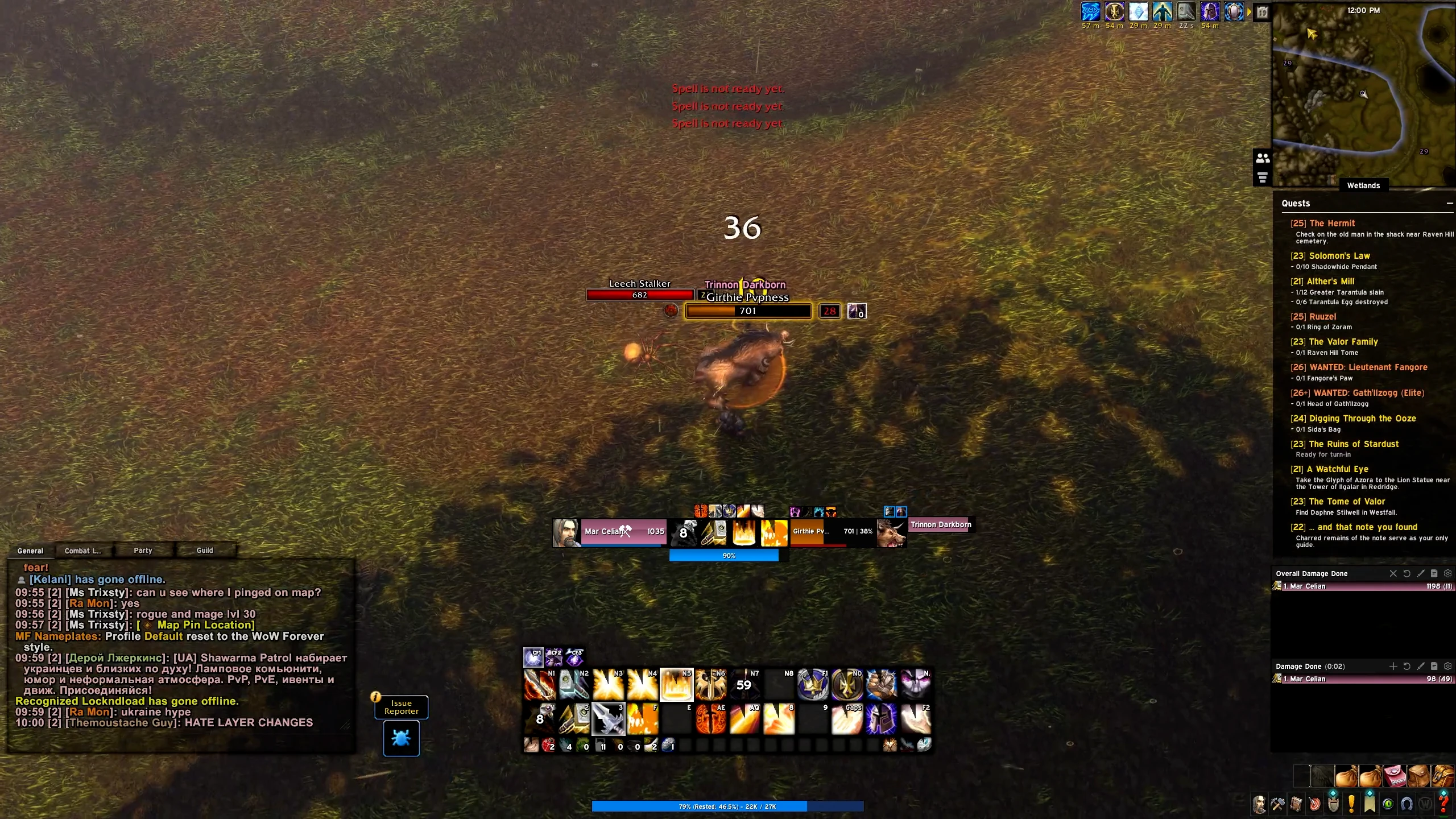
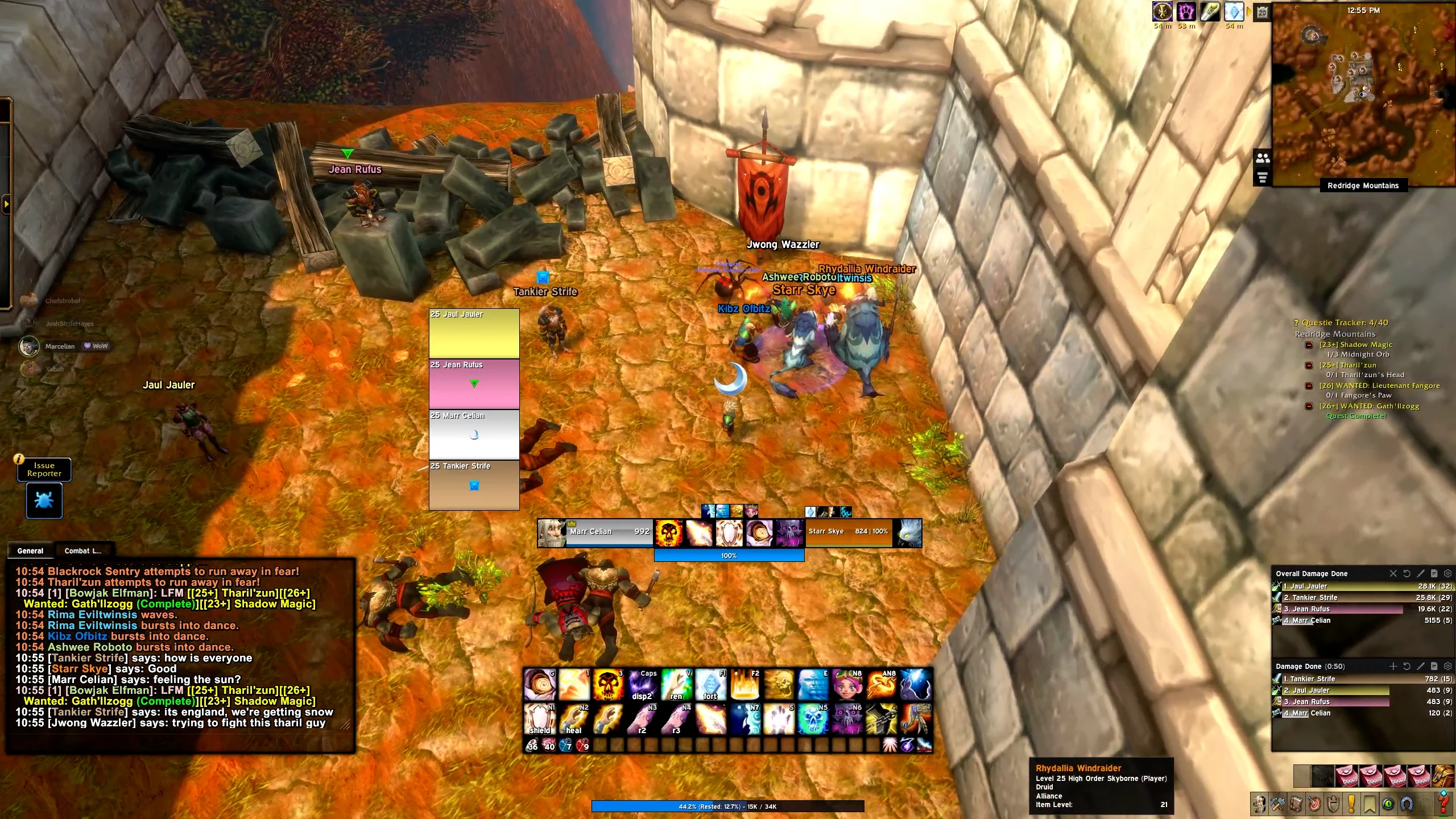
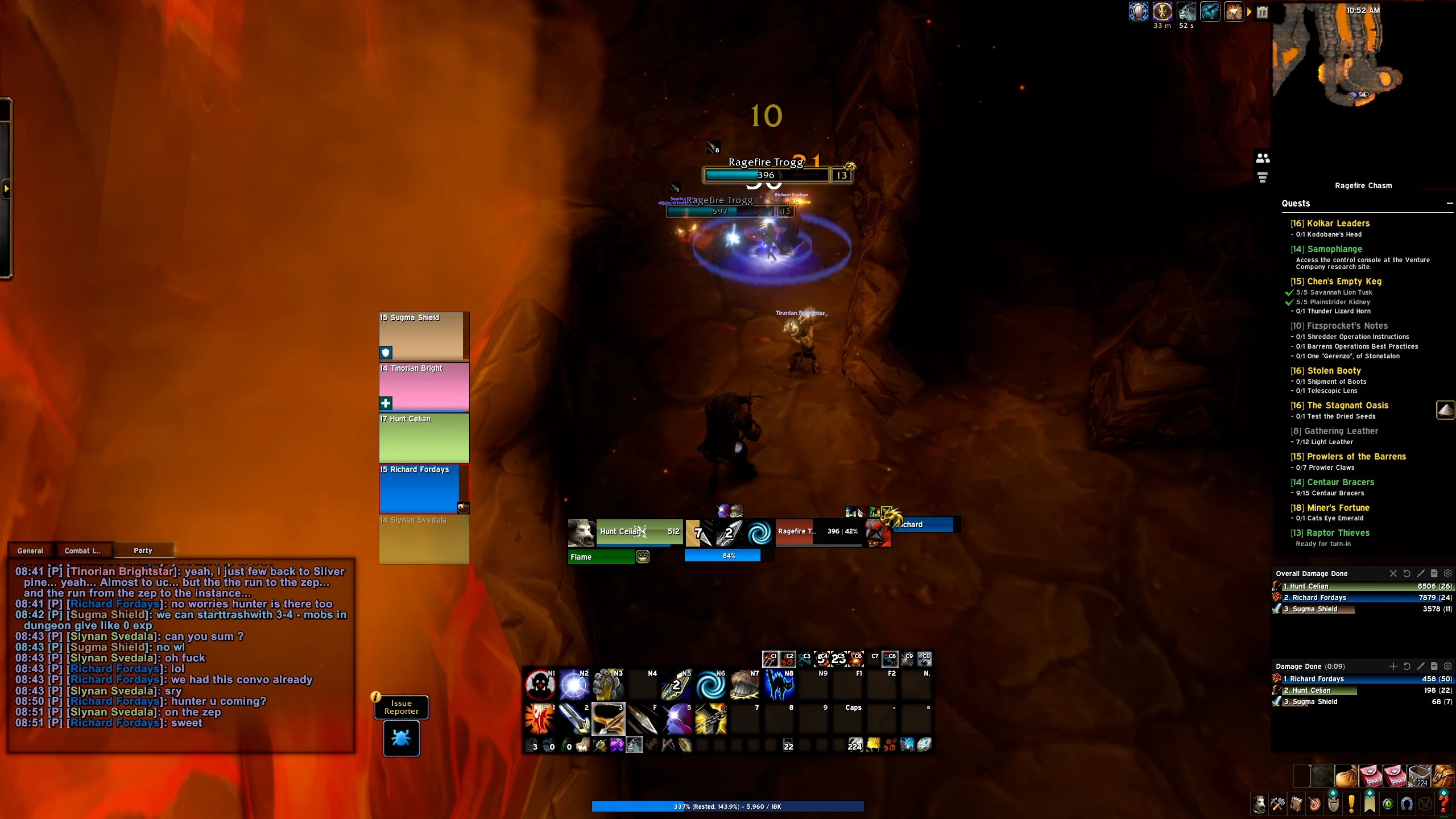
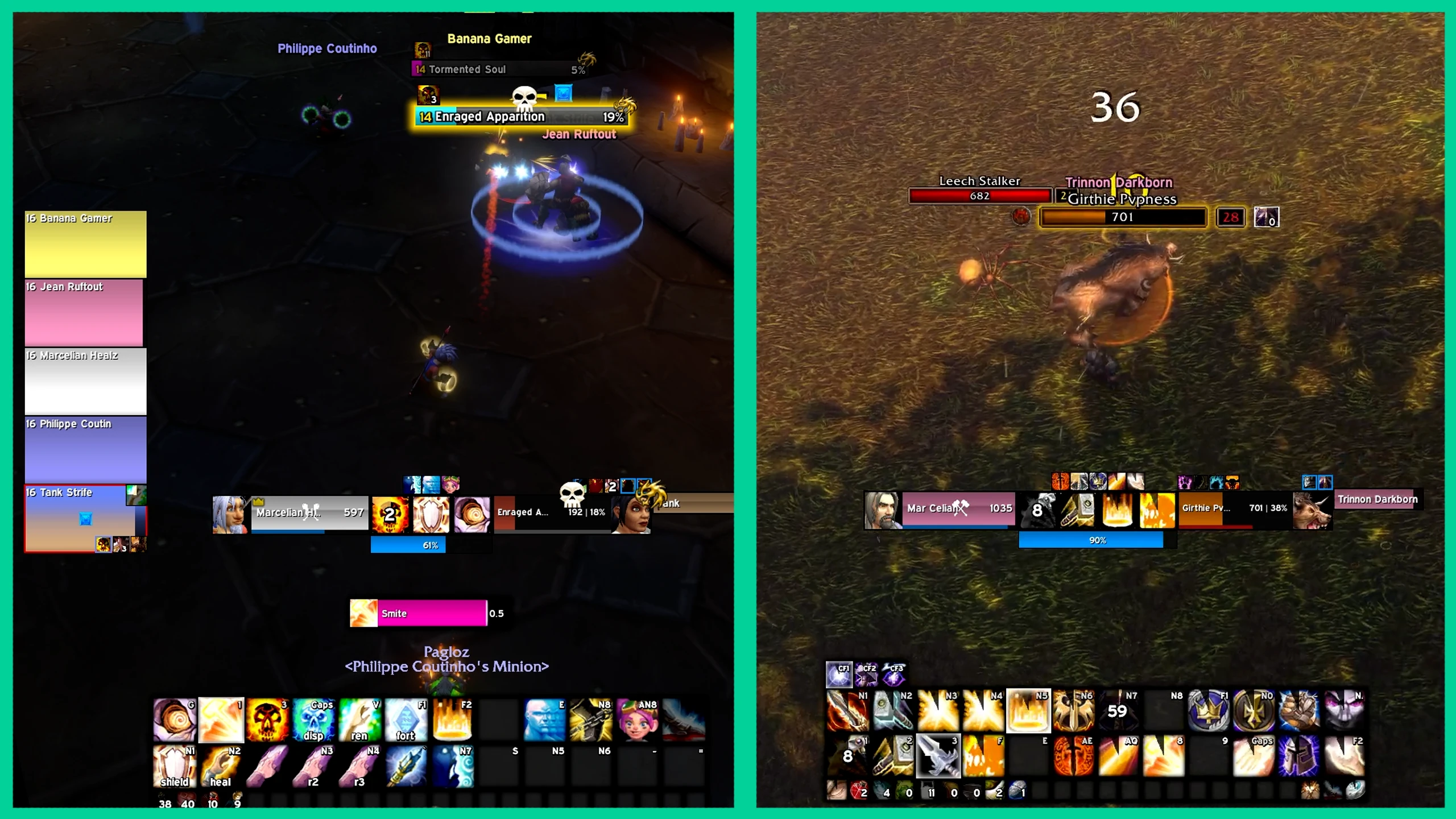
MF UI (WoW: Forever) is built on Ellesmere UI and is the Forever version of the UI you see in our videos: same clean, centered layout, adapted to WoW: Forever.So far it is configured for Mage, Warrior, Paladin and Hunter, with the other classes coming down the line. On Forever, each class has one cooldown layout with its Forever spells.Cooldowns, Buffs, Cast Bar and Class Resources sit together in the middle of your screen, so you can track and react to them without cluttering your view.Cooldowns & Buffs
To track something specific or remove a cooldown or buff, type /eui and open the Cooldown Manager. If something is missing, hit “Open Blizzard CDM”, add it there, and it becomes available in the EUI Cooldown Manager too, where you can customize it further.UI Layout
Chat, Action Bars, Damage Meters, Map, Quests and the rest are aligned and sized so you see them clearly while keeping much more room for the game itself. Your party frames sit on the left side of your character, so you can keep an eye on your group without looking away from the fight.Important: for everything to work 100% as intended, also import the Blizzard Edit Mode layout. It is included here with the profile.Action Bars
Action Bars 1 and 2 are always visible, with Action Bars 4 and 5, smaller, right underneath Action Bar 1. Action Bar 3 sits below them and only shows up when you hover your mouse over it. Your important abilities stay visible, everything else stays out of the way.One Last Thing!
If something ever looks off after changing talents or zoning, type /reload in your chat window. That puts everything back in place.Nameplates are MF Nameplates
Code
How to install
1 Copy the entire code string shown above.
2 Open World of Warcraft and open the EllesmereUI settings in the chat to open the EllesmereUI settings.
3 In the EllesmereUI window, go to Profiles → Import Profile.
4 Paste the code string into the box.
5 Click Import to apply the profile.