

MangiUI | Forever
Profile Details
Profile ID:
29462
Uploaded:
Nov 16, 2026
Updated:
Nov 16, 2026
Installs:
Less than 100
Website:
Source Link
Theme & Expansion
Roles
Content
Resolution
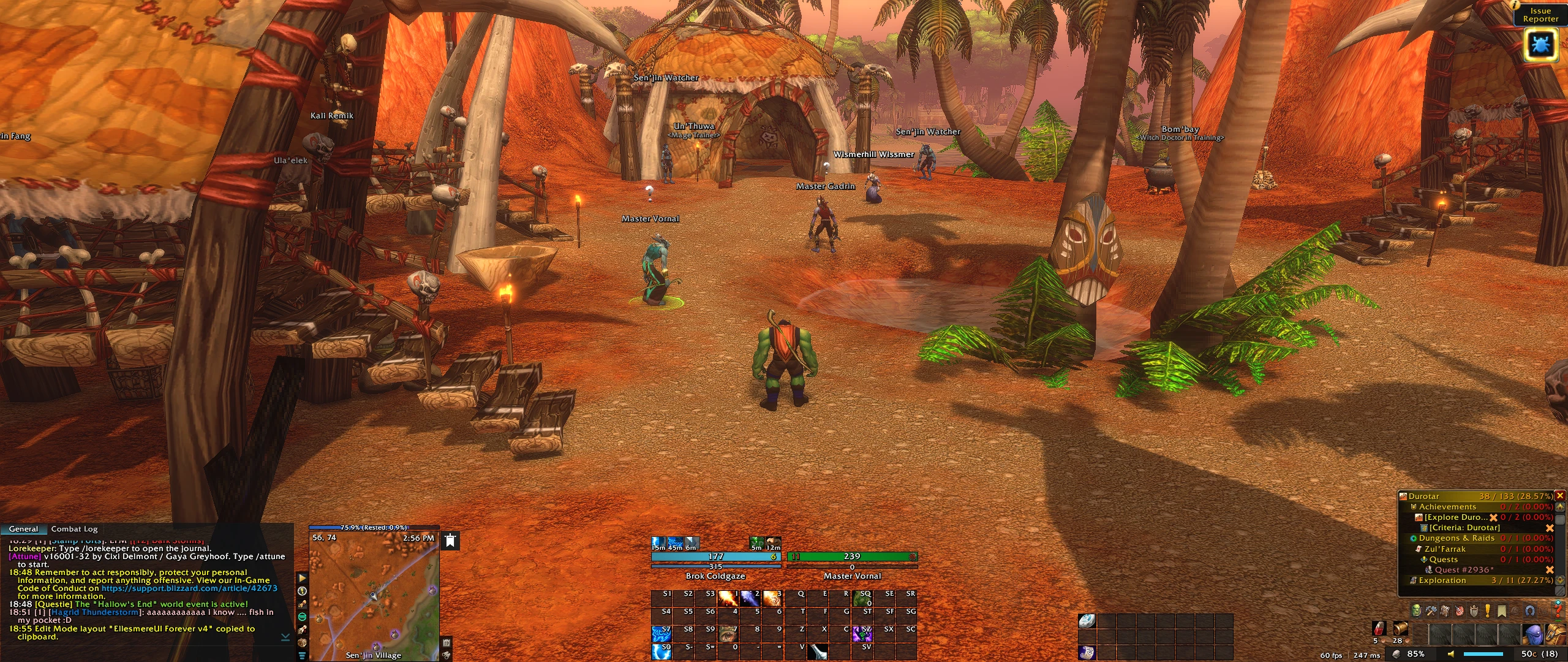
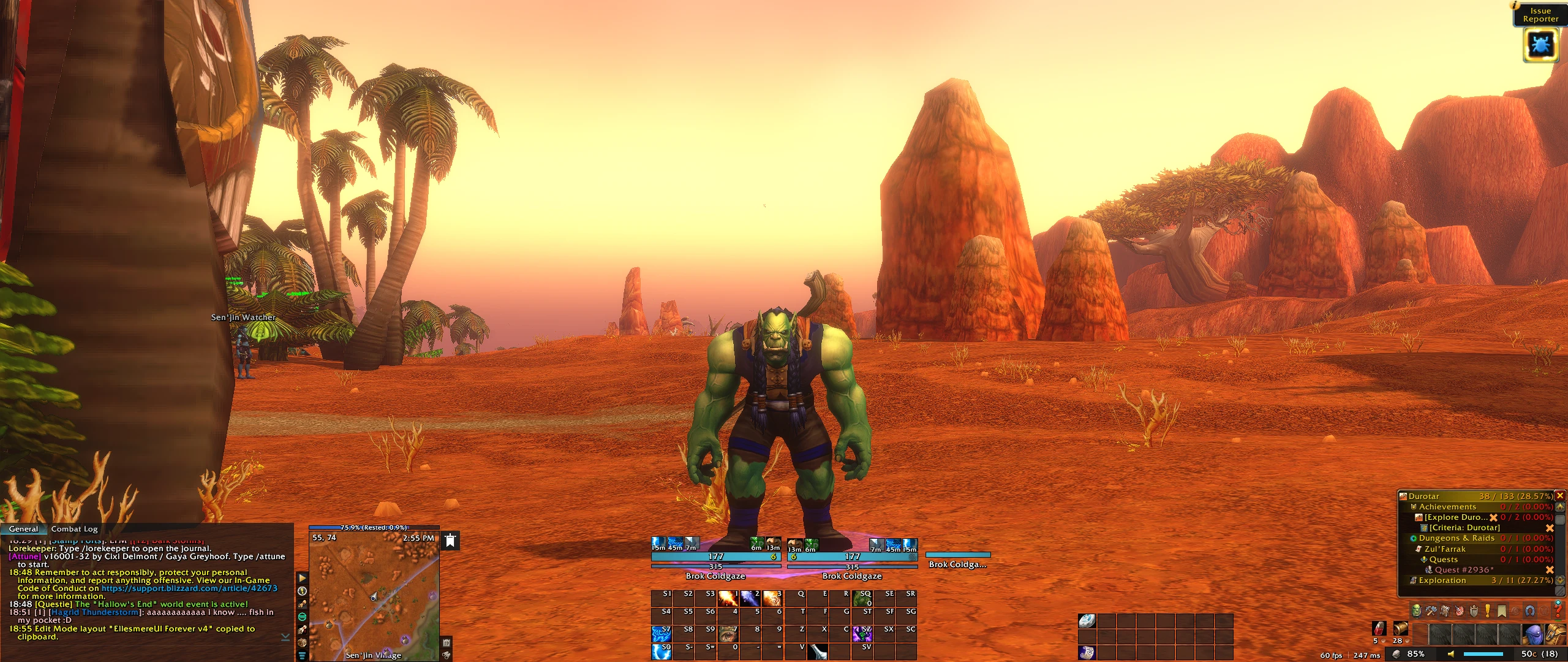
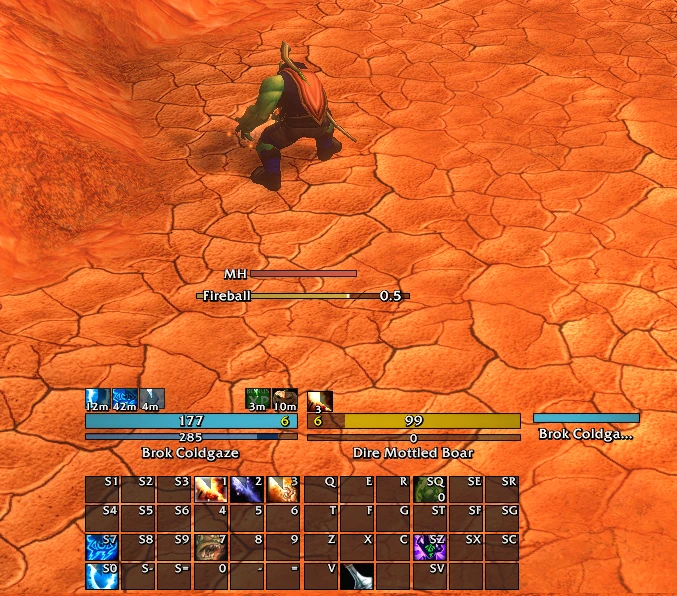
A minimal, clean layout built around one idea: the center of the screen belongs to the world and the gameplay. Every UI element was pushed to the edges, with most of the essentials grouped along the bottom, so the character and the landscape stay unobstructed while you explore, quest and fight.
The look is simple but elegant, with clean dark panels, class colored accents and only the information you actually need on screen. It was designed with open world leveling in mind, but works for any role.
Code
How to install
1 Copy the entire code string shown above.
2 Open World of Warcraft and open the EllesmereUI settings in the chat to open the EllesmereUI settings.
3 In the EllesmereUI window, go to Profiles → Import Profile.
4 Paste the code string into the box.
5 Click Import to apply the profile.