

Emi UI – Clean Mage UI v2 (smaller) – Forever
Profile Details
Profile ID:
29347
Uploaded:
Nov 16, 2026
Updated:
Nov 16, 2026
Installs:
Less than 100
Website:
Source Link
Theme & Expansion
Roles
Resolution
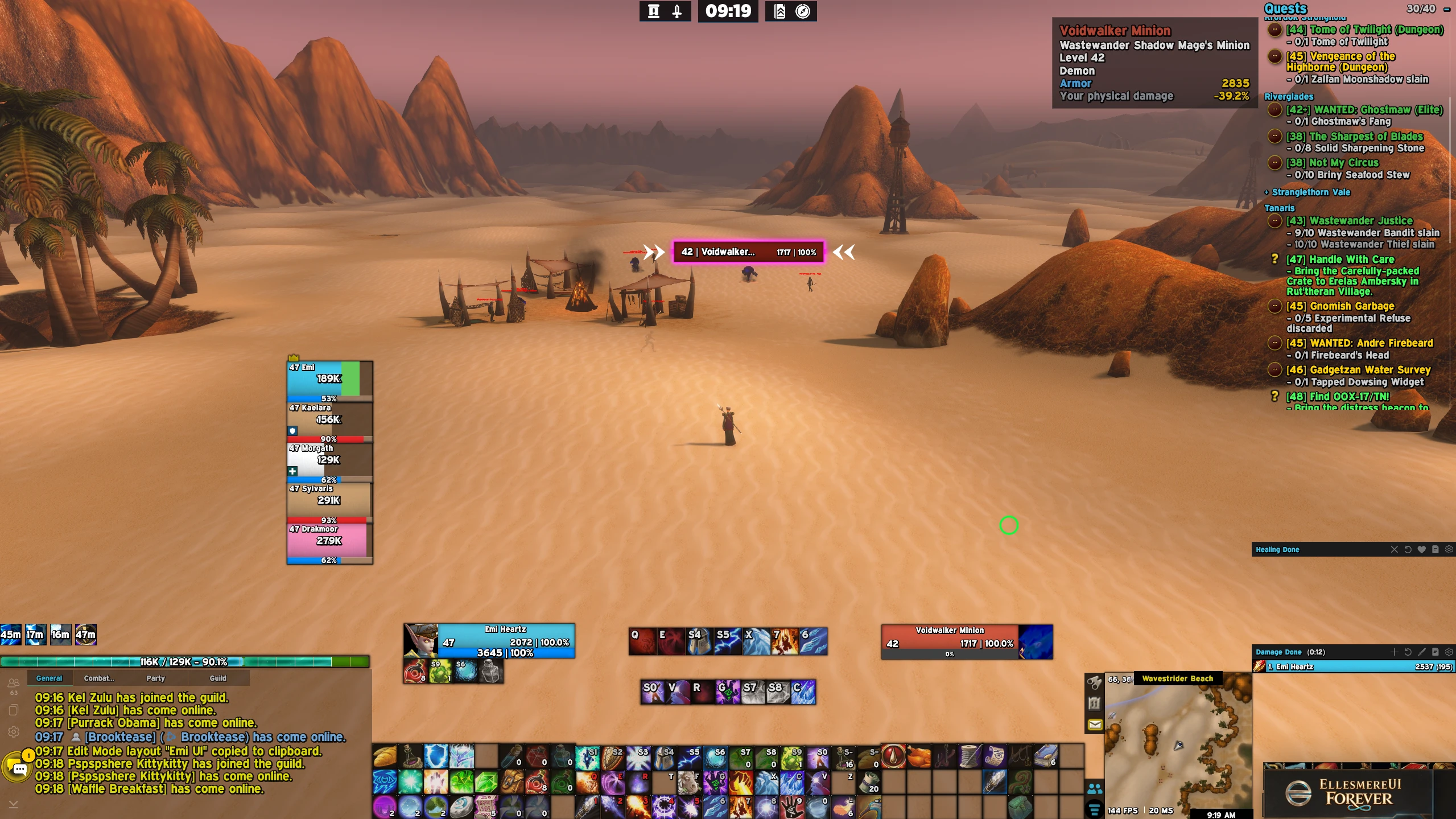
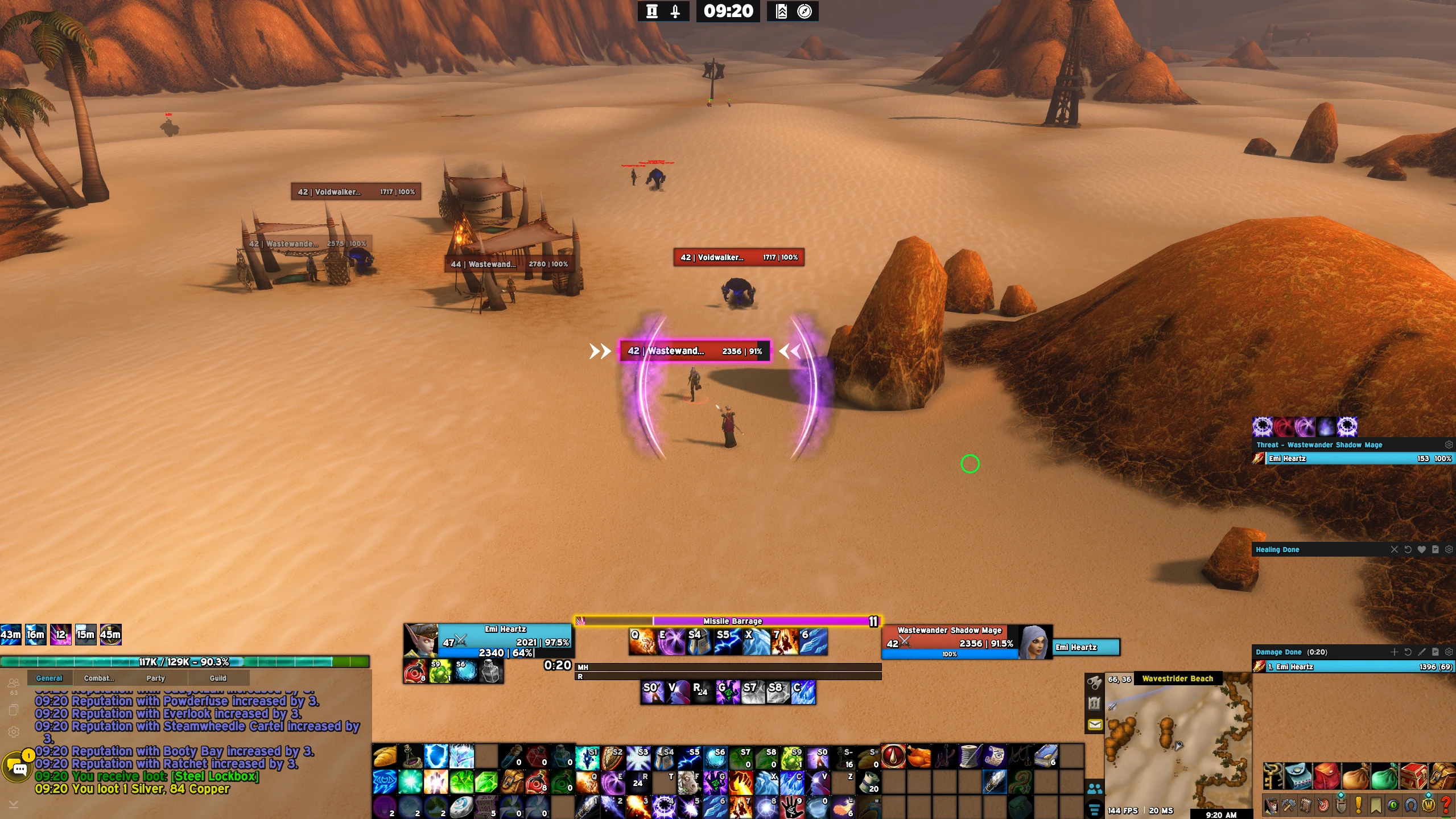
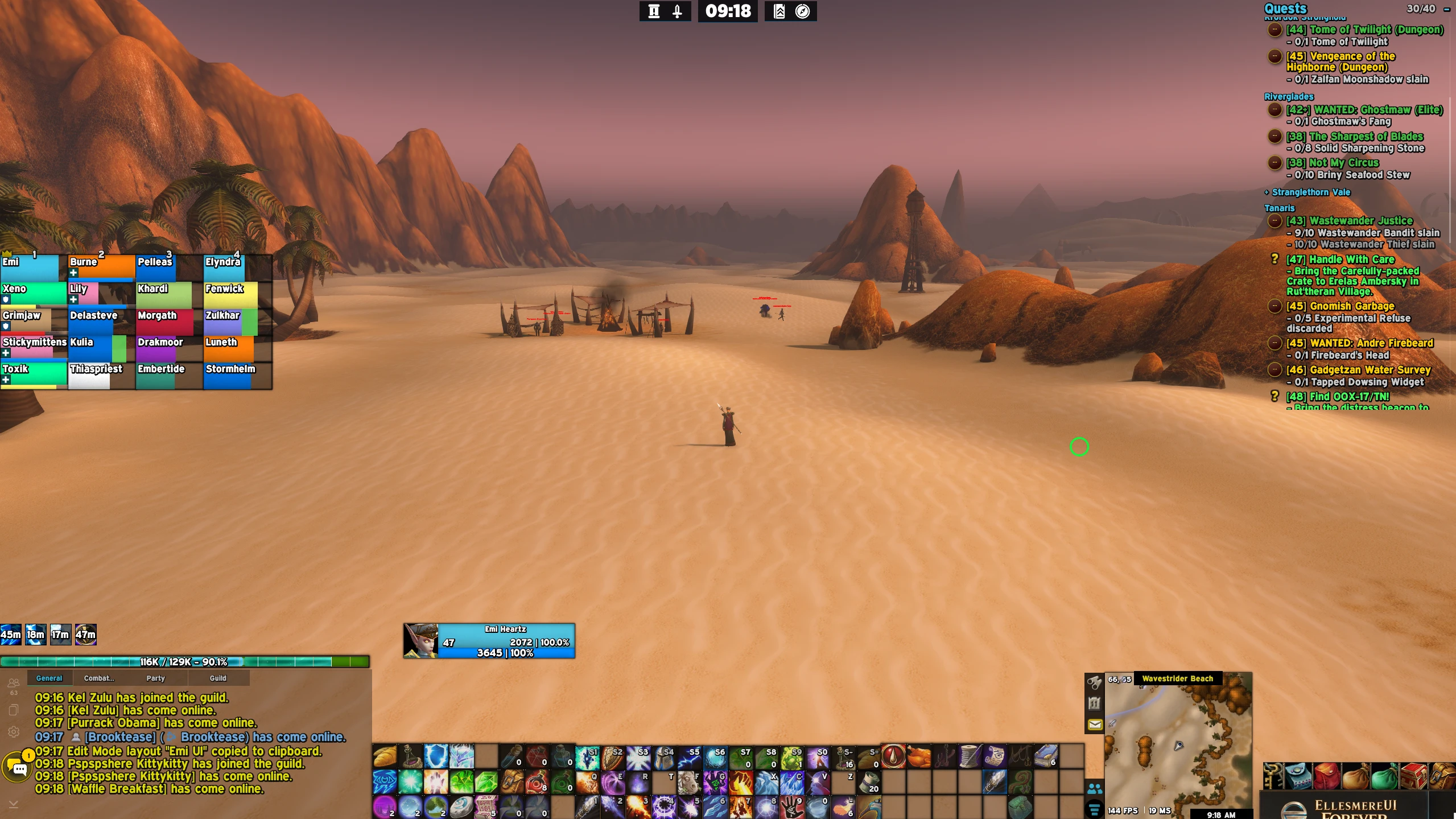
very similar to my original ui set up, just adjusted to be smaller and even more so towards the bottom instead of taking half the screen with the CDM and unit frames would be.If you want you can even hide the action bars below for an even more clean look. Currently its enabled to show.Update: 11/12/26 added eureka and arcane power tracking bars on top of player unit frames, be sure to add them in the /cdm tracking bars to see if you want.
Copy pasted notes below of the recent changes of the uiThis is my mage ui for WoW Forever. It organizes information that displays on the bottom of the screen allowing you to see everything else above without clutter.Updates:
November 11, 2026
added in debuff nameplate colors, ignite=orange, frost nova/frostbite=teal = improved scorch=red, able to see debuffs you apply even easier
November 10, 2026
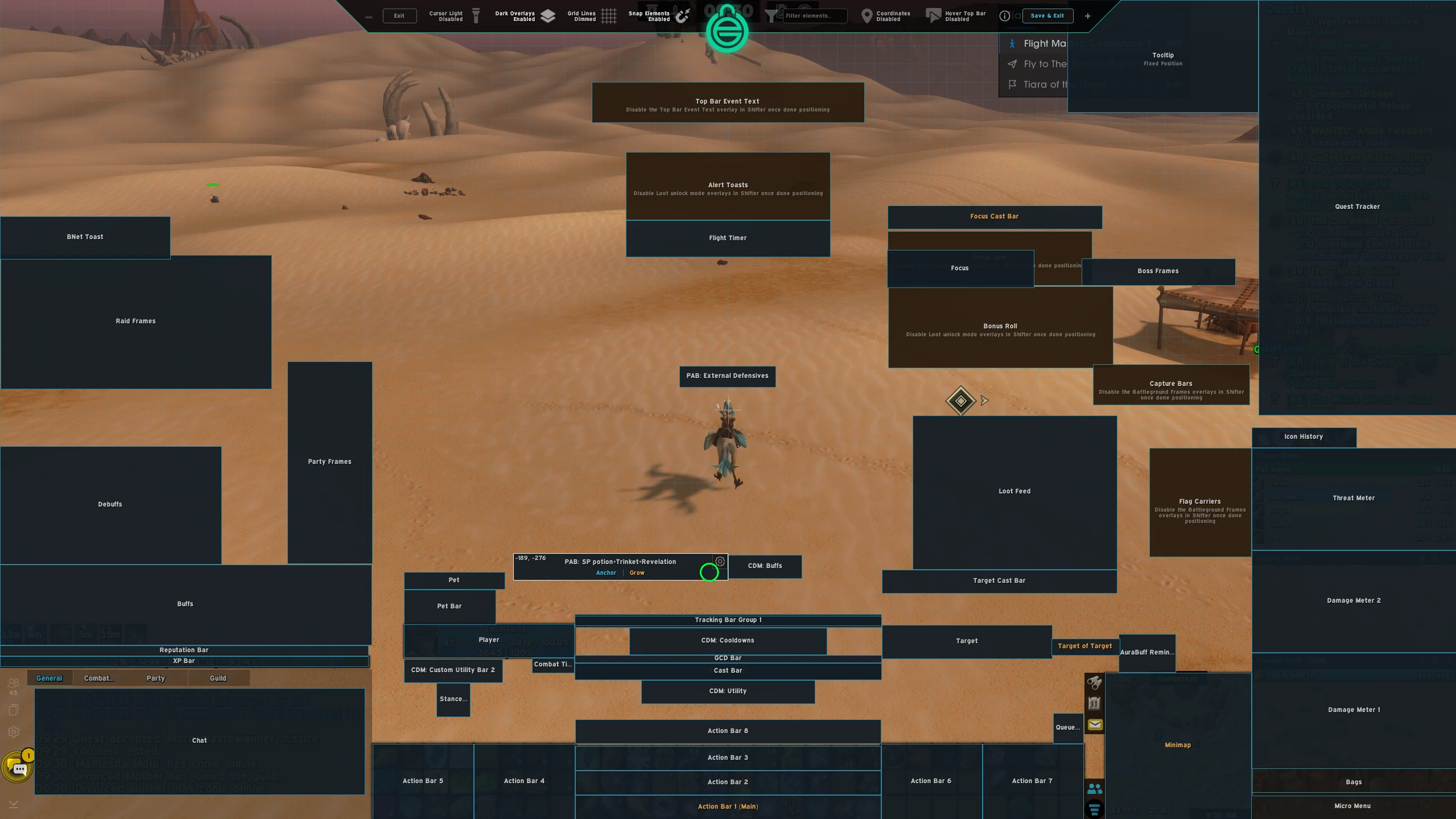
- updated ui slightly with a custom aura buff tracker frame: **now tracking spell power potions, revelation enchant proc, and trinkets.** (PLEASE NOTE: You must manually add in the buff id # into the player aura bars frame if you want to track any new trinket, potion or enchant proc for example. Open ellesmere < unlock mode < right click edit element options on the aura buff tracker highlighted in image 2 cdm > right click the spell icon you want to remove. OR if you want to add spells, click on the plus + sign and type in the spell id. DUE NOTE, THAT YOU WILL NEED TO UPDATE THIS INFO WHENEVER YOU UPGRADE YOU SPELLS BECAUSE IT HAS A SEPERATE SPELL ID PER RANK.
---------------------------------------ADDONS-----------------------------------------------
The Following are quality of life addons I also utilize EllesmereUI with:
- Naowh UI Forever (highly recommend pairing this with EllesmereUI, it adds several QOL features in one addon)
- Shadowflare (tracks procs such as clearcast, arcane blasts, etc and displays a better visual) This shows the arcs around your character when you get a proc.Other Nice to have addons:
- Keep or Toss (provides info on what things an item can be used for)
- Questie (marks npc quests on map, and other map markers)
- Dialogue UI (makes quest text readable)
- Skyborne Leyline & Convergence Marker (highlights current active leyline on map)
- Waypoint UI (adds a beam of light to map pins, easier to see)
Code
How to install
1 Copy the entire code string shown above.
2 Open World of Warcraft and open the EllesmereUI settings in the chat to open the EllesmereUI settings.
3 In the EllesmereUI window, go to Profiles → Import Profile.
4 Paste the code string into the box.
5 Click Import to apply the profile.