

DimmnUI – DUI – All Classes – Minimalistic
Profile Details
Profile ID:
29516
Uploaded:
Nov 16, 2026
Updated:
Nov 16, 2026
Installs:
4,125
Website:
Source Link
Theme & Expansion
Roles
Content
Resolution
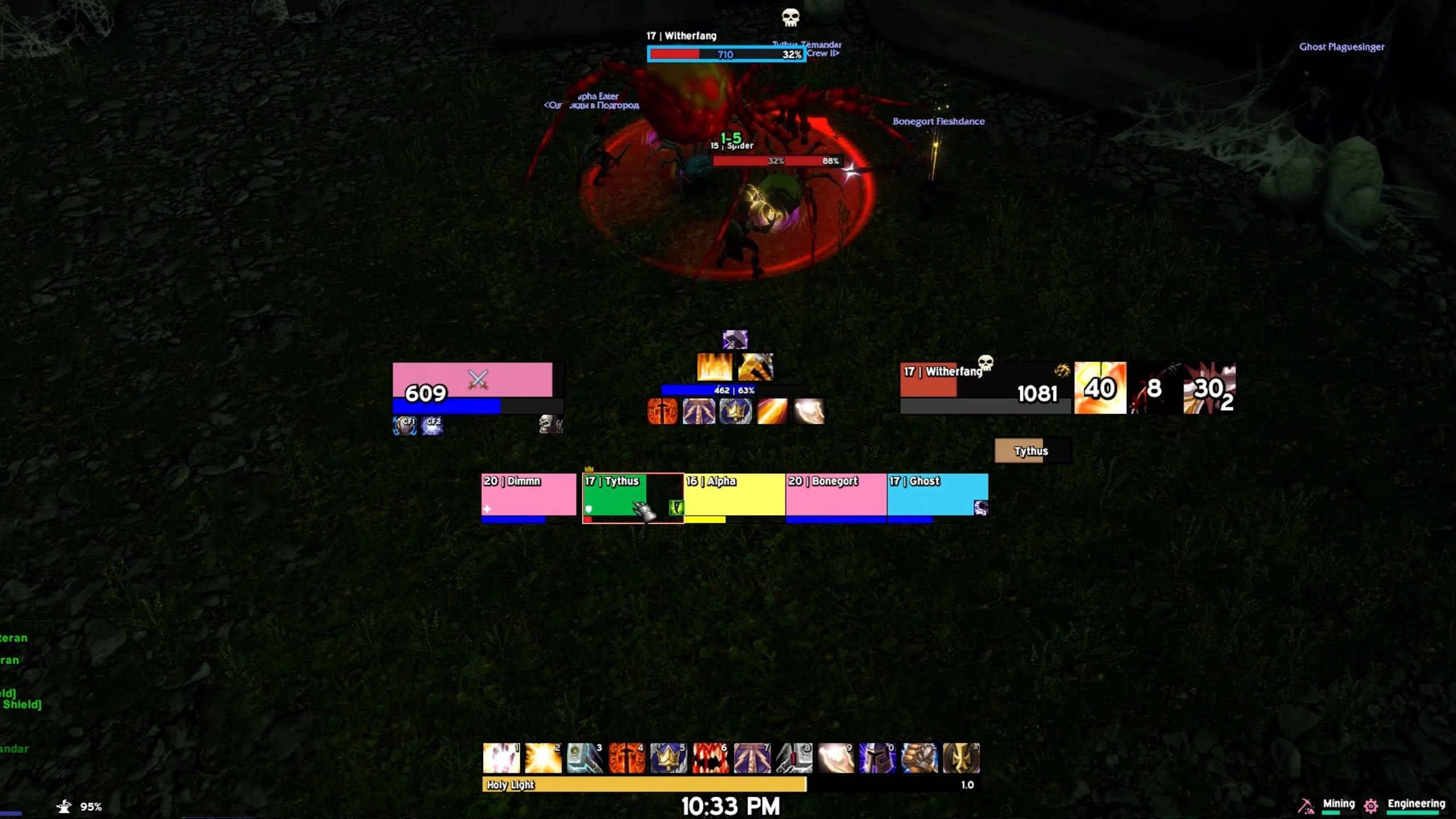
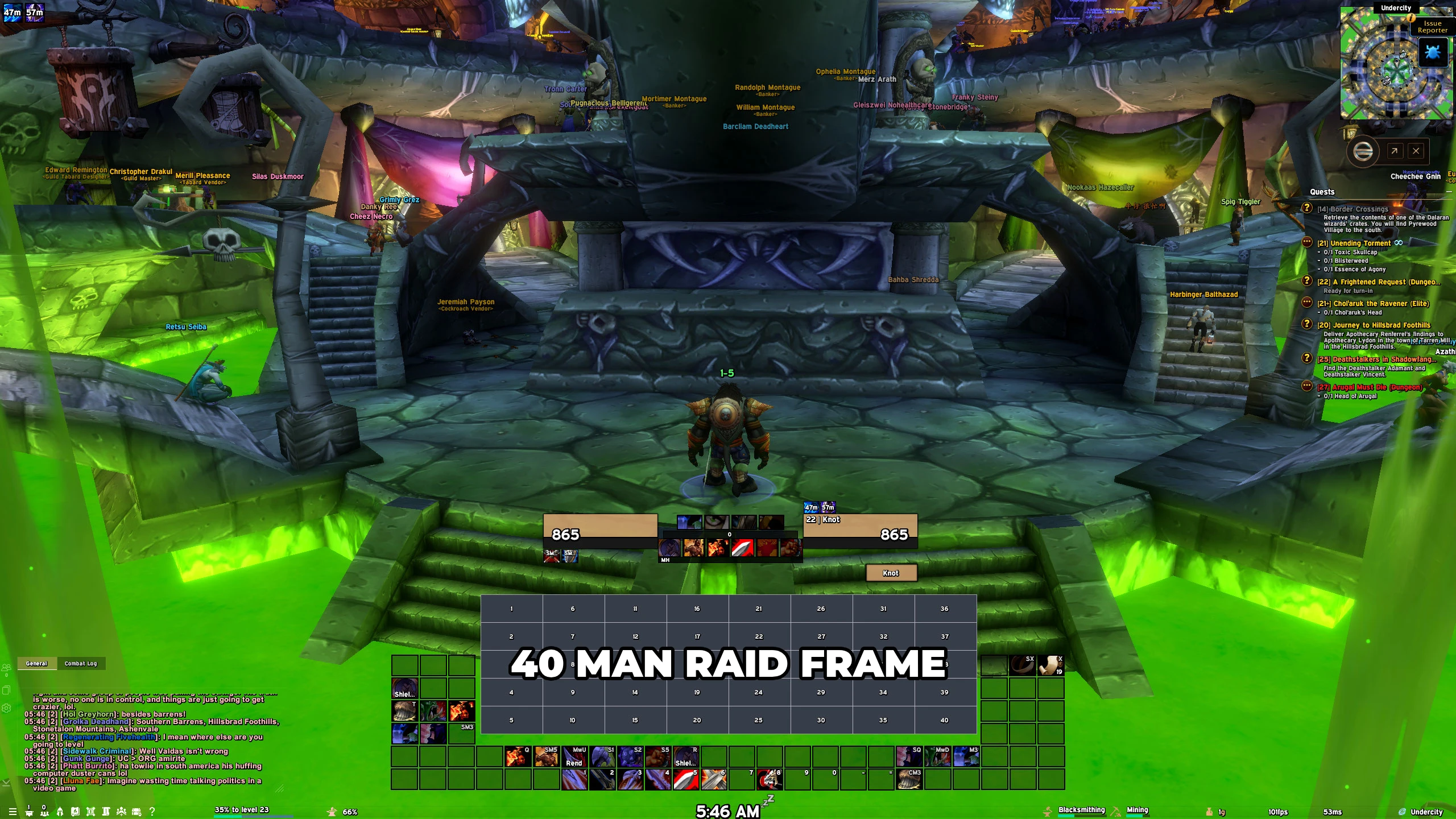
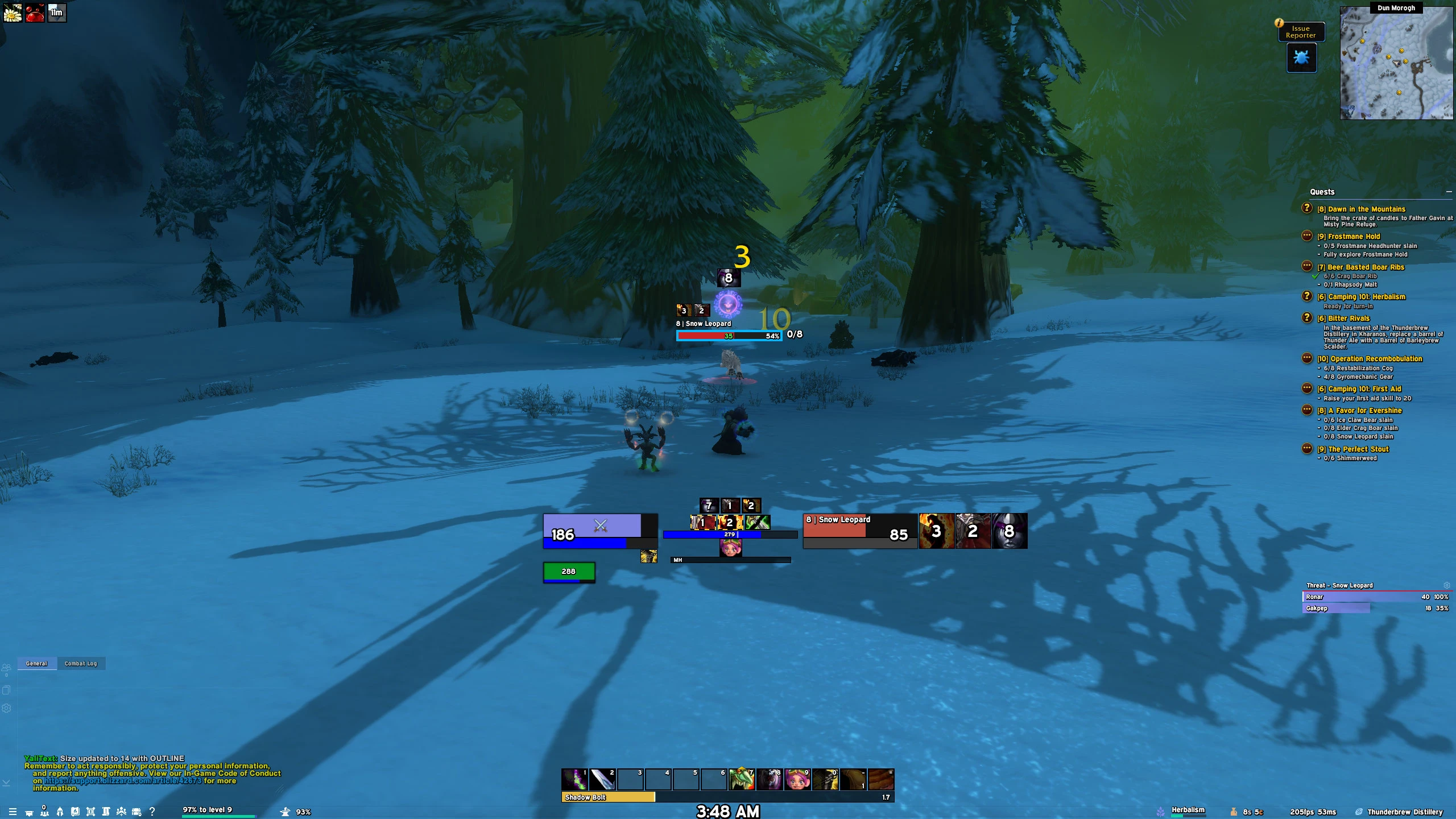
WoWForever – DimmnUI Profile (Classic+)Built around the journey. Minimalist UI that stays out of the way so you can enjoy the scenery.Ready for Nov 4 Launch (Updates)- Target frames: Level color for XP tracking
- Debuffs: Important only
- Combat text resized + target effects shown
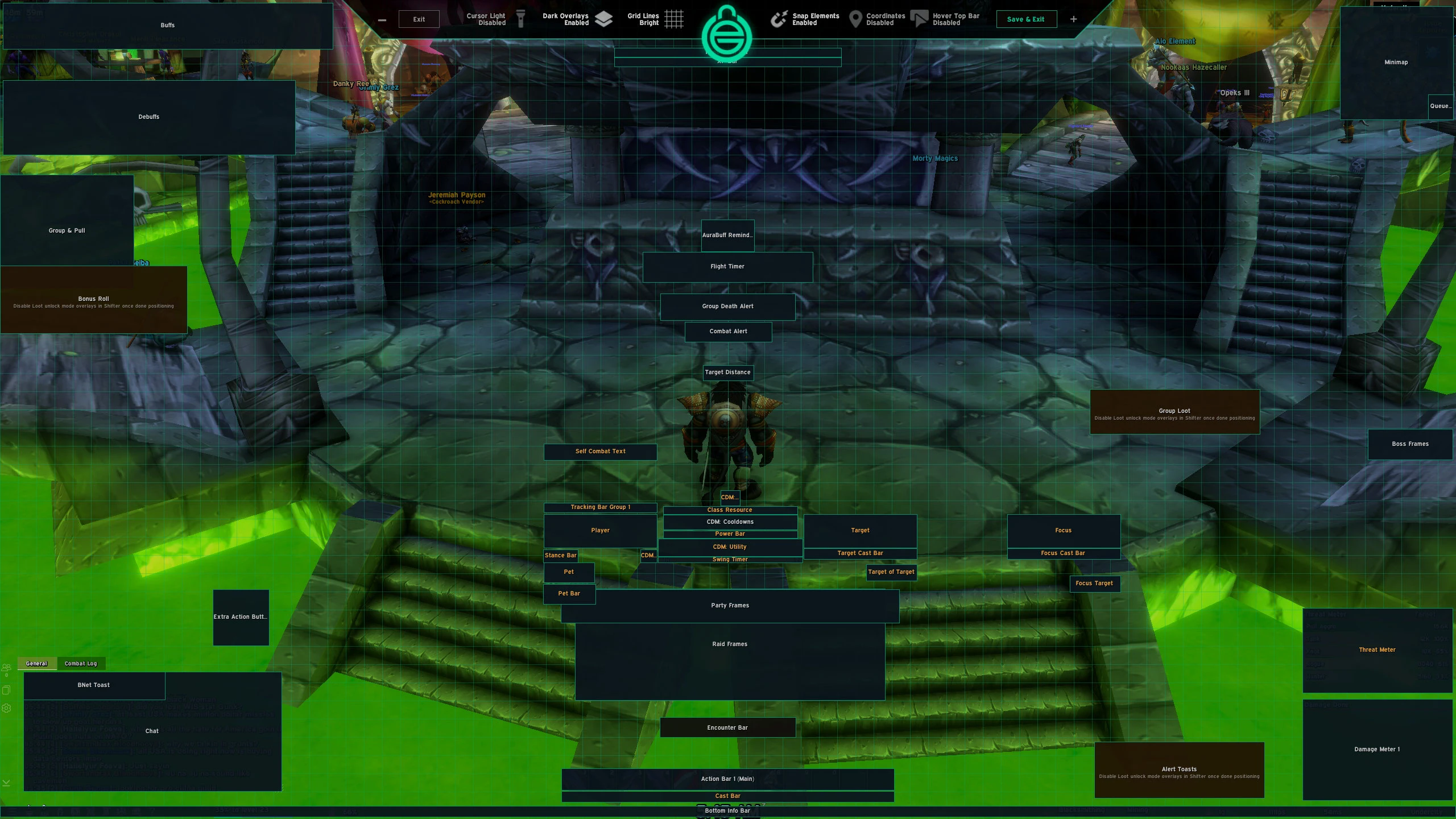
- Cooldown Manager auto-resizes
- Powerbar & Swingtimer start at default size, then scale with CDM spells/utilitiesSame clean look, tuned for Classic+.
Code
How to install
1 Copy the entire code string shown above.
2 Open World of Warcraft and open the EllesmereUI settings in the chat to open the EllesmereUI settings.
3 In the EllesmereUI window, go to Profiles → Import Profile.
4 Paste the code string into the box.
5 Click Import to apply the profile.