
Just a better way to manage your private server addons
Th most advanced addons app built specifically for private servers.
Available for Windows 10+ and Linux
Everything you need for easier addon management
Install, update, and organize your addons with a fast workflow that keeps everything clean and safe.
Browse & Search
Browse, filter, and discover private server addons for the most popular expansions and servers.
One-click installs
Download, install, and update addons instantly without digging through folders or zip files.
Community driven
Warperia is shaped by the community. Share feedback and connect with creators.
Visit our DiscordSafe & trusted sources
Keep your addon library reliable with verified sources and a clean update pipeline that avoids broken installs.
Organized libraries
See everything you have installed in one place and switch profiles in seconds when you play on multiple servers.
Supported expansions
Jump straight into the addons that match the expansion you play.






Ready to give it a go?
Warperia is the most advanced addon management app for World of Warcraft private servers. Download the app for Windows or Linux.
Available for Windows 10+ and Linux.
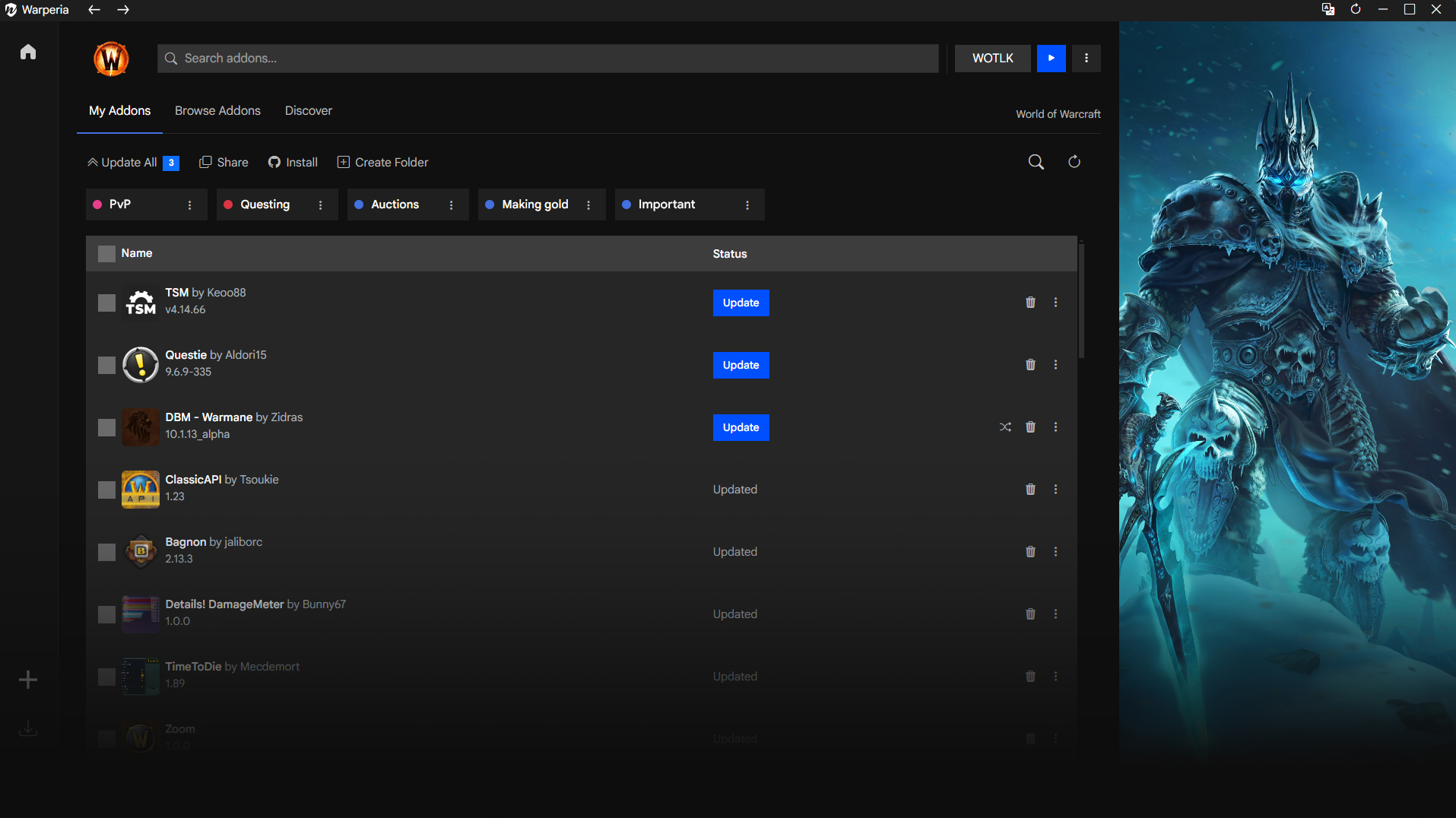
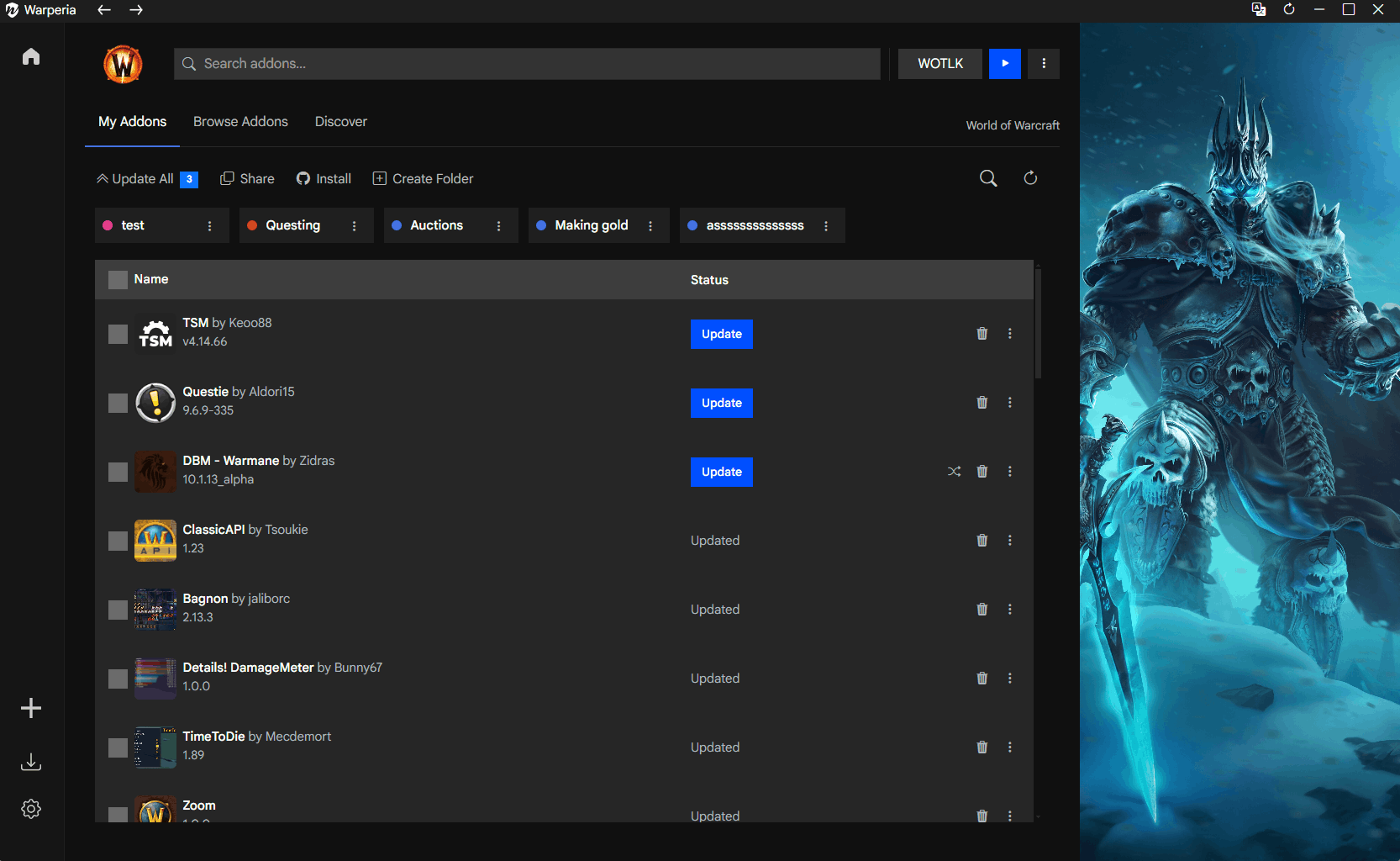
Manage your addons
All the addons you have installed in one place. No more digging through folders or zip files.
- One-click installs
- Automatic updates
- Import from GitHub
- Switching between variations
- No account needed
- and much more
Install new addons
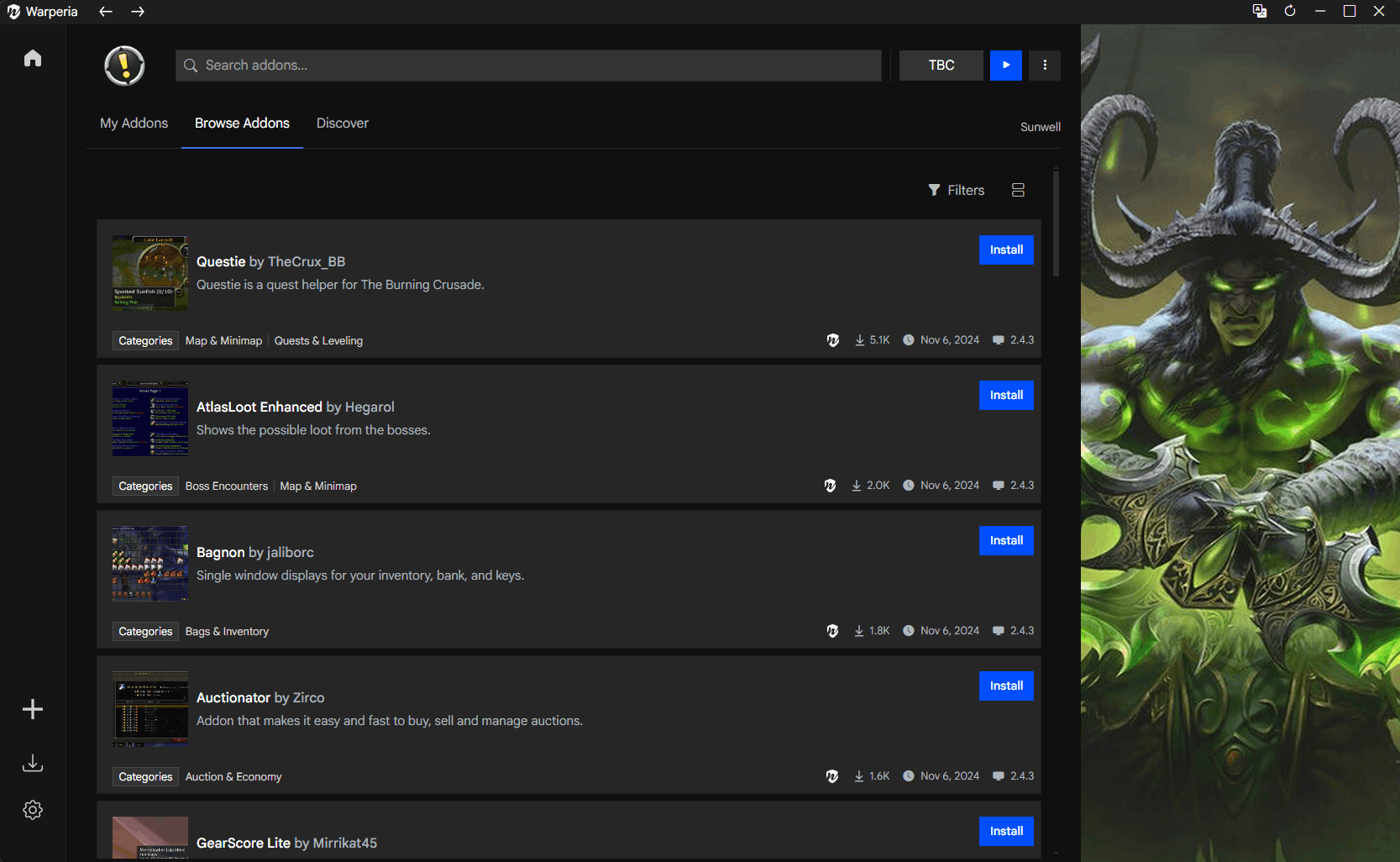
Easily download new addons for legacy clients. Just browse the library and click the addon you want to install. We have addons for all popular private server expansions.
Play everywhere
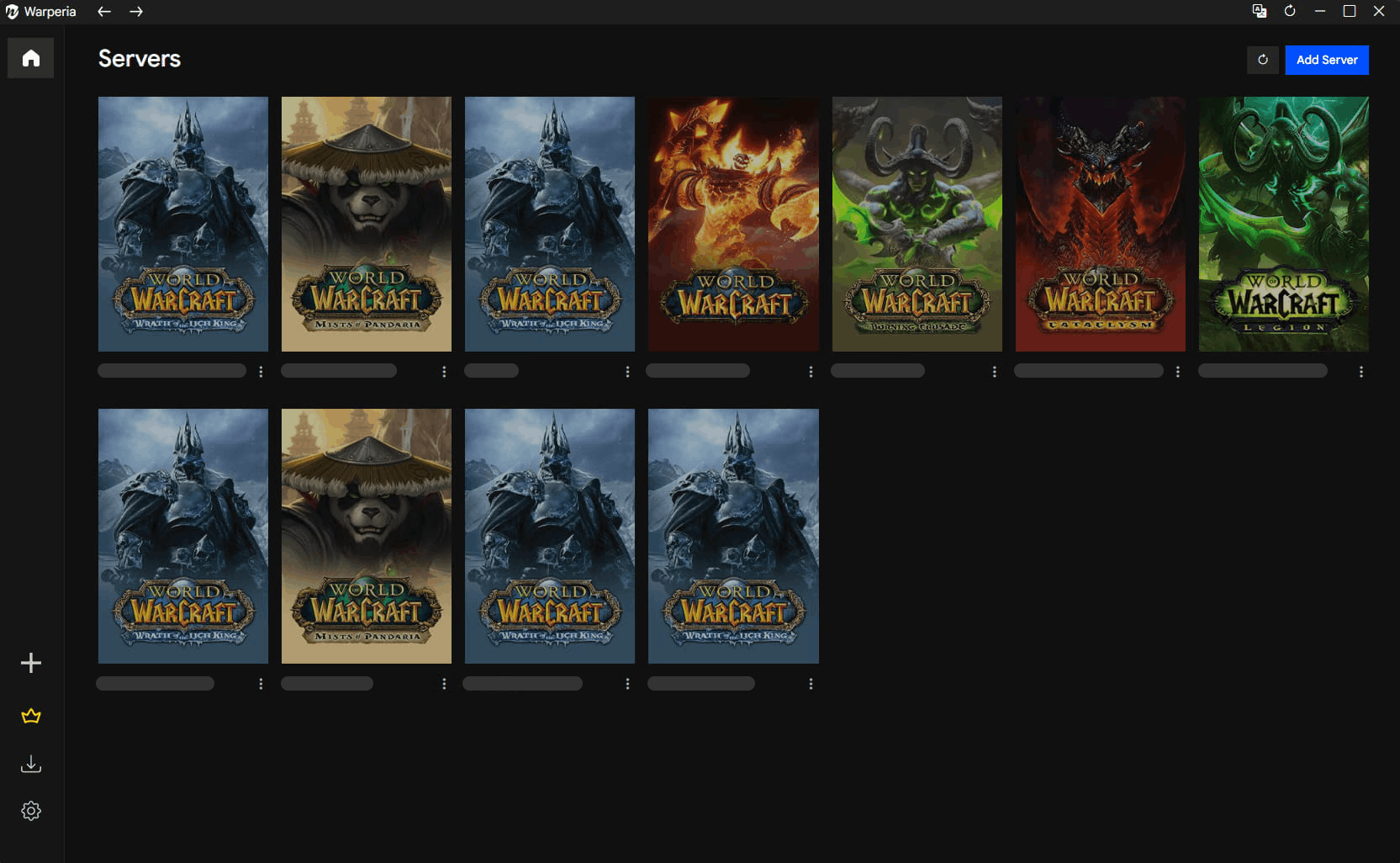
Configure as many server instances as you want and manage their addons with ease. You can also use Warperia as a launcher and switch between realmlists from the same server instance.
Switchable variations
Some addons have variations, tailored to a specific server. With Warperia you can easily switch between them without having to manually delete and replace.
Share and import
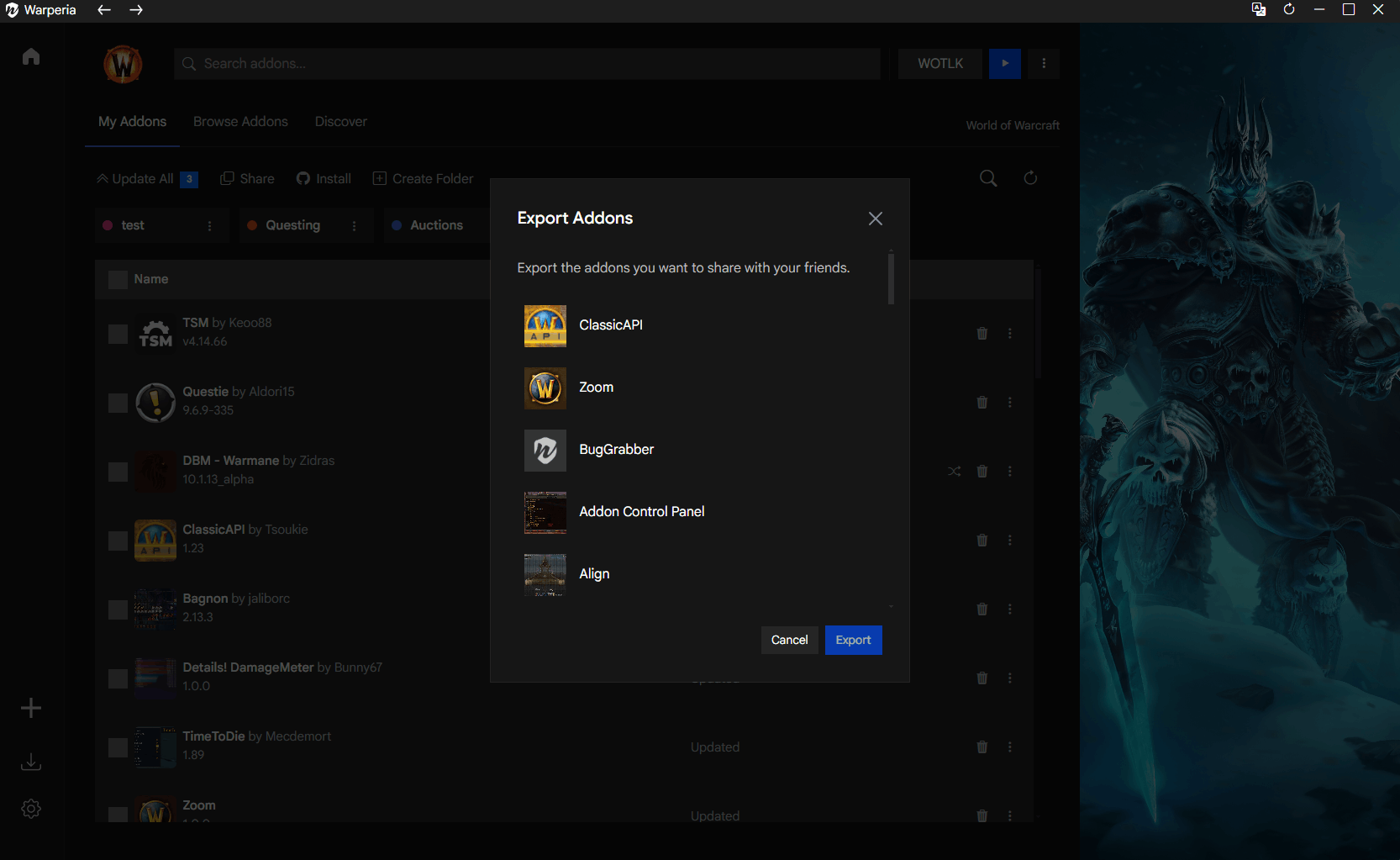
Choose the addons you want to share with your friends, followers or guildies. They will be able to download and install all of your selected addons with a single click.
Game modifications
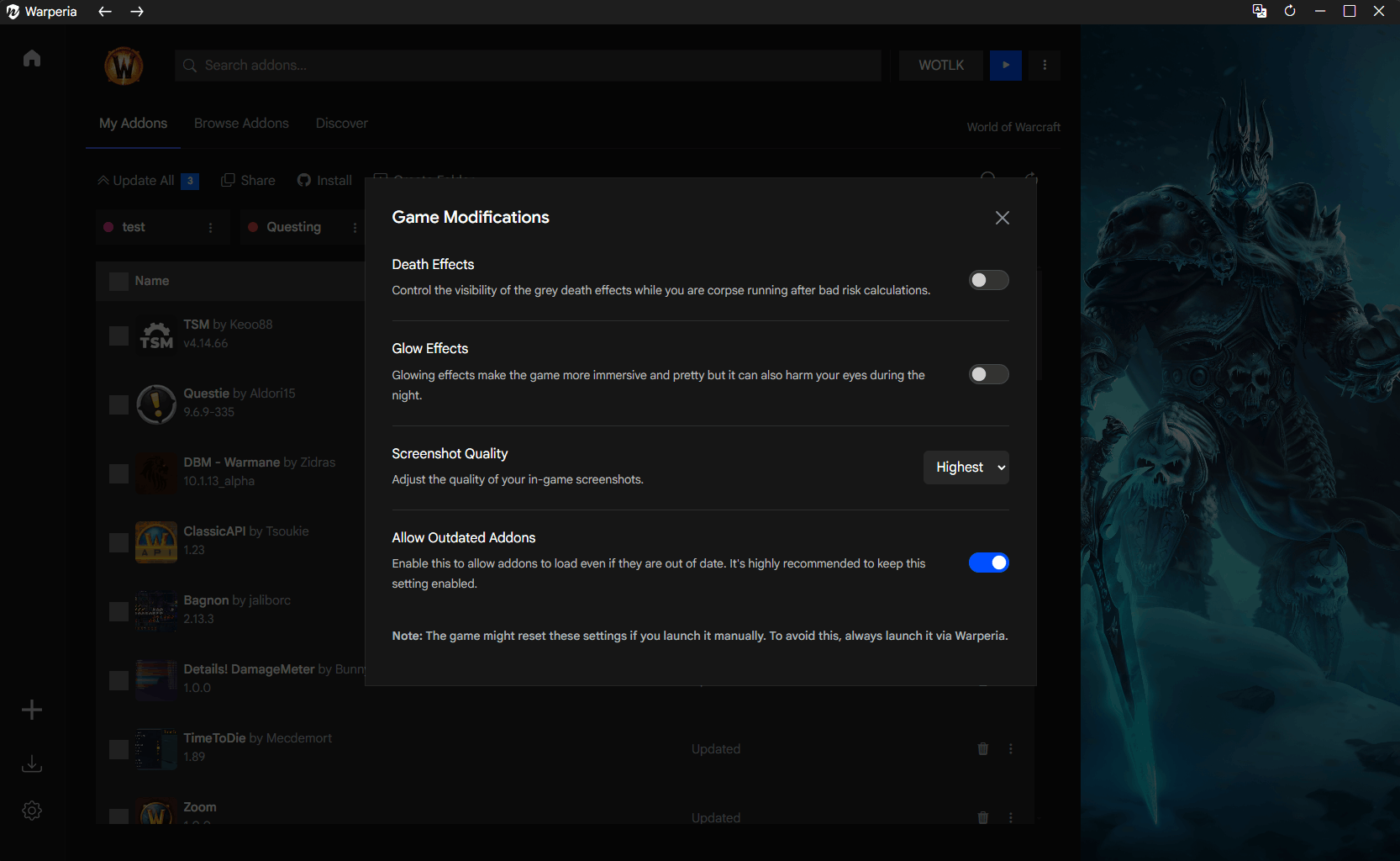
Modify some of the World of Warcraft settings directly from the app. These include options that can't be changed via the in-game settings interface.
Play sessions
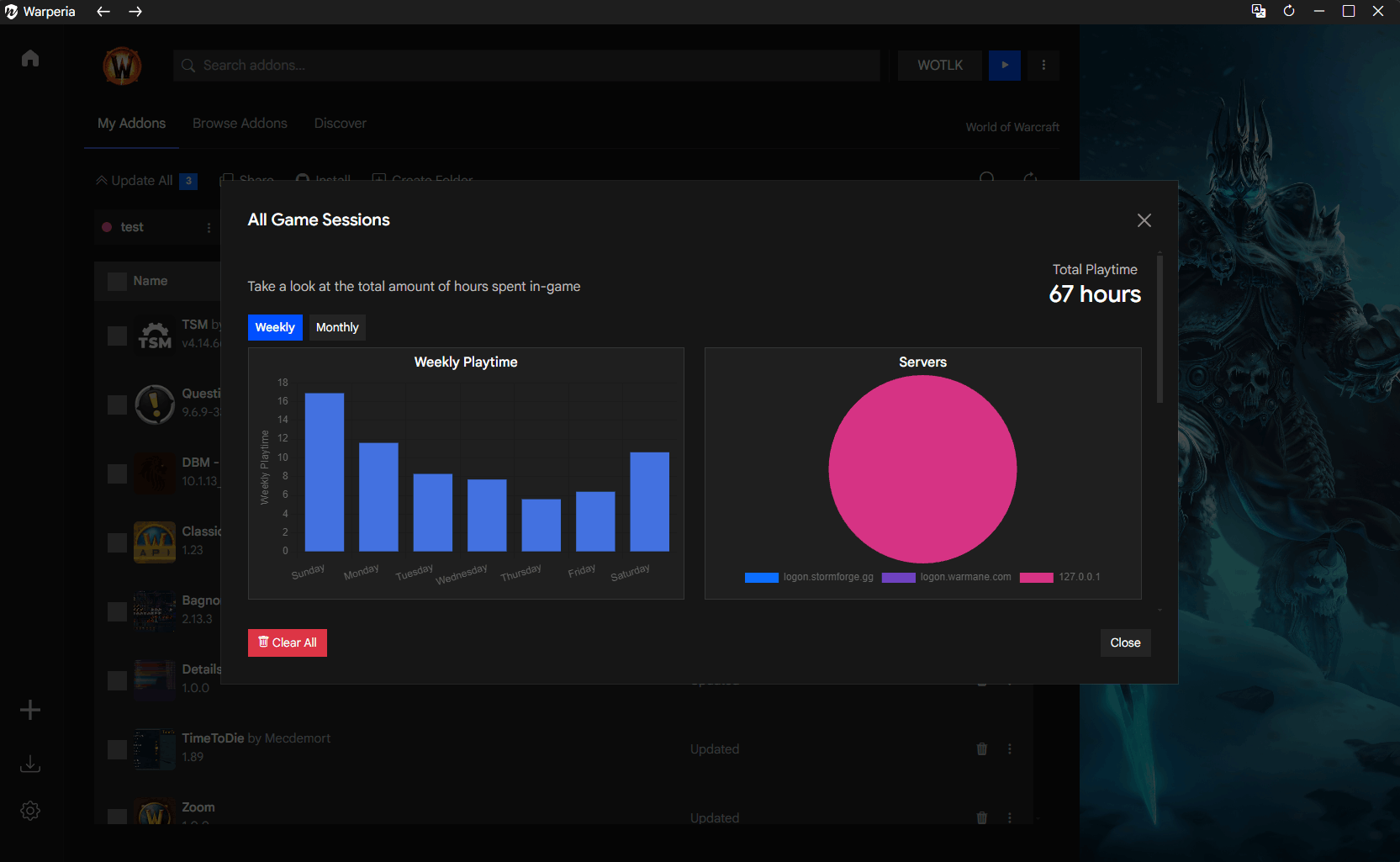
Keep track of the time you spend playing World of Warcraft private servers. These are private statistics, kept and saved locally on your computer.
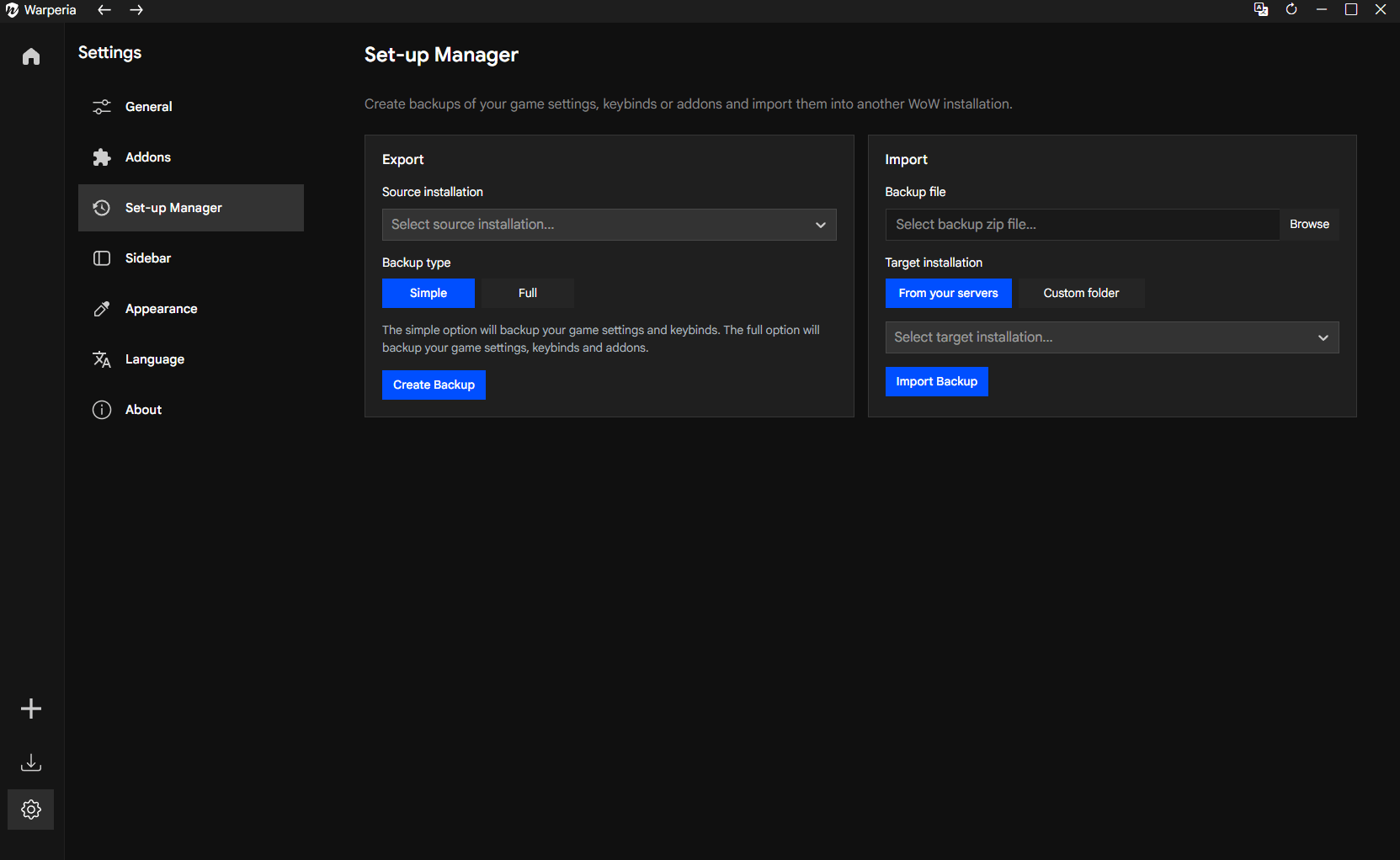
Backup your settings
Tired of having to re-configure your game settings, keybinds and addons everytime you switch computers or game folders? With our set-up manager you can backup and import your configs at any time.
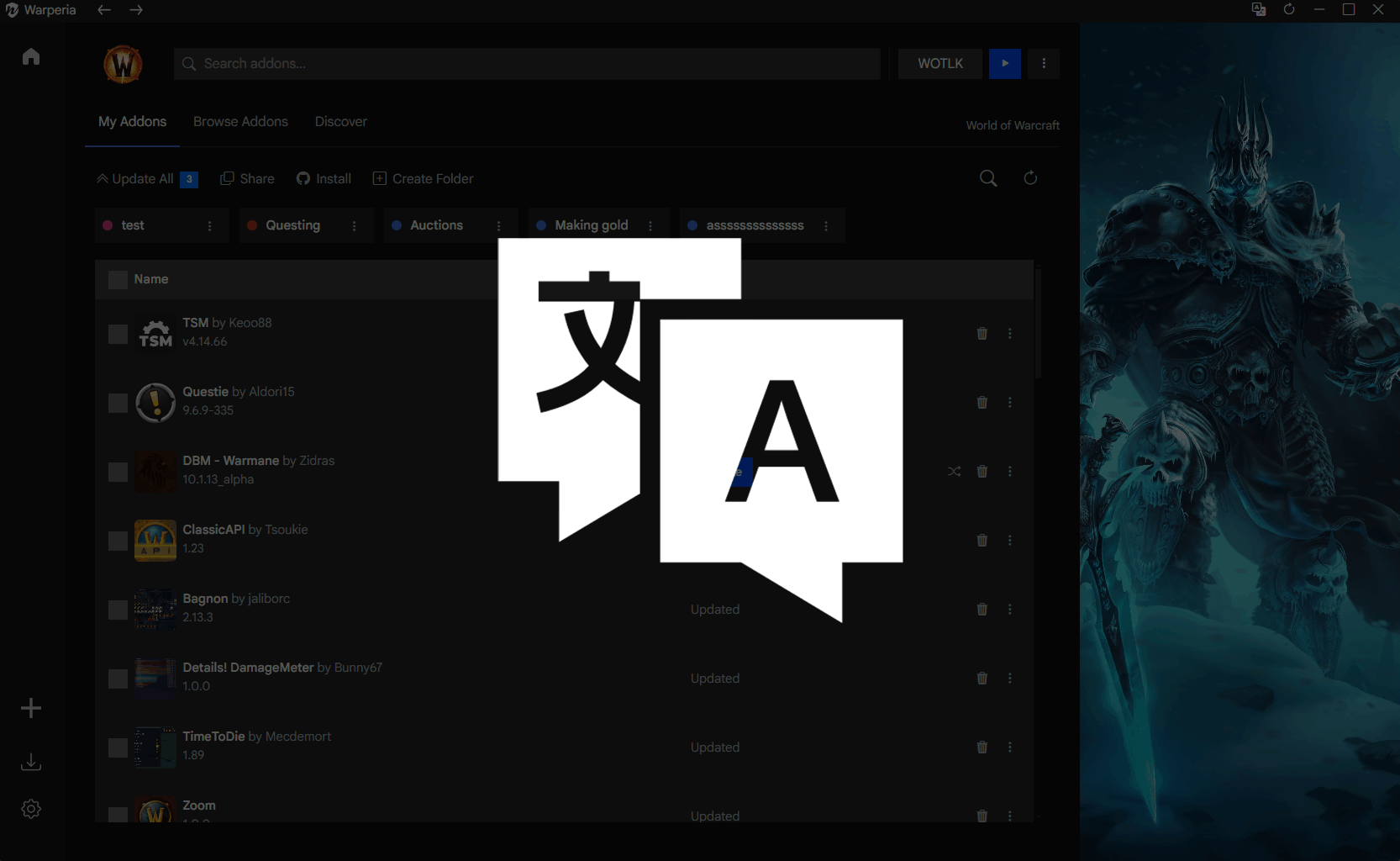
Localization
Warperia is available in multiple languages - English, Bulgarian, Spanish, Portuguese, German, French, Russian, Chinese, Turkish and Polish.

Classic client support
We support the classic client, allowing you to manage your addons for the servers that are using it.
Convinced?
Give it a try. It's completely free.
Available for Windows 10+ and Linux.