
TooManyAddons
Addon Manager
Details
Addon ID:
14699
Addon Version:
r29
Expansion:
3.3.5
Upload date:
Nov 04, 2025
Last Updated:
Nov 04, 2025
Downloads:
Less than 100
Expansion
 Wrath of the Lich King
 Categories
Developers

daxdax006
Creator
Having issues?
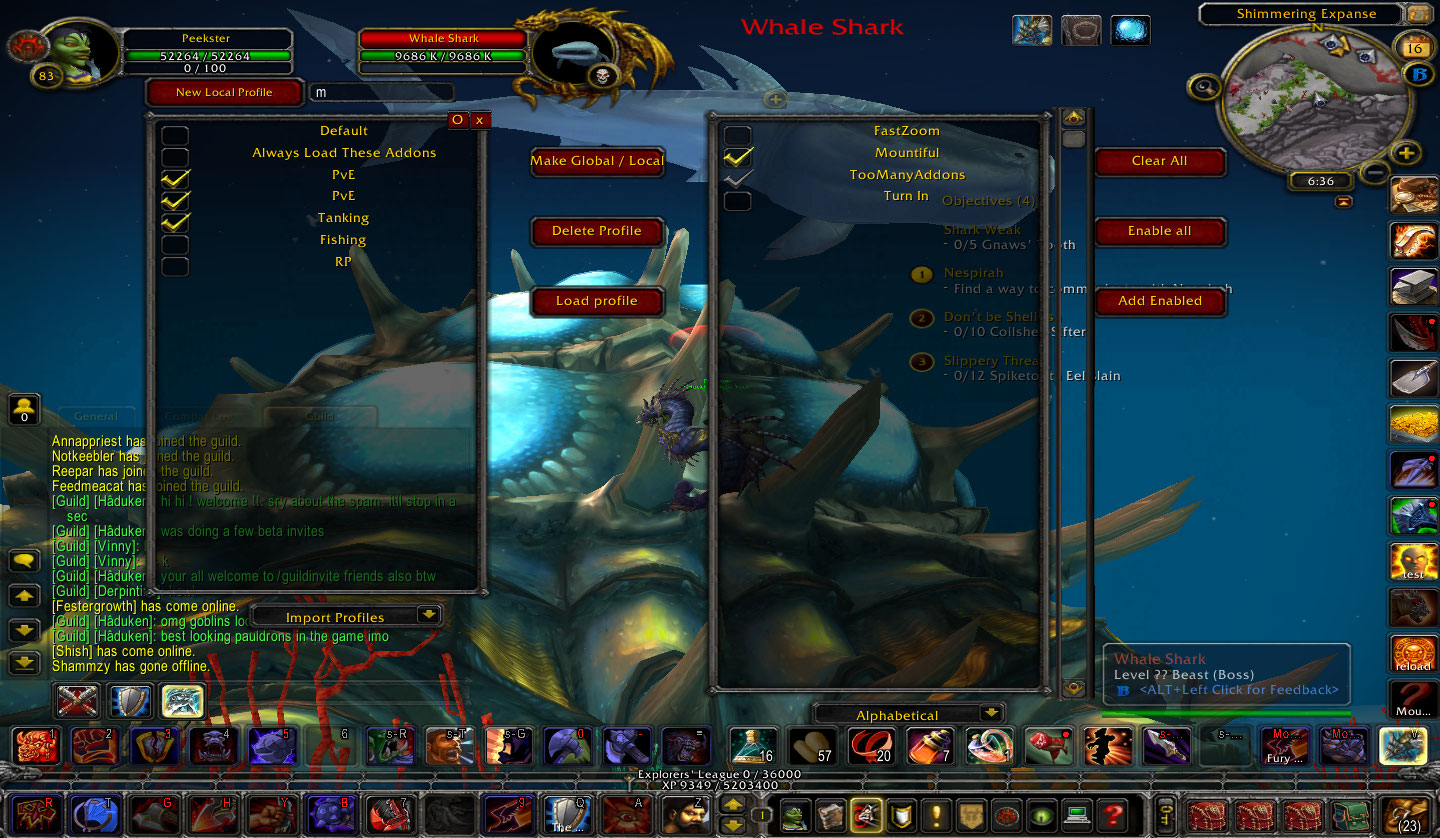
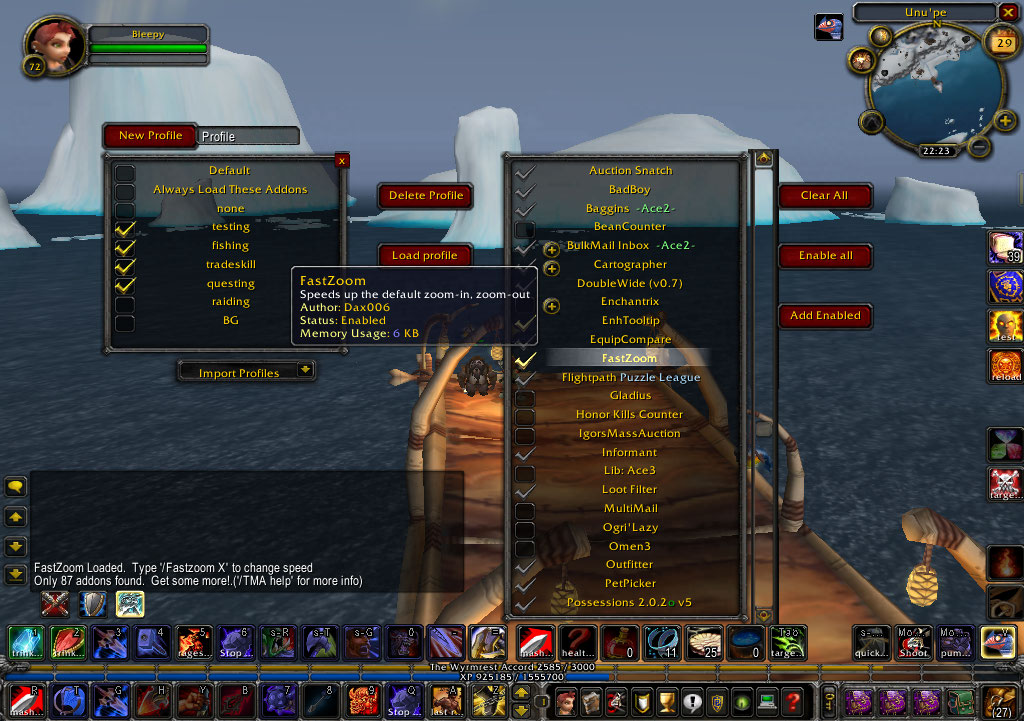
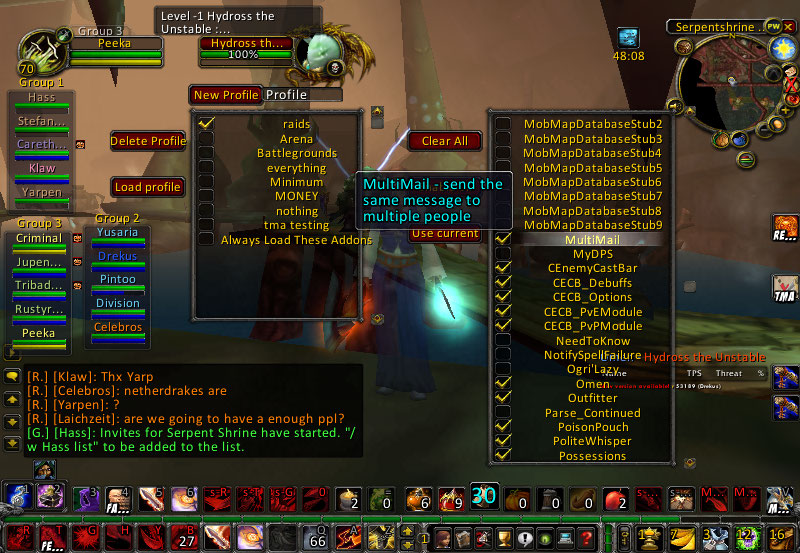
The only mod manager you will ever need. Click 'load profile', and TMA will load the checked, and only the checked, addons.
Great for if you regularly raid or PvP/Arena.
Directions:
- There is a new 'addon' button in the game menu, that opens up the TooManyAddons interface.
- '/TMA' will also open up the interface.
- Create a profile by typing in the profile name and hitting enter, or you can use the Default profile.
- Select which addons you want to load as part of the profile.
- When it is time to change addons, select the profile(s), then click 'Load Profile'
features that aren't instantly obvious:
- '/TMA aProfile' will instantly load that profile. Handy for you macrophiles. Spelling must be exact.
- The interface can be moved by dragging the 'profile' frame. You have to click on the edge of the frame or a clear spot.
- A profile called 'Default' is created at the very first use of TooManyAddons, for your convenience. Feel free to delete it.
- A profile called 'Always Load These Addons' will always exist. Anything checked in this profile will always load, no matter what. The checked items will appear grey or shiny in other profiles. By default, TooManyAddons will be checked in this profile.
- Tooltips show you the description, author and status of the addon.
- Clicking an addon will automatically click all of its dependencies.
- Profiles from other characters can be added to the current profiles using the 'import profiles' dropdown.
- The addon can be closed with the 'esc' key.
- Hold down the Ctrl or Shift key when selecting profiles to load addons from multiple profiles. Changes made to addons will affect all selected profiles.
- The last loaded profile(s) will appear green(ish).
- Options exist in the interface menu (or click the little 'O' button) to hide the Game Menu button, tooltips, groups, and more.
- Global profiles are now implemented. Global profiles are profiles that are the same across ALL characters.
- Profiles can be arranged by dragging them up or down the list
You must be logged in to leave a comment.