

Raid Tactics Guide
Guide
Details

Expansion
 Wrath of the Lich King
 Categories
Developers

Having issues?
Raid Tactics Guide (WoW 3.3.5a / Warmane)
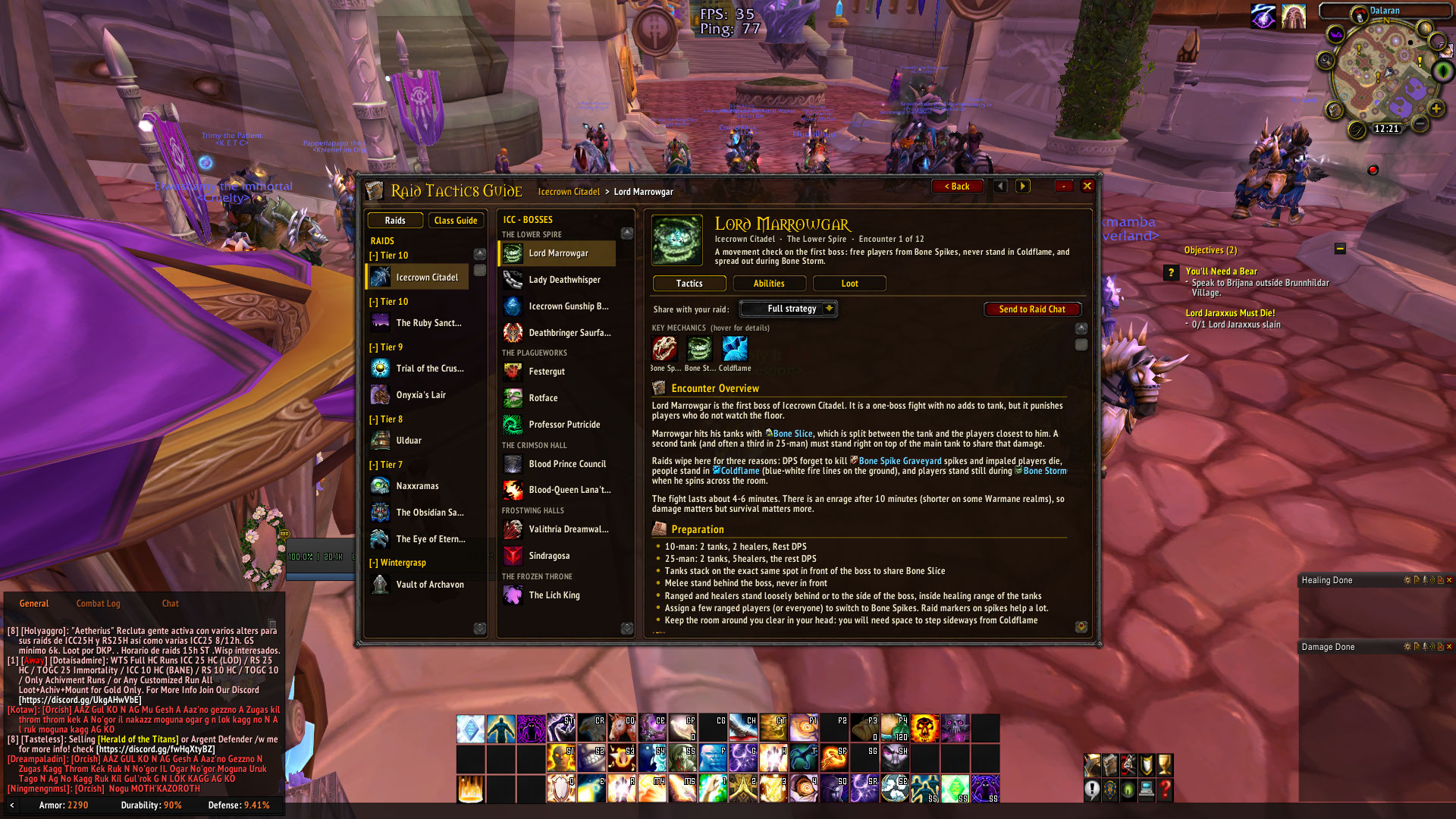
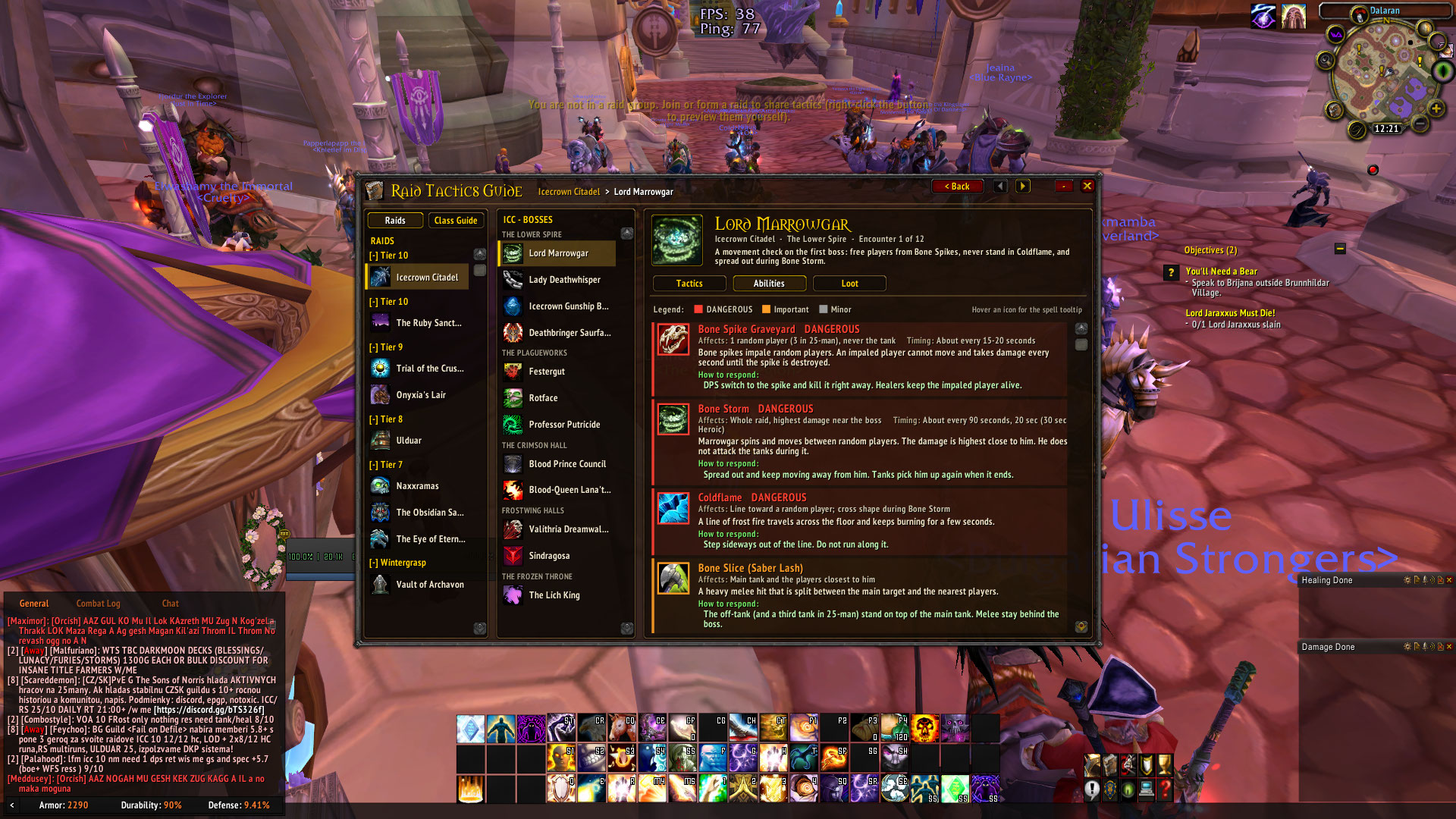
An in-game raid guidebook for Wrath of the Lich King 3.3.5a: beginner-friendly boss tactics, an ability list, a Normal/Heroic loot viewer, one-click sharing of tactics to raid chat, and a visual, icon-based rotation guide for every class and specialization.
Installation
- Copy the RaidTacticsGuide folder into World of Warcraft\Interface\AddOns\. The folder name must stay exactly RaidTacticsGuide (the .toc file is inside it).
- Restart the game (or log out to the character screen) and make sure the addon is enabled in the AddOns list. If it shows "out of date", tick "Load out of date AddOns".
Using it
| Action | How |
|---|---|
| Open / close the guidebook | Left-click the book icon on the minimap, or type /rtg |
| Open the Class Guide | Right-click the minimap icon, or /rtg classes |
| Move the minimap icon | Drag it around the minimap |
| Move the window | Drag the title bar |
| Close | x, or press Escape |
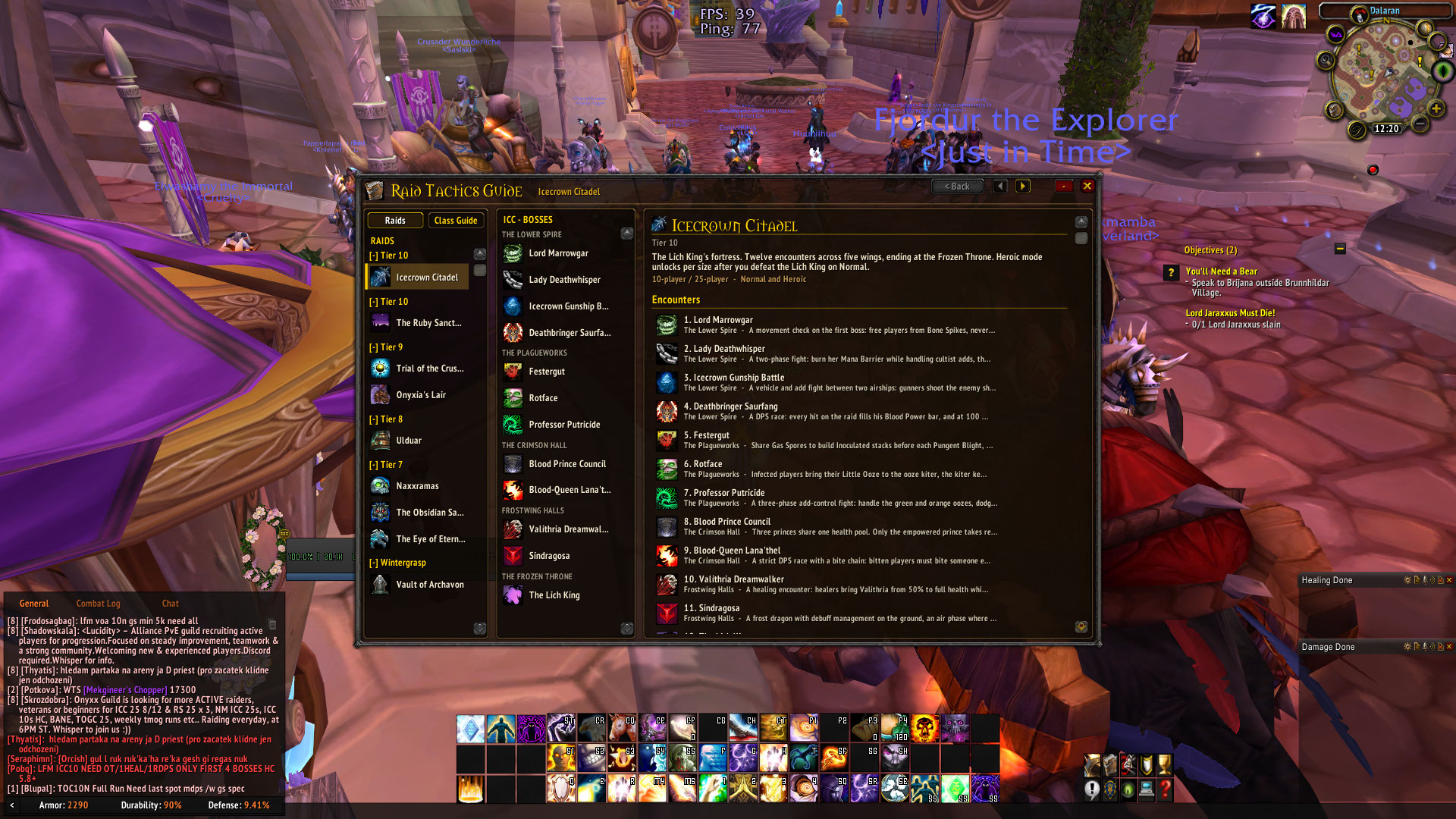
Raids: pick a raid on the left (tier headers can be collapsed), a boss in the middle, then use the Tactics / Abilities / Loot tabs. The arrows in the header step to the previous/next boss, Back returns to the raid overview. Your raid, boss, tab and loot settings are remembered between sessions.
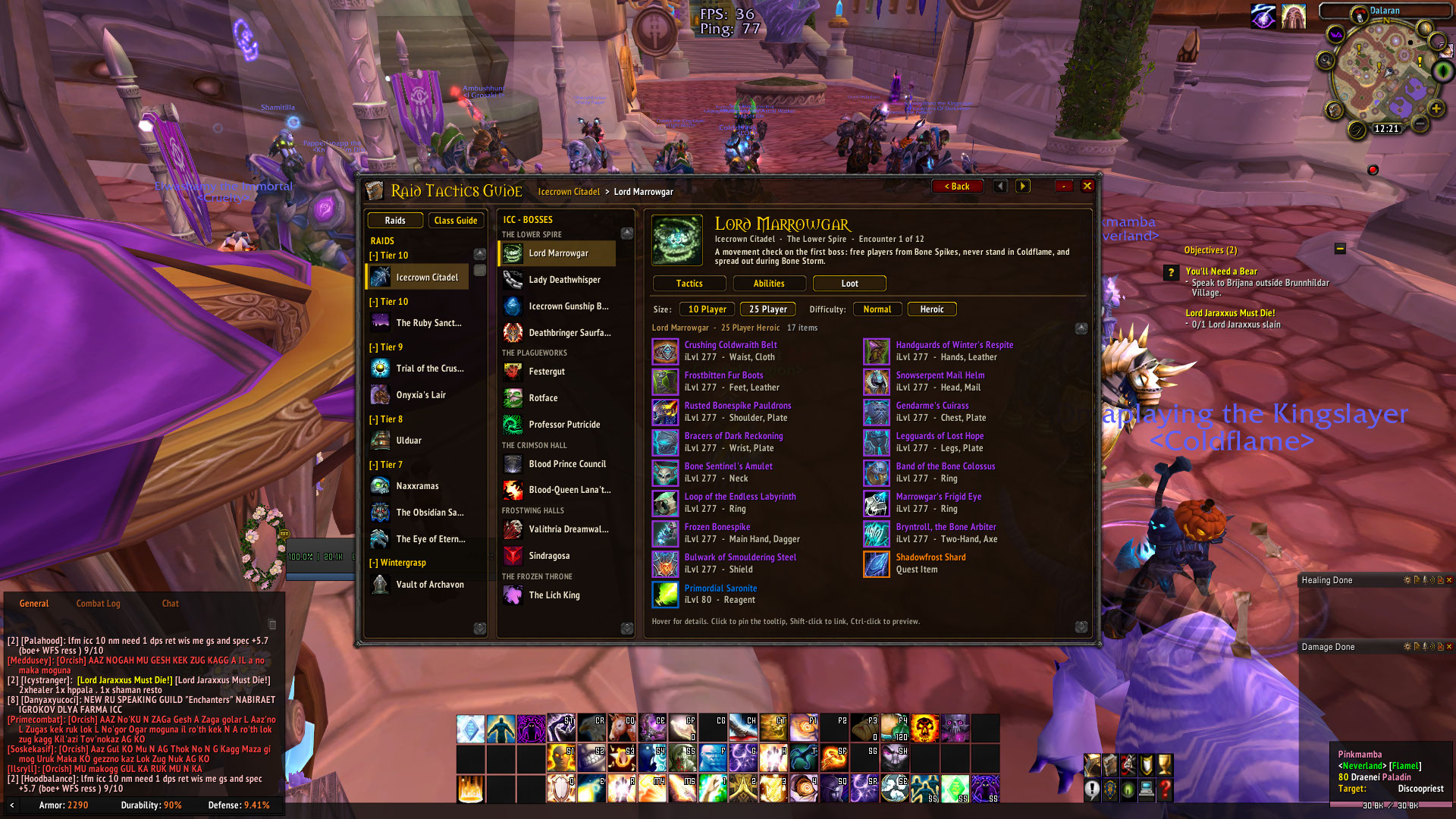
Loot: choose 10/25 player and Normal/Heroic. In Trial of the Crusader and Vault of Archavon (Koralon) the faction button switches between Alliance and Horde loot. Hover an item for its tooltip, click to pin it, Shift-click to link it in chat, Ctrl-click to preview it. Items your client has never seen are requested from the server automatically and appear after a moment.
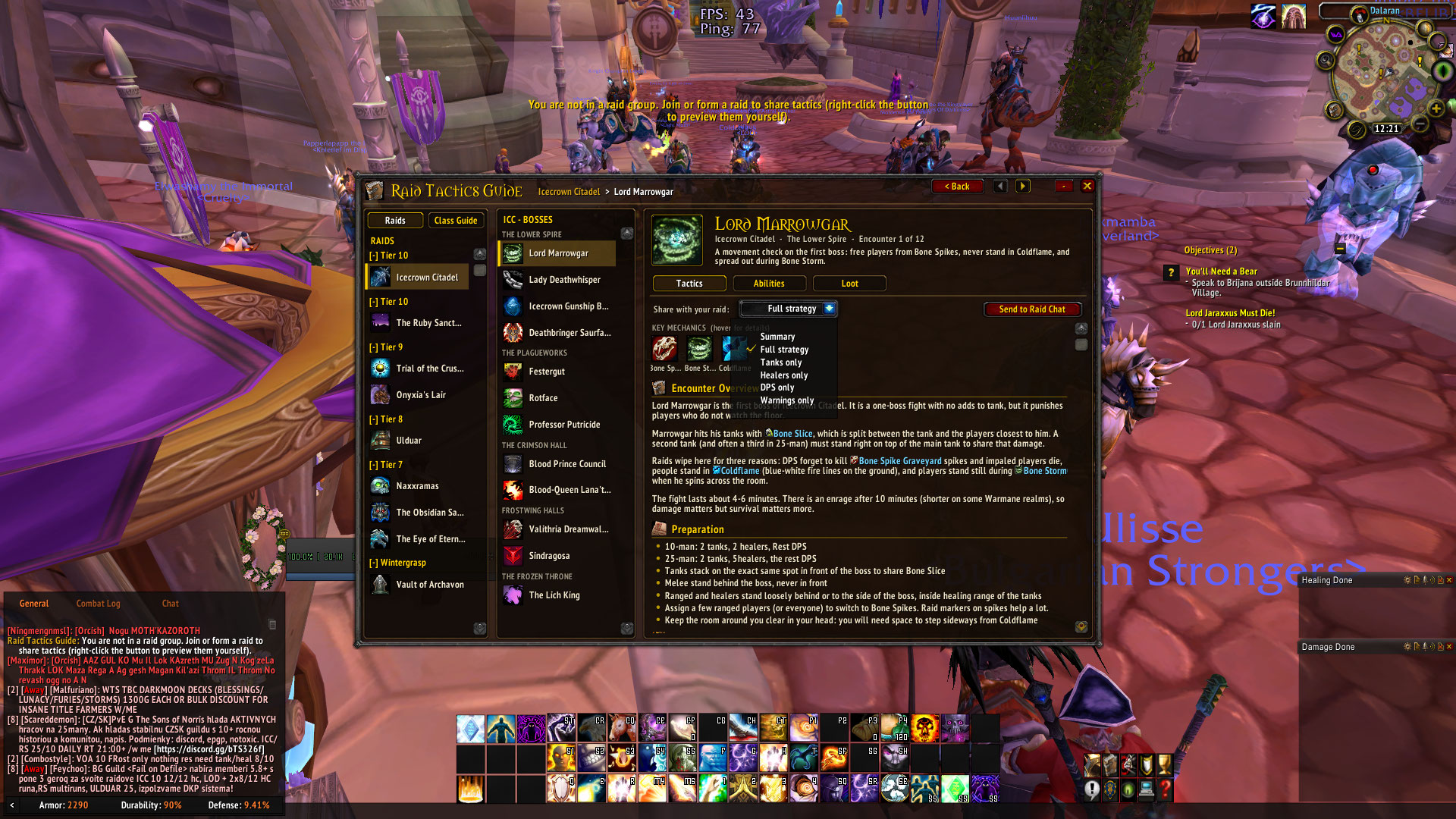
Send to Raid Chat: on the Tactics tab choose what to share (Summary, Full strategy, Tanks / Healers / DPS only, Warnings) and click the button. Messages are numbered, split under the 255-character limit and sent with a short delay. Right-click the button to preview the messages in your own chat window. If you are not in a raid, the addon tells you instead of sending.
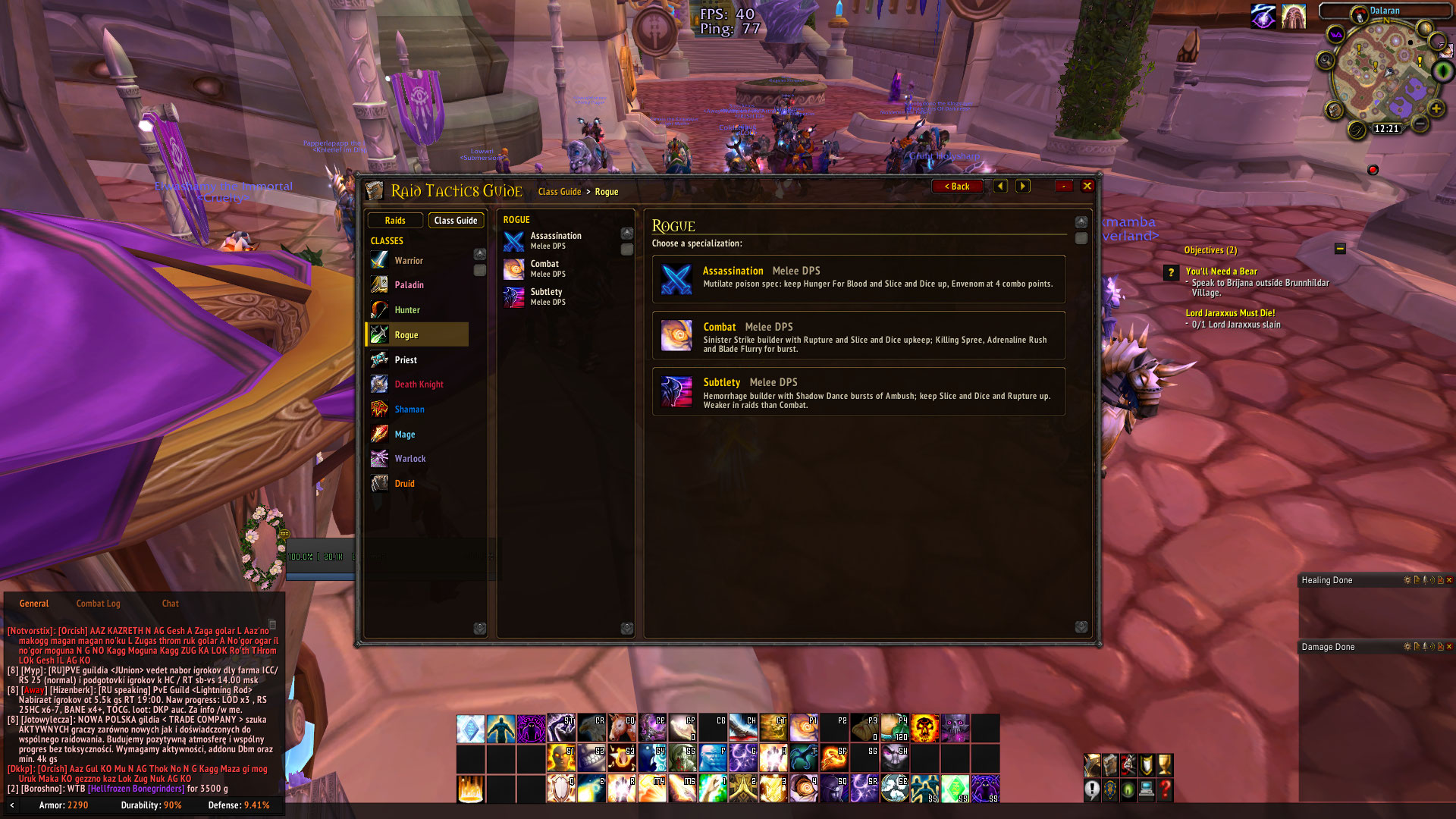
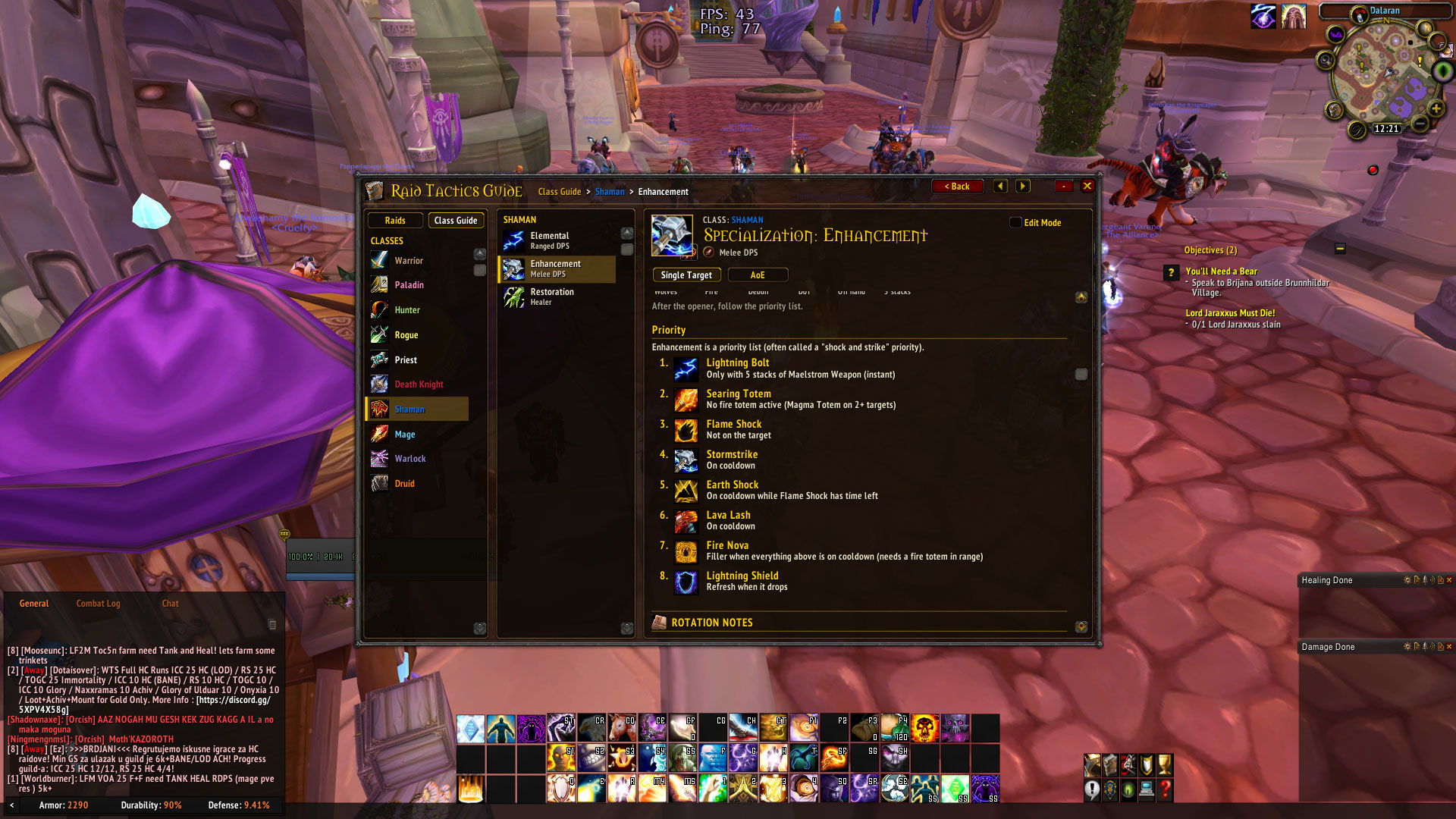
Class Guide: choose a class, then a specialization. Each spec shows rotation chains (icon -> icon -> icon), numbered priority lists, cooldowns and situational abilities. Hover any icon for the spell tooltip. Specs with several categories (Single Target, AoE, Tank/DPS, ...) show category tabs.
Editing in-game: tick Edit Mode on a spec page. Every text section gets an Edit button; you can change, clear (hides the section) or reset it, and add your own notes. Edits are saved in WTF\...\SavedVariables\RaidTacticsGuide.lua. Type /rtg export to get your edits as a Lua file you can drop into Data\Rotations\ so they become part of the addon.
Slash commands
- /rtg - open/close
- /rtg raids, /rtg classes - open a section
- /rtg minimap - show/hide the minimap button
- /rtg scale 0.9 - window size (0.6 - 1.4)
- /rtg reset - reset window position and size
- /rtg verify - check every spell id in the data files against your client
- /rtg export - copy your in-game Class Guide edits as Lua
Editing the content (no UI code needed)
All content lives in Data\. The interface reads it automatically; you never need to touch the UI\ files.
| What | File |
|---|---|
| Raid list, boss order, boss icon | Data\Raids.lua |
| Boss tactics, abilities, chat line | Data\Tactics\*.lua |
| Loot table | Data\Loot\Loot_<RAID>.lua |
| Class / spec lis | Data\Classes.lua |
| Rotations and note | Data\Rotations\<Class>.lua |
| Window size, chat options, default | Config.lua |
New files must also be listed in RaidTacticsGuide.toc. After editing, type /reload in game. If a file has a mistake, the addon shows a clear message on that page instead of breaking; /rtg verify lists spell ids that do not exist or do not match their name.
No changelog available.
You must be logged in to leave a comment.