
Player XP Bar
Player XP Bar
Details
Expansion
 Wrath of the Lich King
 Categories
Developers

Having issues?
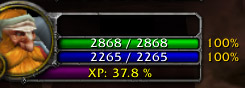
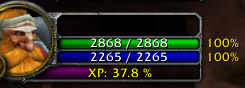
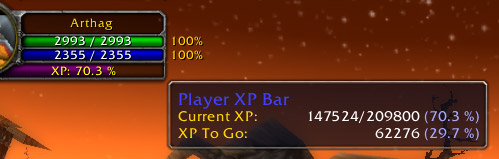
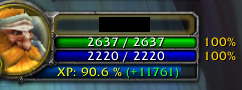
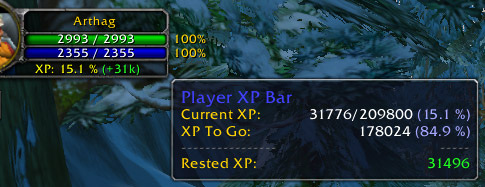
This addon adds a little XP Bar under your portrait. XP is shown in percentage, you see when you have rested XP (show "(+xxx)" in the bar) and the bar has the same colors as the original XP bar (purple for normal xp and blue for rested xp). When you rollover the bar, you see details about your XP and XP to go (numeric & percent values).
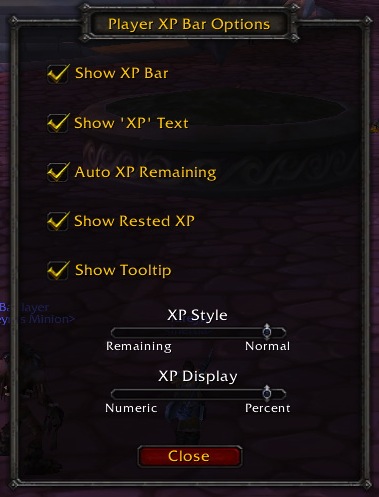
You can set some options : hide/show the XP bar, hide/show the 'XP' text, show normal XP or remaining XP, show numeric or percent XP, set Auto Remaining XP when you've reached 10%.
You can use shift + left click on the bar to write in the chat dialog box your Current XP ; shift + right click write your XP to Go.
The default position is directly underneath the mana bar on the Player Frame. You can drag the frame around by holding the control key.
To show the options menu, type /xpbar in a chat dialog box or you can bind a key in the Key Bindings Menu.
To reset the frame position to the default location, type /xpbar reset.
You must be logged in to leave a comment.