

JHide
UIThing
Details
Expansion
 Wrath of the Lich King
 Categories
Developers

Having issues?
JHide provides you with the ability to show and hide other addons by calling scripts assigned to one of its 4 buttons.
You can create scripts for other addons and assign them to a button of your choice.
The tricky bit is finding a script that hides/shows the other addon 🙁
Functionality:
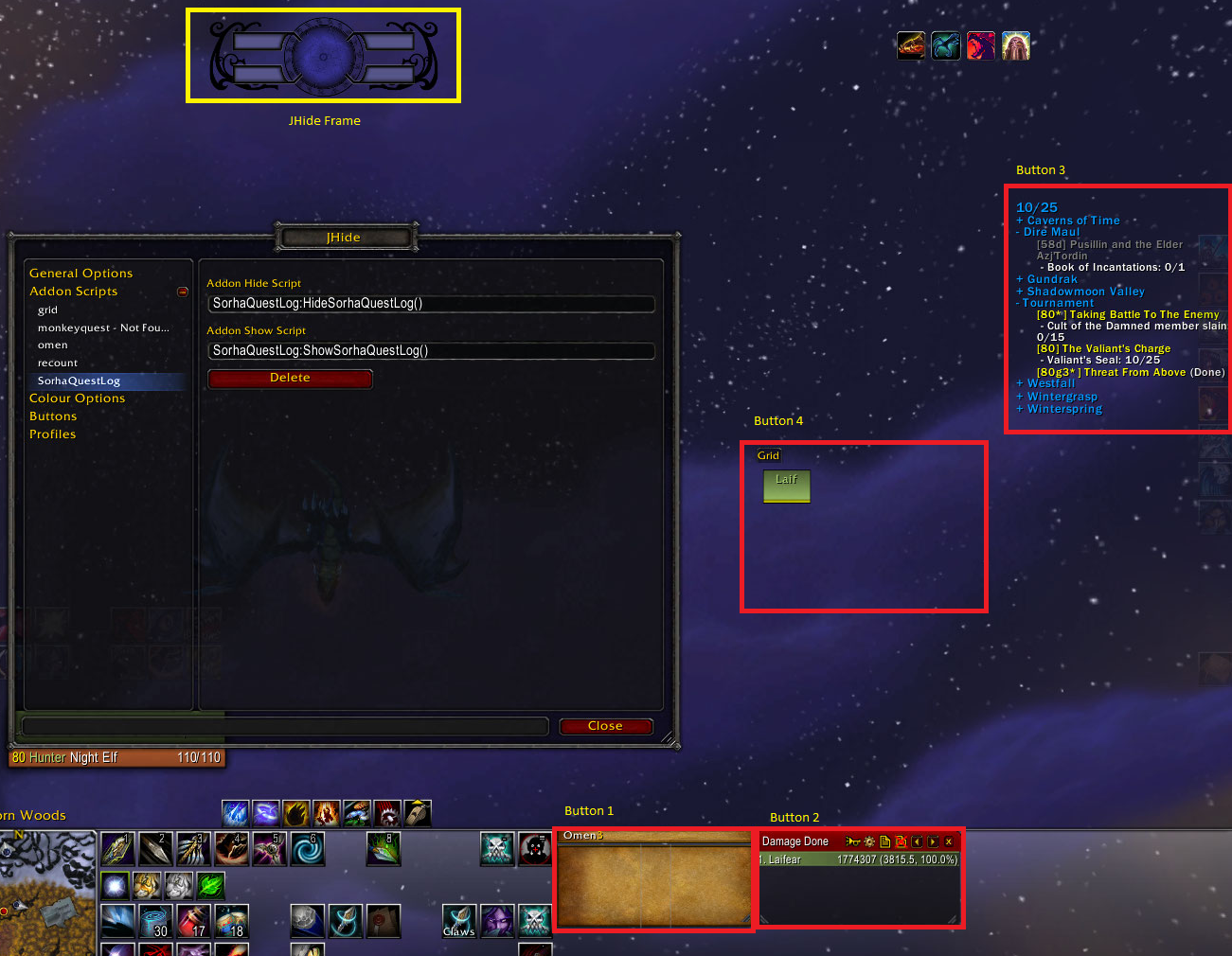
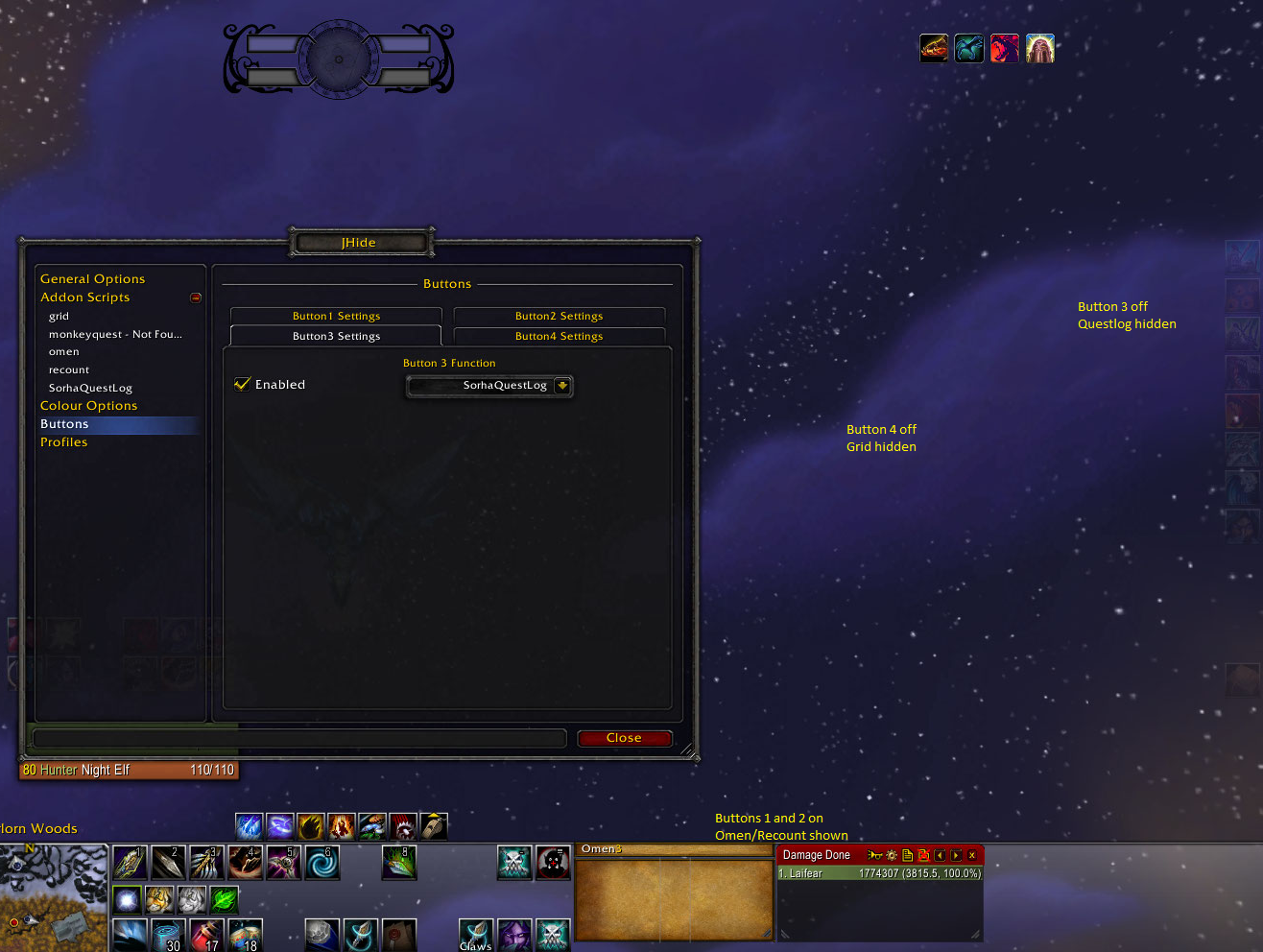
You click the buttons around the orb to show/hide addons individually.
Clicking the orb will show or hide all addons.
Typing /jh will open the options panel allowing frame movement, script creation etc.
Adding Scripts Example:
Lets say we wanted to add Omen.
You would click on scripts and enter the following information into the Name, Show Script and Hide Script boxes then accept it.
omen
Omen.Anchor:Show()
Omen.Anchor:Hide()
After this you would go to the buttons options and set say button 2 to omen.
From this point on button 2 shows and hides Omen for you ^_^
Comes with scripts for Grid, Omen, SorhaQuestLog, MonkeyQuest and Recount, can try add more if requested.
Note:
Omen's auto hide functions just do not play nice with JHide 🙁
You must be logged in to leave a comment.