
DialogUI
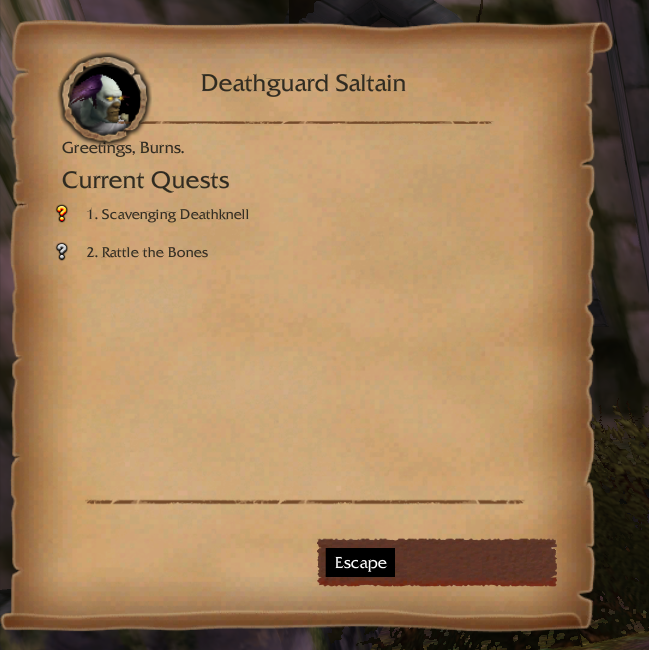
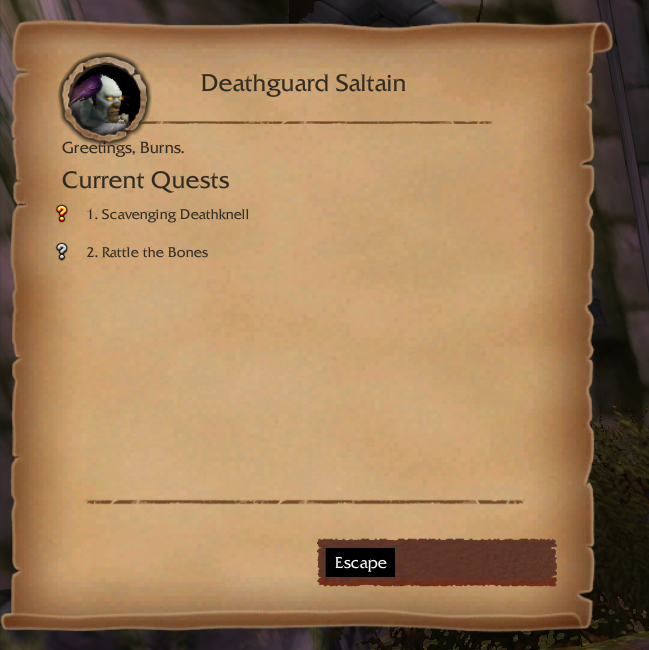
Immersive quest / gossip / book dialog UI for WoW 3.3.5a
Details
Expansion
 Wrath of the Lich King
 Categories
Developers

Having issues?
An immersive quest / gossip / book dialog UI for WoW 3.3.5a (WotLK).
This is a 3.3.5a port of Sxus's DialogUI (originally a Vanilla 1.12.1 addon), reworked and extended to run on the WotLK client.
Credits
- Original author: Sxus — https://github.com/Jslquintero/DialogUI
- WotLK 3.3.5a port & additional features: Bset
- Visual inspiration: DialogueUI
Disclaimer: This addon was created primarily as a learning project to explore WoW addon development. It is provided as-is, without warranty or support. The author is not responsible for any issues, including errors, data loss, or usage on any public or private servers. Use at your own risk.
Users are welcome to use, modify, or explore the code for educational purposes. Redistribution is allowed, but the author assumes no responsibility for any consequences.
This addon is designed for WoW Vanilla 1.12.1. Compatibility with other versions or custom servers is not guaranteed.
Customize it!
Feel free to add/remove icons or change the frame background completely, every image is now Truevision Graphics Adapter (TGA) format.
I recommend using Gimp 3 with Batcher to quickly export your new files.
To change the gossip icons you can go to :
DialogUI/src/assets/art/icons/GossipIcons.xcf
To change the style of the buttons or of the frame :
DialogUI/src/assets/art/parchment/ParchmentLayout.xcf
Downported features (from the modern DialogueUI)
These were backported from the retail DialogueUI to 3.3.5a:
Most-valuable reward coin. When a quest lets you choose between several reward items, a small gold coin is pinned to the one worth the most to a vendor — handy for spotting the best vendor-fodder pick at a glance. (Uses the
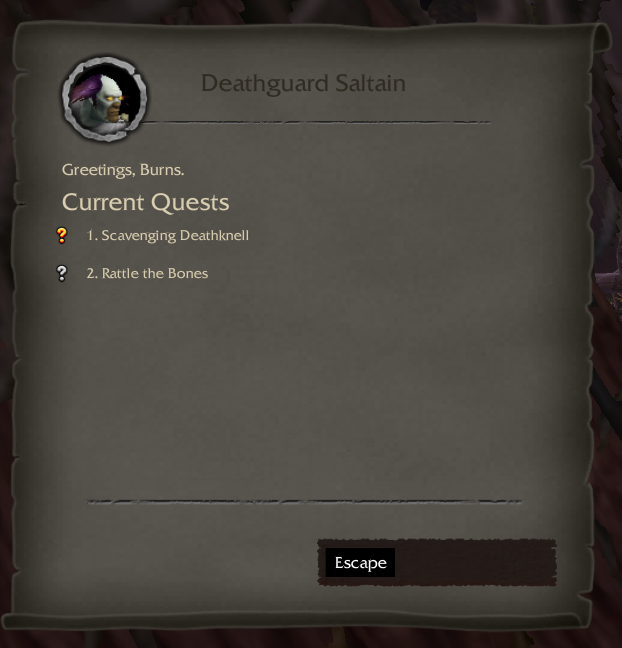
sellPricereturn ofGetItemInfo, which exists on 3.3.5a.)Light / Dark mode. A real dark theme: in dark mode the frame swaps to dedicated dark parchment / option / reward textures (generated from the addon's own art, so the layout matches exactly) and the text flips to light. Toggle it from the in-game options (Esc > Interface > AddOns > DialogUI > Dark mode) or with a slash command — state is saved account-wide:
/dialogui dark|/dialogui light|/dialogui(toggle)/duiis an alias.The dark textures are
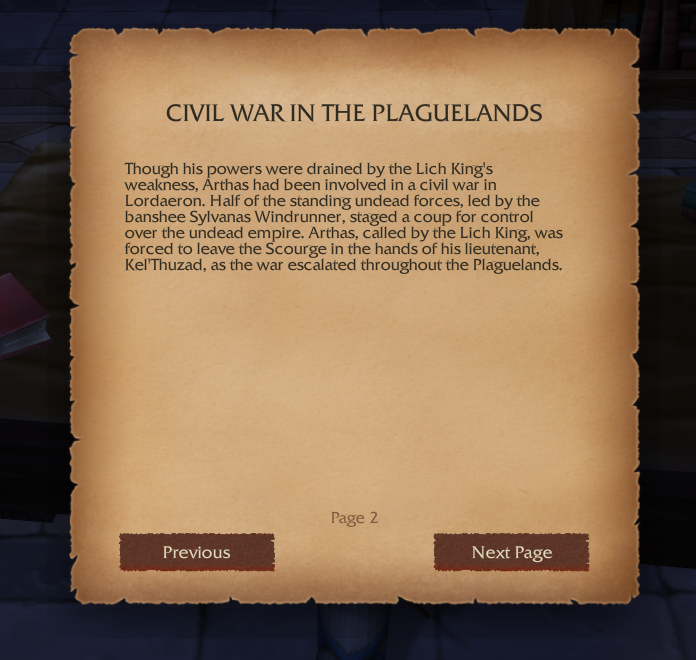
*-Dark.tgainsrc/assets/art/parchment/; regenerate them from the light originals if you restyle the frame.Book mode. Readable books, letters, signs and plaques open in a dedicated reader with its own look — a centered, bound parchment leaf over a dimmed screen, distinct from the side quest/gossip frames — with Previous / Next page navigation (Space turns the page, Esc or clicking the dimmed area closes). Respects the light/dark theme (its own dark page art included).
Auto-advance (optional, off by default). Skims trivial NPCs: when one is presenting only a single gossip option or a single quest, it advances automatically, and it auto-finishes a turn-in that has no reward choice to make. It never auto-accepts a new quest.
Text size & font. Scale the dialogue text (0.8–1.4×) and optionally switch to a narrow font, for readability.
Frame scale & side. Resize the whole frame (0.8–1.3×) and anchor it to the left or right edge of the screen.
Animation toggle. Turn the quest-text typewriter / fade on or off.
All of the above live in an in-game options panel: Esc > Interface > AddOns > DialogUI. Settings are saved account-wide.
No changelog available.
You must be logged in to leave a comment.