
AdiBags
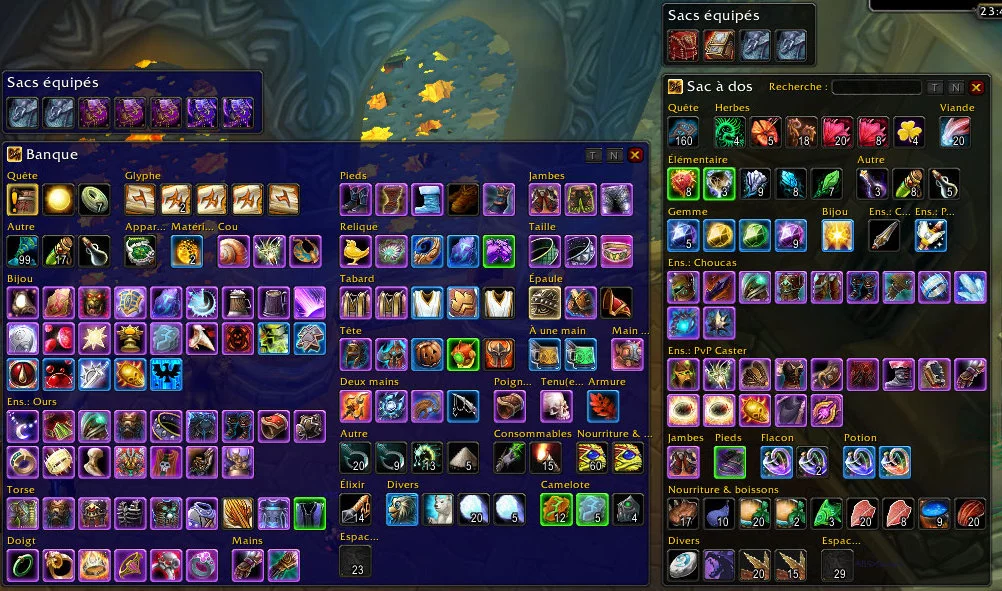
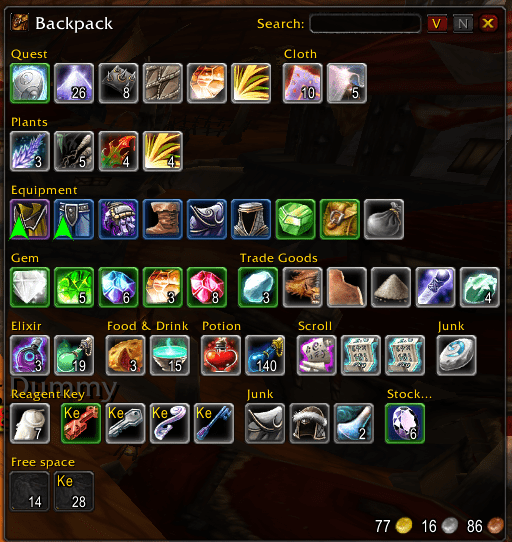
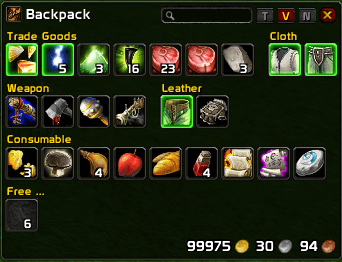
AdiBags displays the content of your bags in one view, distributed into several sections.


Details
Expansion
Categories
Developers

Having issues?
AdiBags displays the content of your bags in one view, distributed into several sections using smart filters.
It is heavily inspired by Nargiddley’s Baggins.
Configuration is available through Blizzard addon panel, /adibags chat command or right-clicking on the LDB plugin.
Features
Most of these features may be configured. Check out the configuration panel! (using the /adibags chat command or clicking on the bag icon, you have any LDB display)
Smart filters are used to distribute items into several sections, including:
Item sets of the Blizzard’s gear manager (one section per set),
Junk items (whitelist and blacklist available),
Quest items,
Equipment (items your character can wear),
Sections based on item category: trade goods, consumables, recipes, …
Manual filtering (drag and drop items on section header, or add new section from the configuration panel),
Free space.
Smart item sorting inside each section.
Smart section layout.
Track new items; use the [N] button resets the “new” flag.
Display slot type.
Bag sorting: click on the [S] button.
Hide some sections, using the [V] button.
Name-based search.
Equipped bags (click on the bag icon in the top left corner),
Display character money in the backpack.
Display character tokens in the backpack.
LDB data source, displaying free space.
Two bag placement modes (choose one in the configuration panel):
Anchored: the bags expand from an anchor towards the center of the screen. The anchor can be unlocked and moved.
Manual: move the bags by dragging their title.
You must be logged in to leave a comment.