

KuiMount
Mount randomly.


Details
Addon ID:
16167
Addon Version:
11
Expansion:
5.4.8
Upload date:
Nov 04, 2025
Last Updated:
Nov 04, 2025
Downloads:
Less than 100
Expansion
Categories
Developers

Kesavaa
Creator
Having issues?
Intelligently uses a random mount based on a customisable whitelist.
How to use
- Open the default UI's key bind interface,
- Click "addons" on the left,
- Bind keys for the "Mount" options you want to use under "Kui Mount"
Or, you can make a macro for it:
- Make a global macro with the command: /click KuiMountSecureButton
- Put the macro on a button,
- Click the button.
Options
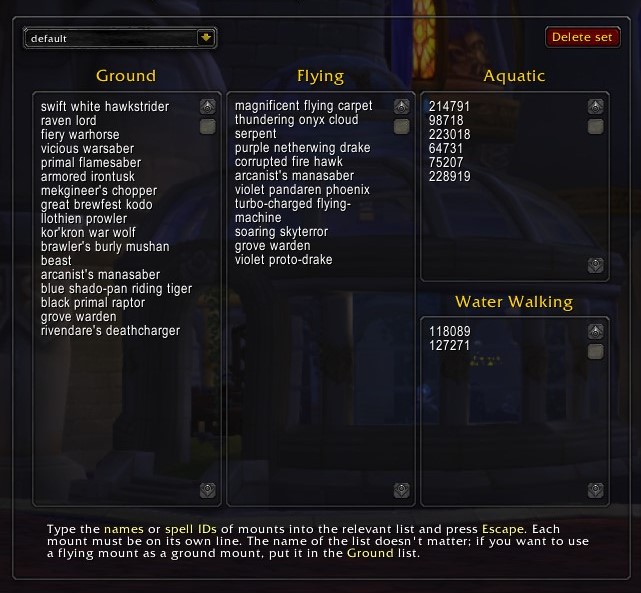
By default, a random mount out of all available, usable mounts will be selected. If you want to limit the selection, you can customise the whitelist using the checkboxes in the mount journal interface, or by typing names or spell IDs of mounts in the legacy interface, accessible by typing the command: /kuimount
You must be logged in to leave a comment.