
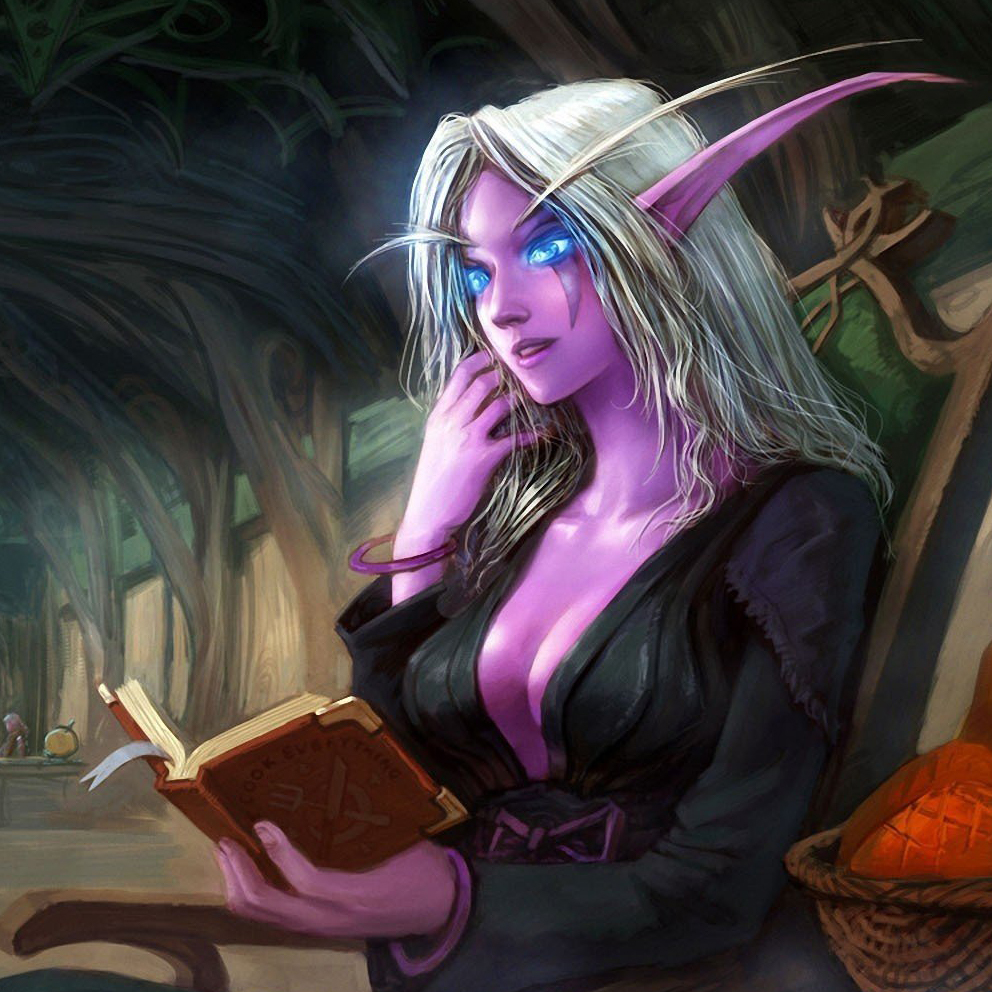
Story Teller
Tell long stories to other players
Details
Addon ID:
18252
Addon Version:
StoryTeller 1.1.0.1
Expansion:
7.3.5
Upload date:
Dec 12, 2025
Last Updated:
Dec 12, 2025
Downloads:
Less than 100
Expansion
 Legion
 Categories
Developers

LenweSaralonde
Creator
Having issues?
A story telling addon for World of Warcraft.
This addon is designed to tell long stories for roleplaying, including emotes and macros.
Join our Discord server (EN/FR) and our Battle.net group for help, bug reports, good music and more!
How to use
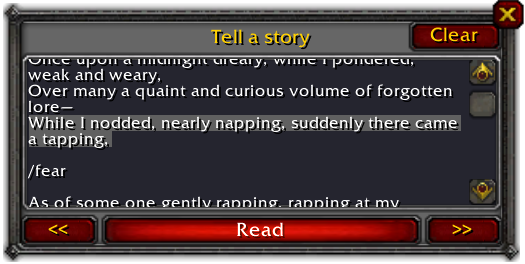
Left click on the minimap button or type /story to open the main window then paste your text in the edit box.
Click the Read button to read the selected line and jump to the next one.
You can navigate through the text lines using the buttons << and >>.
To start over with a new text, click Clear to reset then paste a new text.
Click Edit to modify the current text using the in-game editor.
Tips and tricks
- Lines longer than 256 characters are automatically spliltted into multiple lines.
- The text can contain emotes and macros as long as you don't use secure functions. In this case, secure function calls will be automatically commented out and ignored.
- Click Edit to modify the text directly in game.
- Blank lines and lines that starts with a comment code
--,//or#are ignored. - Text lines are sent using the chat window. Add a
/sor/partyto the first line to be sure to send the text to the right place.
Credits
Russian translation by Hubbotu.
Artwork by Yaoren Wo.
You must be logged in to leave a comment.