
StatusBars2
Movable status bars for health, power and a variety of class-ability-specific displays.
Details
Expansion
 Legion
 Categories
Developers

Having issues?
Keep your important information where you can see it!
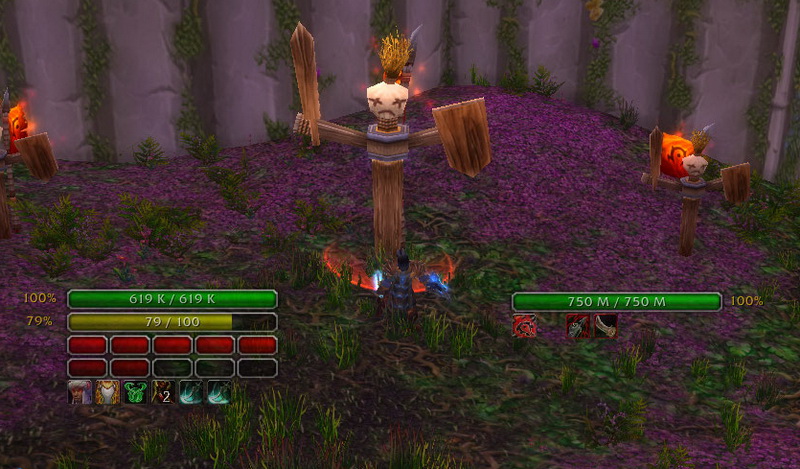
Tired of missing out on the World of Warcraft action because you're always staring at your health bar and power bars in the upper left hand corner? Then StatusBars2 is for you!
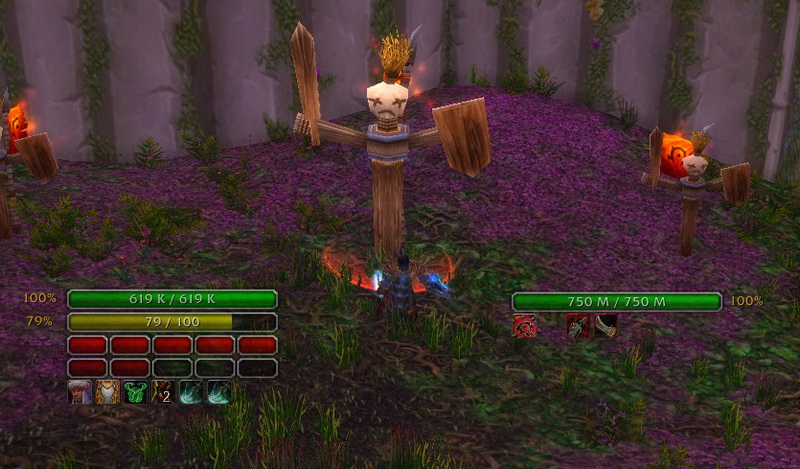
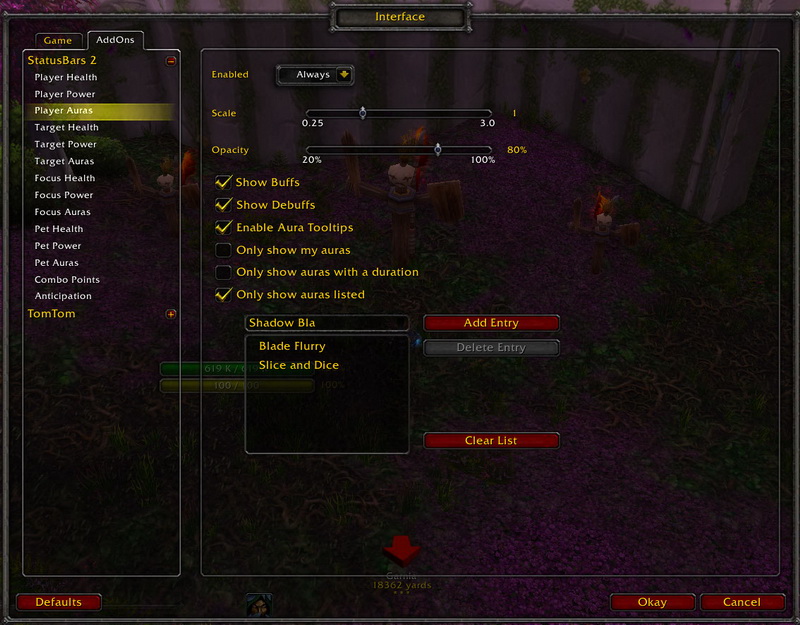
StatusBars2 creates on-screen, status bars for your health, mana, energy, class-specific powers (combo point, soul shards etc.), buffs and debuffs
Individual status bar groups for:
- Character
- Focus
- Target
- Pet
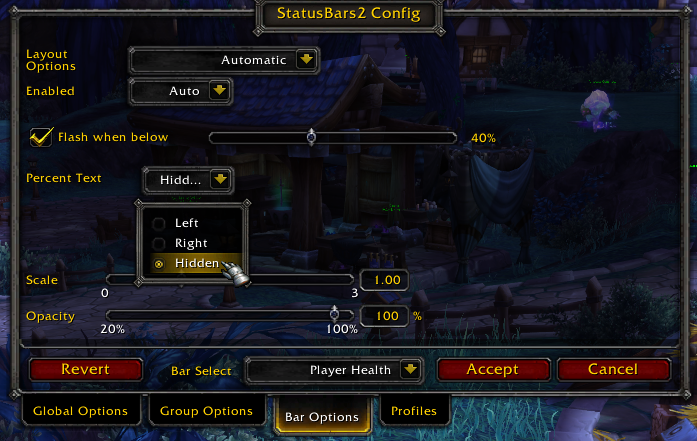
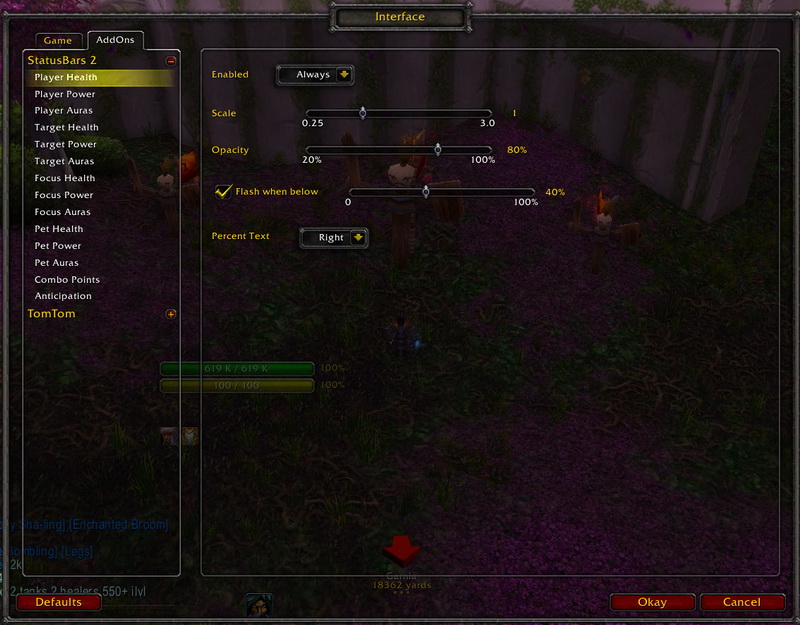
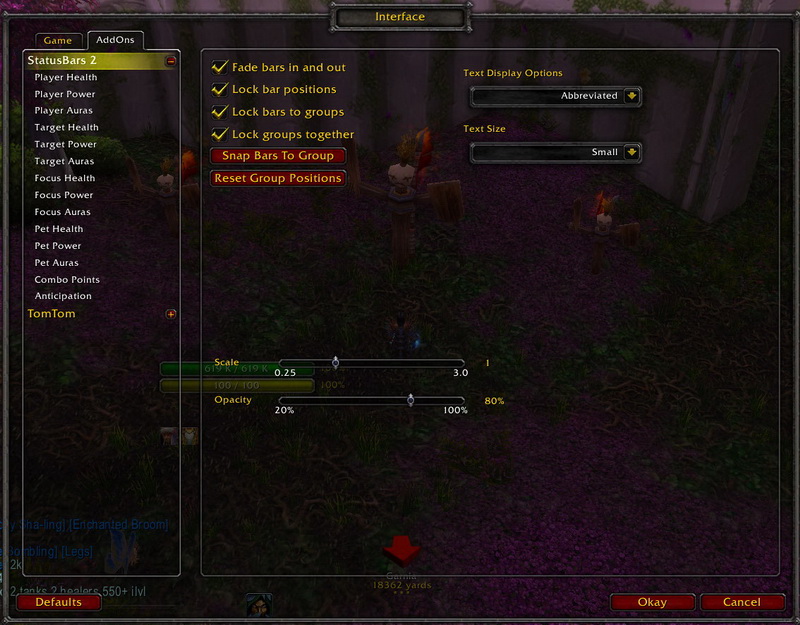
Type "/sb2 config" to pop open the detailed configuration panel and unlocks the bars
Drag the bars where ever you want! Scale them to your liking!
Tabs along the bottom of the config dialog allow you to move and configure all bars at one, each group by itself or individual bars
- If the "Global Options" tab is selected, changes affect all bars at once
- If the "Group Options" tab is selected, changes affect the last group you clicked on
- You can also select a bar from the "Bar Select" dropdown and the changes will affect the group that bar belongs to
- If the "Bar Options" tab is selected, changes will affect the bar that is displayed in the "Bar Select" dropdown.
- You can also select a bar by clicking on it and the "Bar Select" will change
"Layout Options" for a bar determines how it can be moved
- Bar position is fixed relative to other bars in the group. The order of bars can be changed in the group tab.
- Locked to group: Bar can be positioned independently, but moves with the group if the group is moved
- Locked to background: Bar can be positioned completely independently and won't move if the group is moved.
"Enabled" for a bar determines when you see it in the game
- Auto: Bar is visible in combat, but fades out when out of combat and the bar is at it's default value (100% for health and mana, 0% for energy, etc.)
- Combat: Bar is only visible in combat
- Always: Bar is always visible
- Never: Bar is always hidden
More options available, experiment to find out! Tooltips help explain
Click "Accept" to save your changes or "Cancel" to discard them. "Revert" discards your changes without closing the config panel.
You must be logged in to leave a comment.