

Skinner
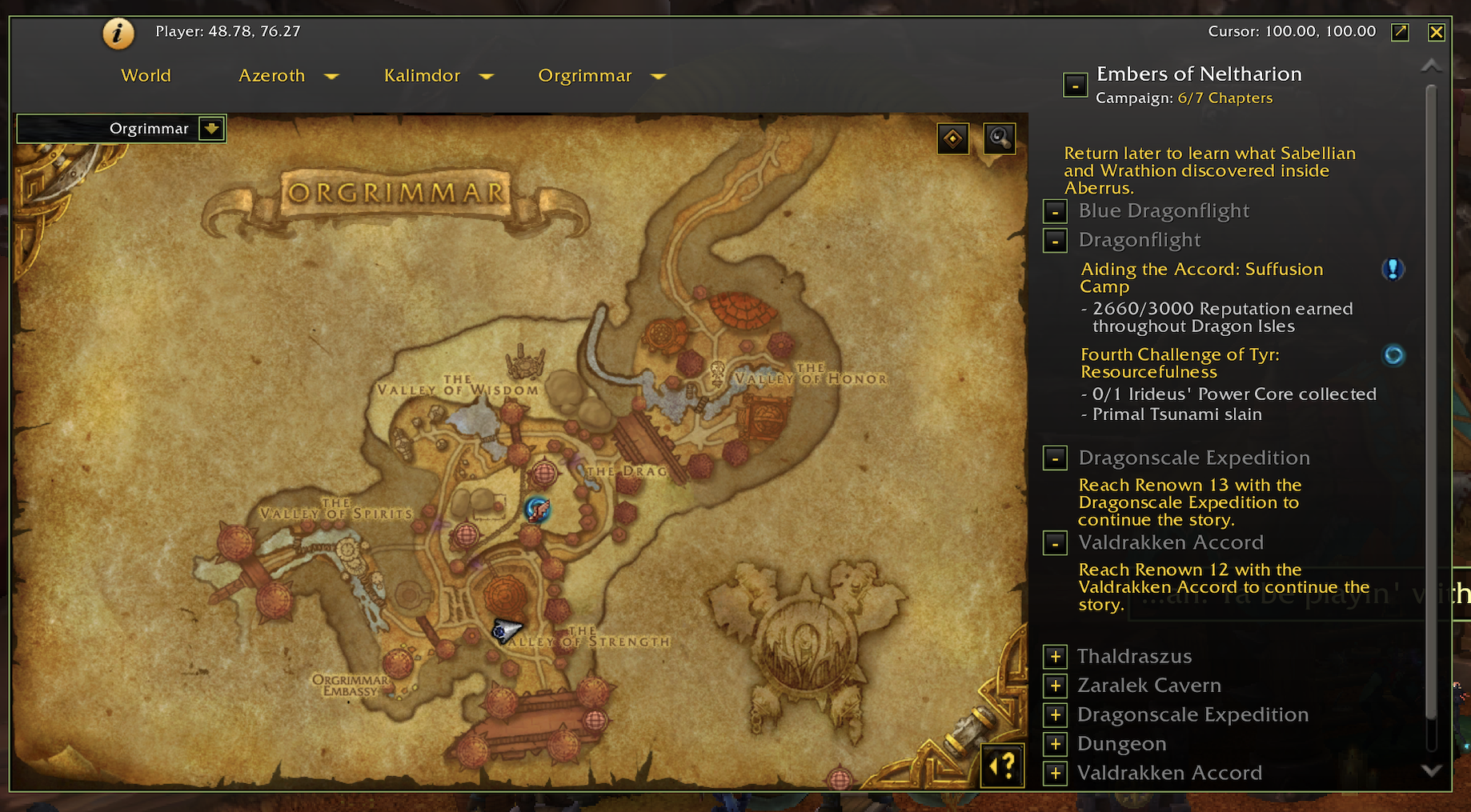
Changes the look of the default UI


Details
Addon ID:
17241
Addon Version:
beta7.26654.2-nolib
Expansion:
7.3.5
Upload date:
Dec 12, 2025
Last Updated:
Dec 12, 2025
Downloads:
Less than 100
Expansion
Categories
Developers

Jncl
Creator
Having issues?
Skinner
Introduction
Skinner changes the look of the default UI (Retail & Classic)
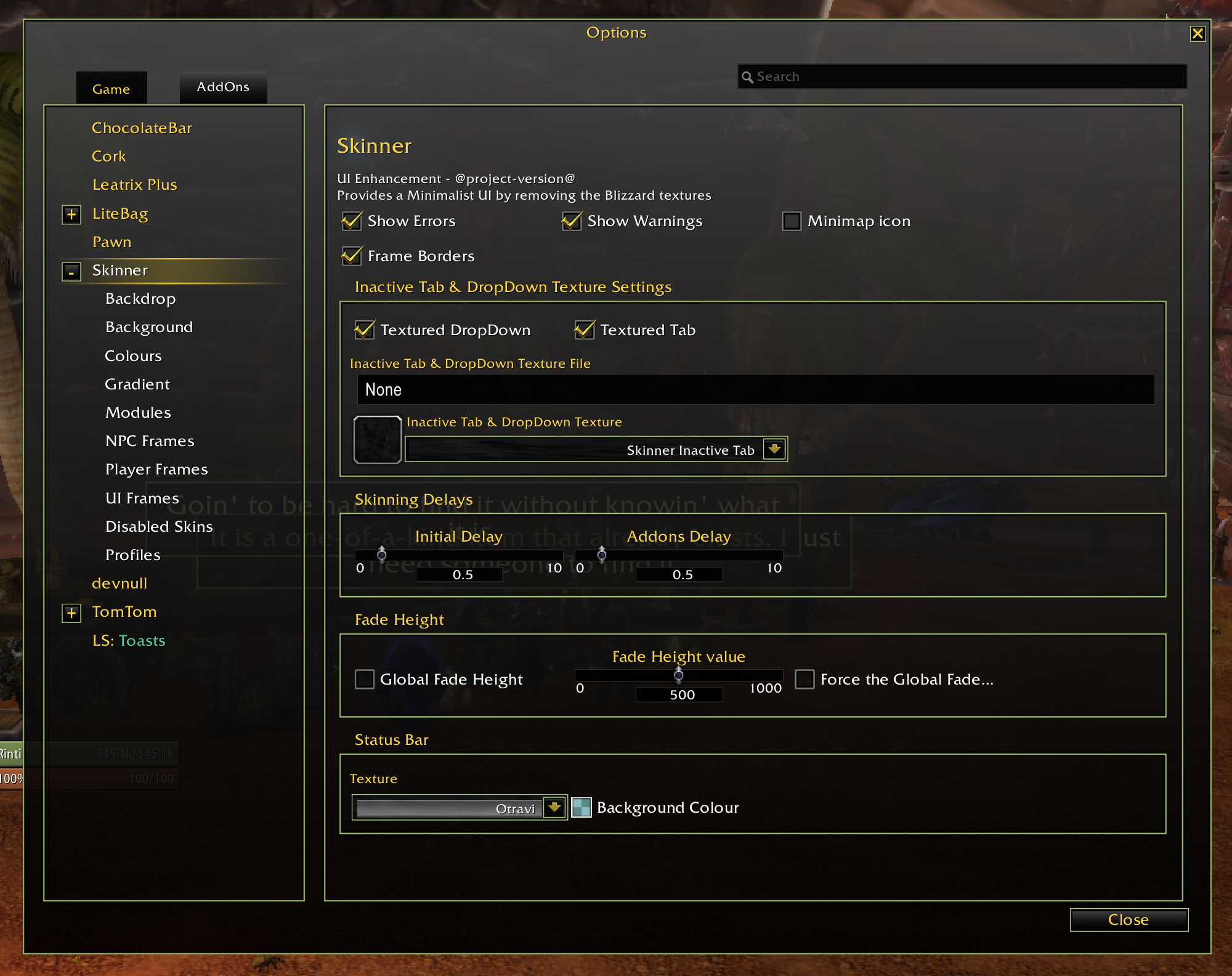
To disable AddOn skinning
To prevent an AddOn from being skinned click the checkbox by its name on the Disabled Skins panel. This change will only come into effect after WoW is reloaded.
Documentation
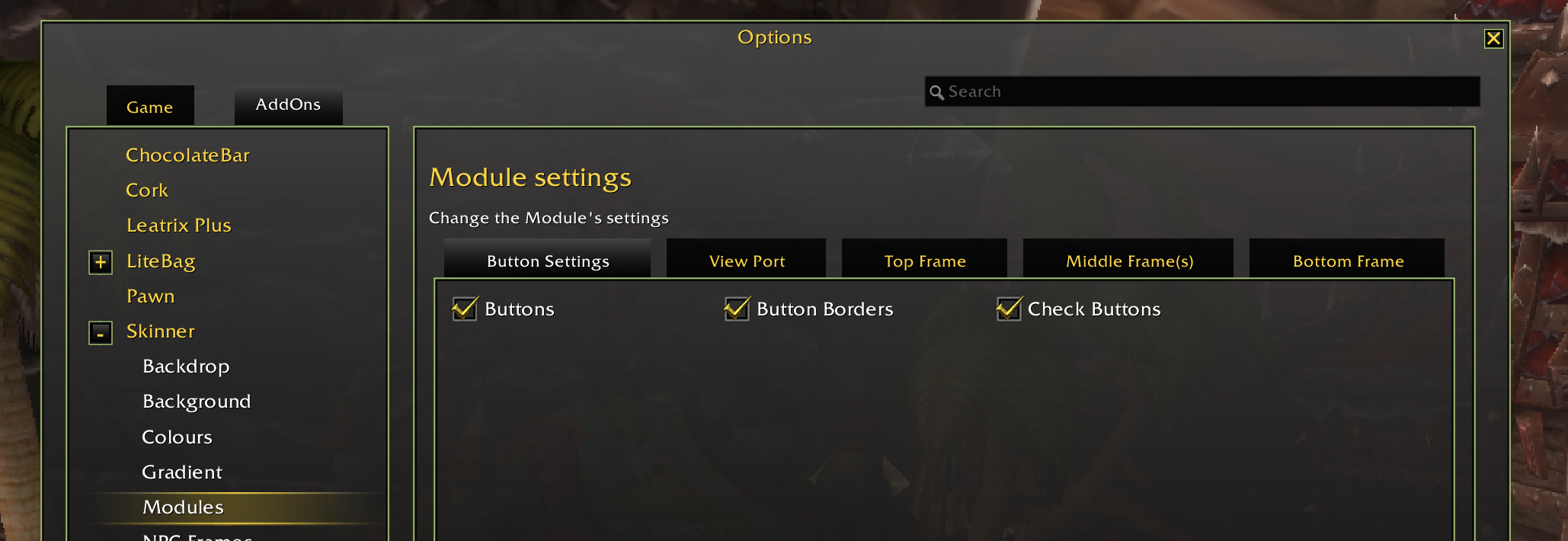
All features can be toggled with the slash command /skinner or /skin
Details about most of the Skinner Commands can be found here
Instructions on how to change the background Skinner uses can be found here
Feedback
If you have found a issue or have a skin request, please use the issue tracker.
Downloads
These are available, for ALL game versions, on the following sites: CurseForge GitHub Wago
You must be logged in to leave a comment.