
Seamore Spheres
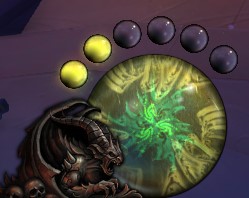
Provides orb resource components similar to Diablo.
Details
Expansion
 Legion
 Categories
Developers

Having issues?
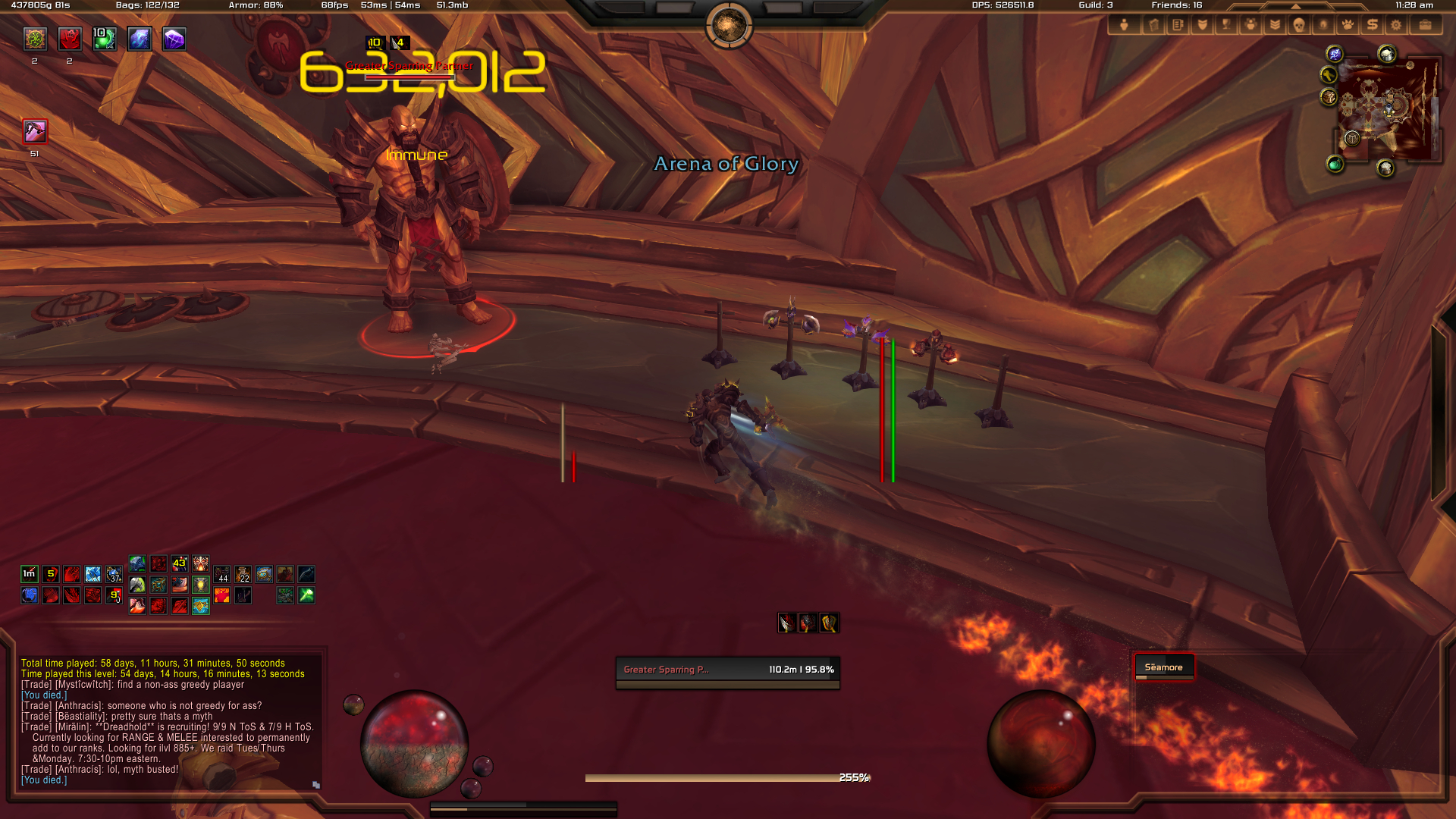
Provides orbs similar to those found in the Diablo games, including player resources, buffs and spell charges.
Configuration
Artwork textures can be toggled on or off through the config panel.
Pet and "secondary" resource spheres can be toggled on or off through the config panel.
Holding the Shift key will allow sphere groups to be dragged.
The scale of the spheres can be adjusted through the "Preview" tab of the config panel.
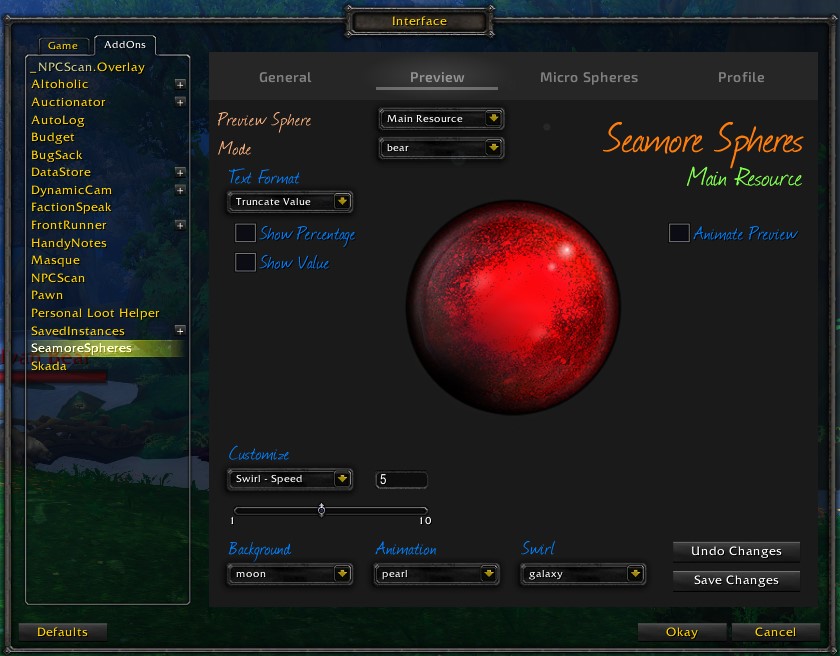
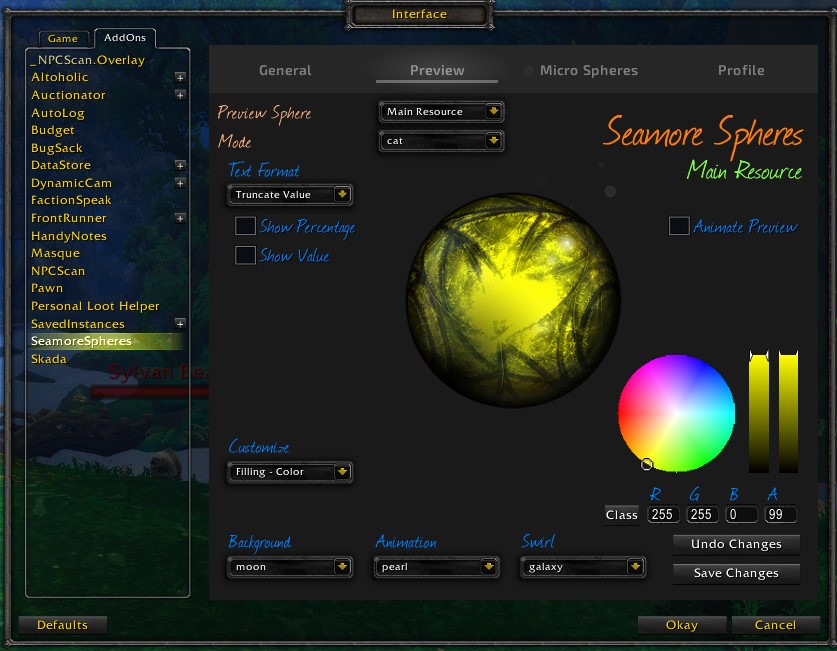
Sphere textures and animations may be modified through the "Preview" tab of the config panel. (No changes are committed until saved)
Selecting a sphere from the preview tab will display a panel where the sphere's settings may be safely modified.
The following customizations are available for modes associated with the player's current specialization:
- Background texture. (Unavailable for multi resource spheres.)
- Background color and opacity.
- Rotation texture.
- Rotation texture color and opacity.
- Font color and visibility.
- Text display format.
- Animation display.
- Animation position, opacity, scale and strata.
- Frame scale and position.
Micro spheres may be added to monitor spell charges or buffs/debuffs, these are displayed along the outer edge of a sphere.
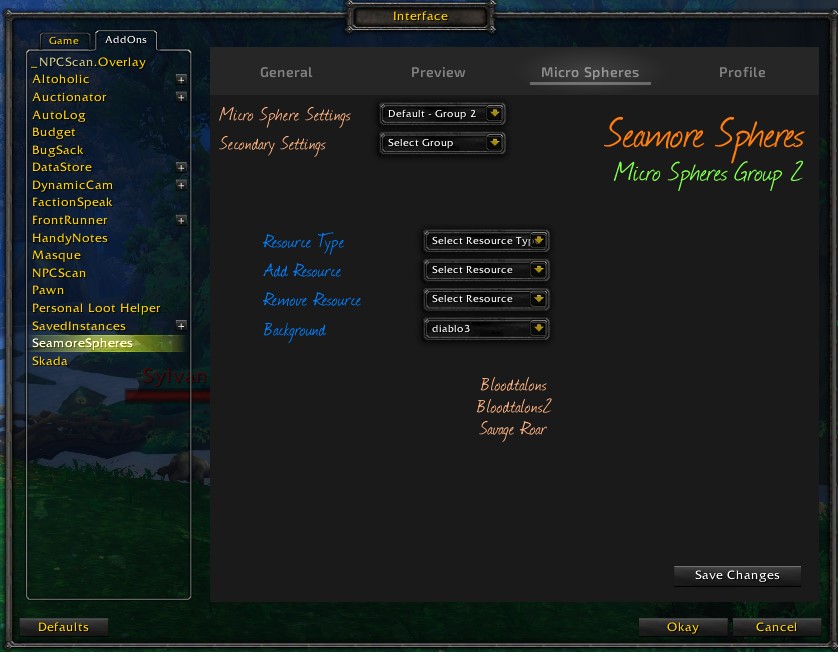
Selecting a micro sphere or secondary micro sphere group from the config panel "Micro Spheres" tab will allow you to edit micro spheres.
Micro spheres are displayed on the health sphere, group 1 beginning from the top left, and group 2 from the bottom right.
Secondary micro spheres are displayed on the main resource sphere, group 1 beginning from the top right, and group 2 from the bottom left.
Additional spell charges, buffs or debuffs may be created by selecting a resource type and choosing "-- Custom --" from the "Add Resource" menu.
To display separate micro spheres for individual buff/debuff stacks, add each of the matching resources. ("SPELL", "SPELL#" etc. where # is associated with the specific stack amount)
The list of added resources will be displayed matching the order in which the micro spheres will appear.
The following addons will provide additional background textures:
- Seamore Spheres Glass Textures
- Seamore Spheres Plastic Textures
- Seamore Spheres Sky Textures
- Seamore Spheres Technology Textures
You must be logged in to leave a comment.