
Screenshoter
Companion for taking screenshots of your favourite places.
Details
Expansion
 Legion
 Categories
Developers

Having issues?
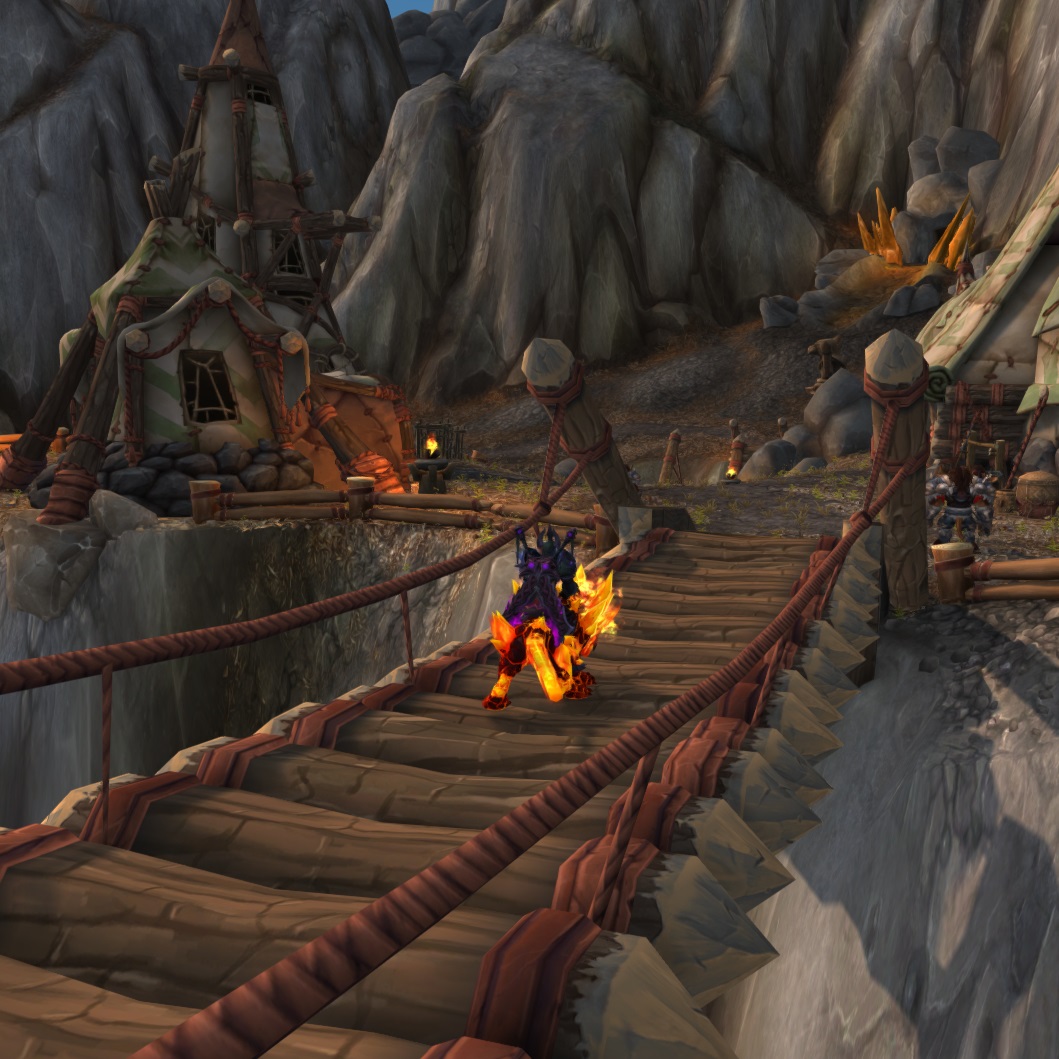
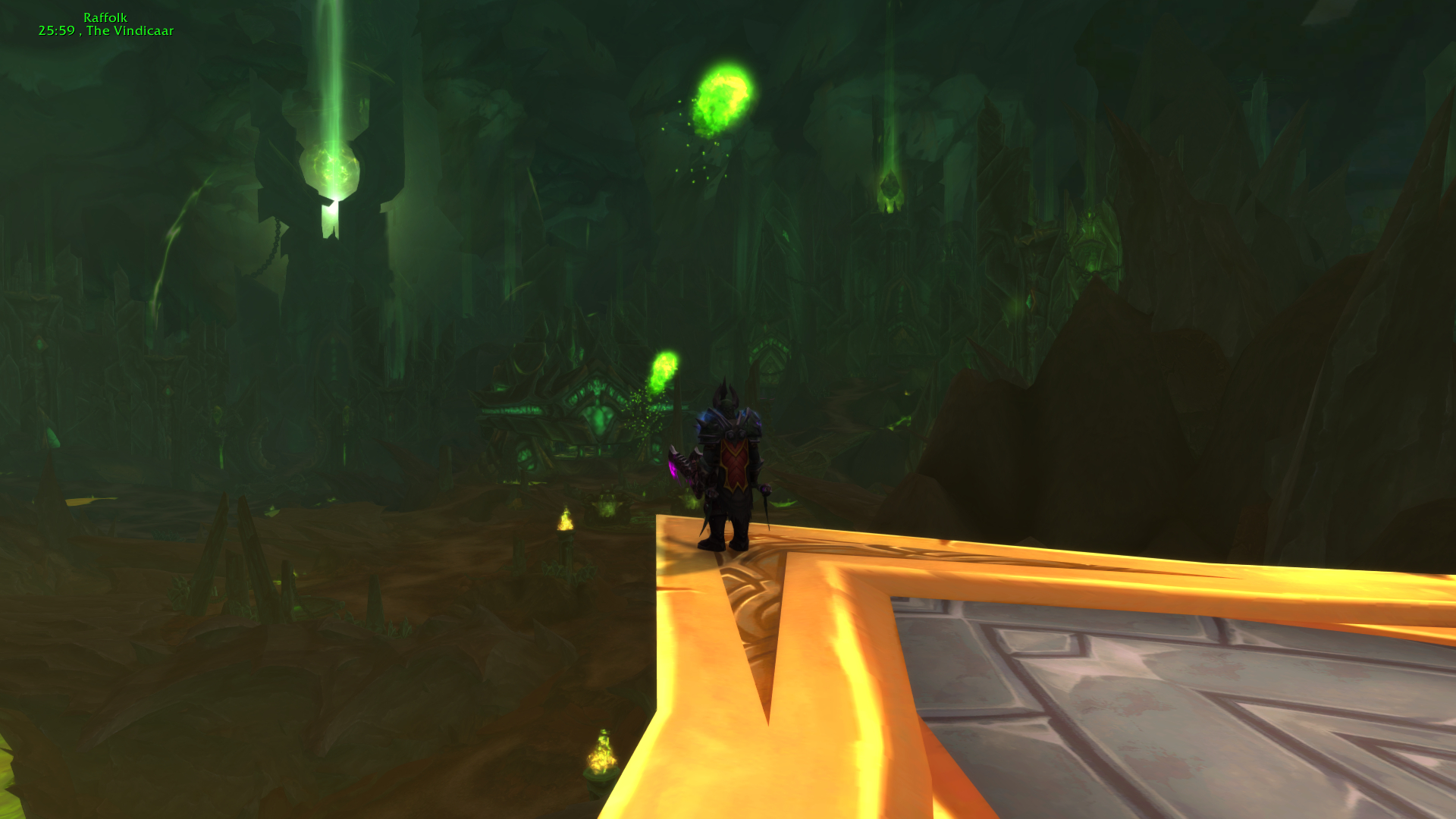
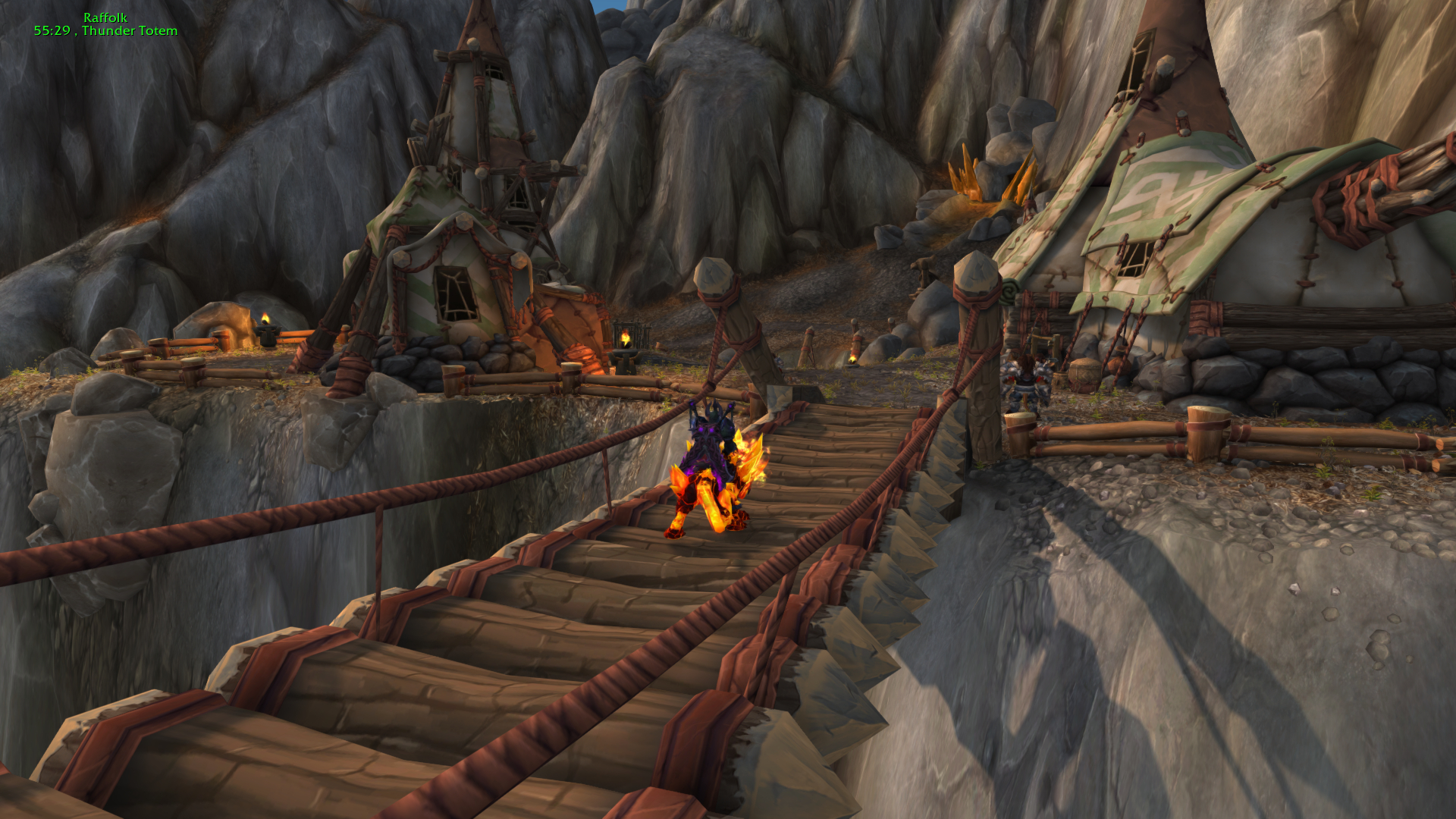
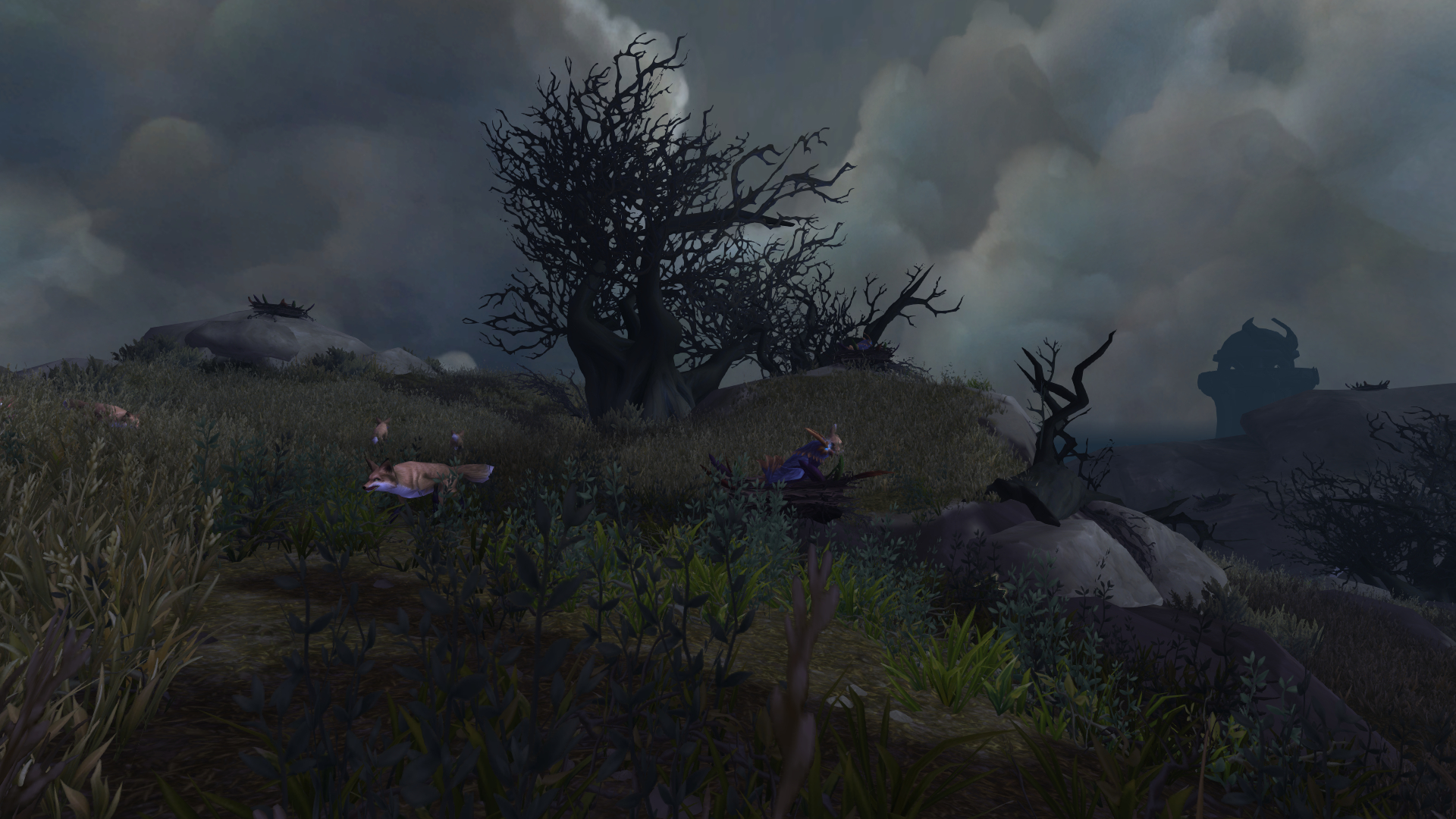
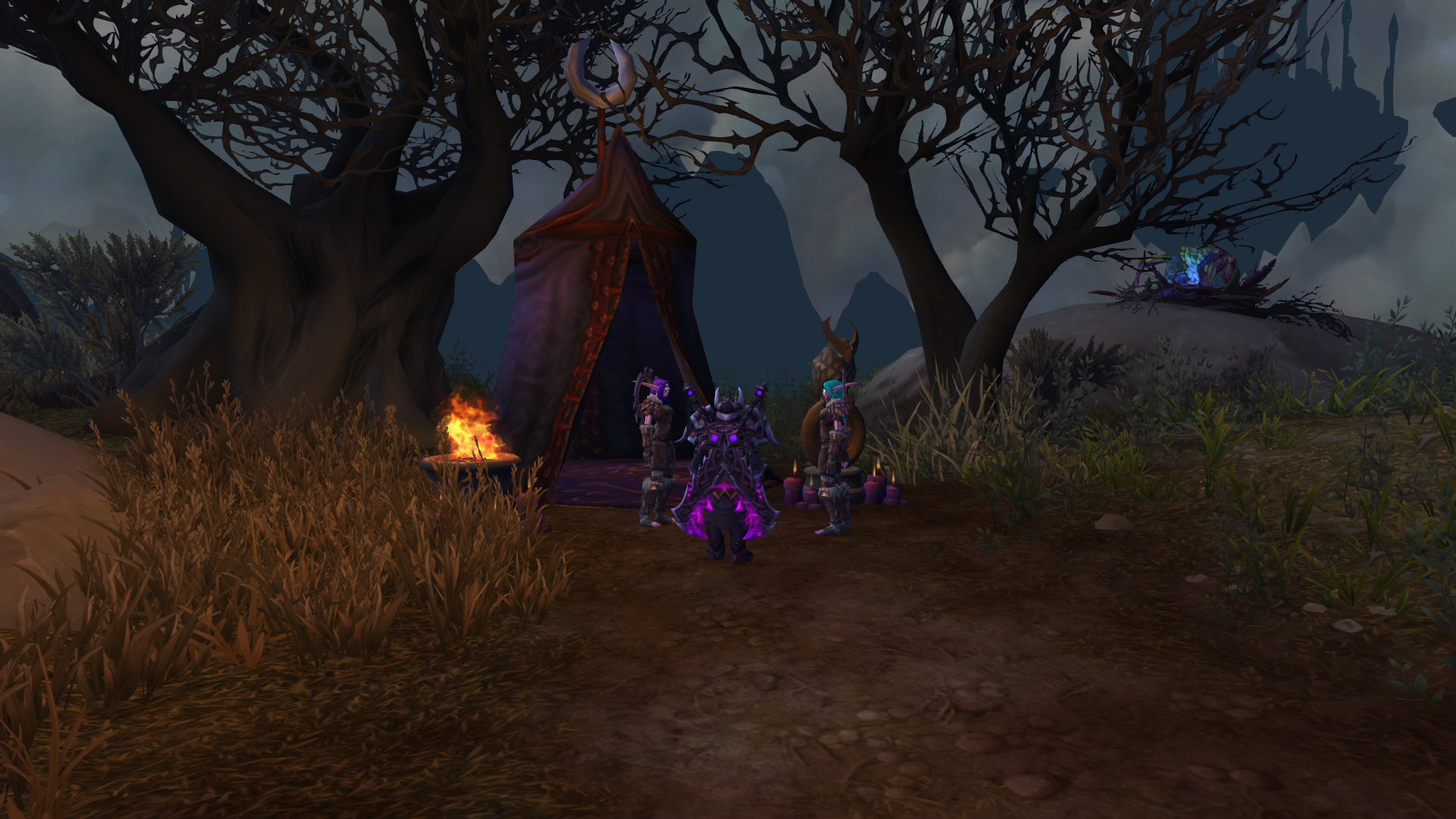
Screenshoter is your companion for taking screenshots of your favourite places anywhere in Azeroth, Draenor or Outland. Simply bind key for taking screenshots, select which parts of user interface should not be on final screenshot or try some other nice features.
Maximizer
Maximizer can maximize graphics settings just before taking screenshot to make it look awesome and revert these changes just after taking screenshot. It is mostly for players that want to make their screenshots beautiful even though they are playing on low or medium settings. If you want to enable this feature, you can simply check Enable option in 'Maximizer' section of add-on config window. You should not use Maximizer in situations when you need stable FPS
If you want to use Maximizer, make sure you have Maximizer enabled and you have bound a key in Key Bindings to "Take screenshot with Maximizer"
Watermark
Watermark adds a text based on specified format onto your screenshot. Select which variables would you like to have there and customize it however you want to
Tips
Screenshots can be found in GameDir/Screenshots folder
Known bugs/Possible problems
- Possible incompatibility with some addons in some cases
- Some name options may not be available
If you find any bug, please report it in the comment section
You must be logged in to leave a comment.