
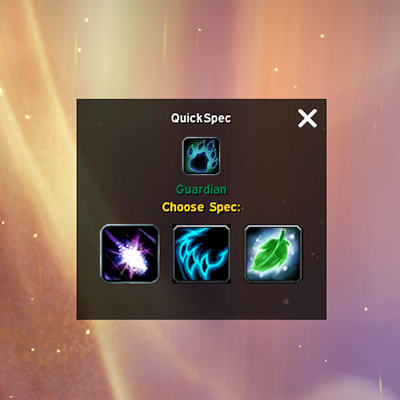
QuickSpec
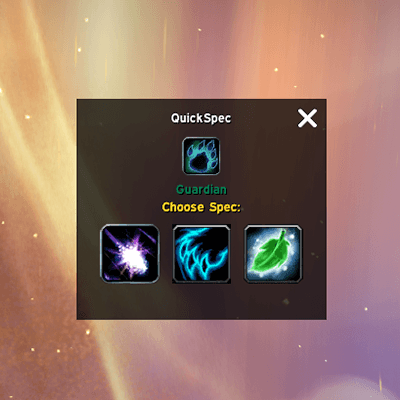
Quickly switch specs with pop up button interface on keybinding or slash command.
Details
Expansion
 Legion
 Categories
Developers

Having issues?
Tired of pressing 'N' then having to switch to the spec tab, then select a spec, then finally hit activate? Well so was I. Gone are the days of only having two specs, and now with Legion we have long macros that can cycle through specs or just swap between our favorites.
But why let it be so difficult? I didn't want to go through all of that, and I didn't want you to either.
Enter QuickSpec
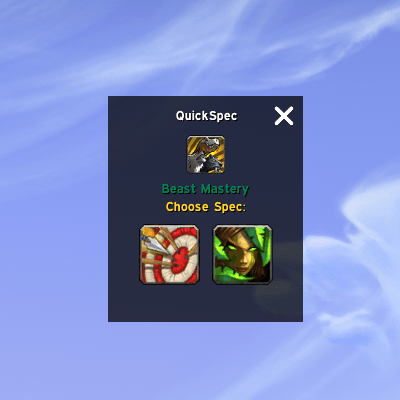
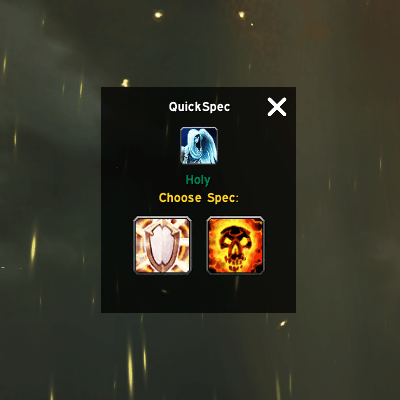
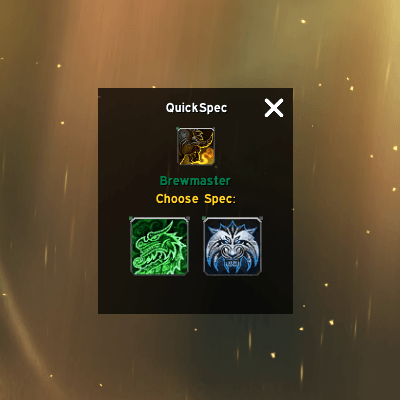
This addon will open a window that lets you quickly select a specialization to switch to. One key press and you can quickly select the spec you want to swap to right away. Presto! It's like magic, or so the gnome lady down the street told me.
It has both a keybinding and a slash command if you want to make a macro. Game on!
- Slash commands
- /qs or /quickspec alone will open the QuickSpec selection window.
- /qs spec name will switch to the specified spec.
- Example macro with outfit
/equipset Havoc
/qs Havoc
Note: Does not support swapping loadouts. See other addons for that functionality.
You must be logged in to leave a comment.