
oUF_Jardo
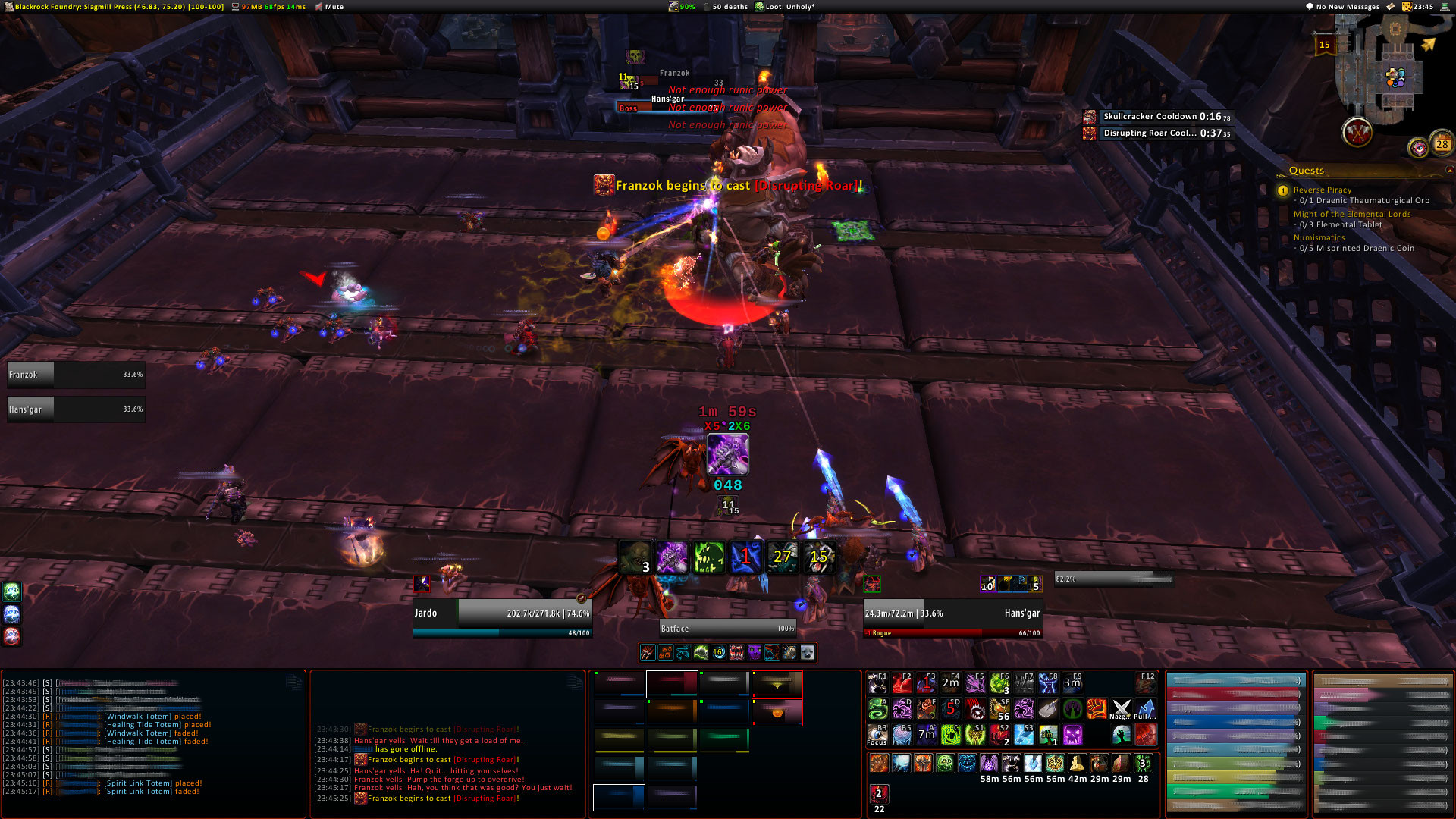
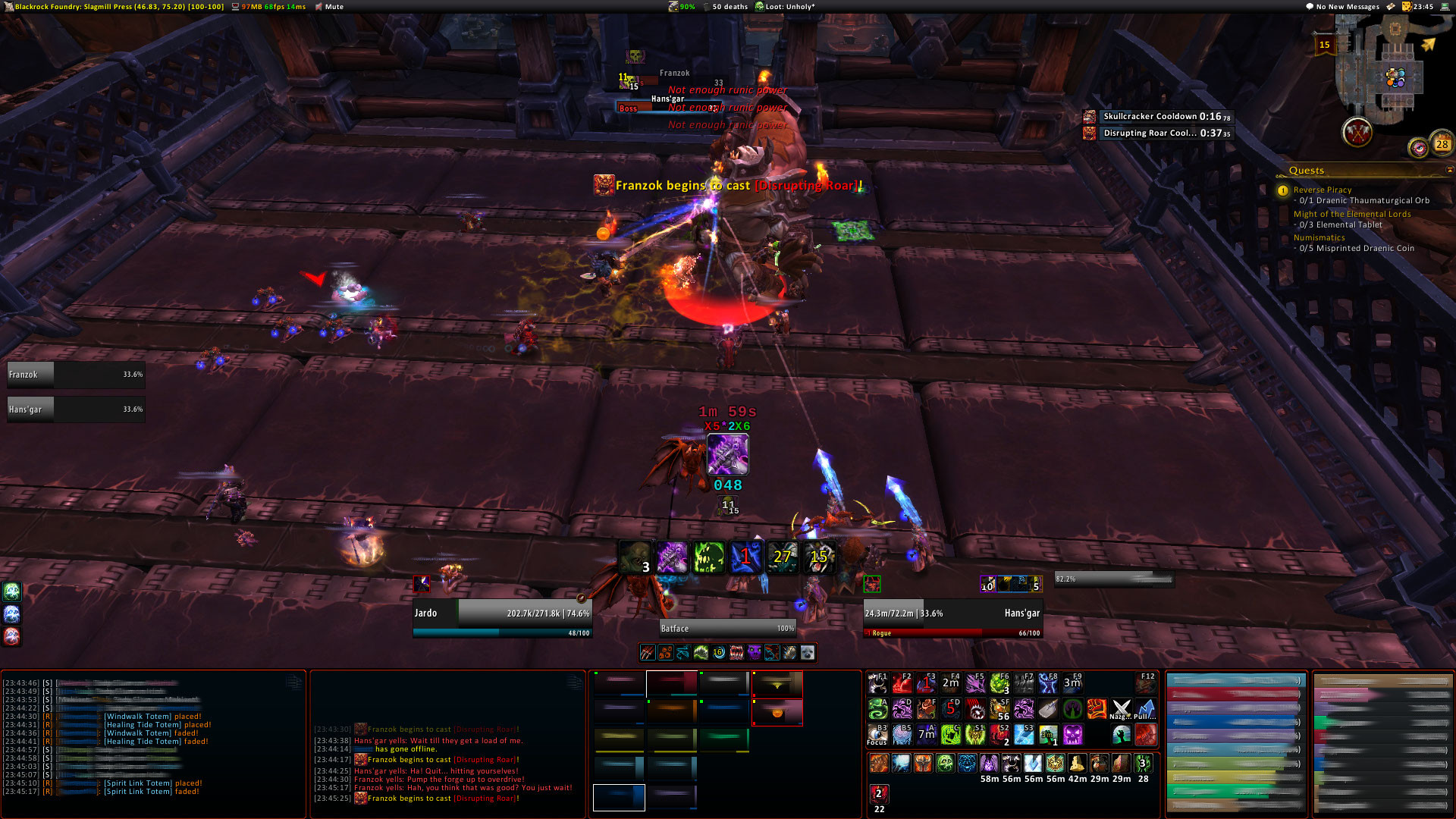
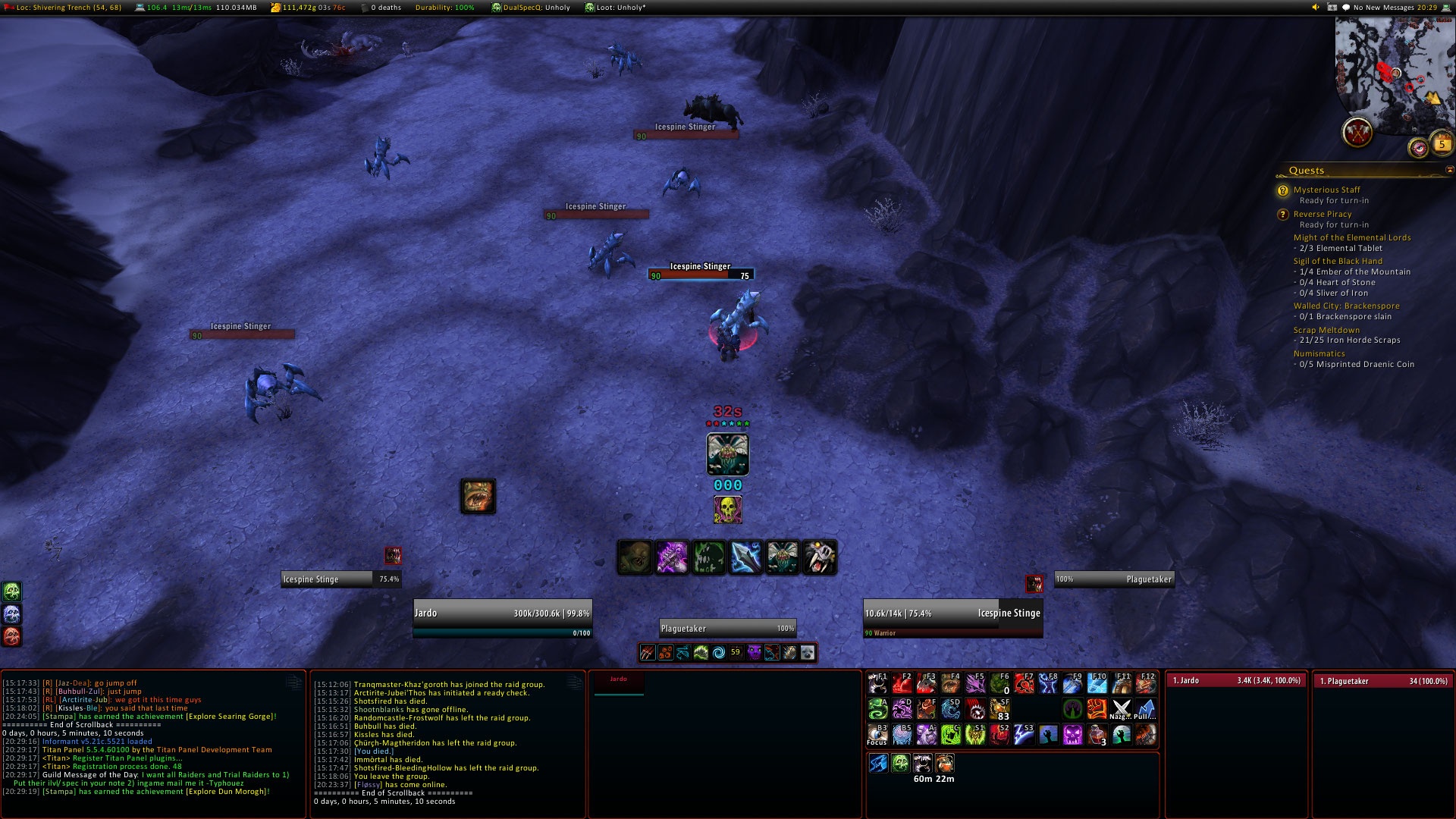
oUF layout w/player, target, pet, focus, target's target and boss frames

Details
Addon ID:
19468
Addon Version:
7.3.5
Expansion:
7.3.5
Upload date:
Dec 12, 2025
Last Updated:
Dec 12, 2025
Downloads:
Less than 100
Expansion
 Legion
 Categories
Developers

bunjiboys
Creator
Having issues?
IMPORTANT: Requires installation of oUF Unit Frames, this addon does nothing on its own.
A simple, clean oUF layout, developed on 1920x1080 resolution.
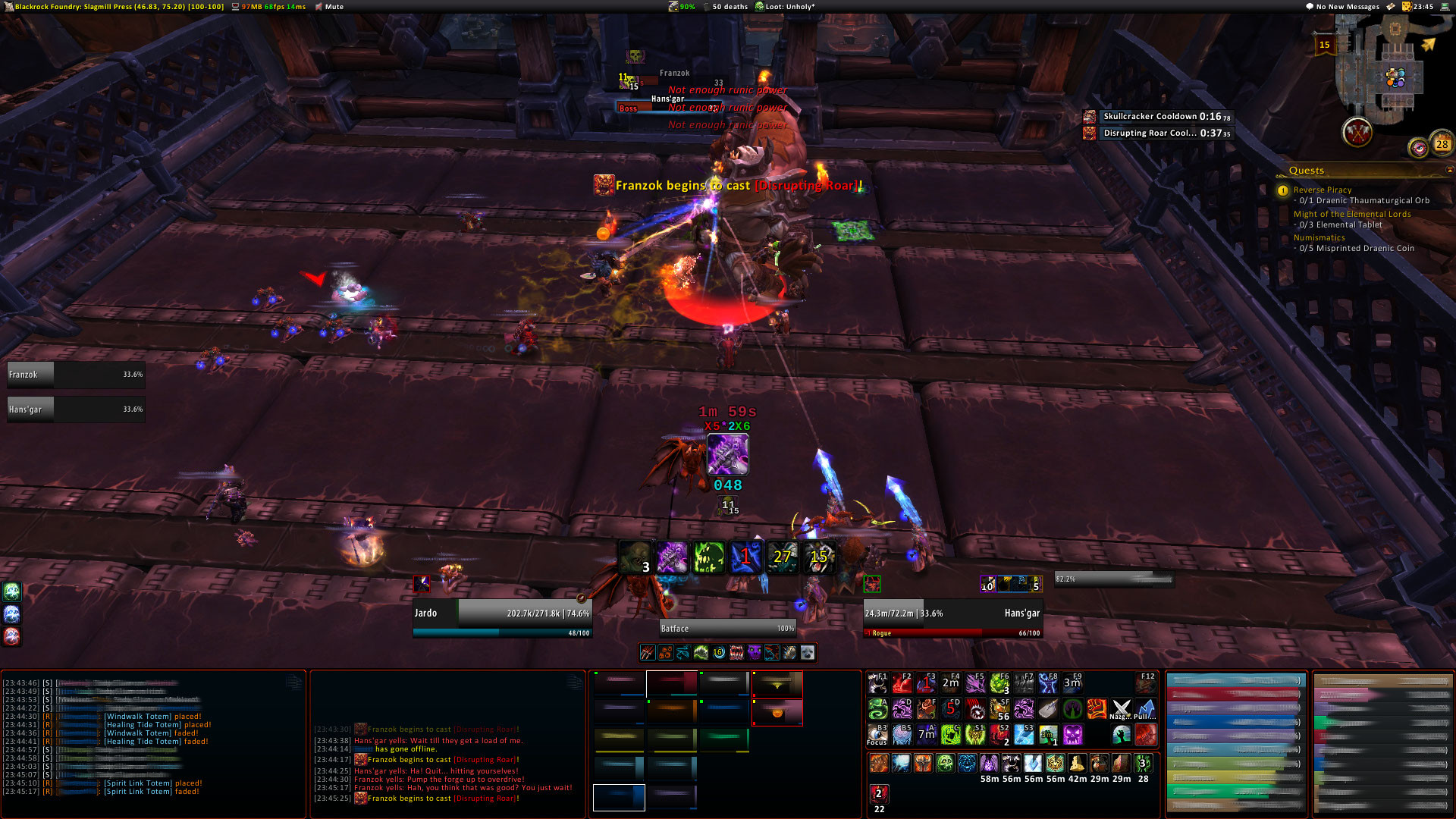
Once installed, the addon will replace the following frames with newer, cleaner versions compared to the default Blizzard UI. Sub-bullet point items shows what features are supported by each individual frame.
- Player
- Power (Mana, Focus, Rage, ...)
- Cast bar
- DeBuff Icons
- Incoming Heals
- Combo Points (Rogue, Druids)
- Holy Power (Paladins)
- PvP Status Icon
- PvPTimer (requires installations of oUF_PvPTimer)
- Raid Role Icon (Tank, Healer, DPS)
- Raid Marker (Skull, Cross, ...)
- Raid Status Icon (Raid Leader, Master Looter, ...)
- Target
- Buff Icons
- DeBuff Icons
- Incoming Heals
- PvP Status Icon
- Raid Role Icon (Tank, Healer, DPS)
- Raid Marker (Skull, Cross, ...)
- Raid Status Icon (Raid Leader, Master Looter, ...)
- Pet
- No extra info
- Focus
- DeBuff Icons
- Raid Marker (Skull, Cross, ...)
- Target's Target
- Raid Marker (Skull, Cross, ...)
- Boss
- Power Bar (Mana, Focus, Rage, ...)
- Raid Marker (Skull, Cross, ...)
This project includes a copy of the oUF: CombatFeedback plugin written by Ammo. The original source of this addon can be found at WoWInterface: oUF_CombatFeedback
You must be logged in to leave a comment.