

HandyNotes: Legion (Broken Isles) Treasures and Rares
Officially the original source for where things are in the Broken Isles, in HandyNotes
Details
Expansion
 Legion
 Categories
Developers

Having issues?
Want Battle for Azeroth treasures? I have something for that.
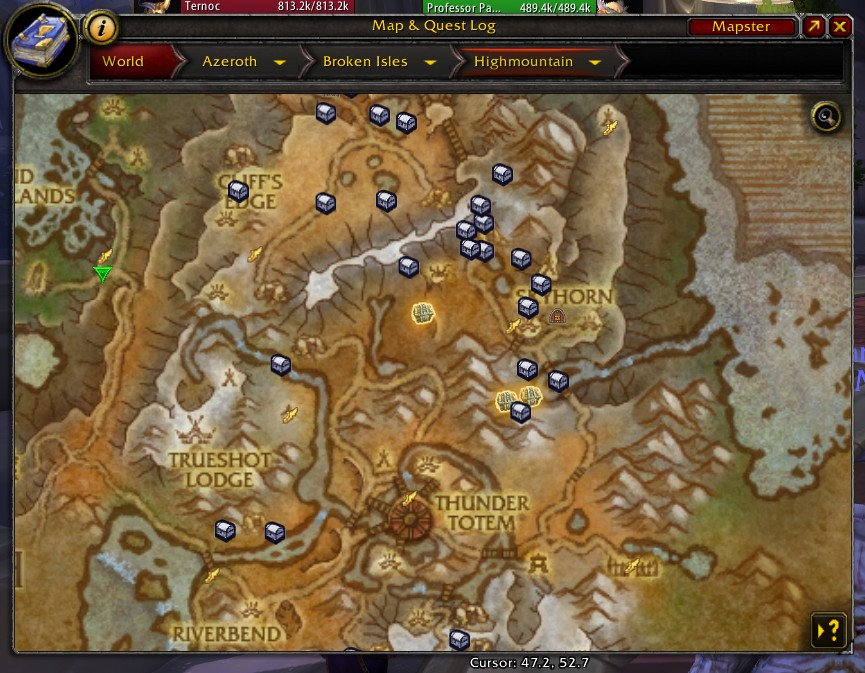
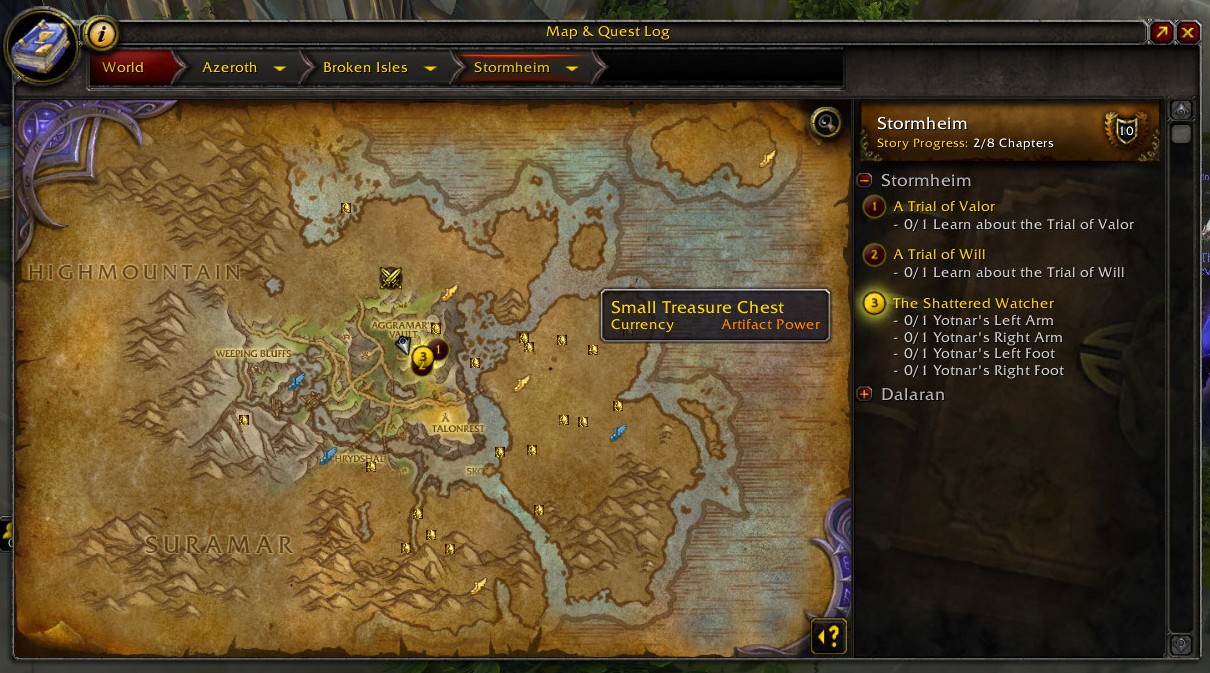
A HandyNotes plugin to show the Legion treasure items on your map. (That means it requires HandyNotes, so go install it as well.)
This includes:
- Items found in one-off chests that're mysteriously glowing purple.
- Items dropped by rare mobs.
Important note: Every zone has its own type of randomly-appearing treasure chest. These are genuinely random -- they're not always up, and they can repeat. As such, I don't include any of them. Only one-off chests are in this addon.
Items that you've already collected and mobs you've already killed won't be displayed. This uses the "flag" quests that the game relies on to keep track of the items. Sometimes these glitch; generally if they do so, you also won't have gotten achievement-credit / the item, so you'll likely still be interested in the item.
You can right-click on any treasure node and hide it, if you just don't want to see that one. If you have TomTom installed, you can also add a waypoint for that node.
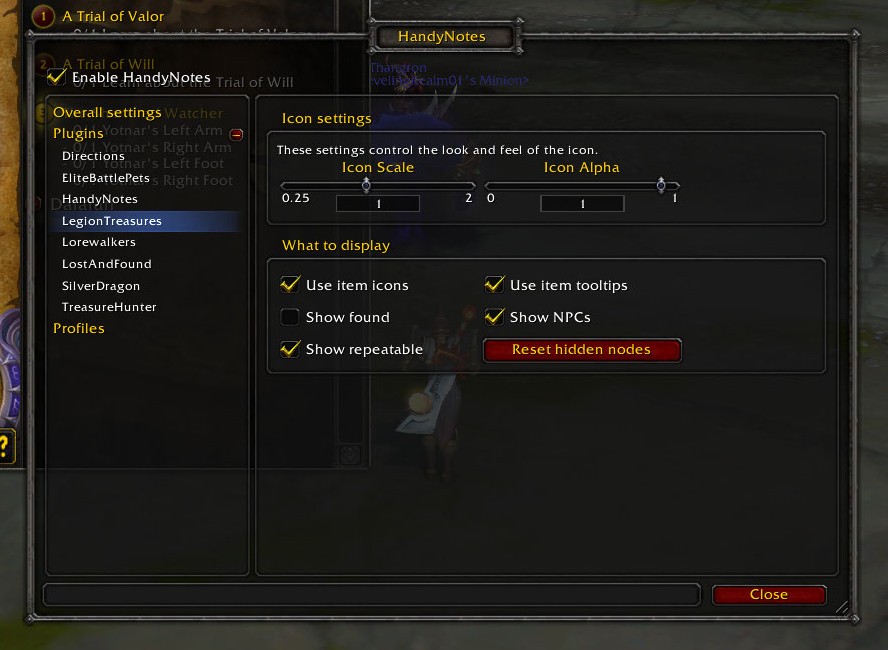
To edit the settings, visit the HandyNotes config panel, expand the "Plugins" section, and click on "Legion". You can then choose which treasures to show, and whether to show ones you've already found.
Want to help?
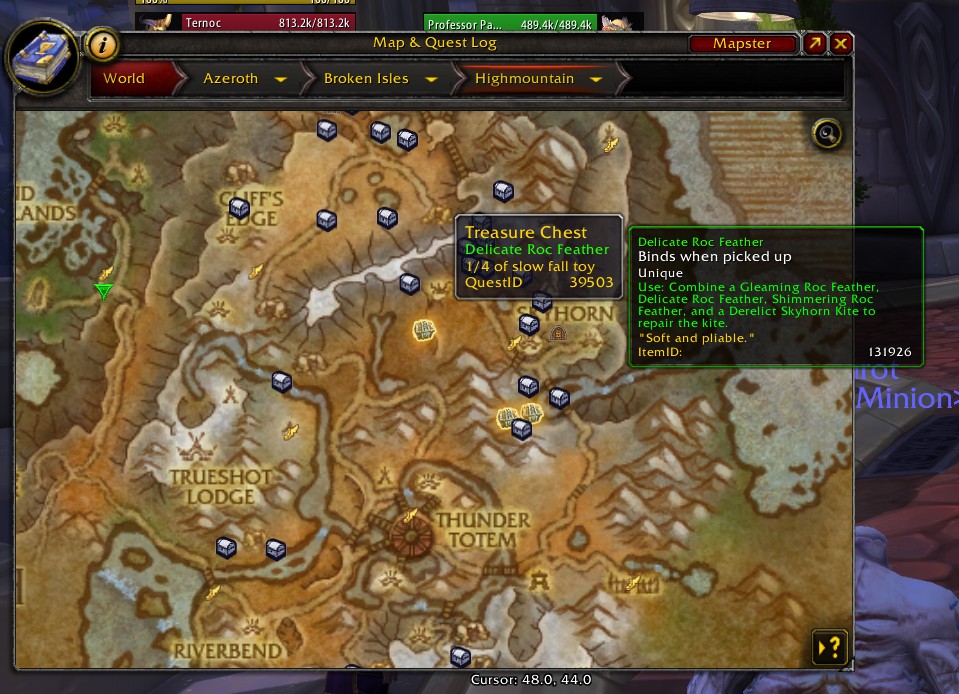
If you'd like to submit corrections, please go into the settings as mentioned above and turn on "show quest ids". Then let me know the quest id for the node you want to correct, which will now appear in its tooltip.
If you'd like to submit a new node, you have two options:
- Tell me where it is. I'll go find it eventually and track down the more obscure details I need to add it.
- Gather these details yourself and send them to me:
- Zone and coordinates.
- What it gives you. This is mostly "a random gray, some order resources, and an artifact power item".
- The quest id associated with it. This is the tricky one. The easiest way to get it is to install QuestsChanged before you open the treasure, then open the treasure and check it to see what quest was triggered.
What else might help me find things?
- Handy Minimap Arrow will make your player-arrow on the minimap appear above all the notes I'm adding to it
- What's On The Map? will show a list of the vignettes currently up nearby
- Minimap Range Extender will make map vignettes visible from further away
You must be logged in to leave a comment.