
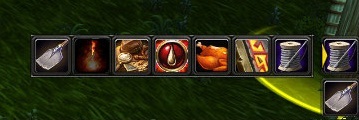
FlyoutButton Custom
Custom flyout buttons support
Details
Addon ID:
19018
Addon Version:
FlyoutButtonCustom2.82.zip
Expansion:
7.3.5
Upload date:
Dec 12, 2025
Last Updated:
Dec 12, 2025
Downloads:
Less than 100
Expansion
 Legion
 Categories
Developers

vladimirseven
Creator
Having issues?
Overview
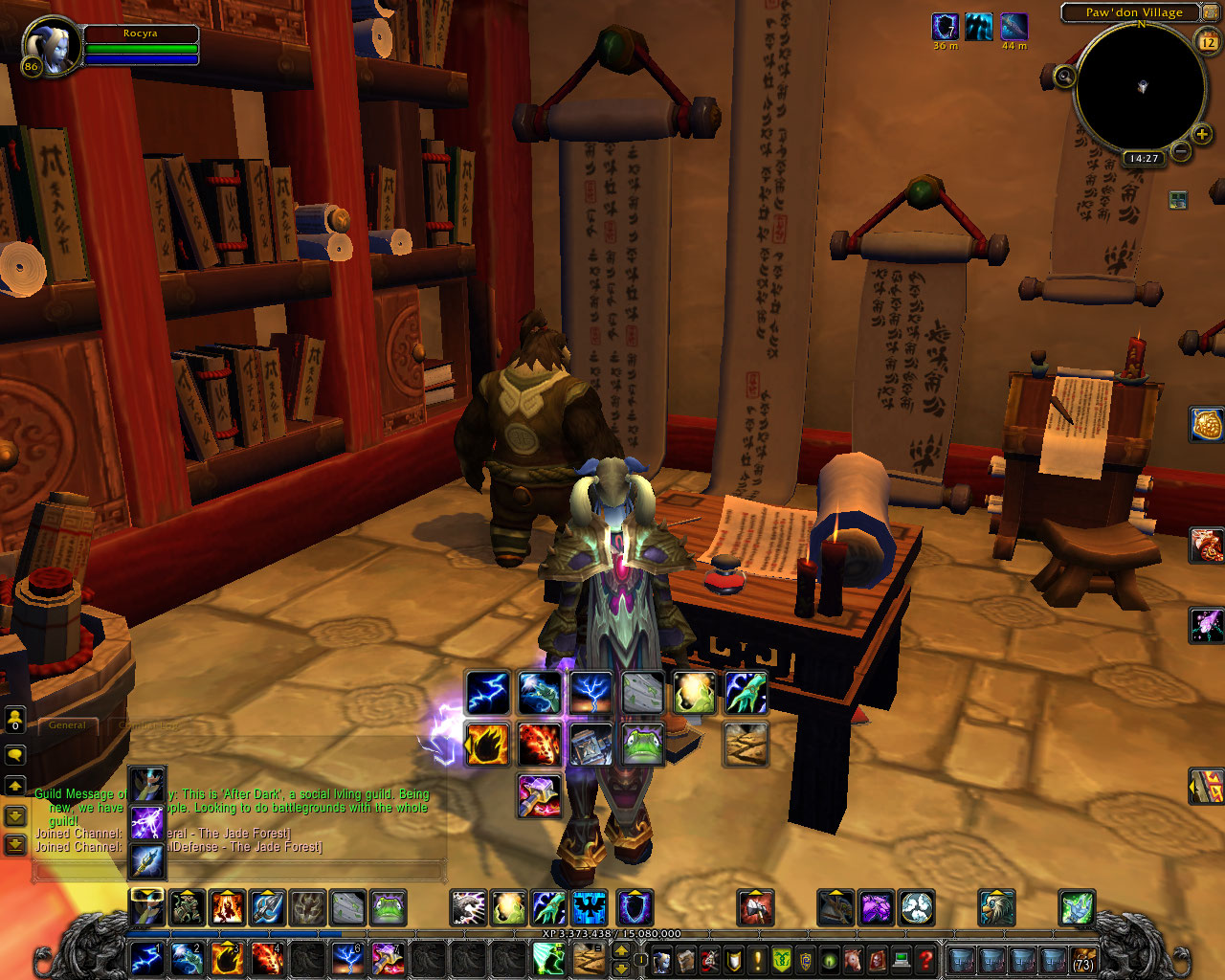
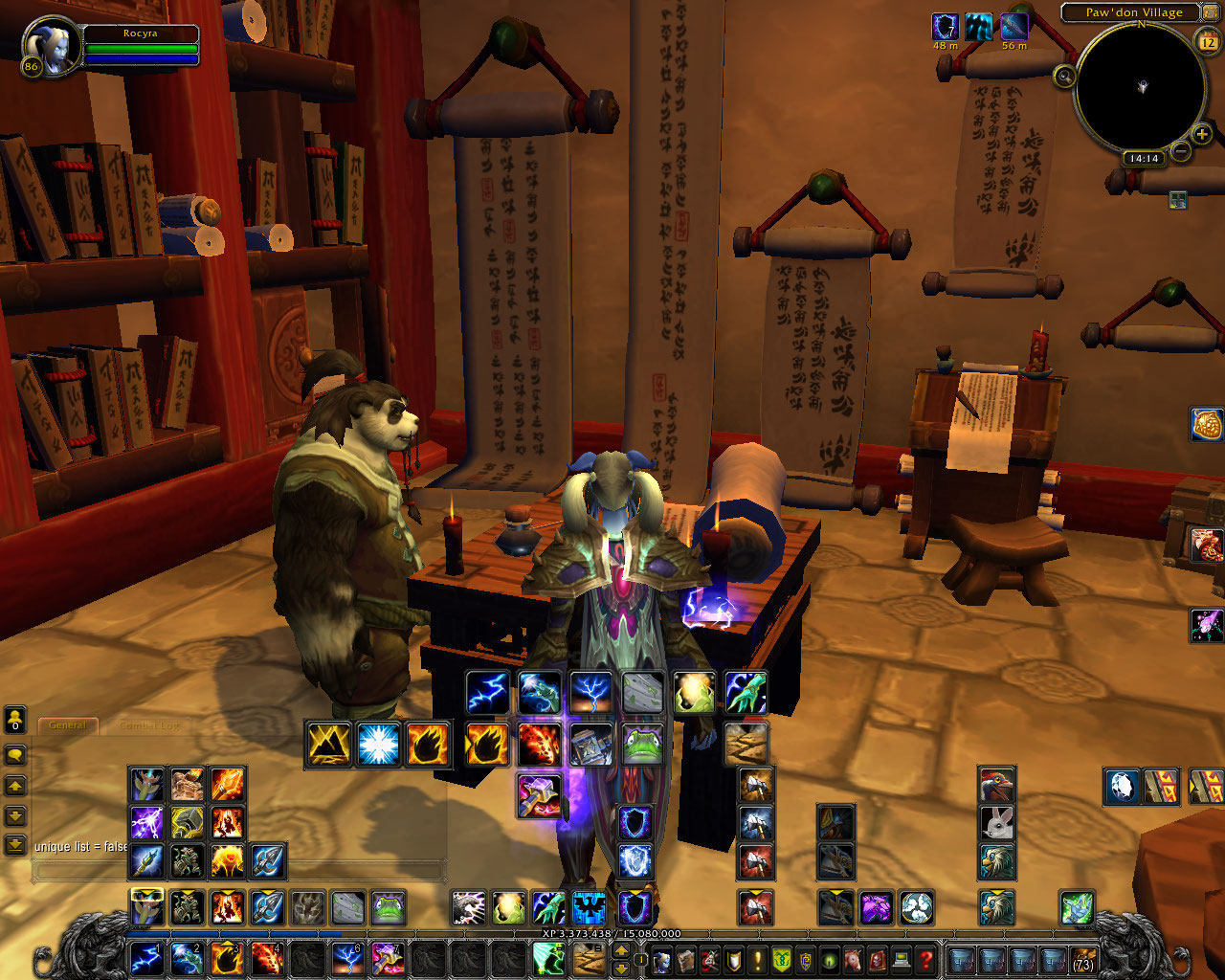
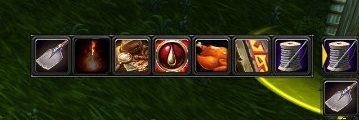
Custom Flyout buttons similar to Blizzard buttons like traps and teleports. Now you can make your own buttons!
New
MacroText support
HowTo
- To make your own button lists open Spellbook (or use slash command to enter SettingsMode): you will see small arrow-buttons attached to your action buttons. To start adding buttons click arrow-button: appears empty button list, drag there spells, companions, mounts, items, equipment sets. Close spellbook: buttons ready to use.
- To set flyout arrow direction right-click arrow button
- To set MacroText press small "Macrotext" cogwheel and customize. You can see screenshots at TinyExtraBars with examples.
Features
- Action buttons right-click while not in combat to set action to bar button. Supported default Blizzard action bars, TinyExtraBars, "Button Forge", Bartender4, Dominos, ElvUI.
- Action buttons right-click while in combat - selfcast
Slash commands
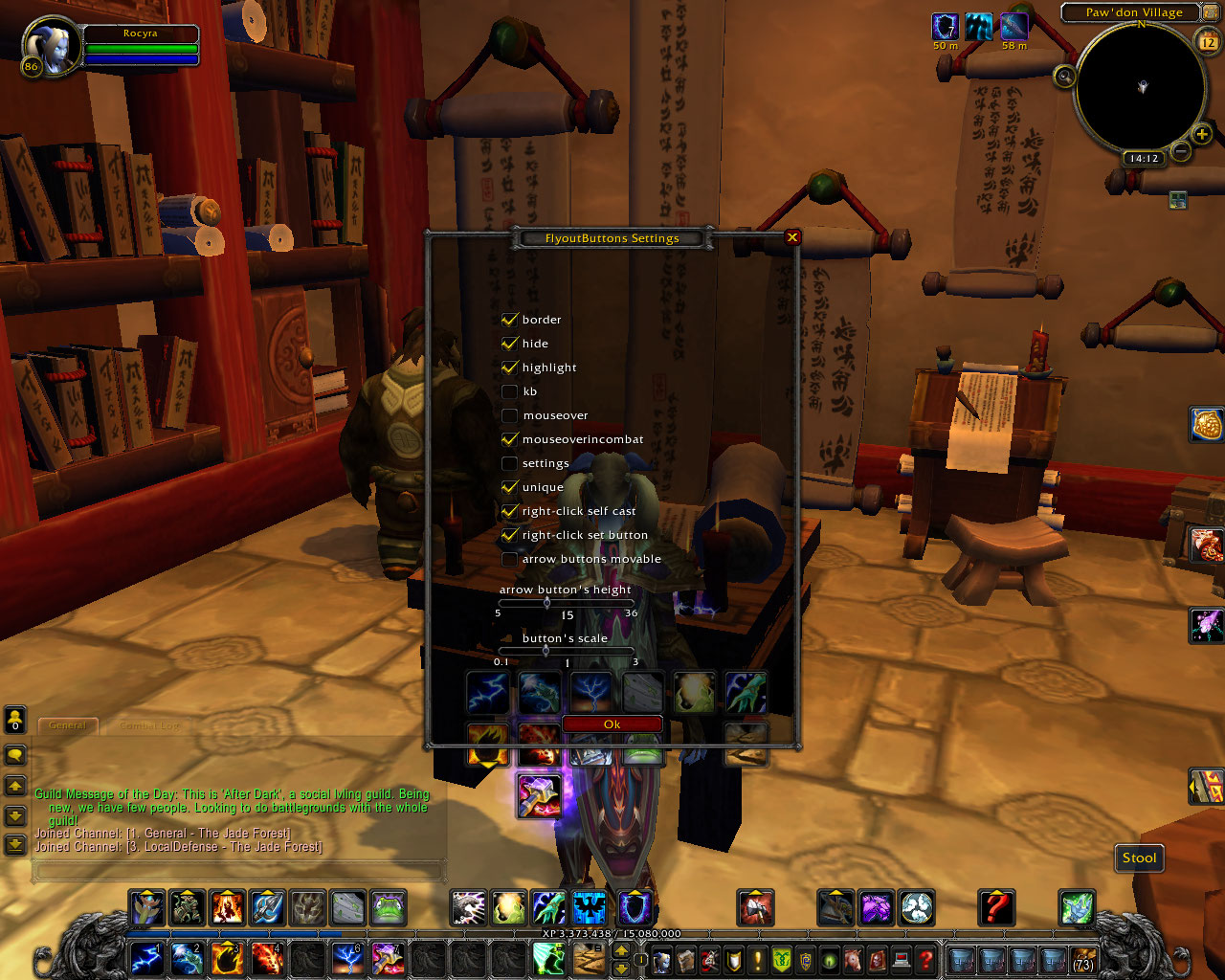
"/fbc" or "/fbcustom"
params:
- empty to show settings window
- 'help' to see available slash commands
Tested with
Default Blizzard action bar, TinyExtraBars, Button Forge, Dominos, Bartender 4, ElvUI.
Comments
Appreciated. If you using some 3-rd party action bars instead of "not works" please be more specific, like "not works with JohnSmithCoolBar".
You must be logged in to leave a comment.