
CornerToggle
A simple addon to toggle the visibility of frames by the screen corner
Details
Expansion
 Legion
 Categories
Developers

Having issues?
This addon can help you to bind multi-frames to a screen corner, so you can click the corner to hide or show all those frames, also show those hidden frames when move mouse to the corner.
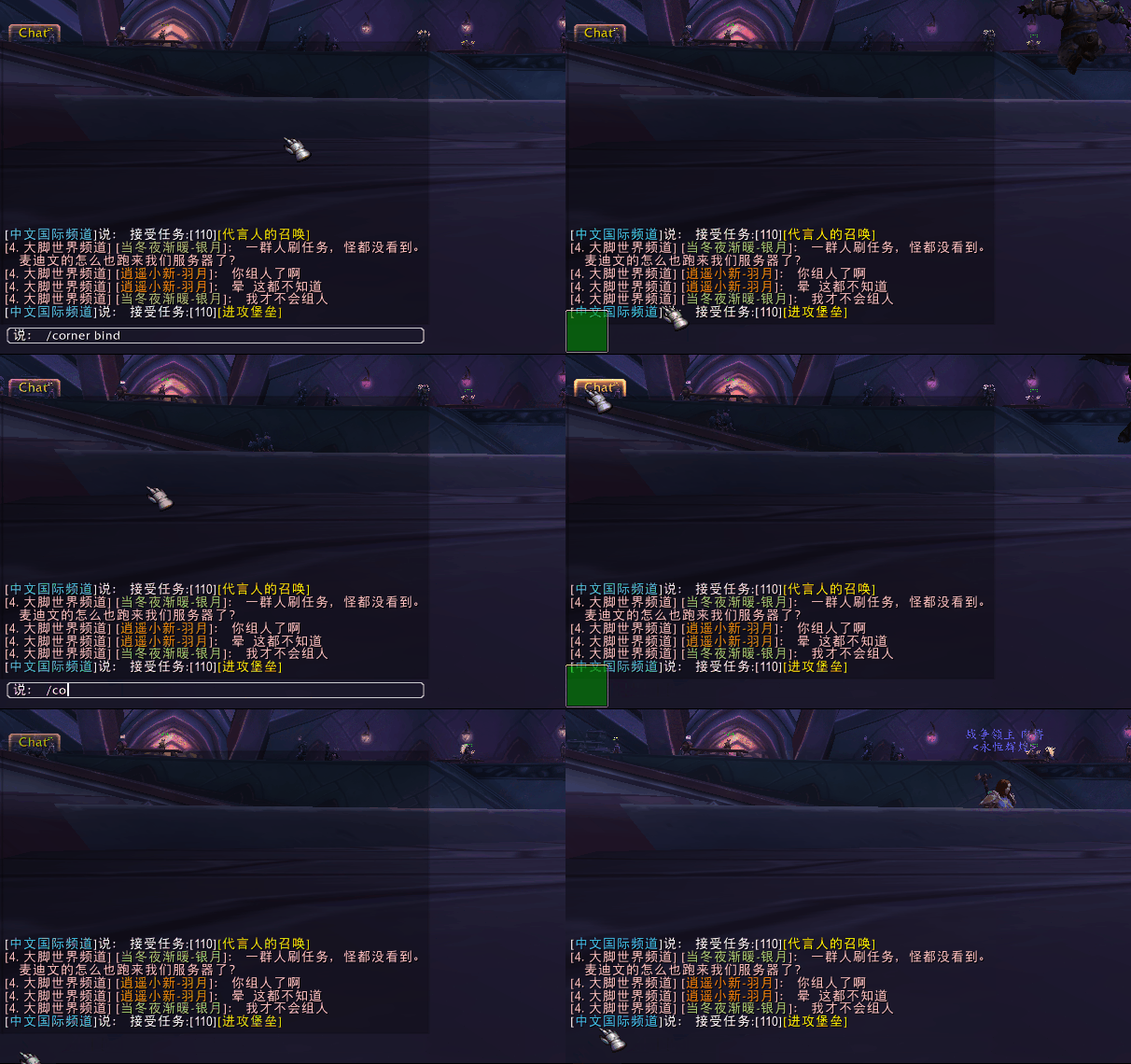
There are only one command can be used :
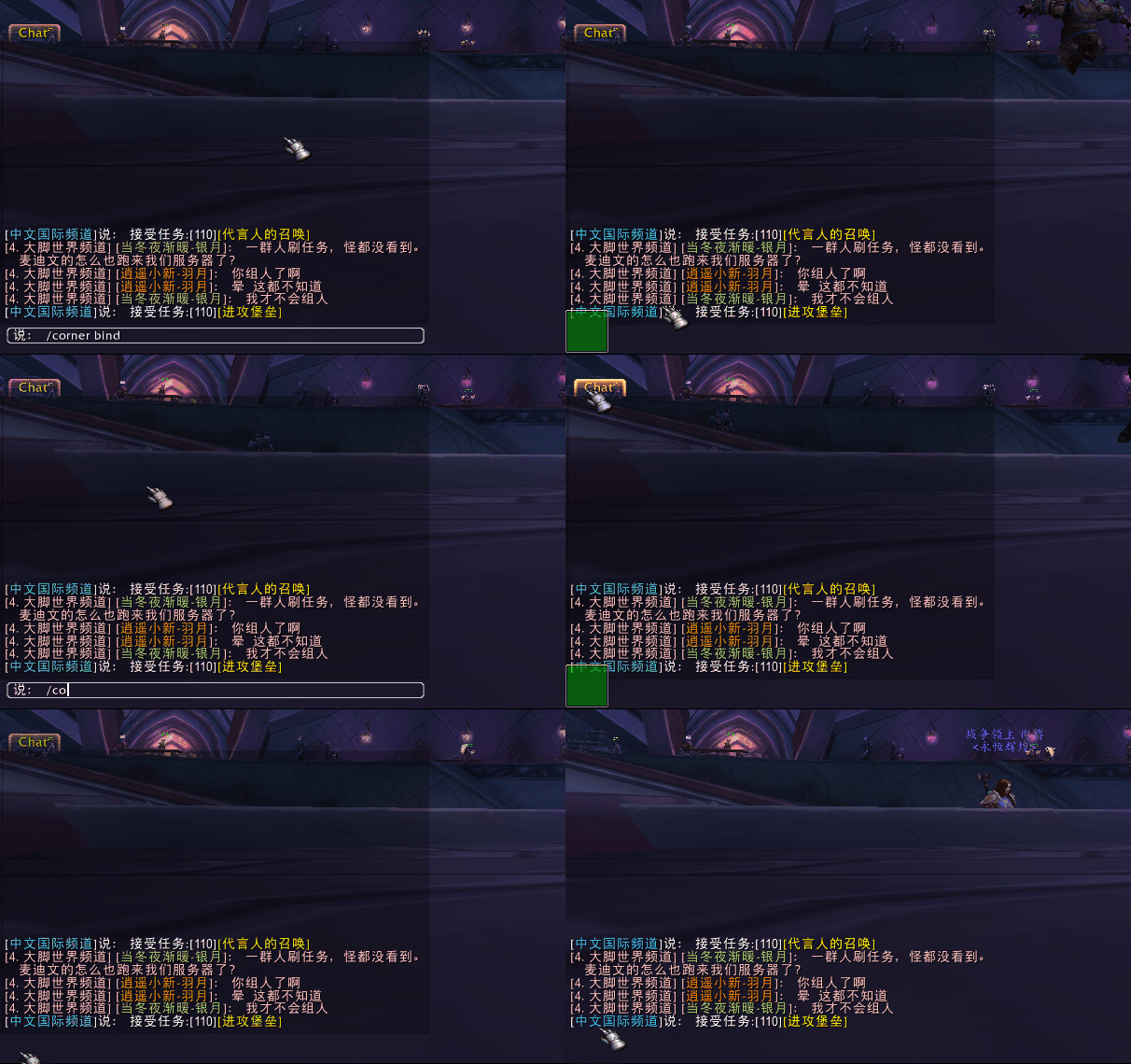
- /corner bind [name] - Start the binding process, if the name isn't applied, you can select the frame by mouse, use mouse wheel to toggle the frame or it's parent, only frame with global name can be bind, left-click the frame to bind it or right-click it to cancel the binding process, then you can click any corner to bind the frame.
Install
1. You need download the ploop and Scorpio lib for working.
2. Or you can use the Twitch.App to download it automatically.
Q: How do I release the frames?
A: Just right-click the corner.
Q: Shall it works on the secure frames?
A: From v002, secure frames like raid panel, action buttons that created from the secure template can be toggled during combat(normally to say, the secure frames from the 3rd-party addons), most original frames are protected but not secure like the WorldMapFrame, it may cause taint if you use this addon to toggle them.
You must be logged in to leave a comment.