
WMode
Lightweight visual profile manager for World of Warcraft, with instant Game, Cine, Nightmare, Original, and custom graphics presets.
Details
Expansion
 Forever
 Categories
Developers

Having issues?
WoW Visual Modes
WoW Visual Modes (WMode) is a lightweight visual profile manager for World of Warcraft.
It lets you switch instantly between different visual styles without repeatedly changing graphics options by hand.
Built-in visual modes
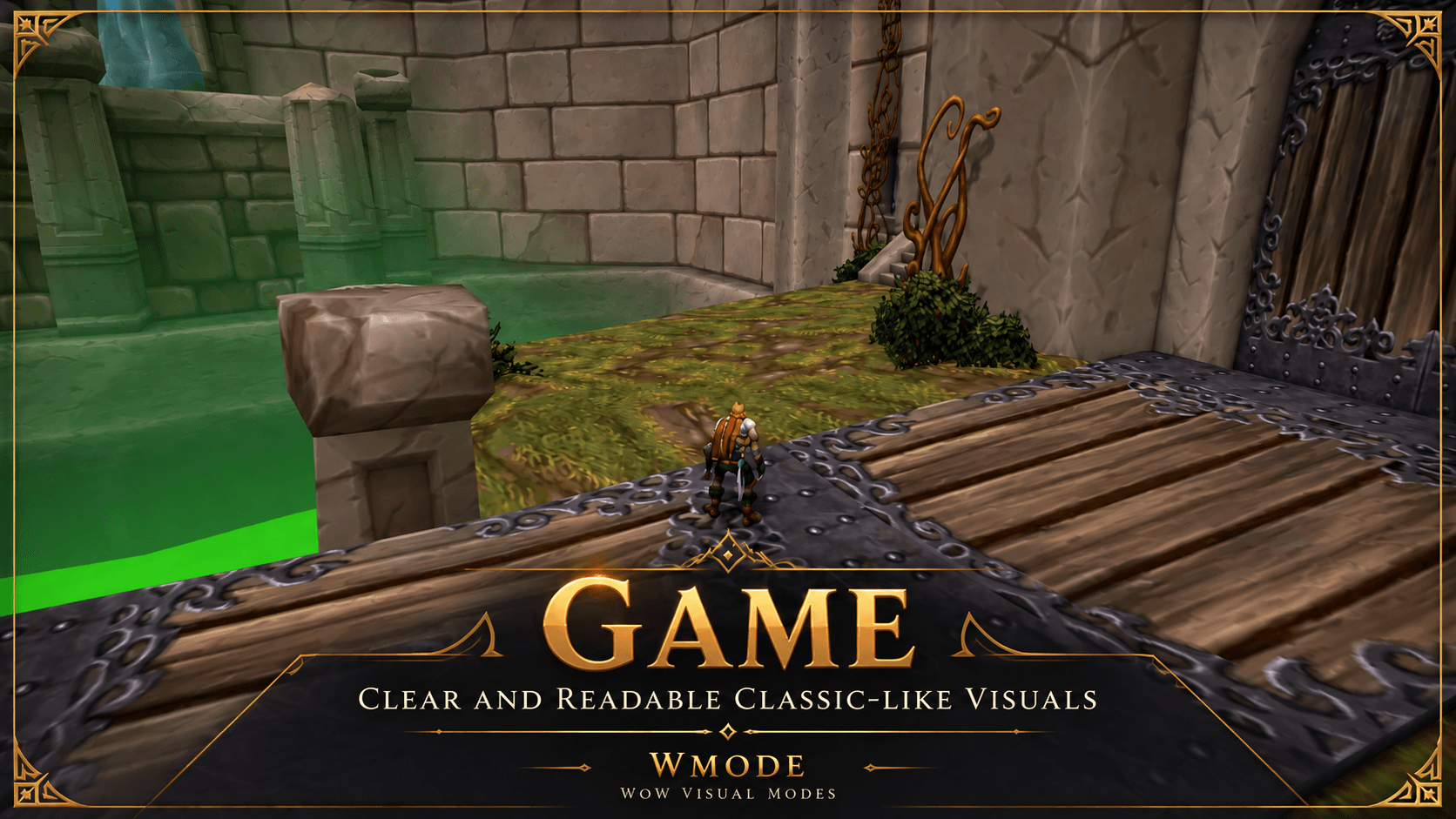
Game
A brighter, clearer profile focused on readability and combat visibility.
Useful for:
- Dungeons
- Raids
- Dark interiors
- PvP
- Areas where the default lighting makes enemies difficult to see
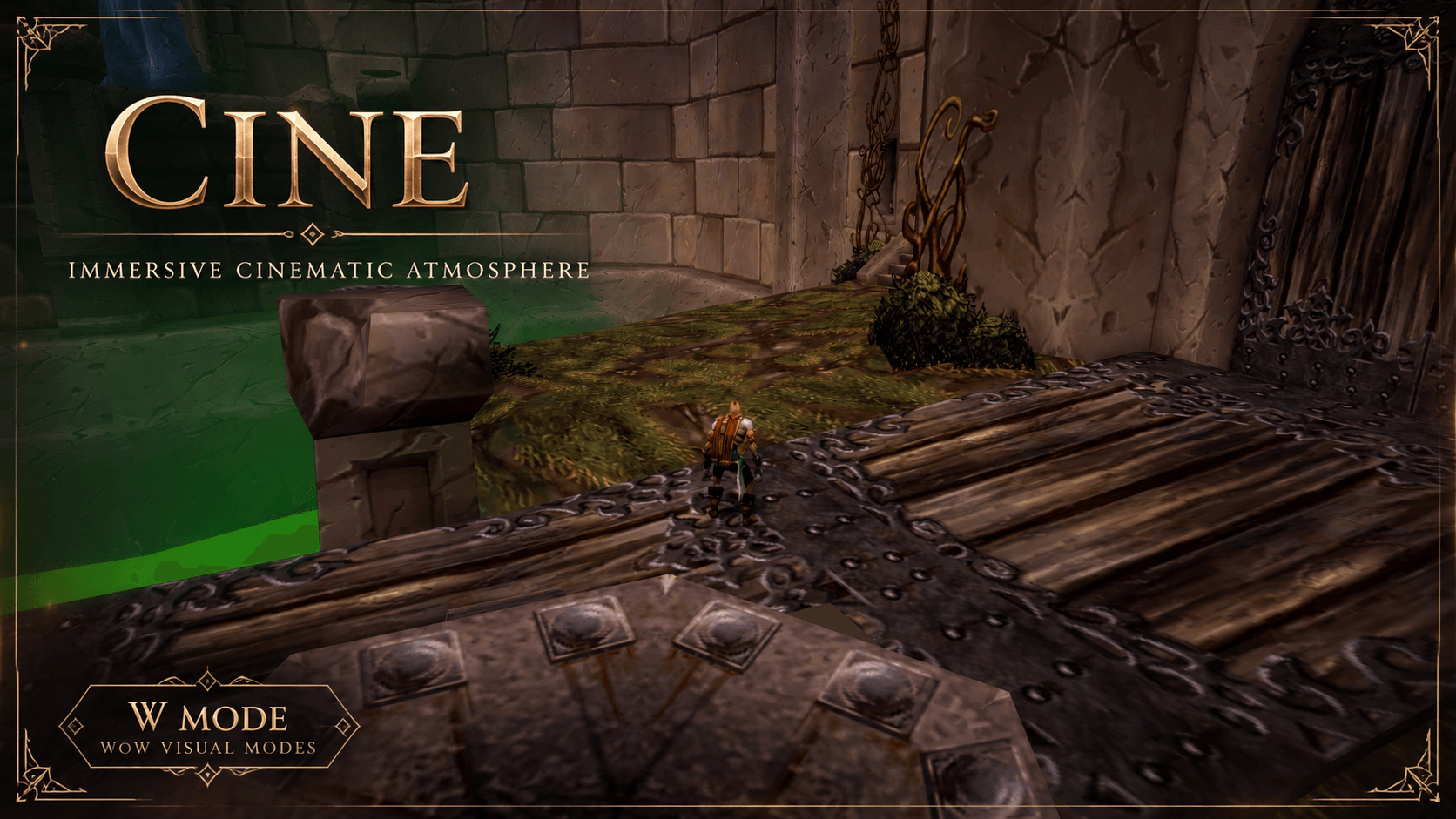
Cine
An immersive cinematic profile designed to preserve atmosphere, shadows, depth, and the feeling of exploring the world.
Useful for:
- Leveling
- Questing
- Exploration
- Screenshots
- Immersive play
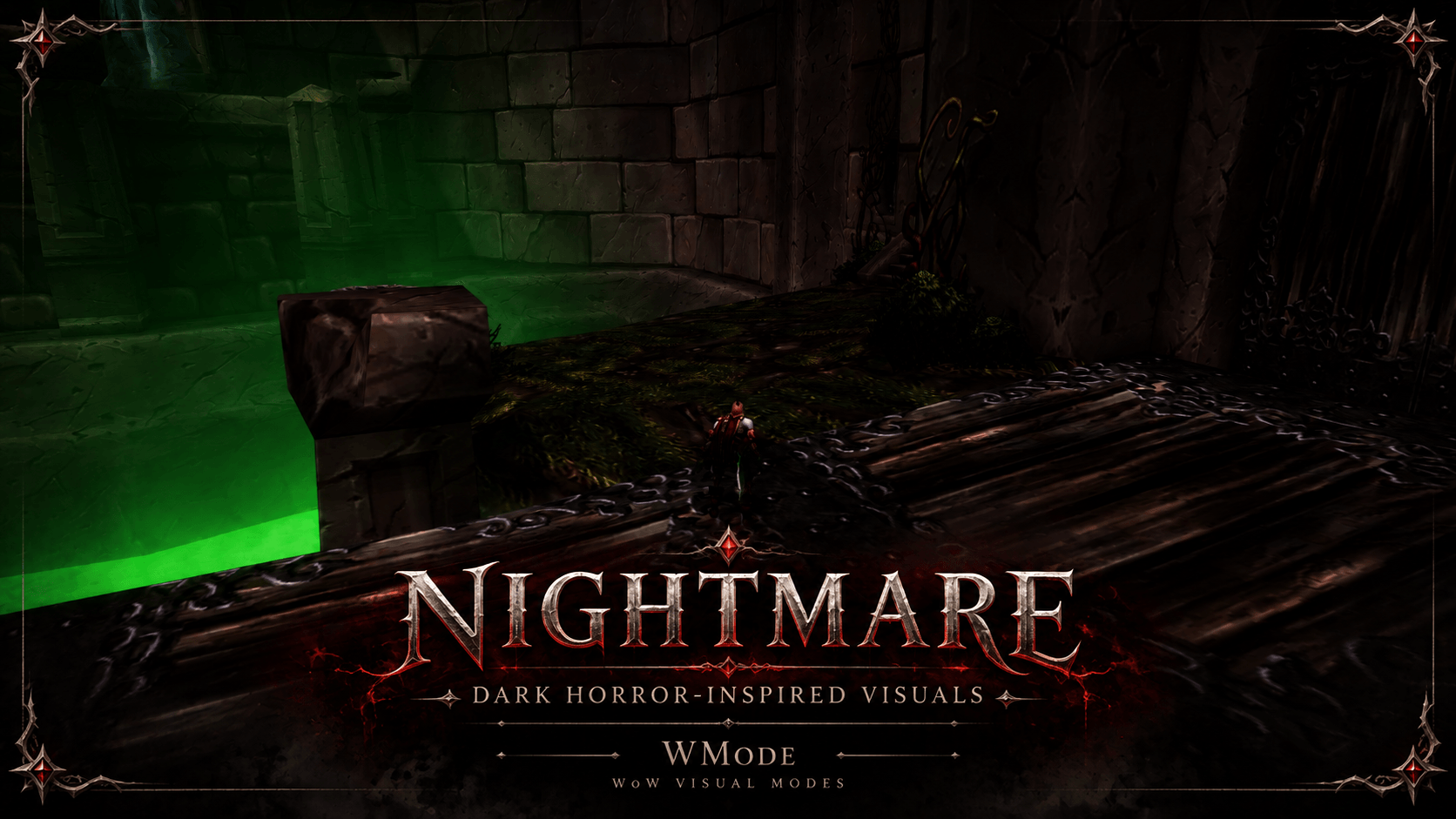
Nightmare
A darker horror-inspired profile with stronger shadows and reduced ambient character lighting.
For when Azeroth should feel a little less comfortable.
Original profile protection
The first time WMode loads, it automatically saves the current values of every graphics setting managed by the addon as Original.
The Original profile is protected and cannot be overwritten from the WMode interface.
This gives you a simple way to return to the visual configuration you were using before WMode.
Custom profiles
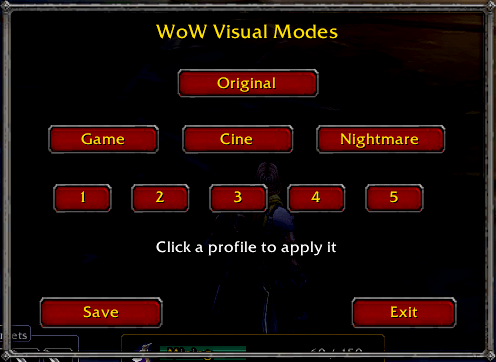
WMode provides five custom profile slots.
To save a profile:
- Adjust the game visuals however you want.
- Open WMode with
/wmode. - Click Save.
- Click Slot 1–5.
If the slot already contains a profile, WMode asks for confirmation before replacing it.
To load a saved profile, simply click its slot.
Fast profile comparison
Profiles load immediately when clicked.
You can quickly compare:
Original → Game → Cine → Nightmare → Custom slots
without using a separate Load button.
Managed graphics settings
WMode only stores and modifies the settings used by its visual profiles:
- Contrast
- Brightness
- Gamma
- Secondary Lighting mode
- Global Illumination quality
- Shadow mode
- SSAO type
- Character ambient lighting
It does not save or overwrite your entire World of Warcraft graphics configuration.
Diagnostic tools
WMode also includes lightweight diagnostic commands for troubleshooting graphics changes.
/wmode snapshot
Stores a diagnostic baseline containing additional graphics CVars.
/wmode diagnose
Compares the current graphics configuration against that baseline and reports changed values.
/wmode status
Displays the graphics CVars directly managed by WMode.
Commands
/wmode— Open the profile manager/wmode original— Restore Original/wmode game— Apply Game/wmode cine— Apply Cine/wmode nightmare— Apply Nightmare/wmode save 1-5— Save a custom profile/wmode load 1-5— Load a custom profile/wmode snapshot— Save a diagnostic baseline/wmode diagnose— Compare against the baseline/wmode status— Show managed graphics values
Design goals
WMode is intentionally small.
No external libraries. No localization framework. No complicated setup.
Just a quick way to switch between visual profiles while preserving the user's original settings.
Author: EZ-Mouse
You must be logged in to leave a comment.