
TinkerBox Forever
A modular utility toolbox for World of Warcraft Forever.
Details
Expansion
 Forever
 Categories
Developers

Having issues?

TinkerBox Forever
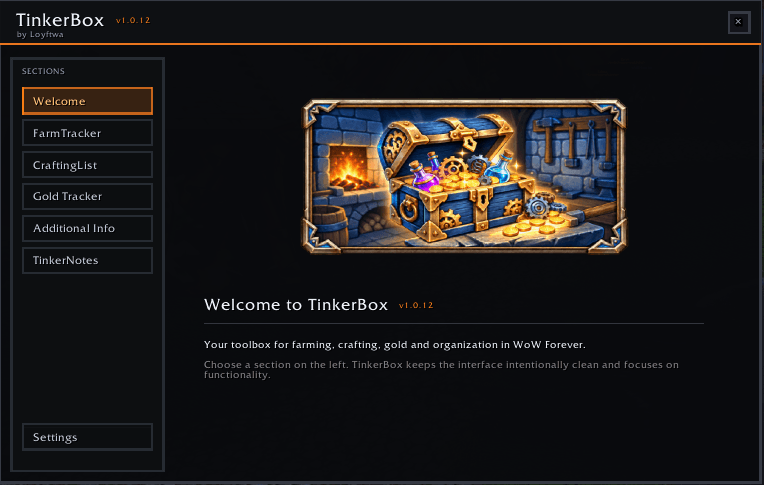
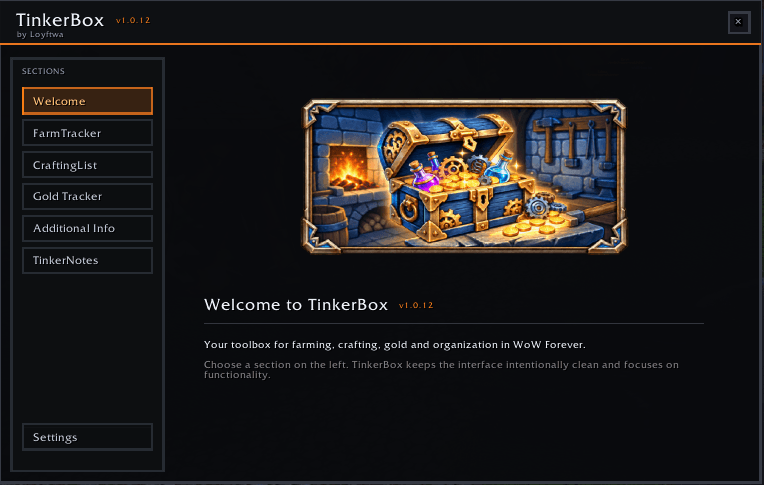
TinkerBox Forever is a modular utility toolbox built specifically for World of Warcraft Forever.
It combines farming, crafting, gold tracking and personal organization tools in one consistent in-game interface.
Features
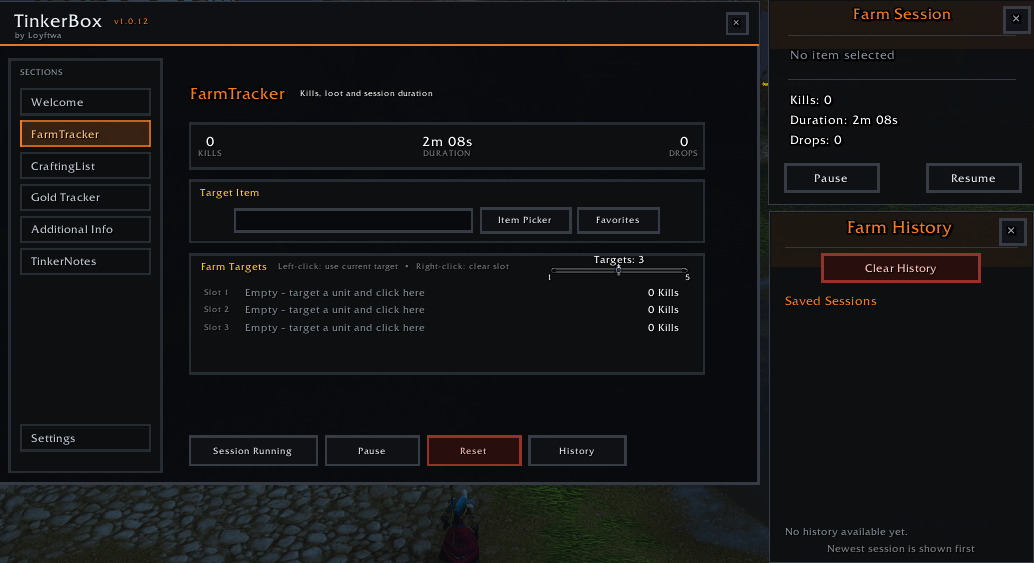
FarmTracker
Track your farming sessions directly in-game.
Start, pause, resume and reset farming sessions
Track multiple farming targets
Automatic kill tracking
Track target items and drops
Item picker
Compact movable Mini Tracker
Farm favorites
Farm session history
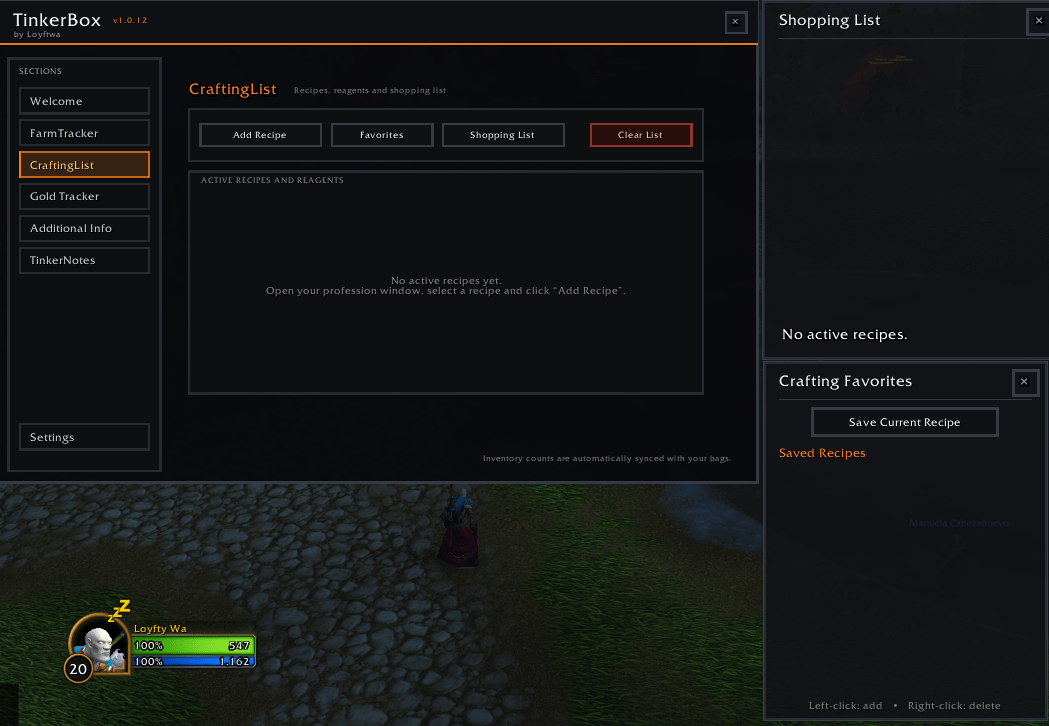
CraftingList
Keep track of recipes and required crafting materials.
Add and manage crafting recipes
Track required reagents
Compare required materials with your inventory
Adjustable recipe quantities
Combined shopping list
Crafting favorites
Persistent saved data
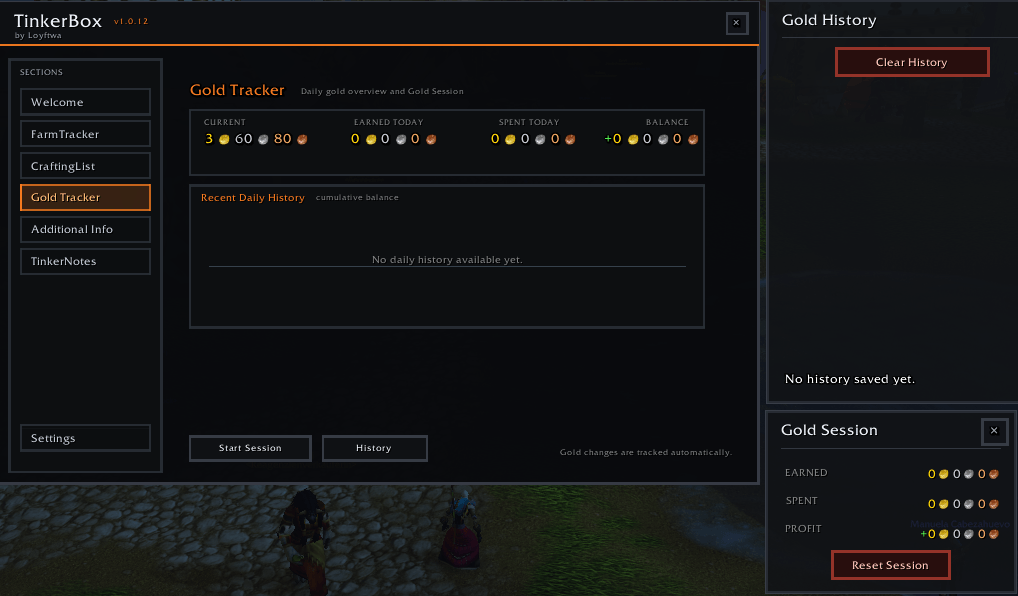
GoldKasse
Keep an overview of your gold activity.
Track income and expenses
Daily balance
Persistent gold sessions
Gold history
Multi-day overview
Movable Gold Session window
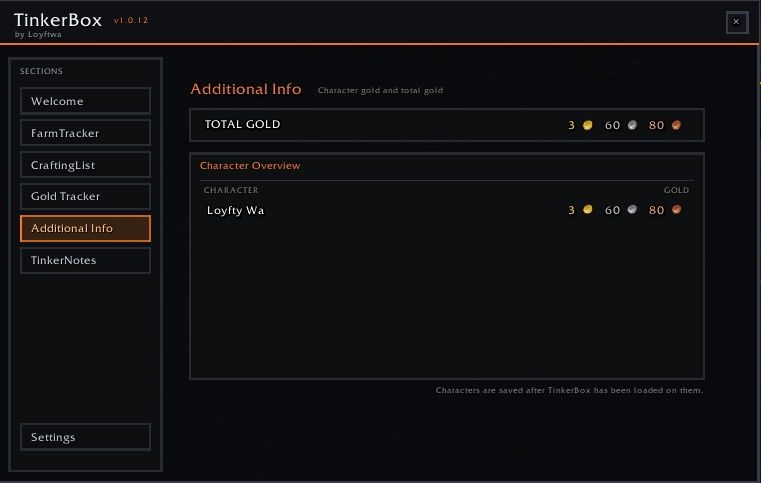
Character & Realm Overview
View stored character gold information for your current realm.
Character gold overview
Total realm gold
Character-based saved information
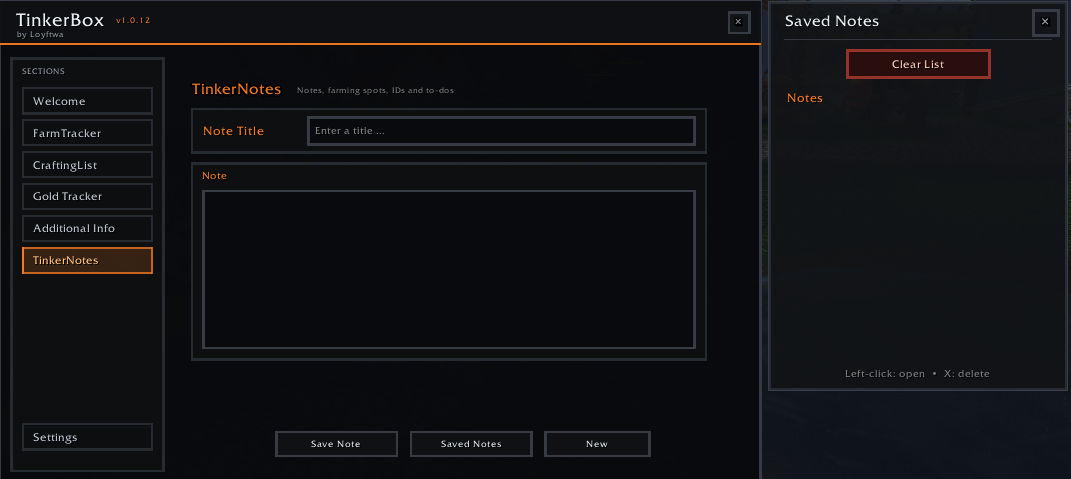
TinkerNotes
Create personal in-game notes for things you want to remember.
Useful for:
Farming locations
Item and NPC IDs
To-do lists
Personal reminders
General gameplay notes
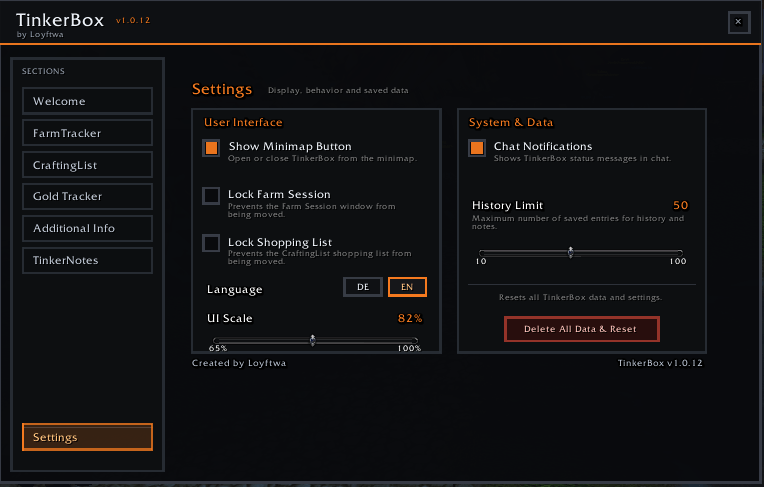
Minimap Integration
TinkerBox Forever includes its own embedded LibDataBroker / LibDBIcon minimap system.
Left-click to open or close TinkerBox
Right-click to open Settings
Drag the button around the minimap
Position is saved automatically
Supports different minimap sizes and shapes
Position persists after
/reloadand game restarts
All required libraries are embedded directly inside the addon.
No external dependency is required.
You do not need to install:
LibDBIcon
LibDataBroker
LibStub
Ace3
BugSack
Any other library addon
Compatibility
This version of TinkerBox is intended specifically for:
World of Warcraft Forever
For the Midnight version, please use the separate TinkerBox Midnight project.
Installation
Download TinkerBox Forever.
Extract the
TinkerBoxfolder into your WoW ForeverInterface/AddOnsdirectory.Start or reload World of Warcraft.
Open TinkerBox using the minimap button.
When installed through the CurseForge App, installation and updates are handled automatically.
Created by Loyftwa
You must be logged in to leave a comment.