

Targeting Icons
Helps announce targets with icons and whisper what to crowd control
Details
Expansion
 Forever
 Categories
Developers

Having issues?
TargetingIcons
Clear assignments. Better coordination. Less confusion before the pull.
TargetingIcons helps your party or raid organize Tank, Crowd Control, Interrupt, and Focus Target responsibilities using familiar raid-marker icons. Build a plan, announce it to your group, and synchronize it with other TargetingIcons users.
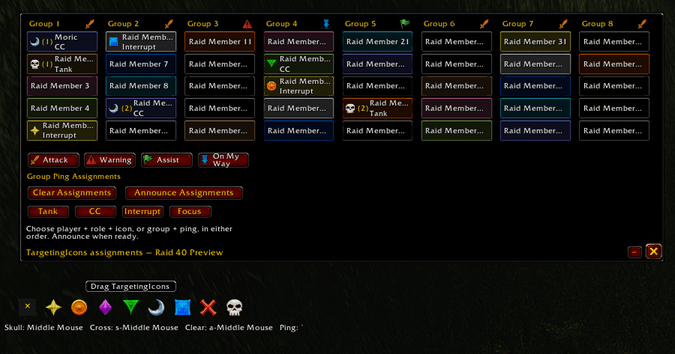
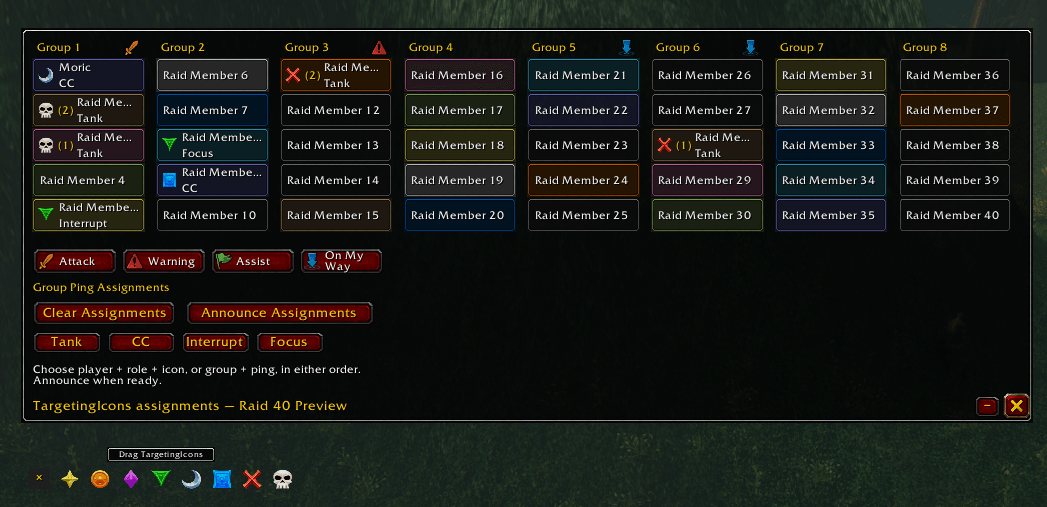
Caption: Preview roles, target icons, and group ping assignments across eight raid groups.
PLAN YOUR GROUP’S ASSIGNMENTS
- Choose a player, responsibility, and icon in any order
- Assign multiple players to the same responsibility and icon, with automatic rotation numbering
- Preview party and raid layouts before using them with your group
- Share assignments through party or raid chat and individual whispers
Teammates can read chat announcements and whispers without installing the addon. Other TargetingIcons users also receive the published roster directly in their addon.
Any normal party member can publish a plan. In raids, the leader and assistants publish while other members receive the assignments.
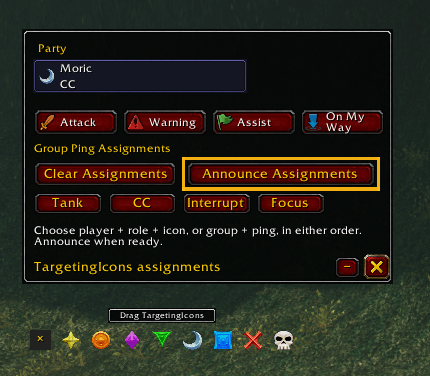
Clear Assignments clears your local draft first. Press Announce Assignments when you’re ready to publish the cleared plan to the group.
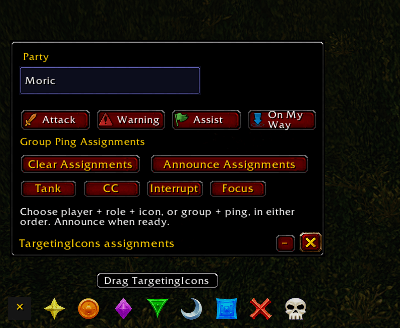
Caption: Manage party assignments and keep marker reminders close.
KEEP YOUR SHORTCUTS HANDY
View and customize raid-marker keybindings from the addon. Clear and Undo Last Change help you recover from accidental changes, while Enter and Numpad Enter are protected from reassignment through TargetingIcons.
Reset WoW Defaults asks for confirmation because it resets the entire active WoW binding set.
On clients with Blizzard’s Ping System, you can also plan Attack, Warning, Assist, and On My Way assignments for groups. Use WoW’s native controls to place actual target markers and battlefield pings.
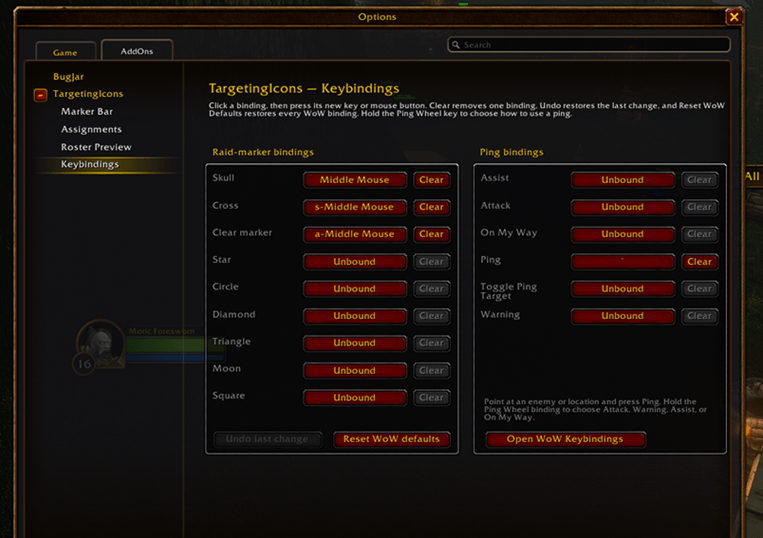
Caption: Manage marker shortcuts and available native Ping bindings in one place.
MAKE IT FIT YOUR SCREEN
- Choose horizontal or vertical marker layouts
- Move frames or anchor them to your target
- Adjust scale, opacity, and raid-column size
- Choose when assignments automatically minimize
- See unread assignment updates while minimized
- Use Visibility Status to understand why a frame is hidden or minimized
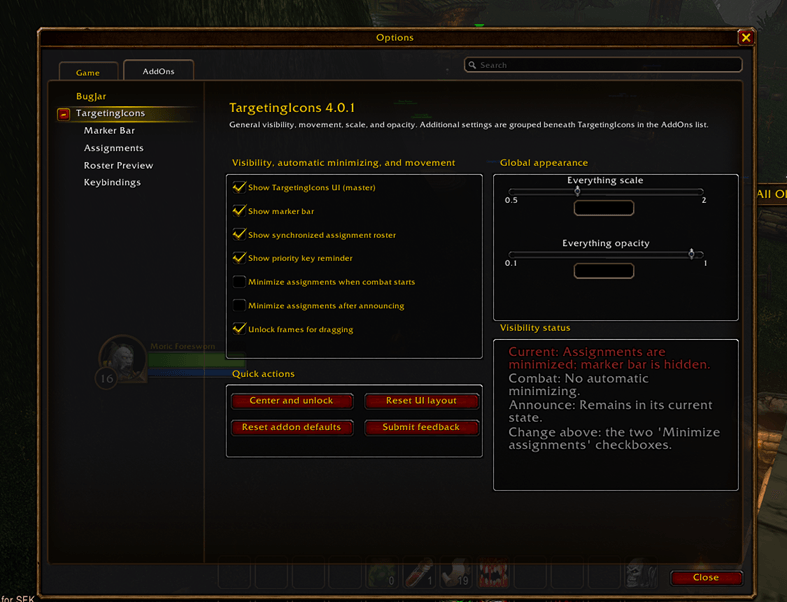
Caption: Customize visibility, automatic minimization, positioning, scale, and opacity.
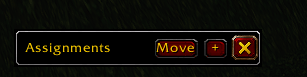
Caption: Keep assignments compact when you don’t need the full roster.
GET STARTED
- Type /ti outside combat to open options
- Choose a player, responsibility, and marker icon
- Press Announce Assignments to share your plan
Type /ti help for available commands. Keep your group on the current addon version for consistent synchronization.
FEEDBACK AND BUG REPORTS
Have an idea or found a problem? Open Submit Feedback in the addon for the feedback form, public comment links, and copyable technical information. The form lets you include an image and addon/client details to help explain your report.
GAME CLIENTS
One shared package is designed for Retail, Classic Era / Season of Discovery, Burning Crusade Anniversary, Mists of Pandaria Classic, and Warcraft Forever. Available features depend on each client’s APIs.
INSTALLATION
Extract the TargetingIcons folder into your client’s Interface/AddOns folder, or install through your addon manager.
You must be logged in to leave a comment.