
SnapHeal: Click-Cast Healing
An intuitive click-to-heal unit frame addon built for fast reactive healing. Forever and Midnight!
Details
Expansion
 Forever
 Categories
Developers

Having issues?
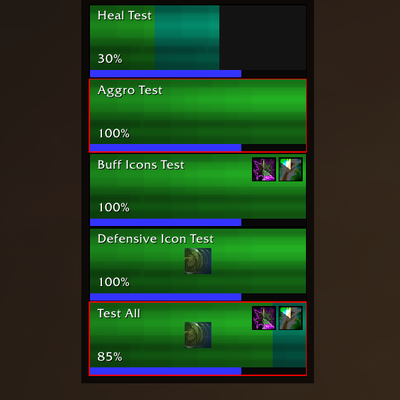
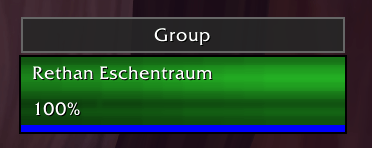
SnapHeal is a high-performance, standalone unit frame addon for Forever and Retail. Built for fast, reactive healing, it combines highly customizable group frames with intuitive click-casting and layout settings. Perfect for both Dungeons and massive Raids.
Please feel free to leave feedback or report bugs in the comment section!
Core Features:
- Standalone Unit Frames
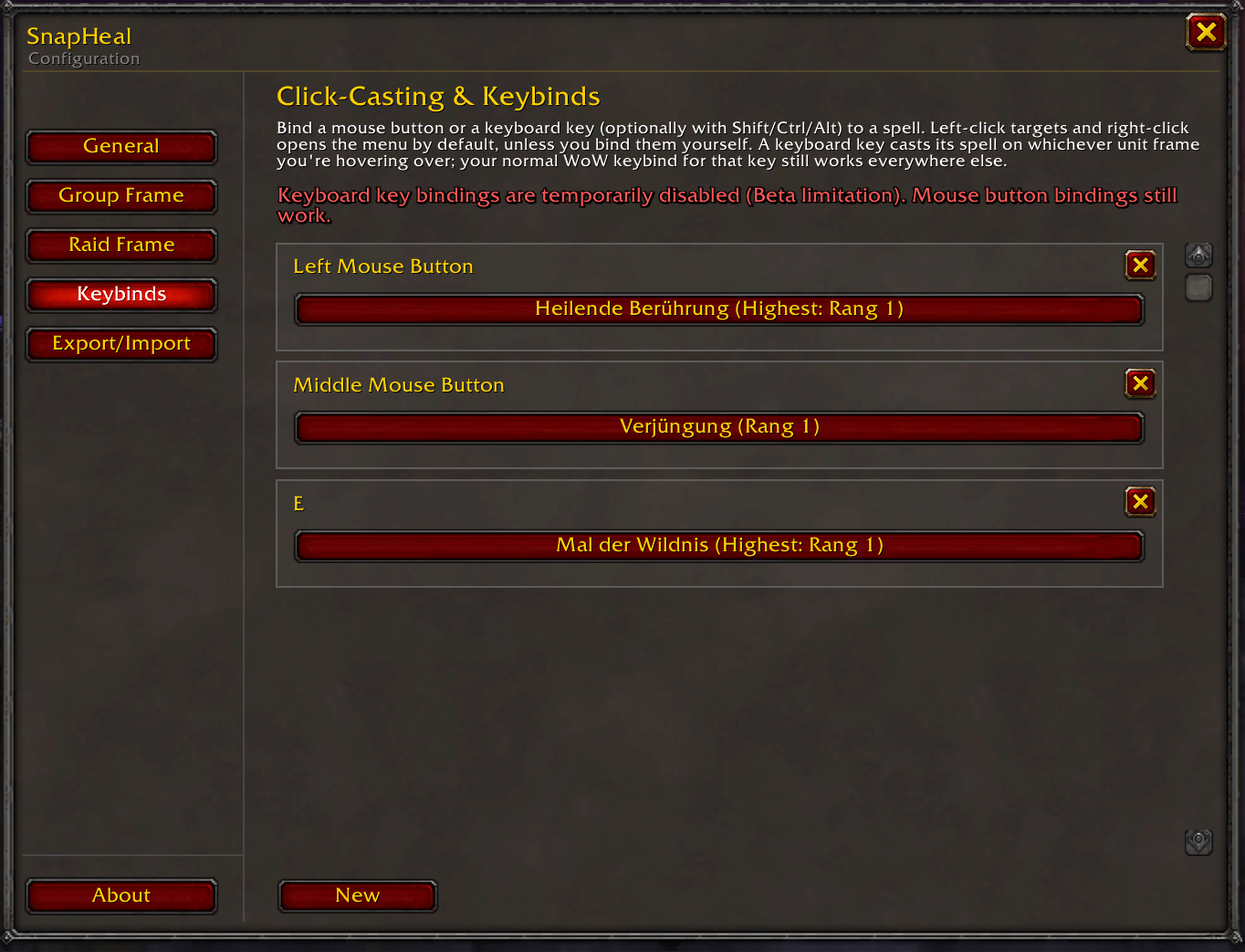
- Click-Casting with Character-Specific Keybindings (Mouse & Keyboard Input)
- Spell Rank Differences in Forever!
- DRUID: Show Mana and Rage/Energy in Druid Form!
- Adjustable icons for buffs and debuffs with Filterlists
- Show Debuffs like diseases, poisons, etc.
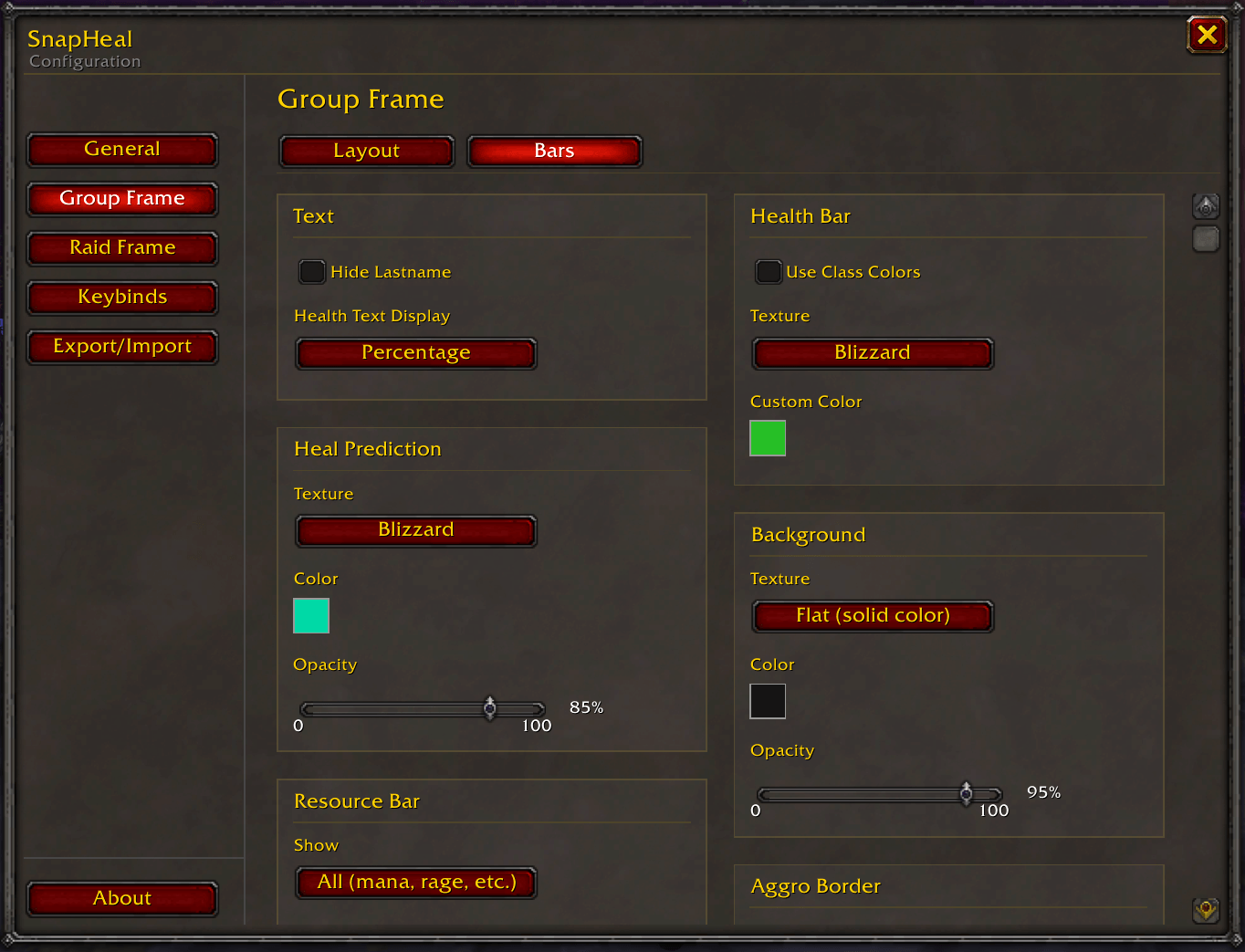
- Fully Customizable Appearance
- Built for Group & Raid Content
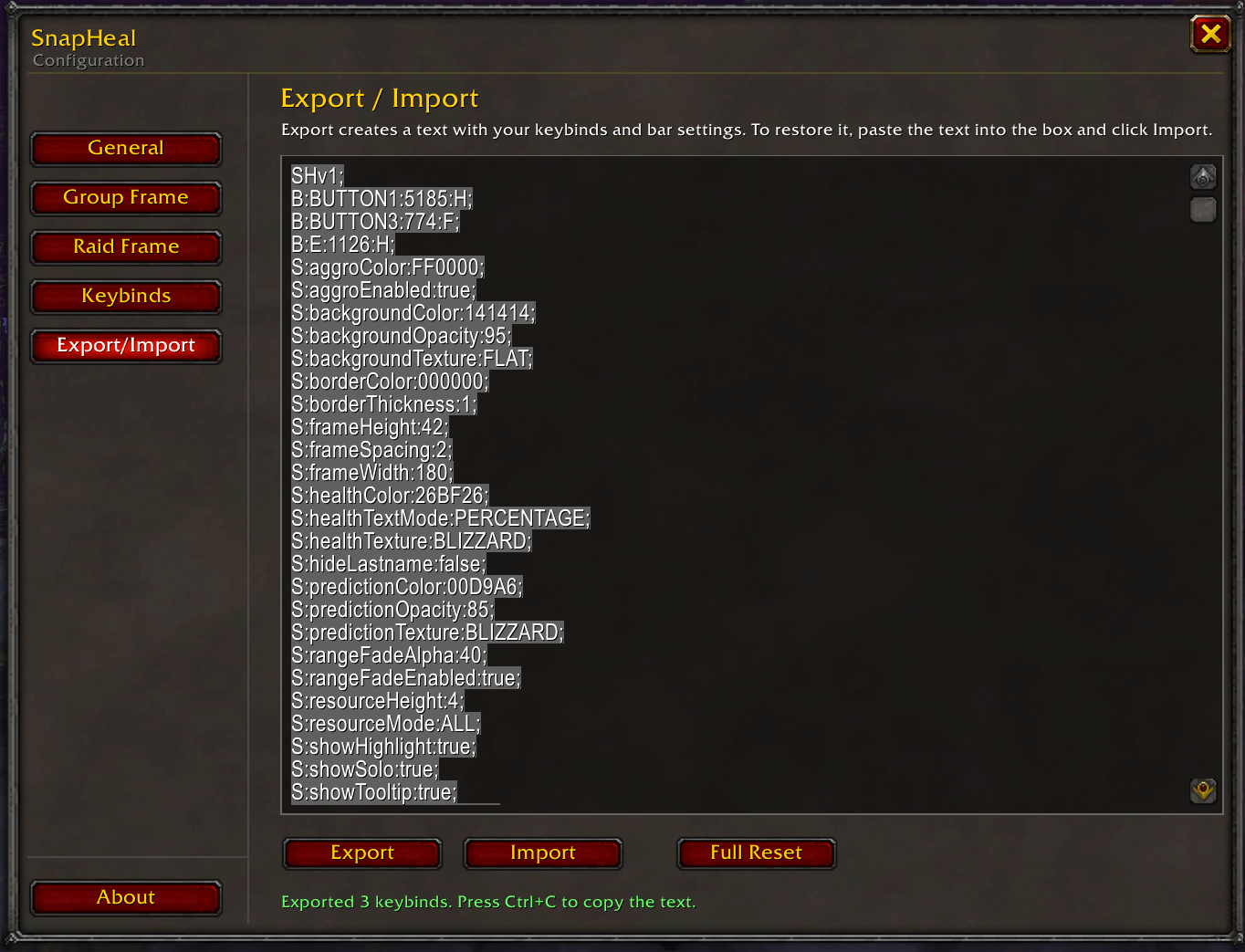
- String Import & Export
How it Works:
Click-Casting
Bind a spell to a mouse button or a keyboard key, then hold that button/key while clicking a unit frame to cast the spell on that unit — no target-switching needed. These binds are independent of WoW's own keybinds: you can, for example, bind Flash Heal to left-click and Renew to shift+left-click on the frames, completely separate from your action bar hotkeys. Target (select the unit, no cast) and Context Menu can be bound the same way.
Setting Up Binds
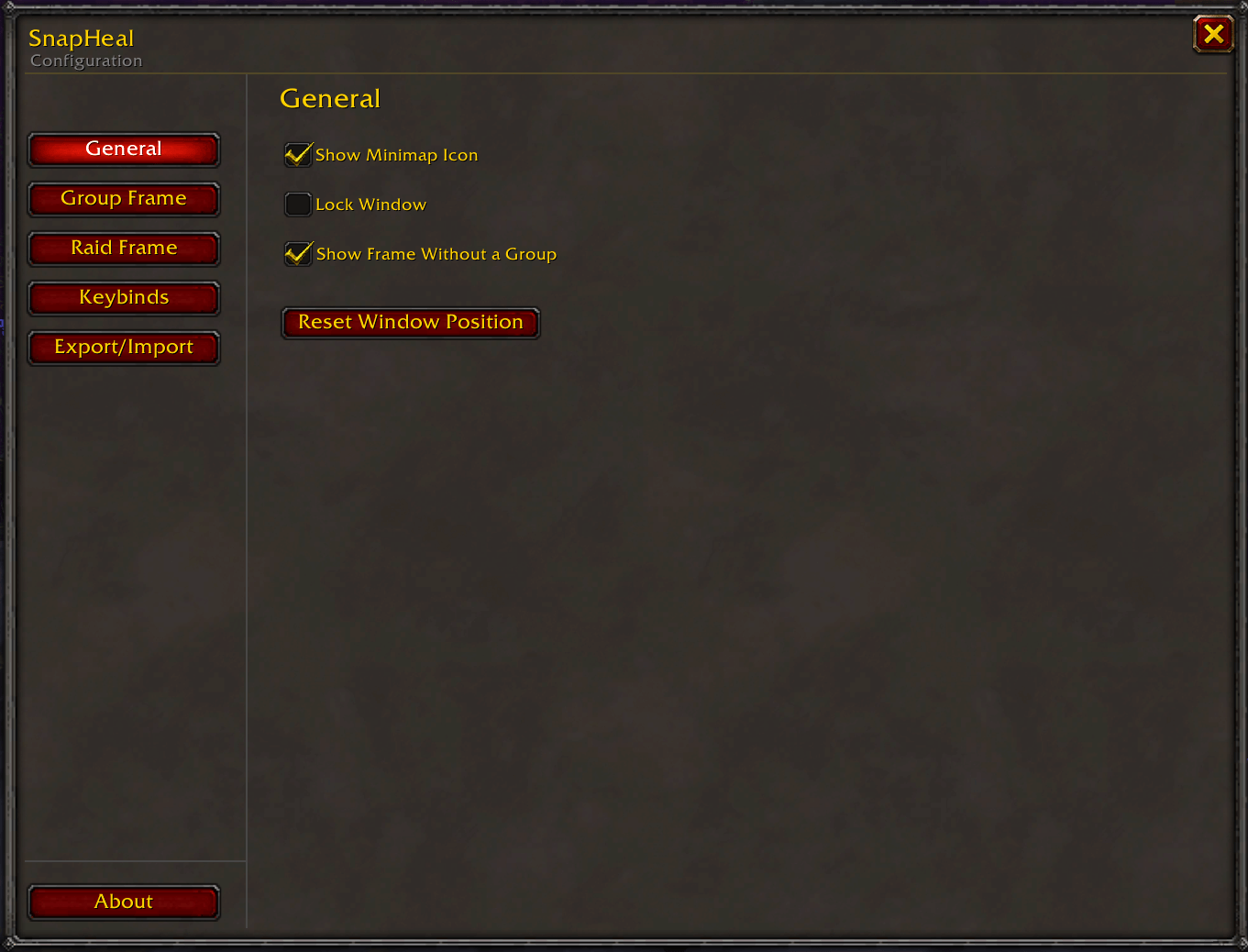
Open the config with a Click on the Minimap-Icon or /shconfig, go to Group Frame or Raid Frame, and assign a spell, Target, or Context Menu to any mouse button or key. Binds are per profile and can be exported/imported as text to share between characters.
Heal Effects & Defensives
Track heal-over-time effects and heal buffs (Heal Effects) or a tank's defensive cooldowns (Defensives) directly on the frames, so you can see at a glance what's already active on a unit. Add a spell by its SpellID; don't know the ID? Use the built-in SpellID finder (type the spell name, get the ID) — it only finds spells your own client already knows.
Everything Else
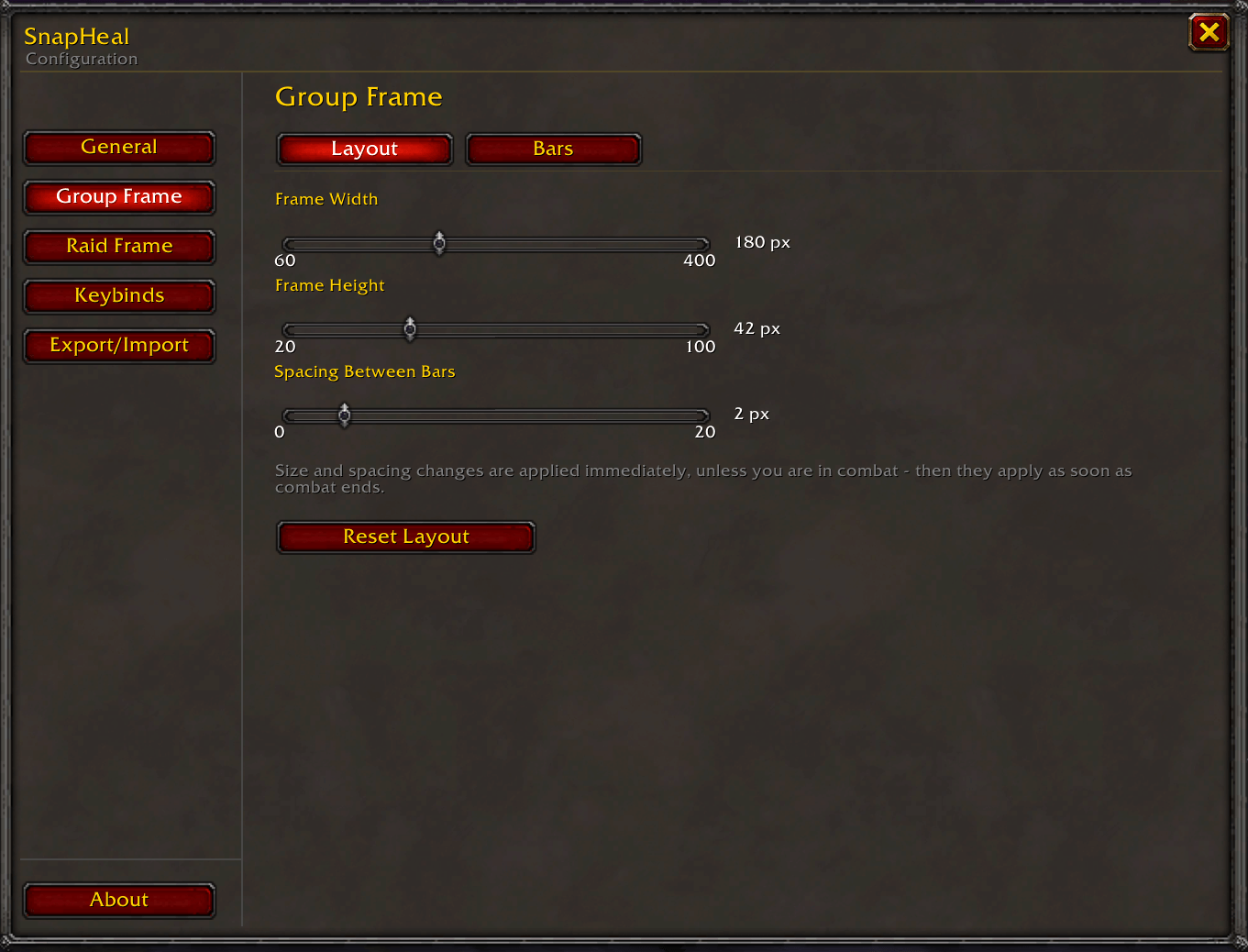
Frame size, spacing, colors, resource bars, range fading, and more are all configurable in the same menu. Type /sh in-game for a full list of slash commands.
Command:
/sh (Show Commands)
Planned Updates:
- Seperated Frames for Friendly Target and Focus
- Optional Role Icons
- Multilanguage Support
- More Customization
You must be logged in to leave a comment.