
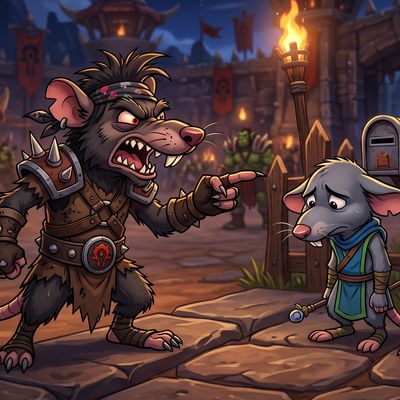
Rude Boy
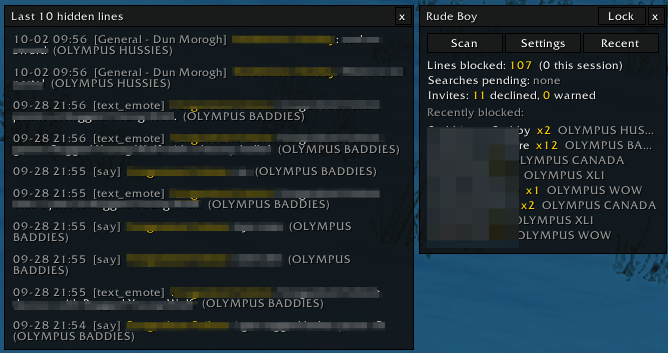
Rude Boy hides toxic chat.
Details
Expansion
 Forever
 Categories
Developers

Having issues?
v0.1.9 Update.
Minimalist UI overhaul.
v0.1.7 Update.
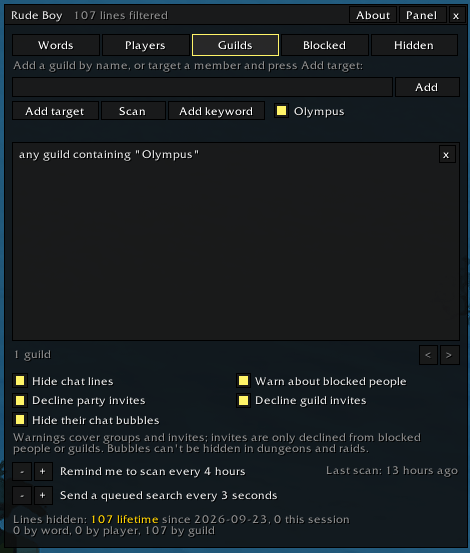
A big one. This release fixes a significant number of errors in how guild scans ran on WoW Forever, makes the addon much easier to live with day to day, and turns the on-screen panel into a command center for everything Rude Boy does.
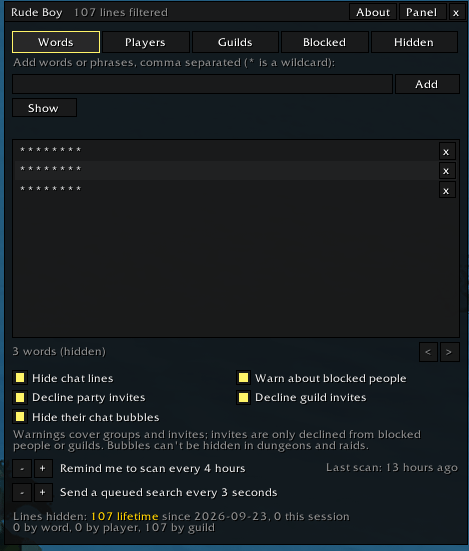
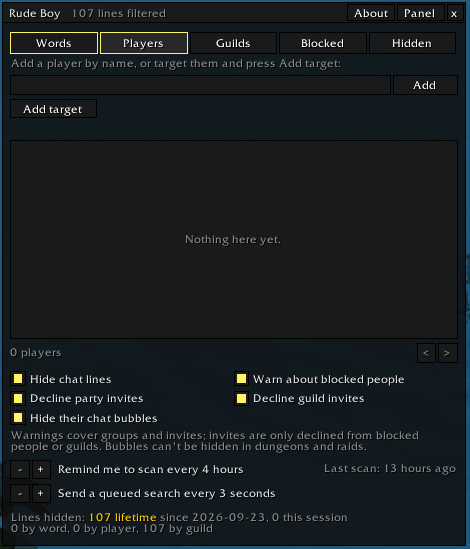
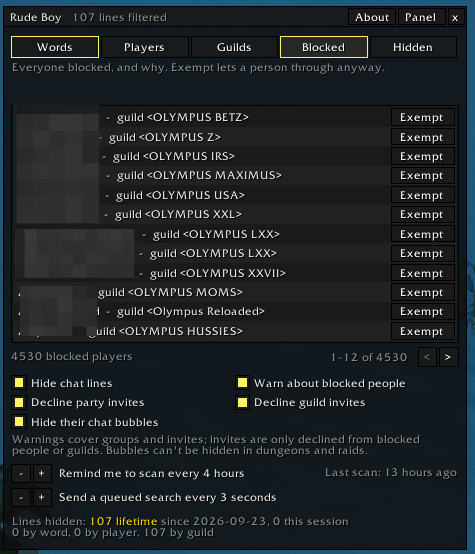
Rude Boy hides toxic chat. Block words, players or whole guilds and their lines vanish. Get a private warning when a blocked player or guild member invites you or joins your group, and decline their invites automatically.
WoW Forever beta: settings don't load (client bug, one-time fix)
The beta client writes addon settings to WTF/Account/<account>/SavedVariables/RudeBoy.lua at logout, /reload and /exit, but never reads them back, for every addon. Rude Boy prints "no saved settings found" at login when this happens. Until Blizzard fixes it:
Do this once, with the game closed, after playing once with the addon enabled (so a save exists):
- Windows: in
InterfaceAddOnsRudeBoy, right-clickLinkSavedSettings.cmdand choose Run as administrator (Windows only lets file links be made that way, or with Developer Mode on). It links your save file into the addon asSaved.lua, which the client does load. - macOS / Linux: in a terminal, run
sh "<game folder>/_classic_beta_/Interface/AddOns/RudeBoy/link-saved-settings.sh".
The login line then says "settings restored from the linked save file". If you use ForeverSVFix or SVShim, which do this for every addon, you don't need Rude Boy's own scripts.
Once the client loads settings again, the real ones load after Saved.lua and take over; the link can stay or go.
Commands
/rudeboy or /rb
/rb                          open or close the window
/rb status                   status and help in chat
/rb on | off                 hide chat lines or not
/rb word add <w1, w2, ...>   filter words or phrases, comma separated
/rb word remove <word>
/rb word list
/rb player add [name]        no name = your current target
/rb player remove <name>
/rb player list
/rb guild add [guild]        no guild = your target's guild
/rb guild remove <guild>
/rb guild list
/rb exempt add [name]        let a player through despite your player and guild lists
/rb exempt remove <name>
/rb exempt list
/rb keyword add <word>       block every guild with the word in its name, and look them up
/rb keyword remove <word>
/rb keyword list
/rb olympus on | off         the same for "Olympus"
/rb scan [guild]             /who your filtered guilds so their online members are learned
/rb check                    check your current group now
/rb alerts on | off          group and invite warnings (on by default)
/rb decline party on | off   decline party invites from filtered people (off by default; /rb autodecline works too)
/rb decline guild on | off   decline guild invites from filtered people or filtered guilds (off by default)
/rb reminder <minutes>       how old a scan gets before you're reminded (30 to 720, default 720)
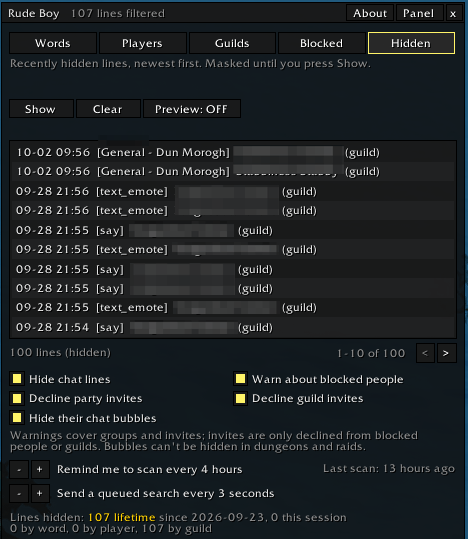
/rb log [clear]              the last 20 hidden lines in chat, with their text (or clear the list)
/rb bubbles on | off         hide blocked players' chat bubbles in the open world (on by default)
/rb preview on | off         leave would-be-hidden lines in chat with a grey tag, for testing
/rb test <text>              would this line be hidden by your word list?
/rb debug                    how the game writes names: yours, your target's, recent senders
All lists are shared by every character on the account. At login the addon prints one line saying whether saved settings were found on disk and when they were last saved.1
You must be logged in to leave a comment.