

Questie: Forever Gamepad UI (Fix)
A Questie UI overhaul for controller lovers on WoW Forever, featuring immersive 3D previews, redesigned quest tooltips, controller navigation and fixes “Action Blocked” taint errors.
Details
Expansion
 Forever
 Categories
Developers

Having issues?
Questie: Forever Gamepad UI
An immersive Questie UI overhaul built for controller lovers on WoW Forever.
Discover quests through animated NPC portraits, preview your objectives in 3D and explore the map with native controller controls. Redesigned quest cards, modern markers and dedicated controller settings bring a consistent Warcraft look to your questing experience.
The addon also includes compatibility fixes for the familiar “Questie has been blocked from an action only available to the Blizzard UI” errors.
🎮 Built for Controller Lovers
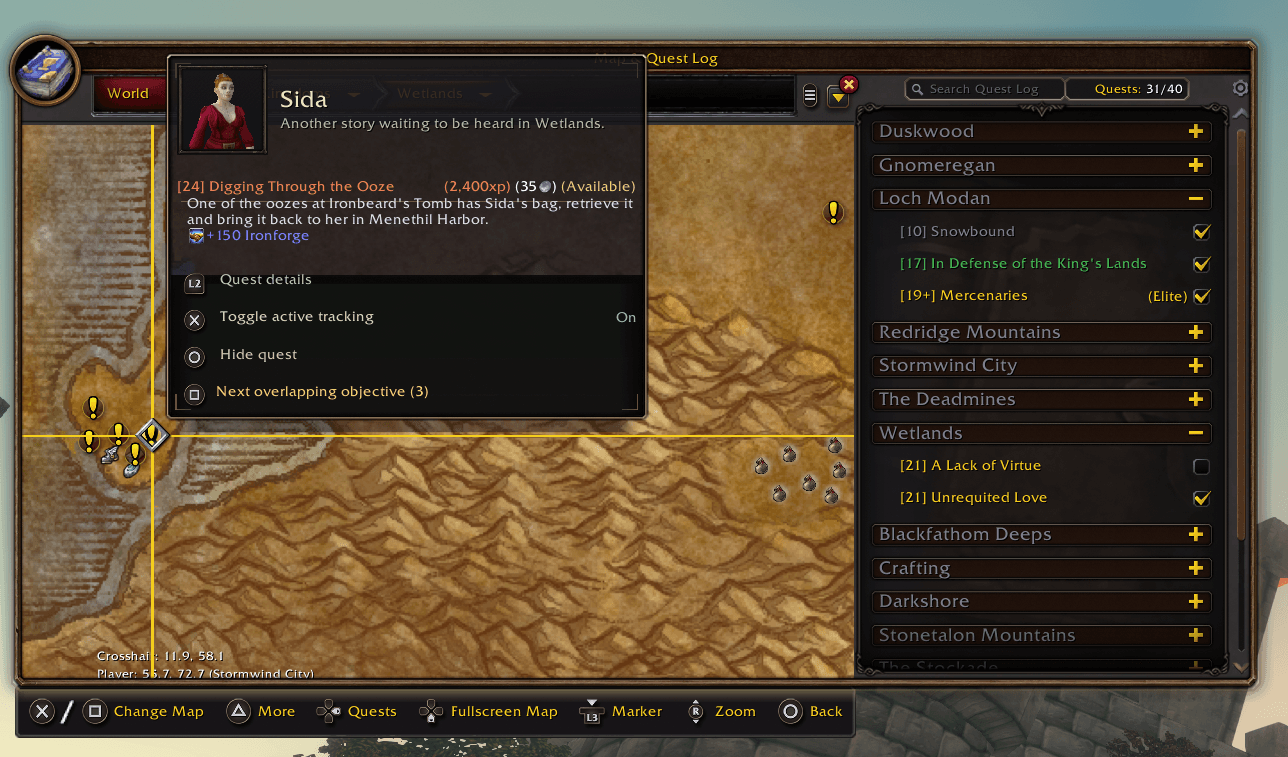
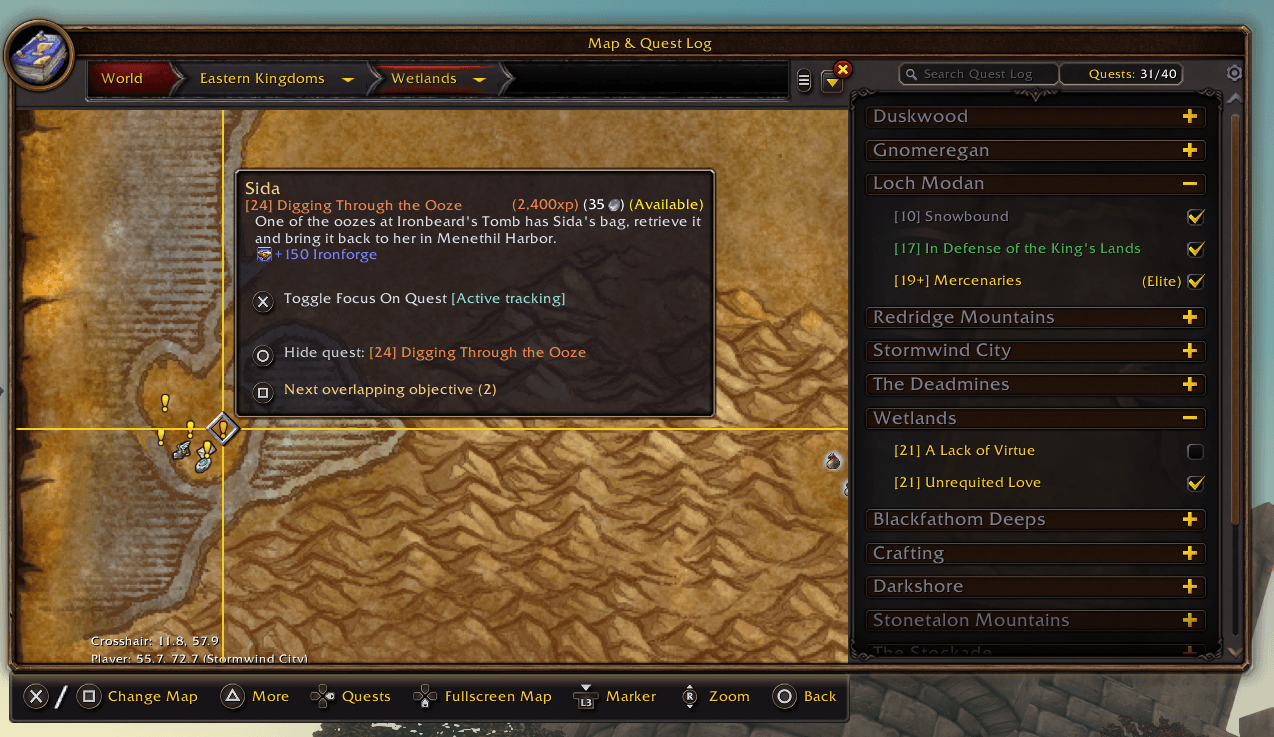
Browse Questie map icons with Blizzard’s native gamepad crosshair. View quest information, hold your detail trigger for additional objectives and use clear controller prompts for tracking, hiding quests and switching between overlapping markers.
Controller artwork supports PlayStation, Xbox, Steam Deck and Steam Controller, with native button prompts where available.
✨ Features
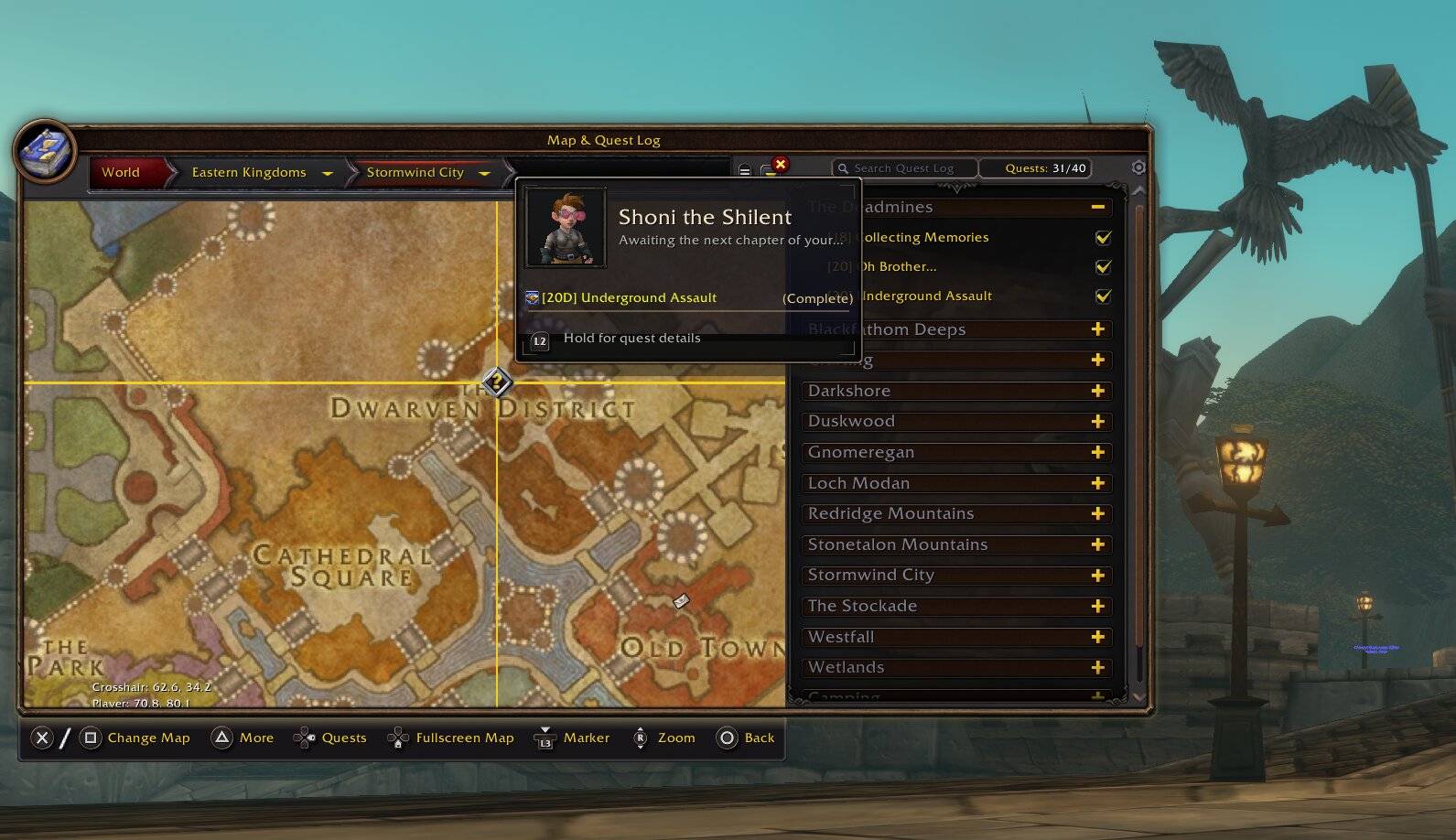
Redesigned Quest Cards
Dark charcoal panels, warm brass accents and readable titles match the objective preview design. Quest details, tracking status and controller actions have their own clearly separated rows.
Animated Questgiver Portraits
Available quests and turn-in markers show the appropriate NPC in a Blizzard-style portrait beside the title, with carefully tuned cameras and subtle movement.
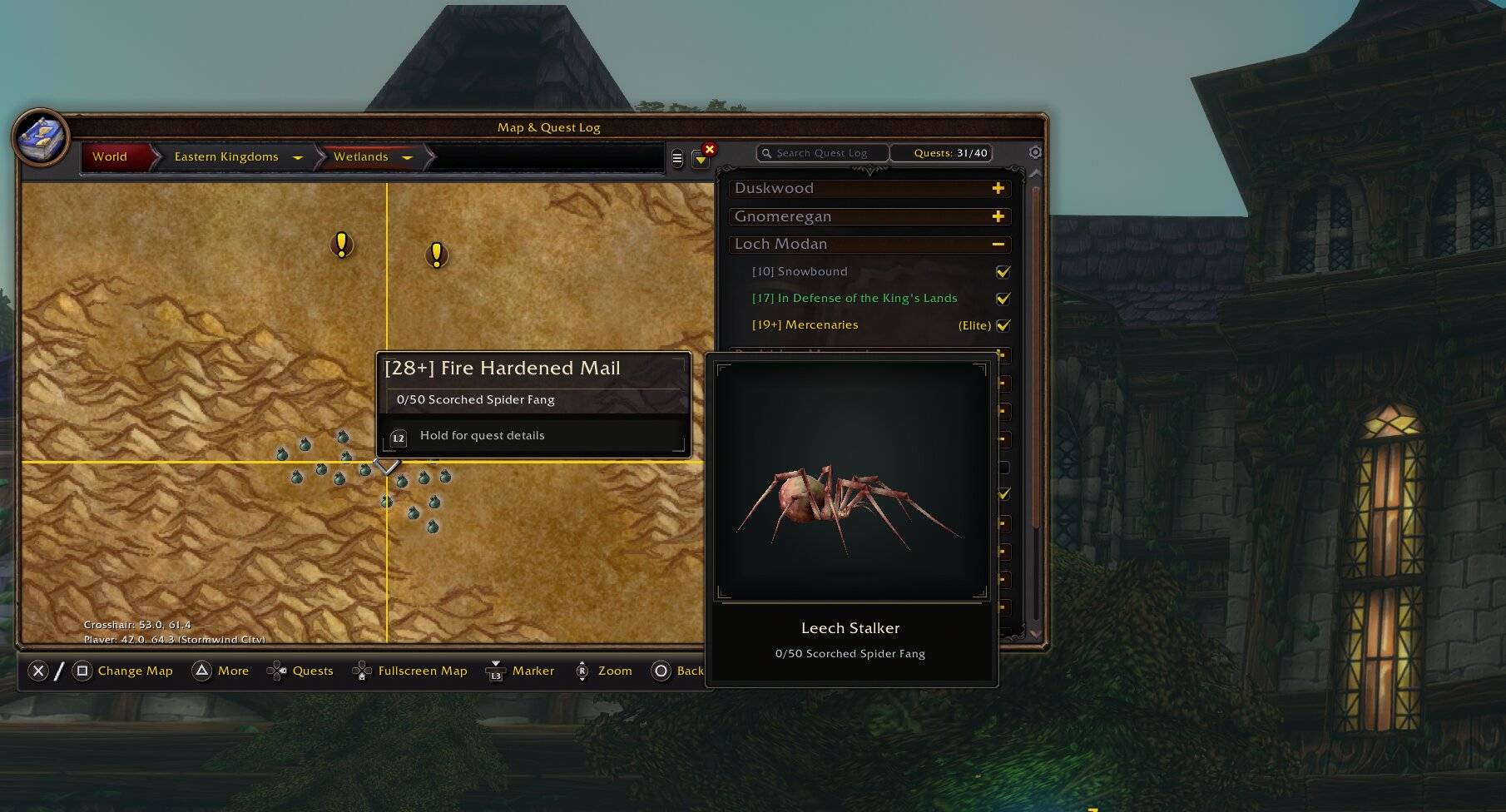
Immersive 3D Objective Previews
Hover an objective to see its actual creature or supported 3D source object. Loot objectives display the mob that drops the item or the object it comes from.
Previews follow the selected objective and source, keeping the information relevant to the marker you are viewing. Progress uses your own active quest data.
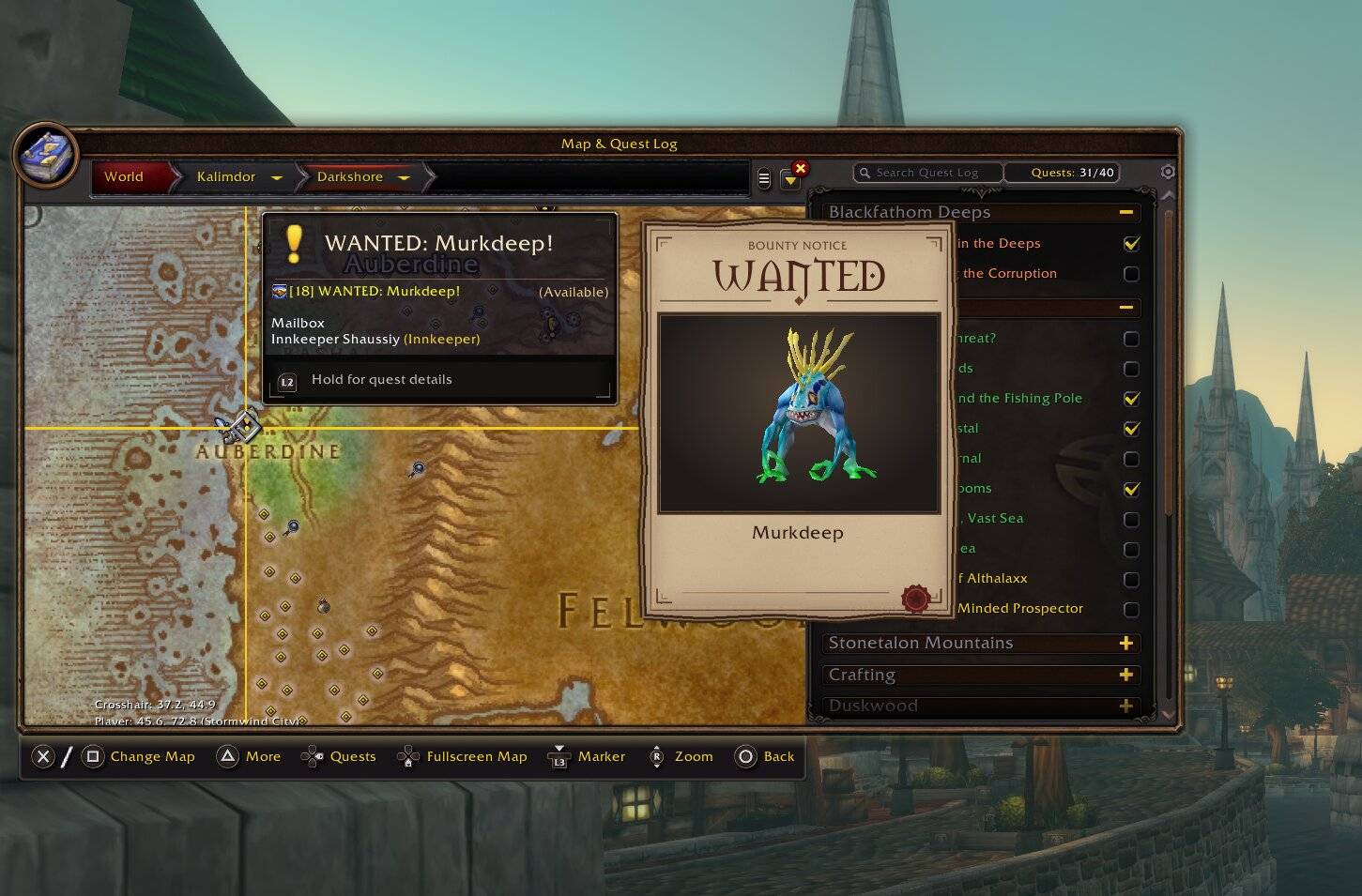
WANTED Quest Posters
Bounty quests receive a dedicated parchment poster with brass details, a wax seal and a 3D preview of the target.
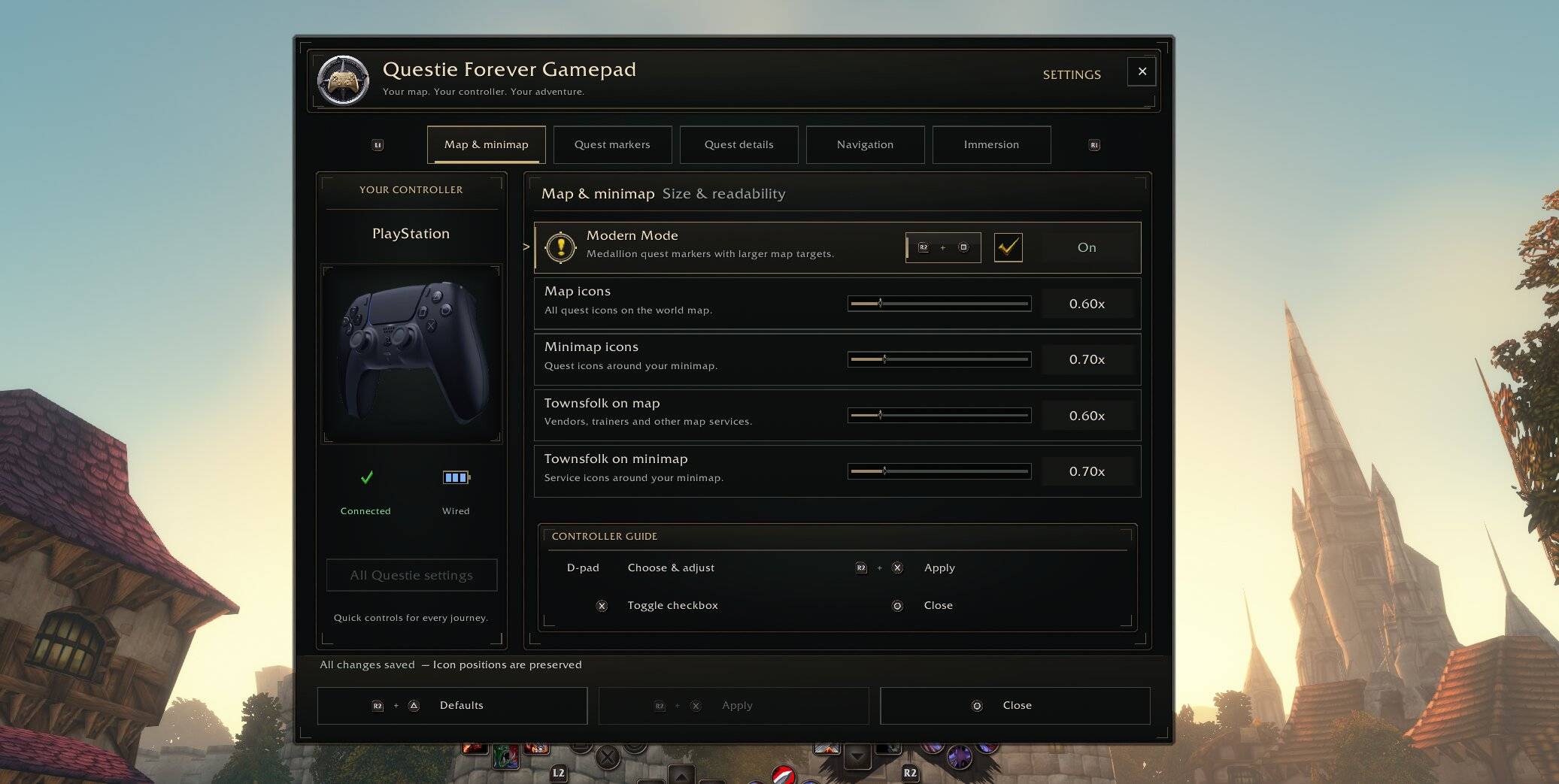
Modern Map and Minimap Styling
Distinct quest and completion markers, subtle objective glows and an animated tracking pulse make selected targets easy to recognize.
Quest Tracking and Navigation
Active objectives use WoW Forever’s native quest focus. Available questgivers and turn-in locations support separate local marker tracking.
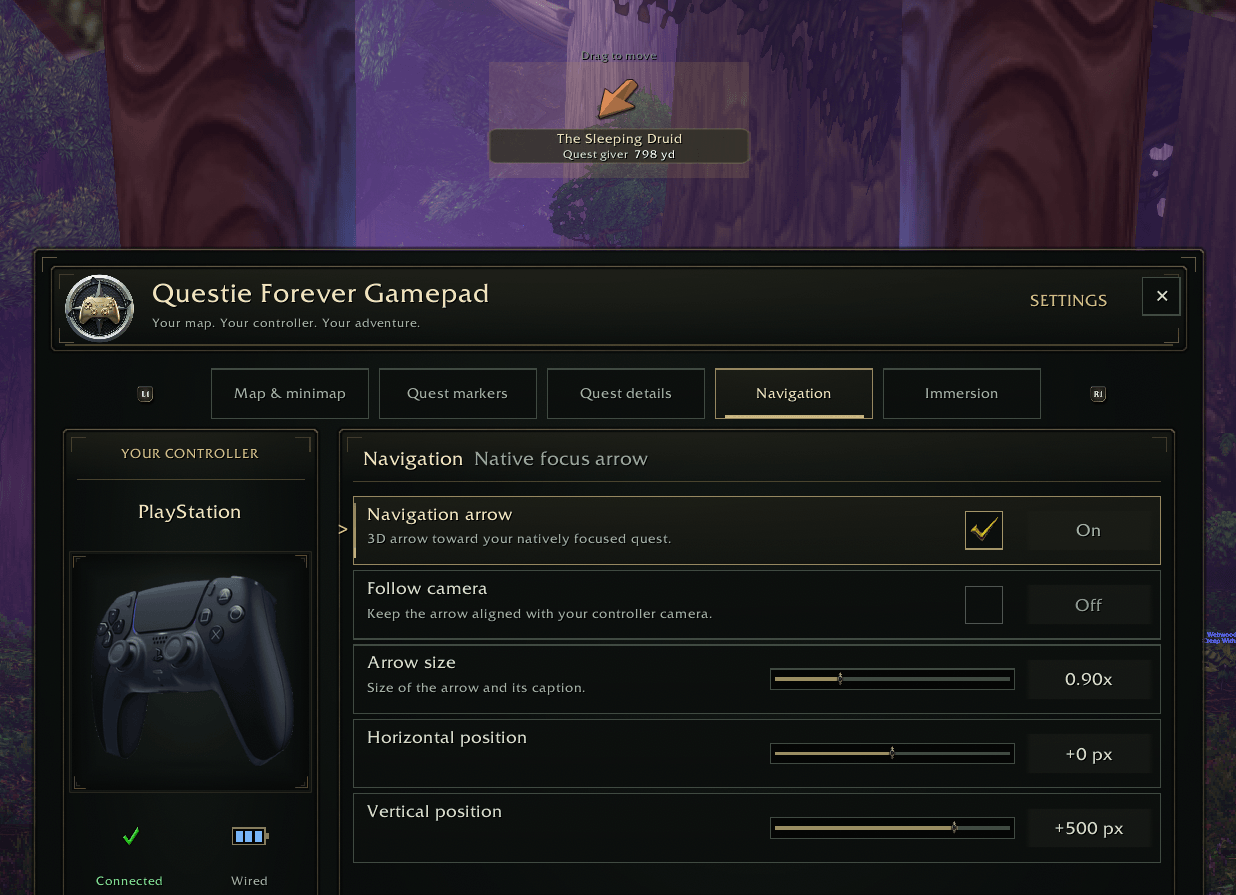
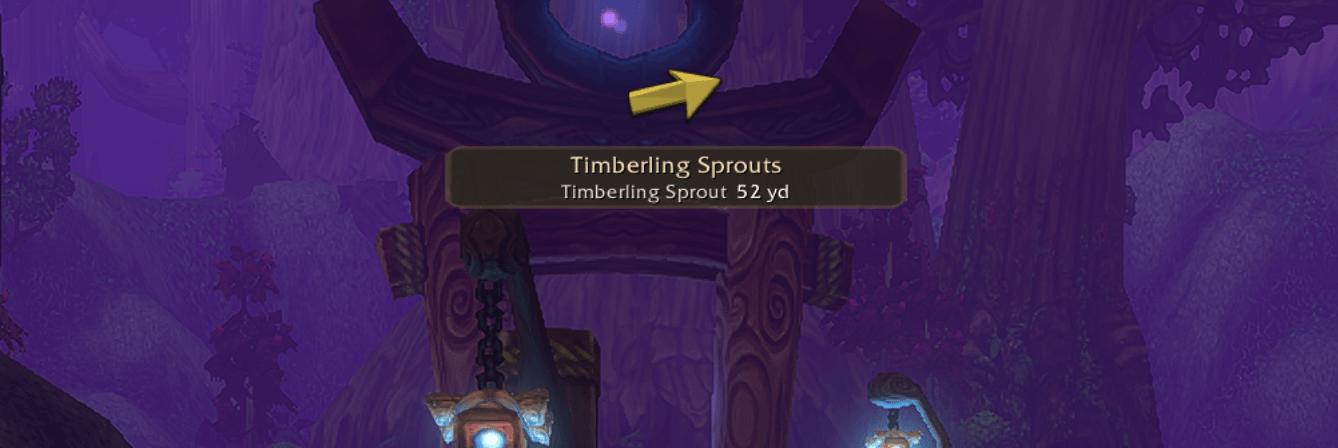
An optional navigation arrow follows your selected target, with adjustable size, position and camera-follow settings.
Dedicated Controller Settings
Adjust icon sizes, Modern Mode, immersive previews and navigation through a controller-friendly panel. Changes can be reviewed before applying them.
Responsive Map Interaction
Indexed crosshair selection and paced icon resizing reduce the work required when browsing busy maps or adjusting marker sizes.
🛠️ Native Gamepad Compatibility
The addon addresses known world-map and NPC quest-dialog taint paths through a private map overlay and early Questie integration guards.
It runs alongside the original Questie and QuestieDB installations. All custom UI and compatibility changes are contained in the separate addon folder.
📦 Requirements
WoW Forever Beta 1.60.1 — Interface 16001.
Questie 12.0.x, version 12.0.2 or later within that series.
QuestieDB 1.0.x, version 1.0.4 or later within that series.
Blizzard’s native gamepad support for controller features.
⚙️ Installation & Setup
Fully close WoW.
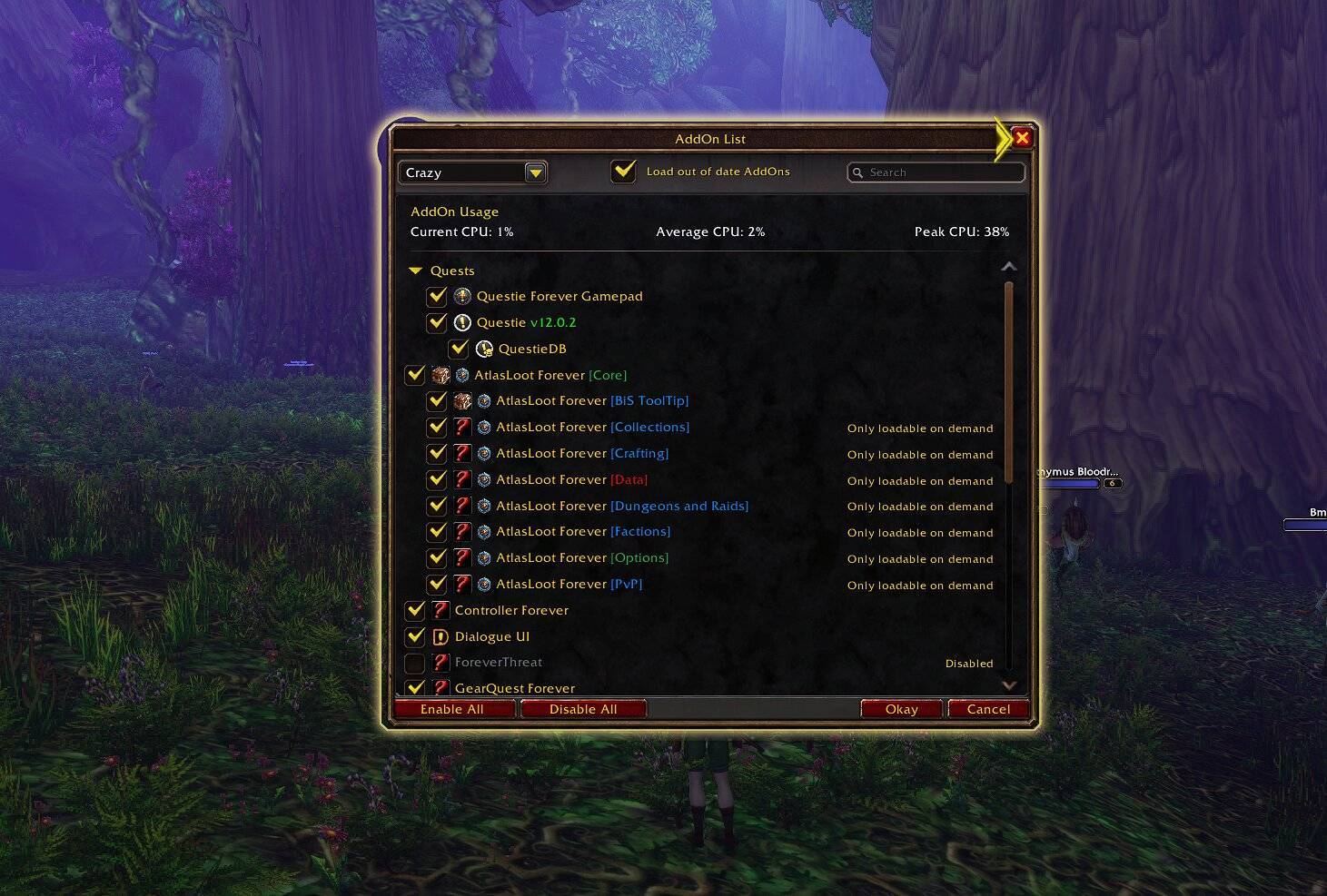
Install the supported versions of Questie and QuestieDB.
Copy the included QuestieForeverGamepad folder into
Interface/AddOns, replacing your previous installation.Enable all three addons and start WoW.
Run
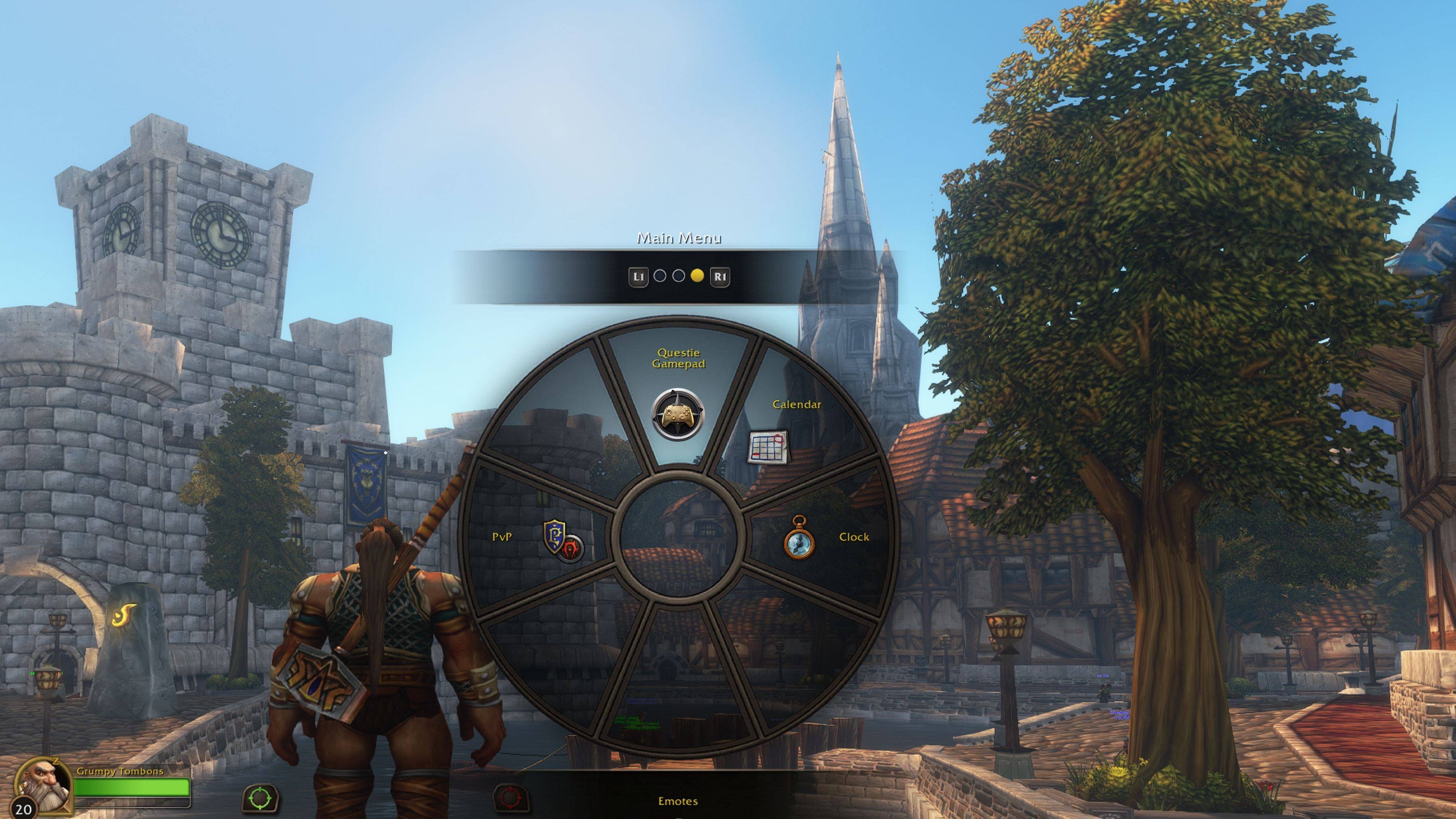
/qfg statusto check initialization.Enable the redesigned interface with
/qfg modern onand keep Immersive quest previews enabled in/qfg settings.
Modern Mode is optional. Your saved preferences are retained when updating.
🕹️ Map Controls
With the default detail trigger:
Hold L2 / LT: Show additional quest details.
L2 / LT + Cross / A: Toggle tracking for an eligible marker.
L2 / LT + Circle / B: Hide an available quest through Questie’s confirmation dialog.
L2 / LT + Square / X: Cycle between overlapping markers.
Confirmation dialog: Cross / A confirms; Circle / B cancels.
Prompts follow your controller layout and configured detail trigger. Map shortcuts operate outside combat.
🔎 Useful Commands
/qfg status — Version, startup and compatibility diagnostics.
/qfg settings — Controller settings.
/qfg modern on or /qfg modern off — Toggle Modern Mode.
/qfg preview status — Inspect the current preview.
/qfg preview retry — Retry preview data and model loading.
/qfg arrow — Navigation options.
⚠️ Compatibility Notes
Designed specifically for WoW Forever and Blizzard’s native gamepad UI. Compatibility with ConsolePort or other addons that modify the map or controller interface has not been verified.
The full Questie settings browser is currently disabled; the dedicated controller settings panel remains available.
3D previews depend on models available in your client. Unsupported object sources are omitted. Recent visual changes still require verification in WoW Forever.
🤝 Credits & License
An independent addon built around the work of the Questie Development Team and the QuestieDB contributors.
Released under GPLv3. Additional data sources, artwork credits and component licenses are included in the addon package.
☕ Support Development
Enjoying Questie: Forever Gamepad UI? You can support continued development, UI improvements and compatibility work through Ko-fi.
Thank you for your support and for helping make questing with a controller even better!
You must be logged in to leave a comment.