
Pentacle
A compact spell ring for Warlocks: demons, stones, buffs and racials in one elegant circle, with shard management and smart reminders.
Details
Expansion
 Forever
 Categories
Developers

Having issues?
Pentacle
Declutter your Warlock action bars. Pentacle gathers your utility spells into one sleek pentagram ring that appears when you need it and fades away when you don't.
Features
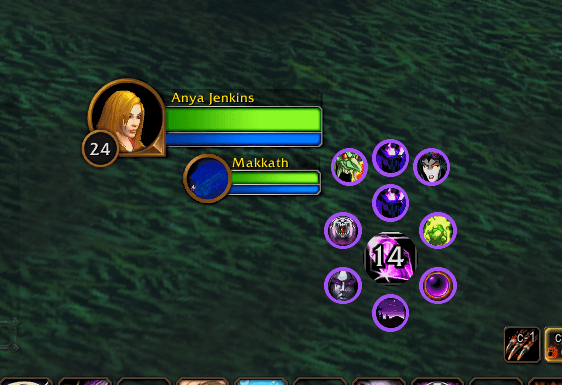
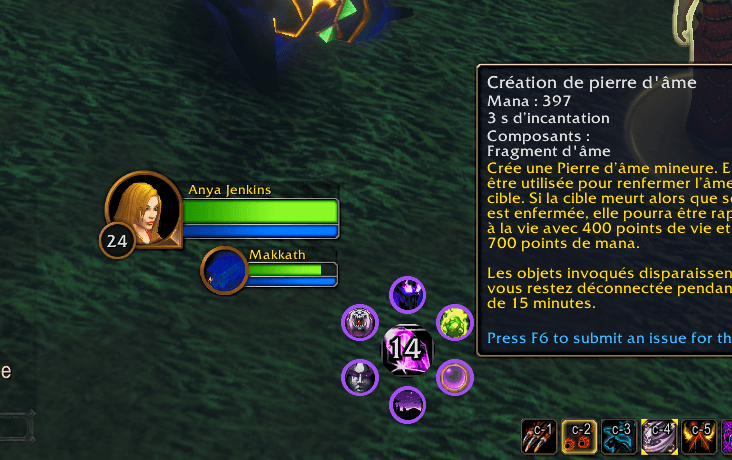
- Spell ring: healthstone, soulstone, Ritual of Summoning, mount and Fear, one click away.
- Demons menu: left click opens a fan of your demons, right click summons your favorite one directly.
- Buffs & racials menu: Demon Armor, Unending Breath, Detect Invisibility, Shadow Ward and the racial abilities of every Warlock race. Right click casts your armor (or any spell you choose).
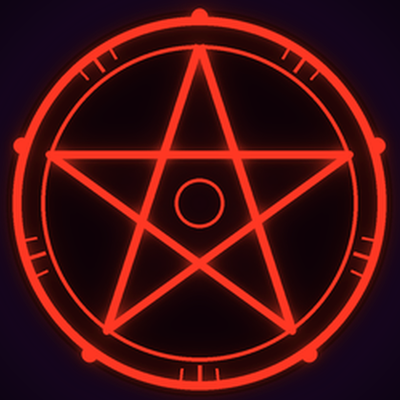
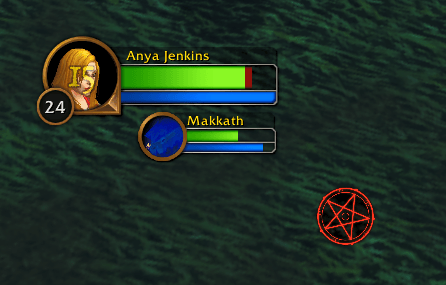
- Pentagram stone: a slowly rotating red pentagram that turns into a soul stone showing your shard count on mouseover. It pulses red when you run low on shards.
- Smart healthstone: the button uses your healthstone if you have one, and creates one otherwise.
- Soul Shard management: choose how many shards to keep; extras are destroyed automatically as you play (optional, disabled by default).
- Armor reminder: a pulsing icon warns you when your armor is missing.
- Soulstone timer: get an alert when the soulstone you placed expires.
- Professions menu: every profession you know, one click away. Right click opens your favorite one directly.
- Bags button: open or close all your bags at once and see your free slots, so you can hide the bag bar too.
- Summon announcements: a random fun message is sent to your party when you summon someone.
- Live button states: grey when unusable, blue when out of mana, red when out of range.
- Key bindings for every spell, a minimap button and a full options panel.
- Available in 6 languages: English, French, German, Spanish, Italian and Russian. Works with any game language.
Commands
/pentor/pentacle: open the options/pent reset: move the stone back to the center of the screen/pent spells: list the spells in your spellbook/pent check: show which spells Pentacle detected
Options
Right click the stone, click the minimap button or type /pent. You can adjust opacity, size, button spacing, ring behavior, ring color, right-click spells, language, reminders and shard management.
FAQ
Why can't the ring appear on mouseover during combat?
Blizzard does not allow addons to show or hide spell buttons in combat. By default, the ring is displayed when combat starts so your spells stay available. You can disable this in the options.
Why are extra shards destroyed one at a time?
Blizzard only allows an addon to destroy one item per player action. Pentacle removes one extra shard each time you cast a spell or click a Pentacle button.
A spell is missing from the ring.
Only spells you have learned are shown. Type /pent check to see what Pentacle detected.
Credits
Inspired by Necrosis. Developed by Anya Jenkins.
Found a bug or have an idea? Leave a comment!
You must be logged in to leave a comment.