

PadNav – Controller Suppport
PadNav – a lightweight ConsolePort alternative for WoW Forever. Play fully on a controller and switch to keyboard & mouse at any moment.
Details
Expansion
 Forever
 Categories
Developers

Having issues?
# PadNav – ConsolePort Alternative for WoW Forever
**Lightweight controller support that works alongside the game's own.**
Play World of Warcraft: Forever fully on a controller, and switch to keyboard & mouse at any moment. Nothing to toggle.
> **Beta:** PadNav is in active development during the Forever beta. Found a bug? Please report it [here](YOUR-ISSUES-LINK) and include the output of `/pn copy`.
## Features
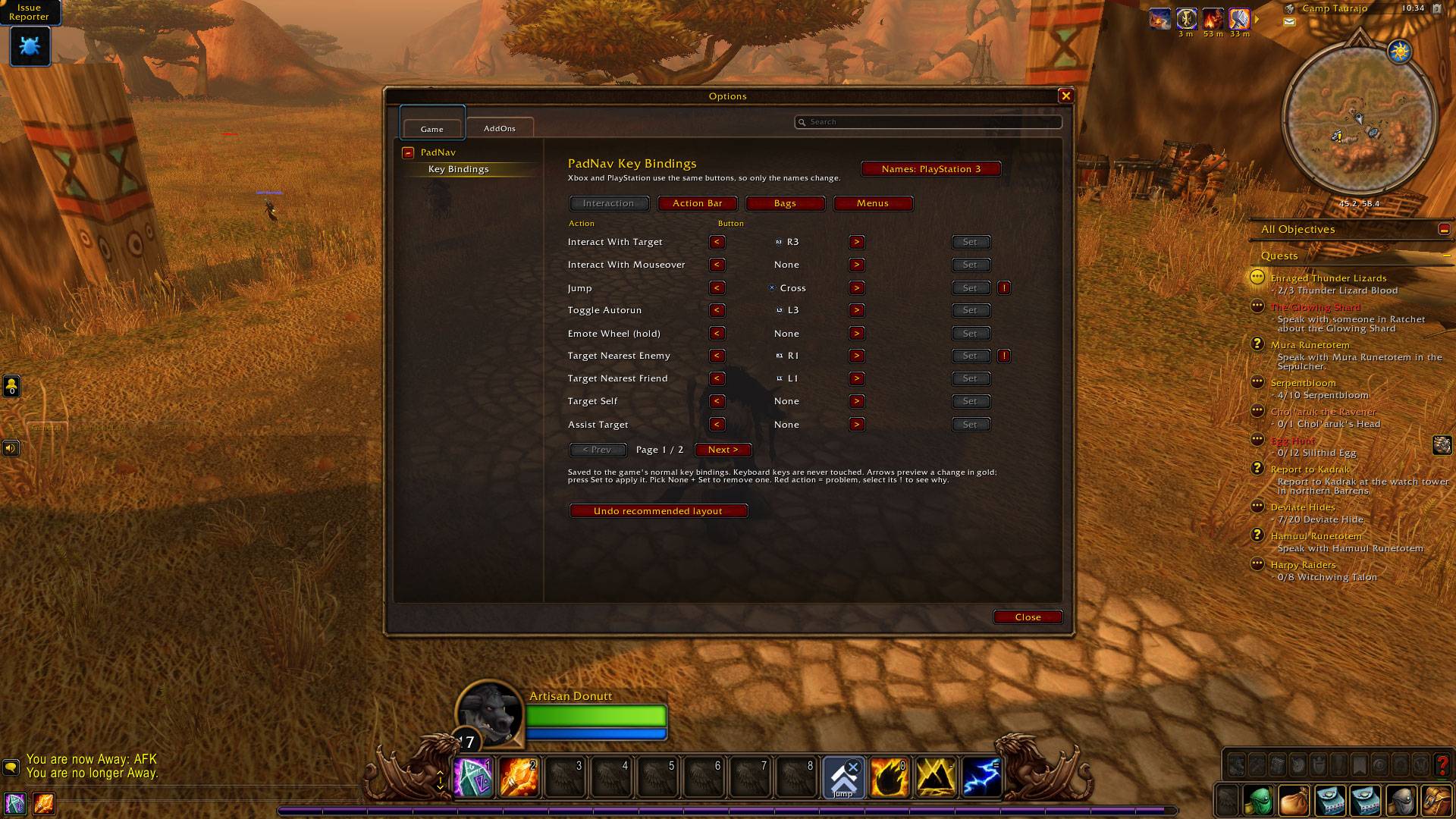
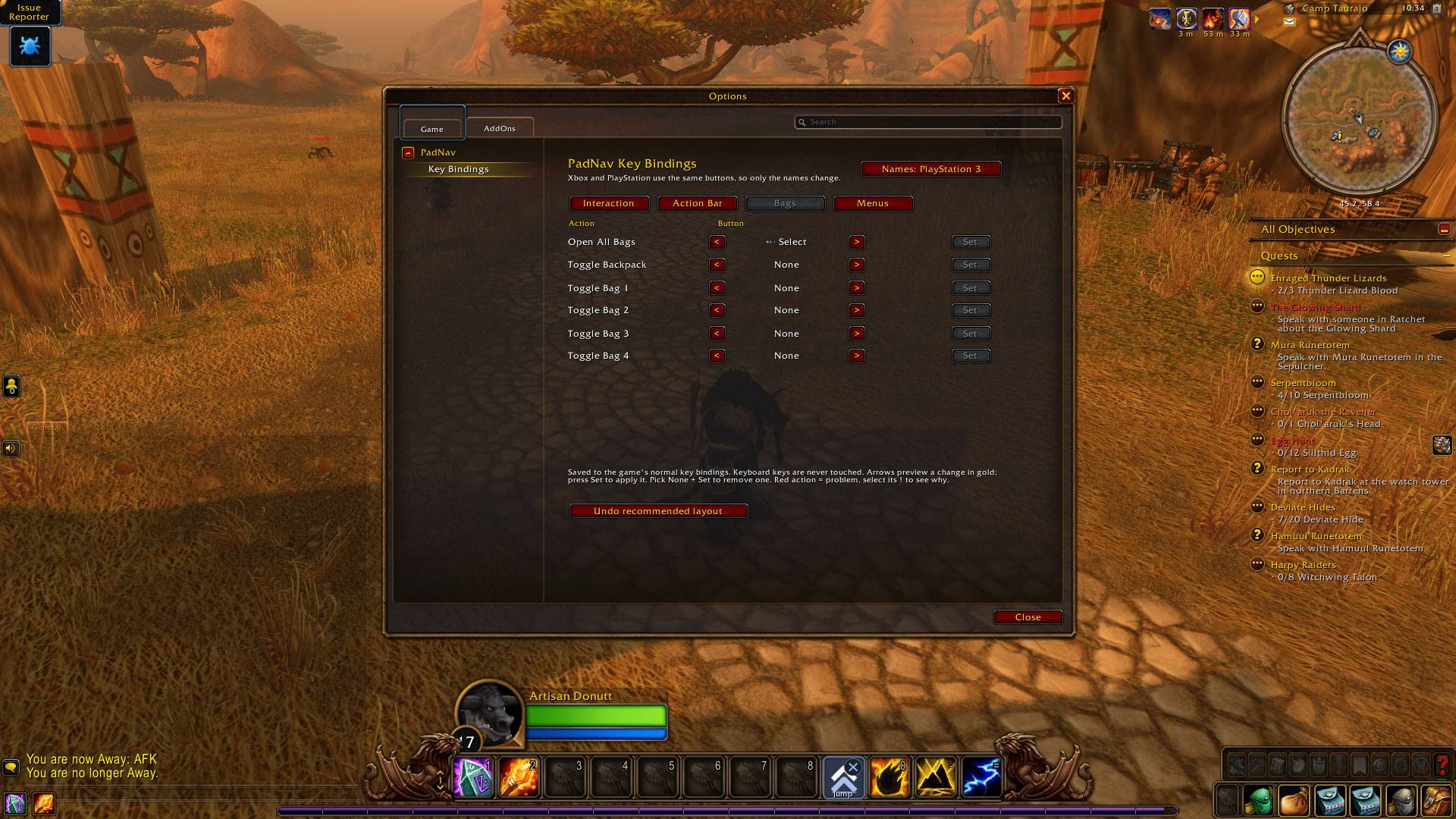
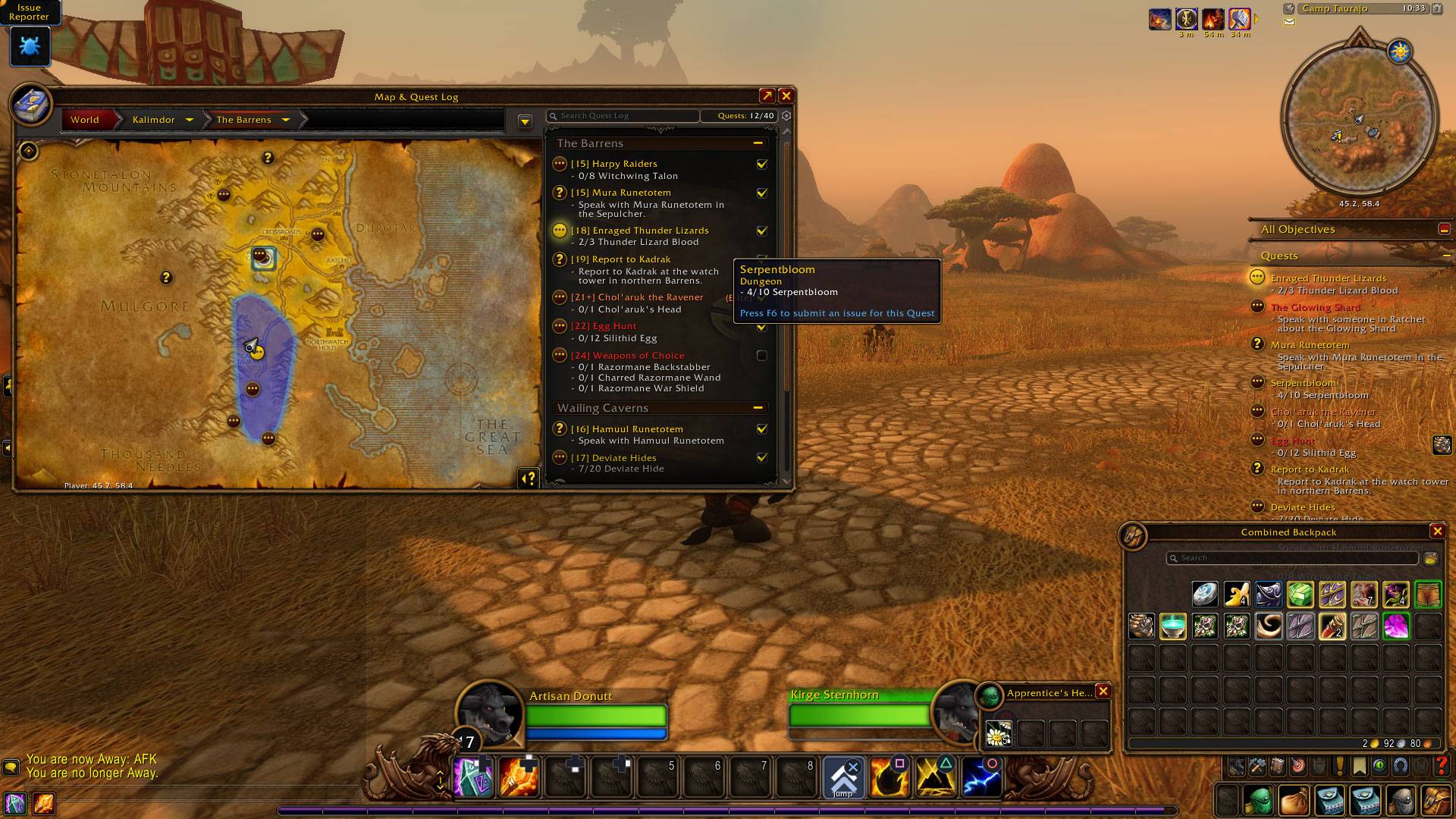
- **Menus & bags on the D-pad** – a highlight moves through bags, quests, vendors, the map and options. Click, use, equip, sell and destroy items (with a confirmation).
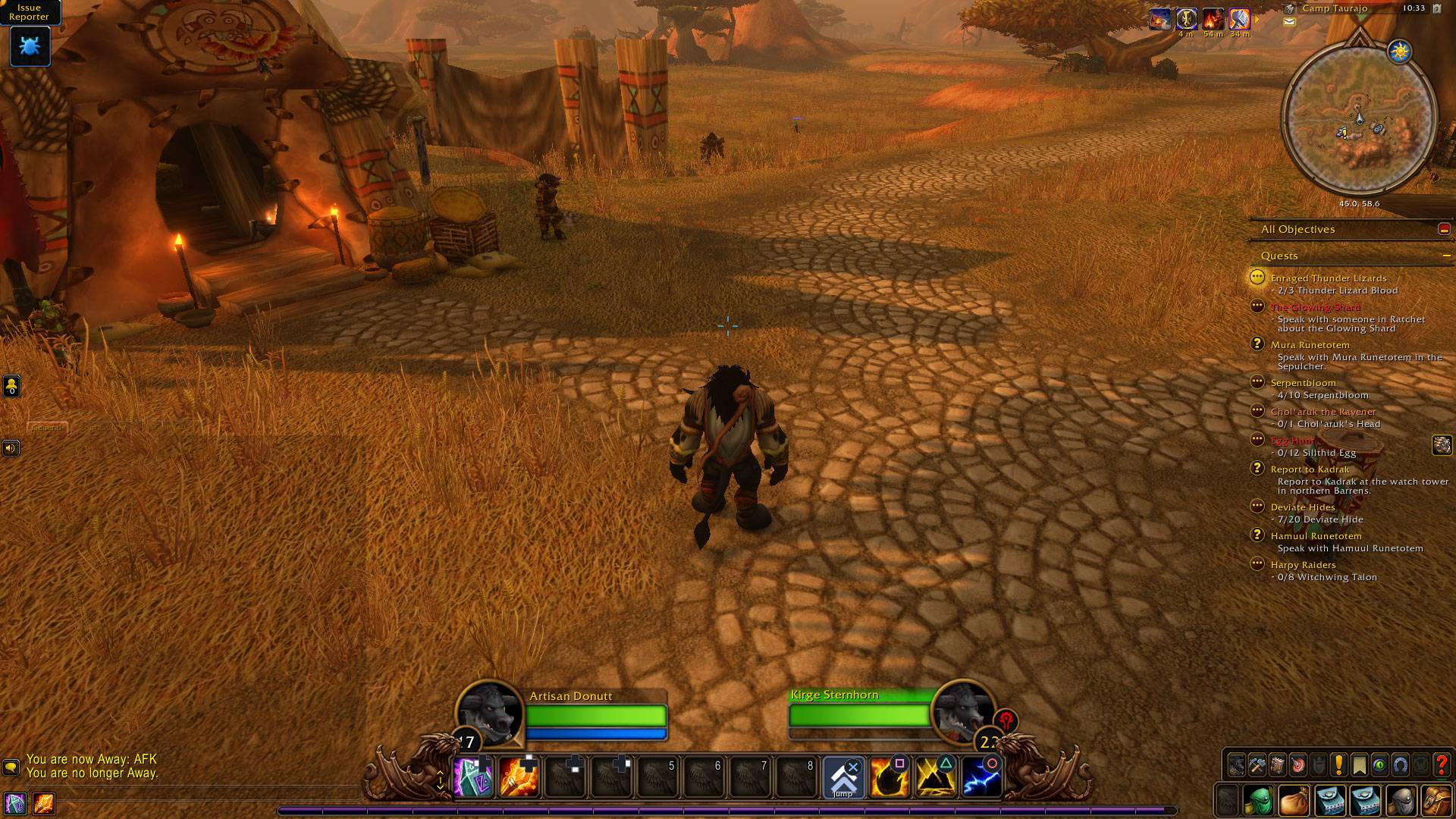
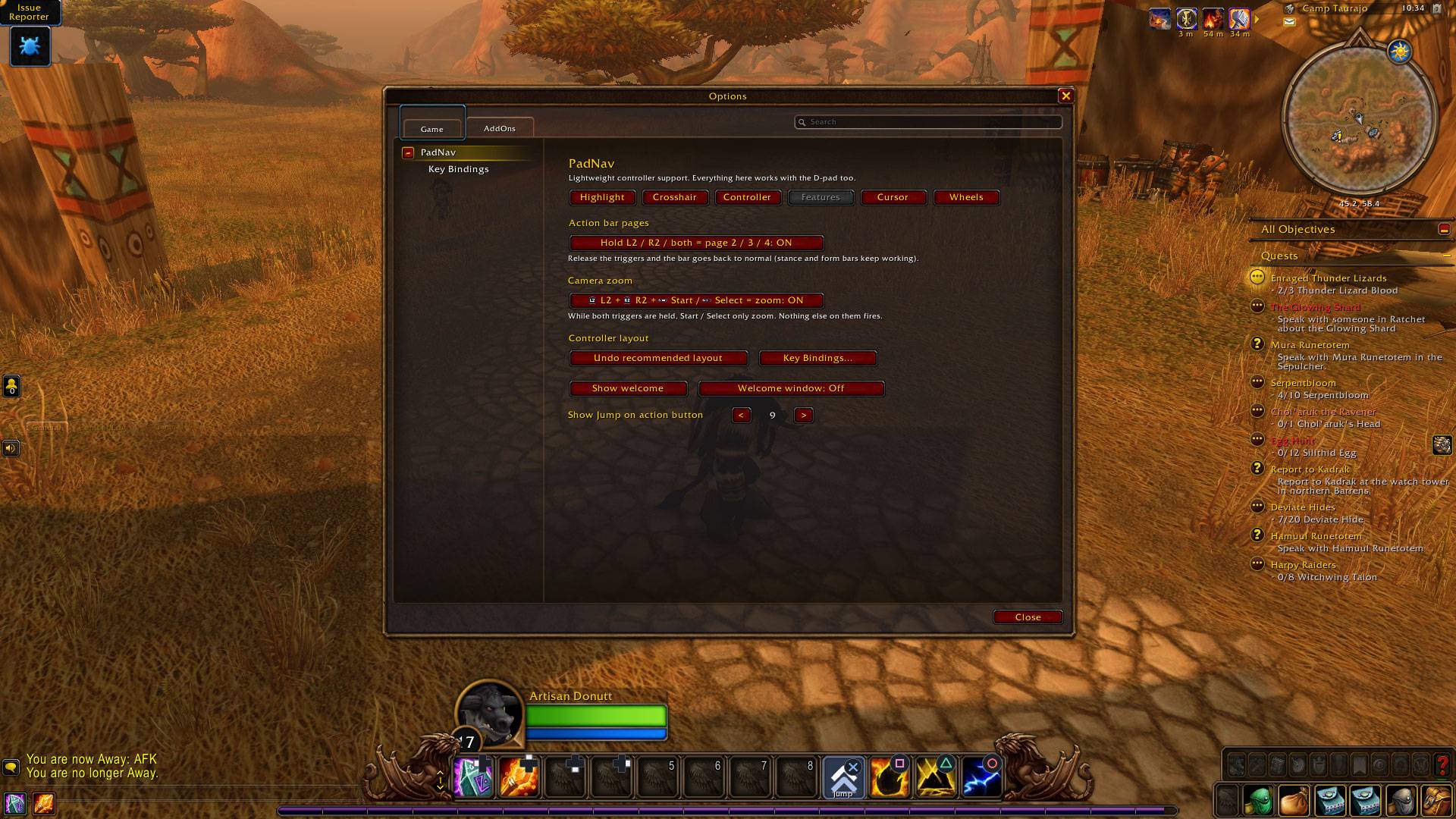
- **Action bar pages** – hold L2, R2 or both for pages 2, 3 and 4. Works in combat.
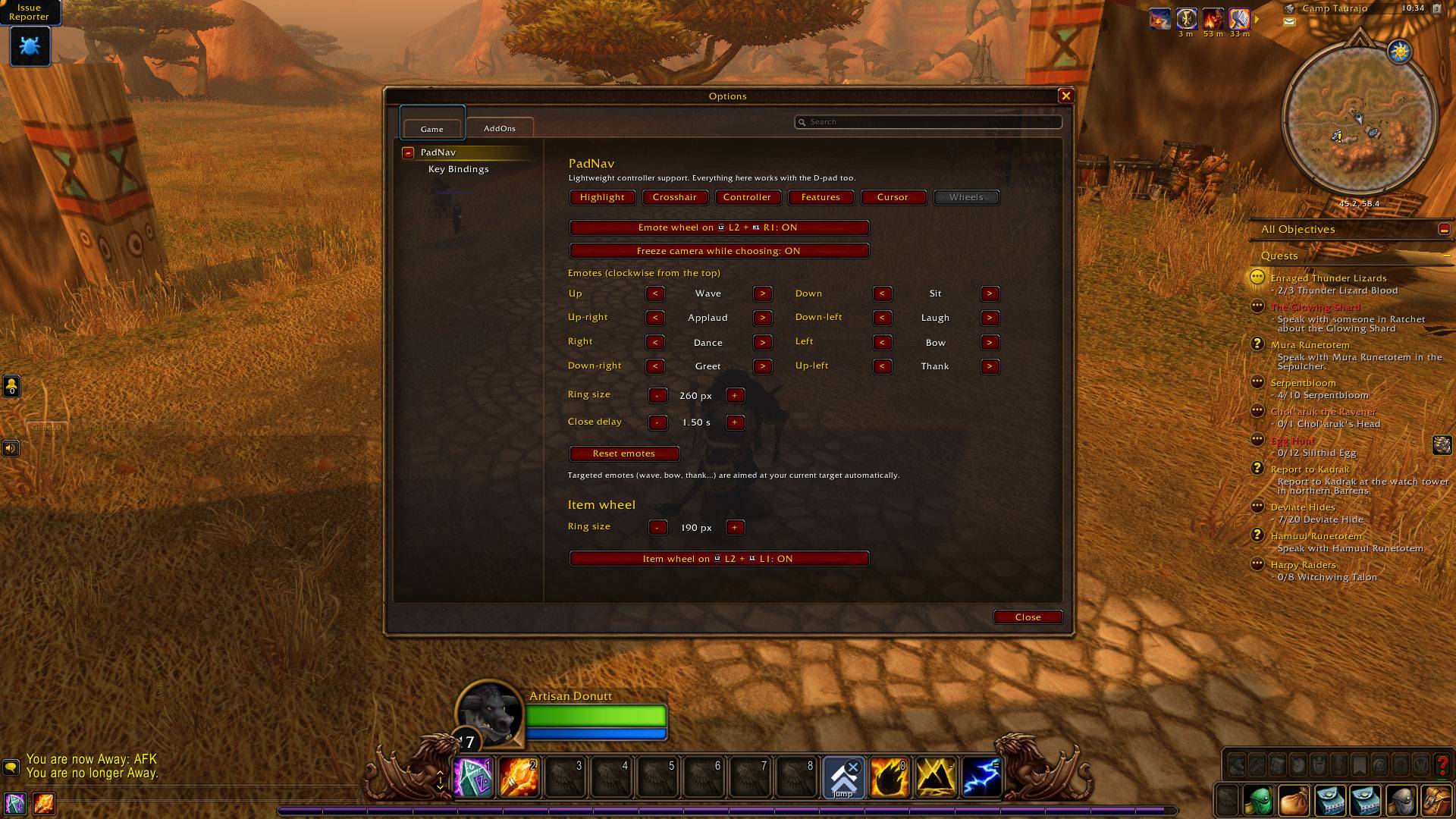
- **Emote wheel** – hold L2, tap R1, flick the stick toward an emote.
- **Item wheel** – hold L2, tap L1 for your usable quest items and Hearthstone. Works in combat.
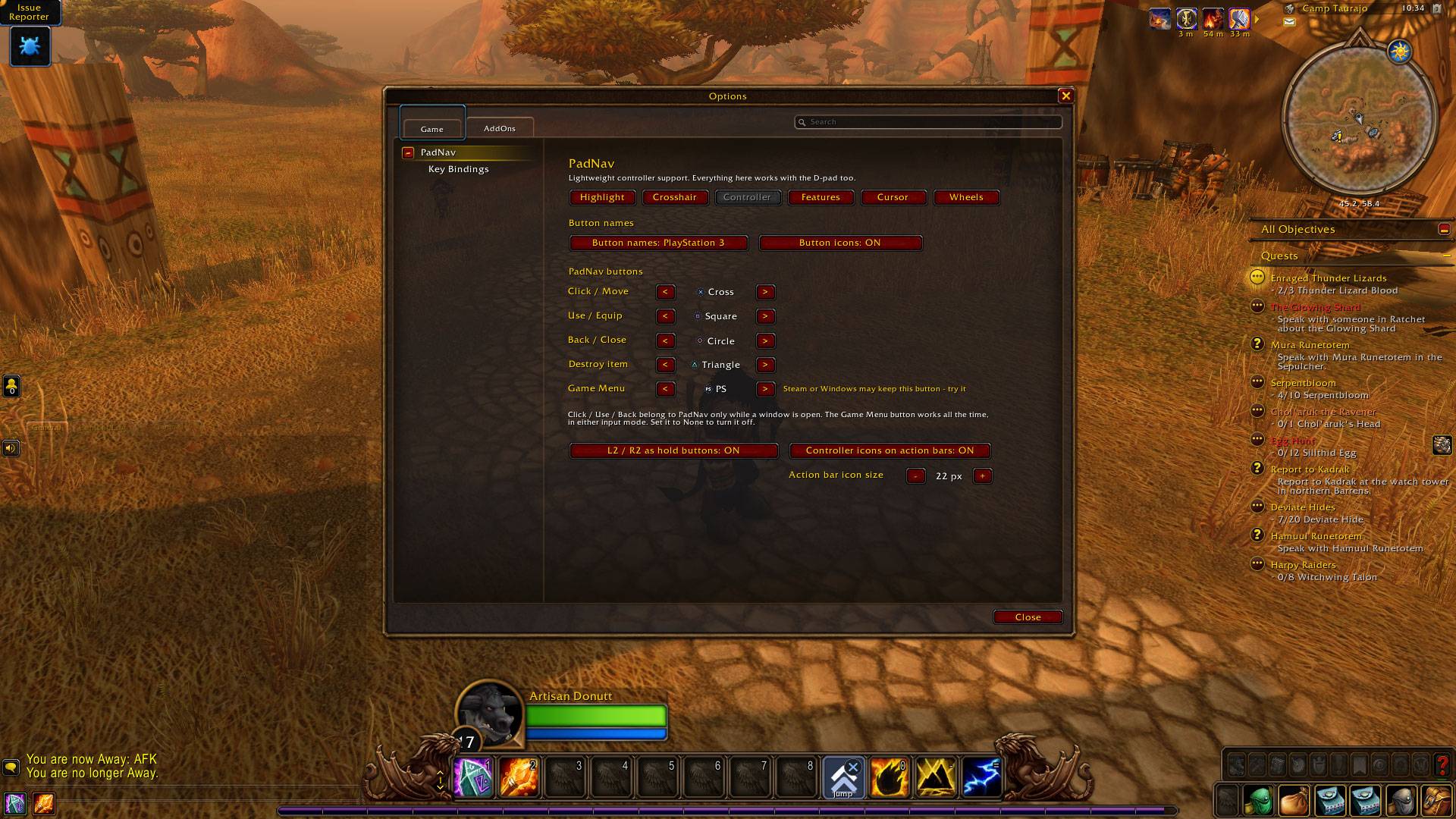
- **Your controller's icons** – Xbox, PlayStation 4/5, PlayStation 3, Nintendo Switch and Steam Deck, detected automatically, shown in PadNav and on your action bars.
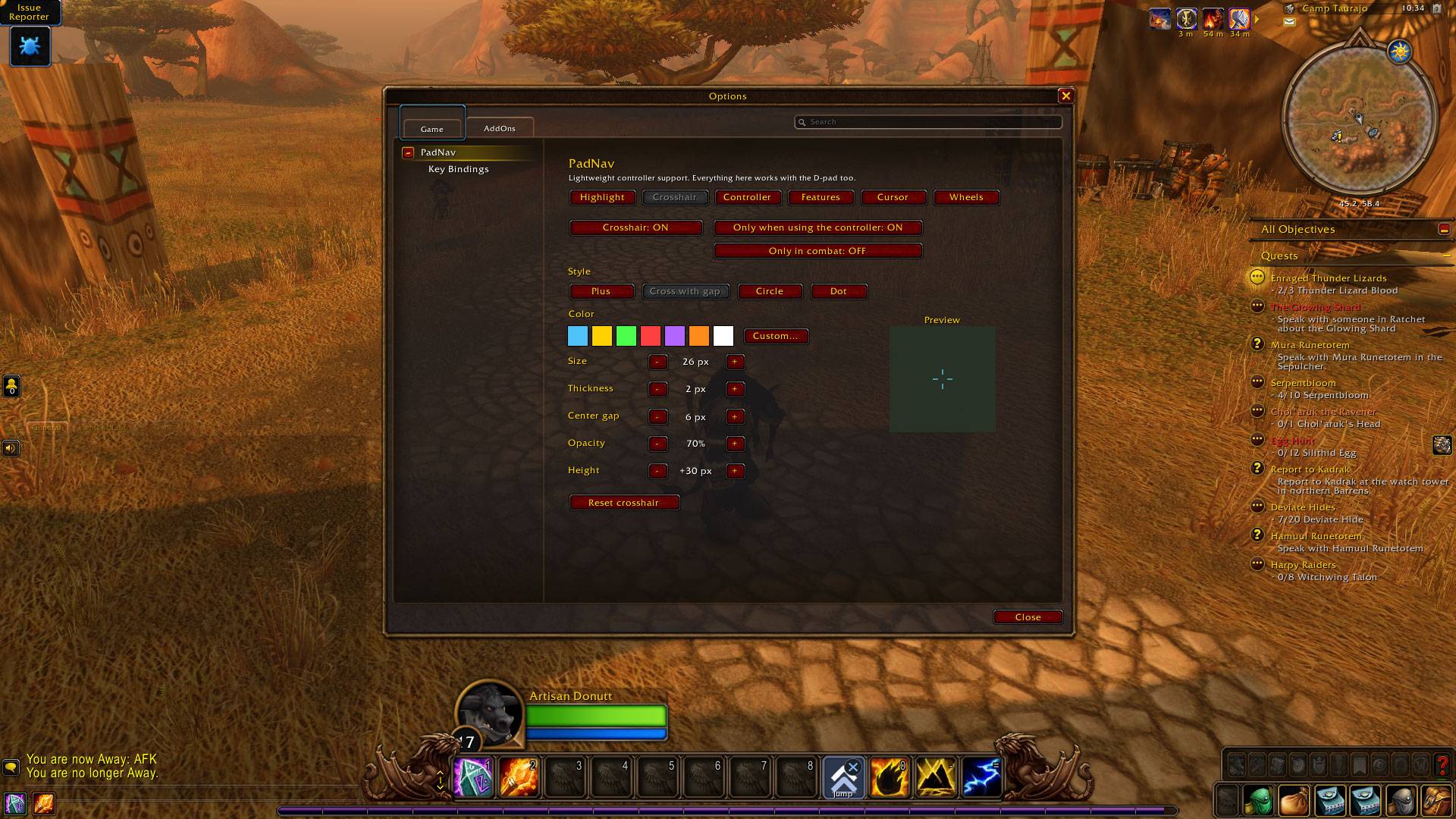
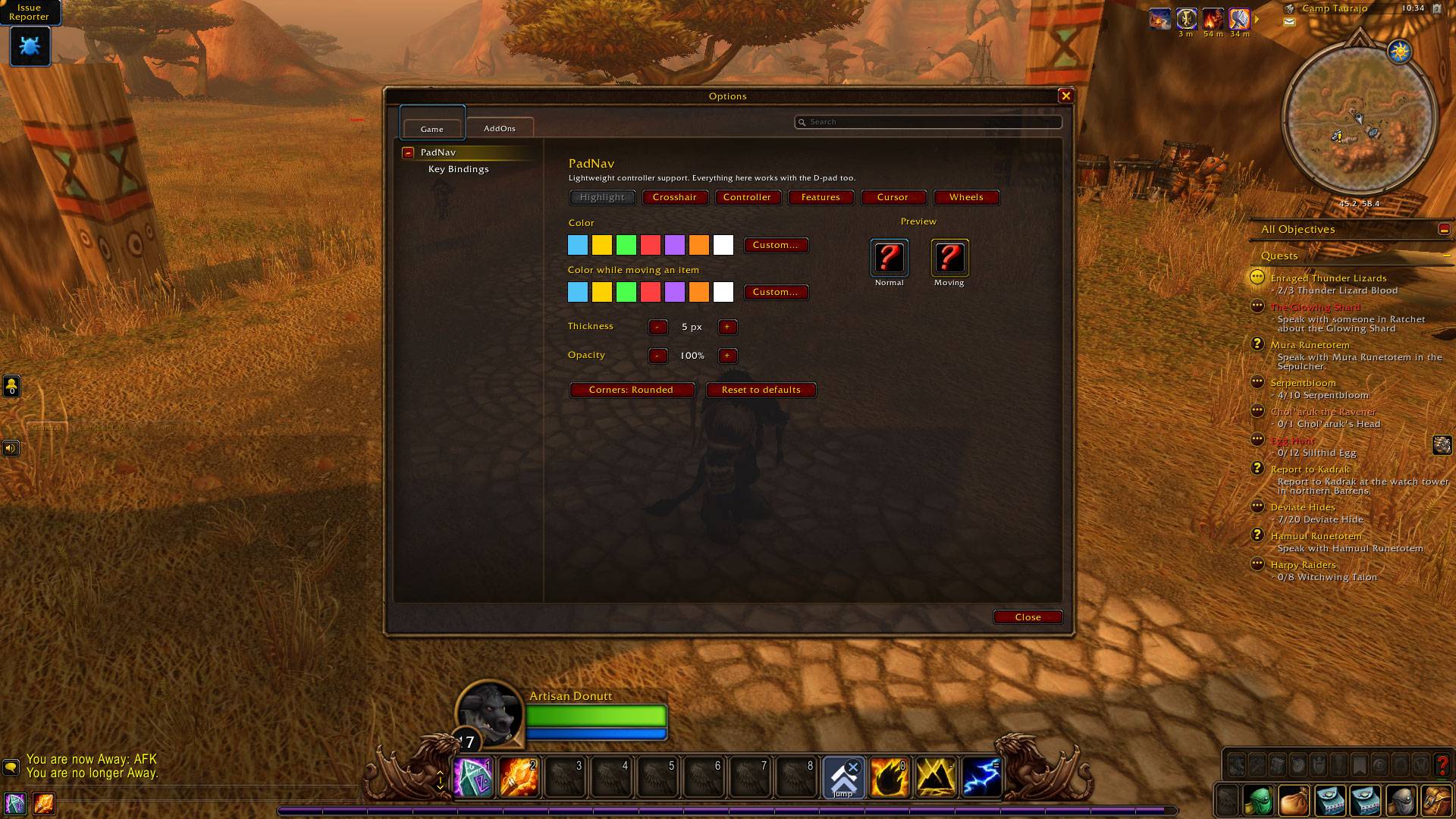
- **Game Menu, camera zoom, crosshair and a Jump marker** for your bars.
- **One-press recommended settings** – a tested layout plus the main features. Keyboard keys are never changed, and it can be undone.
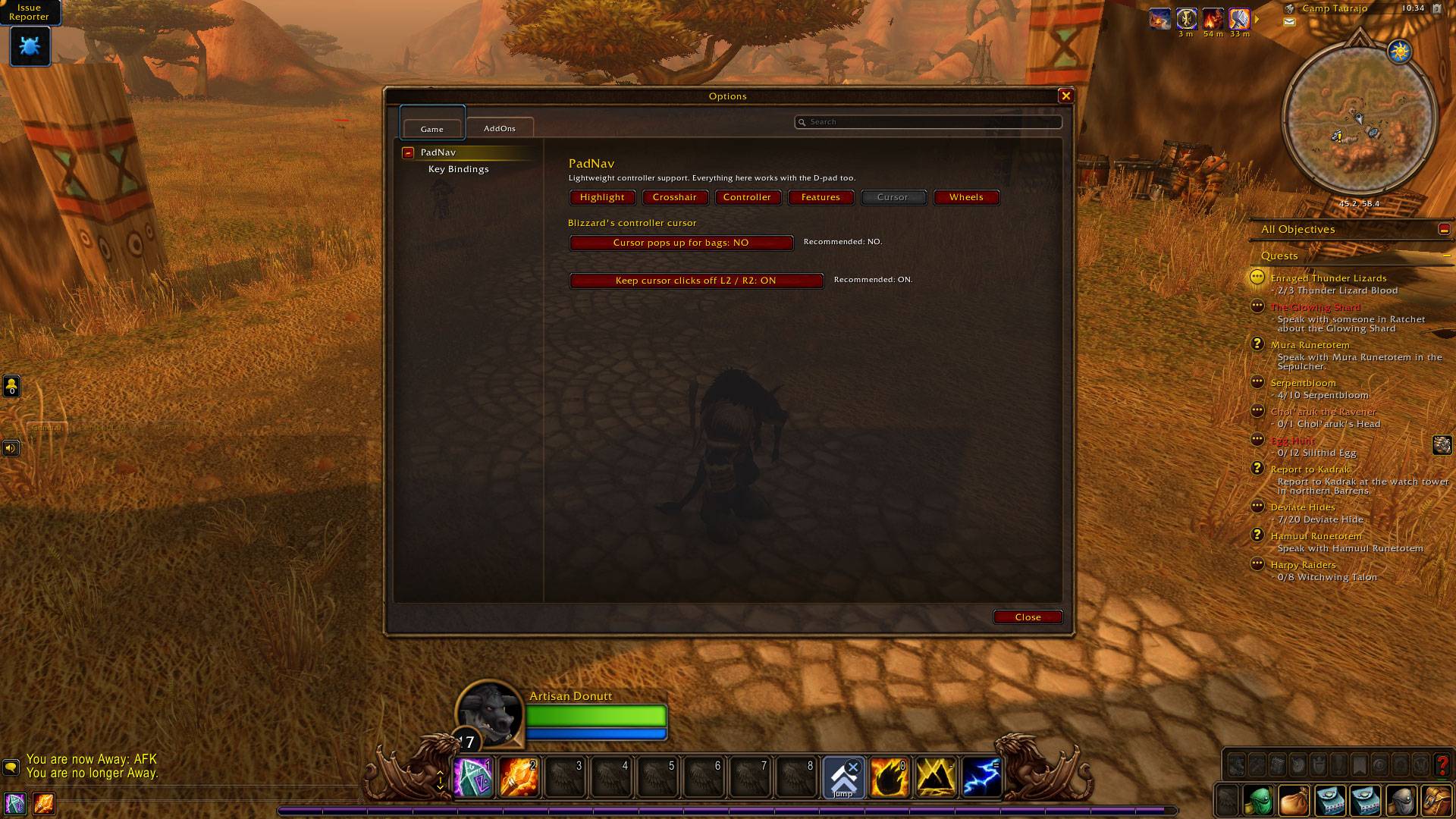
- **Options that work with the D-pad** – Esc > Options > AddOns > PadNav, or `/pn options`.
## Why PadNav?
- **Lightweight** – no custom interface replacing Blizzard's; PadNav adds what's missing.
- **Instant switching** – controller and keyboard & mouse work side by side.
- **Safe** – uses Blizzard's approved secure methods. Every action is one button press by you.
## Getting started
1. Install and fully restart the game.
2. Press **Recommended settings** on the welcome window.
3. `/pn guide` explains everything in game.
*PadNav is an independent project and is not affiliated with ConsolePort or Blizzard Entertainment.*
You must be logged in to leave a comment.