
OverpowerAlert
Play an audio and visual alert when overpower procs for your warrior in WoW Forever
Details
Expansion
 Forever
 Categories
- No categories available.
Developers

Having issues?
Overpower Alert
An addon for Warriors that plays a sound, and optionally flashes OVERPOWER! on screen, the moment Overpower becomes usable after your target dodges.
Install
- Curseforge - Search and install on curseforge app
- Manually: download
OverpowerAlert-<version>-forever.zipfrom the latest release and extract it intoWorld of Warcraft<game folder>InterfaceAddOns. You should end up with anAddOnsOverpowerAlertOverpowerAlert.tocfile.
Usage
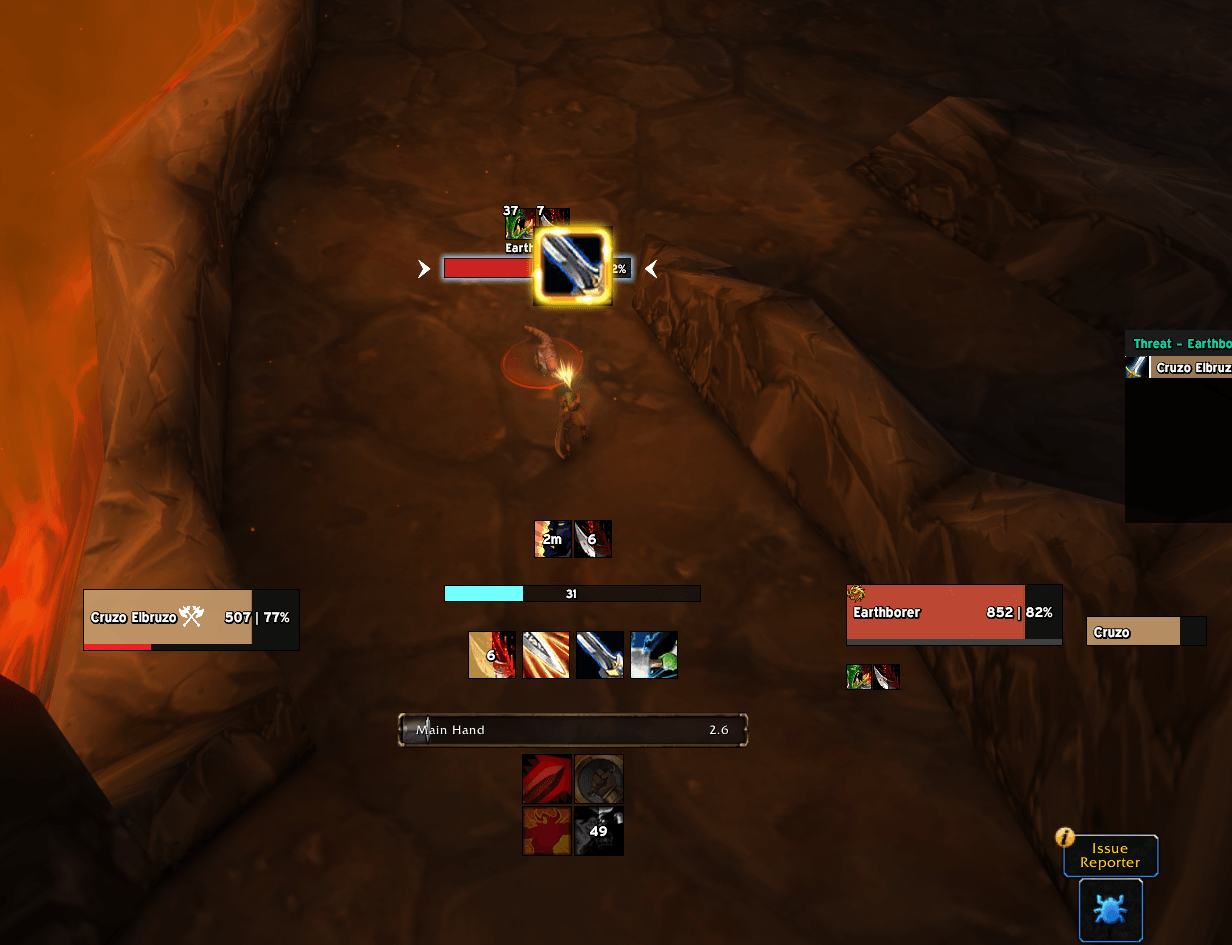
The addon works on its own once installed. When your target dodges, Overpower becomes usable for a few seconds, and the alert fires once each time that happens.
- Overpower can only be used in Battle Stance, so that's the only stance where the normal alert fires.
Options
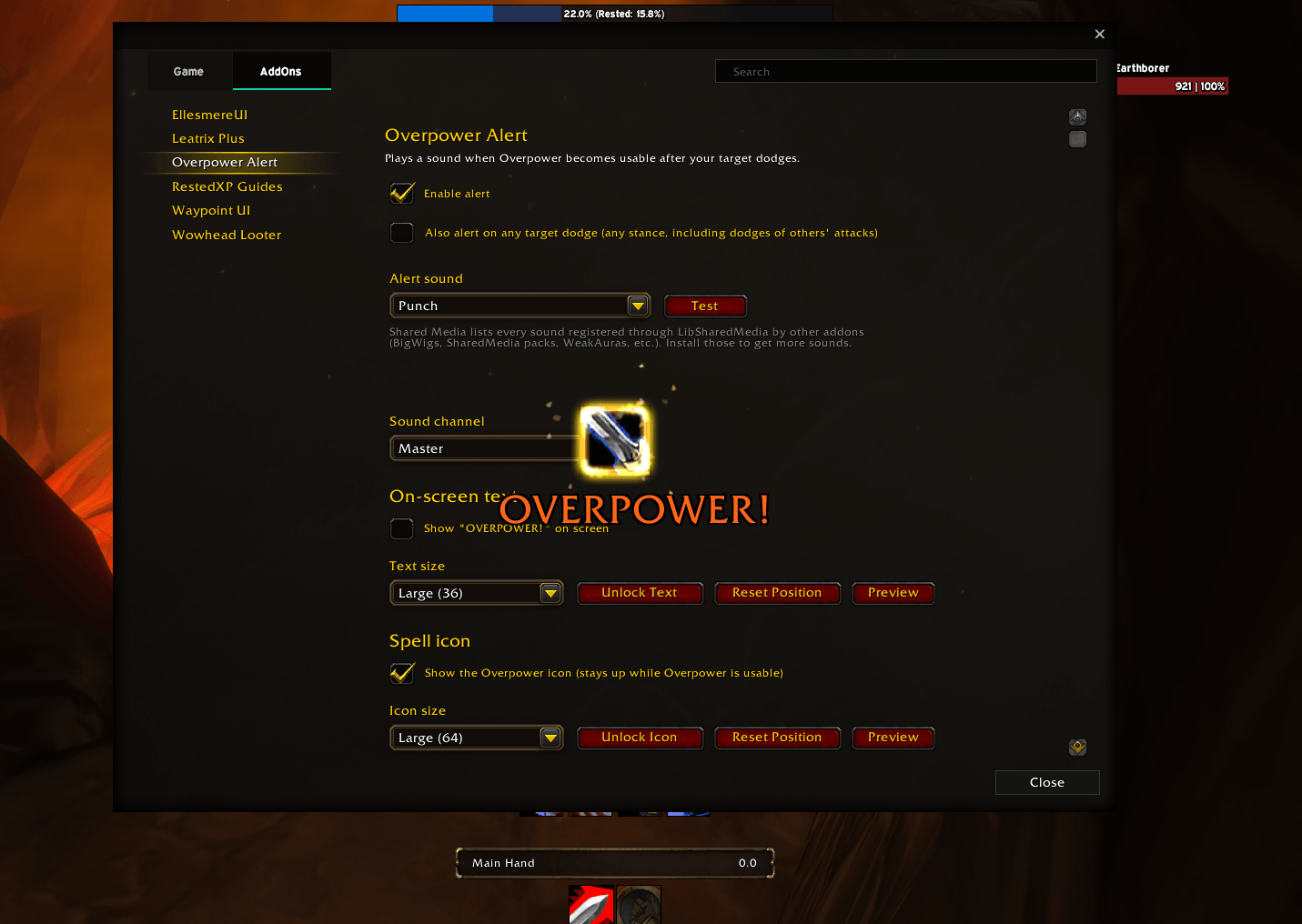
Open the options with /opa, or from Game Menu → Options → AddOns → Overpower Alert.
Alert sound: pick from three groups:
- Game Sounds: about 40 built-in sounds.
- Shared Media: every sound other addons share through LibSharedMedia, such as BigWigs, WeakAuras or SharedMedia sound packs. It's empty until you install one of those.
- Custom: a sound file path or FileDataID of your choice.
Choosing a sound plays it, so you can try several in a row.
Sound channel: Master, Sound Effects, Dialog, Ambience or Music.
On-screen text: show or hide it, and set the size.
Moving the text: click Unlock Text, drag the highlighted box where you want it, then right-click it to lock. Reset Position puts it back in the default spot.
On-screen text: show or hide "OVERPOWER!", and set its size.
Spell icon (off by default): pops up the Overpower icon and keeps it up while Overpower is usable. Set its size and pick a glow: Proc Glow, Action Button Glow, Pixel Glow, Autocast Shine or None.
Moving the text or icon: click Unlock Text or Unlock Icon, drag the highlighted box where you want it, then right-click it to lock. Reset Position puts it back in the default spot, and Preview shows it as it will appear.
Slash commands
| Command | What it does |
|---|---|
/opa | Open the options |
/opa test | Play the current alert sound |
/opa toggle | Turn the alert on or off |
/opa unlock / /opa lock | Unlock the text to move it, or lock it again |
You must be logged in to leave a comment.