
NetherSuite – The Nether Addon Hub
Formerly AetherSuite. The hub of the Nether family: search every setting of every Nether addon as you type and land right on it, from one minimap button. Plus a theme gallery, instant web lookups, diagnostics and plugins.
Details
Expansion
 Forever
 Categories
Developers

Having issues?
NETHERSUITE
Every Nether addon. One search away.
Formerly AetherSuite. Same addon, same author, a new name. Update as usual and your pinned settings, recent searches and options come with you on your first login.
━━━━━━━━━━━━━━━━━━━━━━━━━━━━━━━━━━━━━━━━
FIND ANY SETTING IN SECONDS
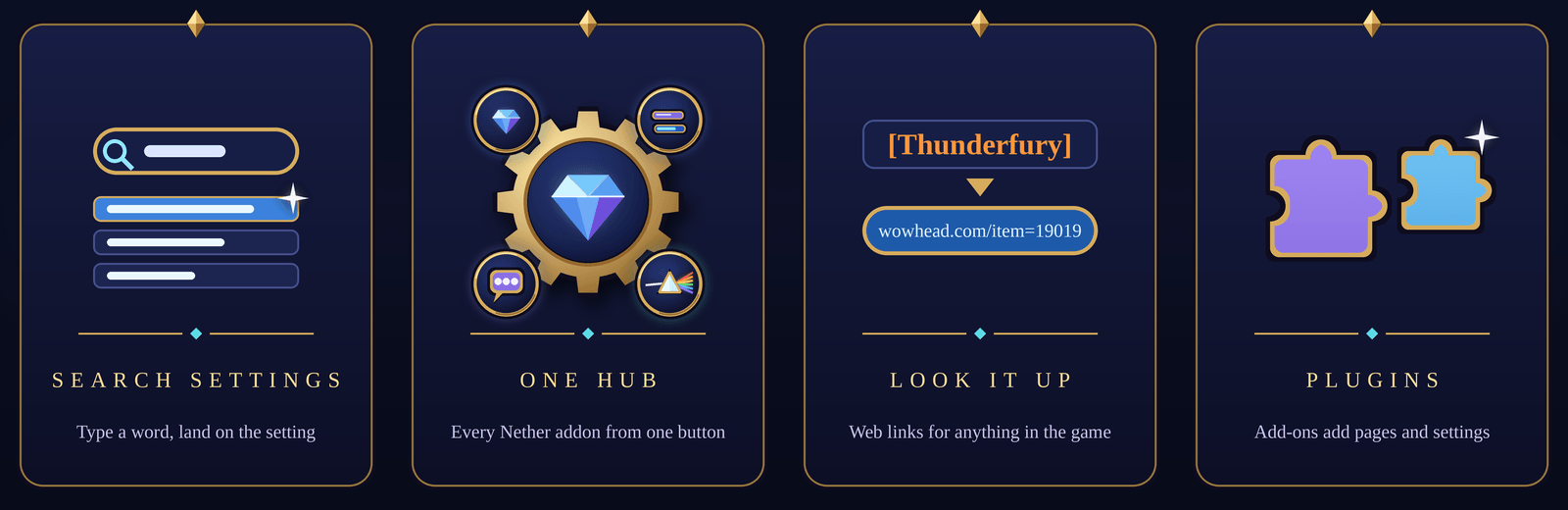
Start typing and matching settings drop down from NetherUI, NetherBars, NetherChat, PRISM and NetherSuite itself, with their current values. Pick one and the right addon opens on the right page, scrolled to the setting, which pulses so you can't miss it.
Everyday words work too. Type "hp" to find health, or "transparency" to find opacity.
━━━━━━━━━━━━━━━━━━━━━━━━━━━━━━━━━━━━━━━━
ONE HOME FOR THE WHOLE FAMILY
- One minimap button for every Nether addon, and button collectors pick it up
- Pin the settings you use most and find your recent ones waiting for you
- A theme gallery where one click changes the look of the whole family
- A page for each addon with its status, its pages and every setting it has
- Diagnostics: one copy-ready report for the whole family
━━━━━━━━━━━━━━━━━━━━━━━━━━━━━━━━━━━━━━━━
LOOK IT UP
Shift-right-click any item, spell or quest link in chat, or press the Look up key over anything with a tooltip. A card offers it on Wowhead, Warcraft Wiki, YouTube, Twitch or Blizzard Support, with the address ready to copy into your browser.
━━━━━━━━━━━━━━━━━━━━━━━━━━━━━━━━━━━━━━━━
SEARCH THE WHOLE GAME
Add NetherSearch and the same search box finds items, spells, NPCs, enemies, quests, objects and achievements as you type, with real tooltips, 3D models and where every item drops.
━━━━━━━━━━━━━━━━━━━━━━━━━━━━━━━━━━━━━━━━
LOOKS THE PART
NetherSuite follows your NetherUI theme, light or dark. On its own it wears a sleek Nether Void look of its own. Opacity, fading, scale and combat behaviour are all yours to set.
Works with any Nether addon, or none at all.
━━━━━━━━━━━━━━━━━━━━━━━━━━━━━━━━━━━━━━━━
GET STARTED
Type /as or /nsuite, or click the gem on your minimap. The old /asuite and /aethersuite commands still work.
Plugins can add their own settings, pages and features to the hub. The developer guide and a working example are included.
All Rights Reserved. Plugins welcome. Addon packs by written permission.

You must be logged in to leave a comment.