
Mappy Continued
Square minimap with enhancements. Compatible with Midnight and Forever!
Details
Expansion
 Forever
 Categories
Developers

Having issues?
Mappy Continued
A continuation of Mappy addon for World of Warcraft, originally created by Mundocani.
Compatible with Midnight and Forever!
Since the original addon seems pretty much abandoned and is under a MIT licence, I've decided to fork and maintain it. I love this addon too much to find a new one, so I've fixed it instead!
Please bear in mind that I'm not planning on adding new features nor refactoring the code, at least not now (and yet I already added a few…). I want to maintain the currently implemented features with as little modifications of the original codebase as possible. There will be some dirty hacks, which I might pretty-up later.
I might add some new things if you ask for any, but it's going to be a case-by-case thing. Ask away though!
Features
Mappy-Continued is a minimap addon focused on changing the minimap shape into a sleek square.
Other features include:
- Resizing of the minimap
- Option to move the minimap via Edit Mode only
- Option to move the minimap via addon settings only
- Automatic stacking of minimap buttons along the minimap OR screen
- Option to show minimap buttons only on mouseover
- Pretty-ing the stock Calendar, Mail and Tracking buttons to actually look like buttons
- Zooming in and out with the mouse wheel
- Alpha settings, separate for combat, movement and default state
- Option to hide the quest/WQ/archaeology border ring
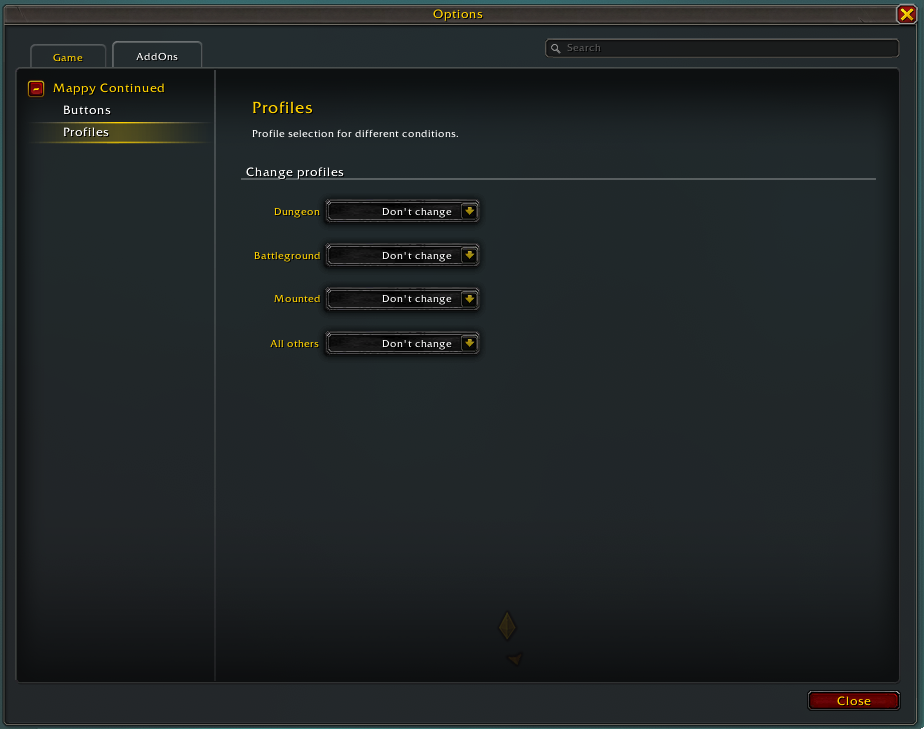
- Profiles (including being able to set a profile for mounting, dungeon etc)
- Gathering overlay support for Gatherer and GatherMate
- Compatibility with MinimapButtonBag Reborn
- Compatibility with FarmHud
Bigger and/or blinking gathering nodes- No longer possible since 12.0.7Classic-style dot for gathering nodes- No longer possible since 12.0.7- Player coordinates
Slash commands
/mappy - Opens options in the Interface window
/mappy help - Shows a list of available commands
/mappy default - Loads the default profile
/mappy save settingsname - Saves the settings under the name settingsname
/mappy load settingsname - Loads the settings
/mappy settingsname - Shorthand version of /mappy load
/mappy ghost - Mouse clicks in the minimap will be passed through to the background
/mappy unghost - Mouse clicks work as usual
/mappy corner TOPLEFT|TOPRIGHT|BOTTOMLEFT|BOTTOMRIGHT - Sets the starting corner for button stacking
/mappy reset - Resets all settings and profiles
/mappy unlock - Unlocks the minimap for dragging
/mappy lock - Locks the minimap, preventing its movement
/mappy reload - Reload Mappy if something doesn't look right (buttons overlapping etc)
Examples
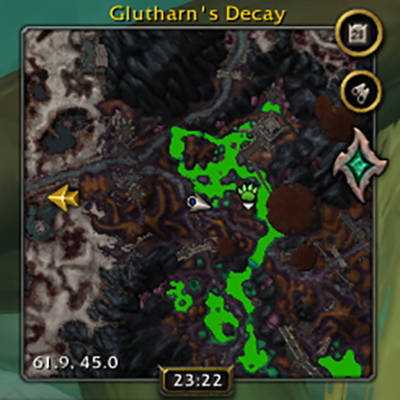
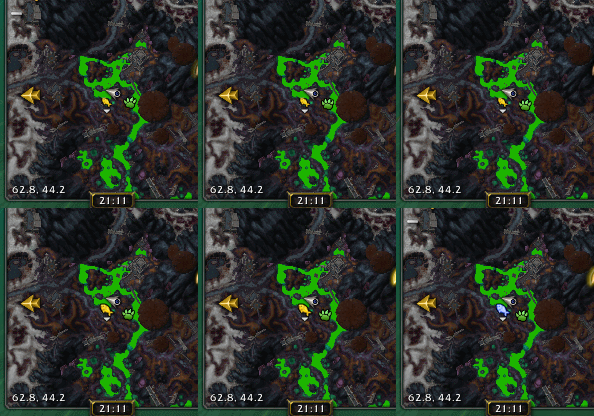
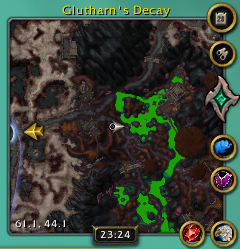
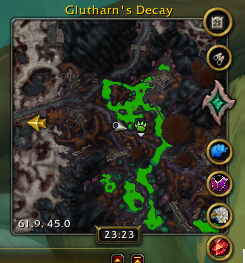
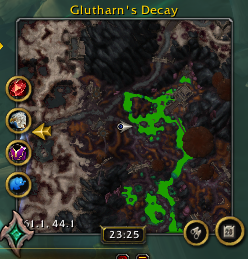
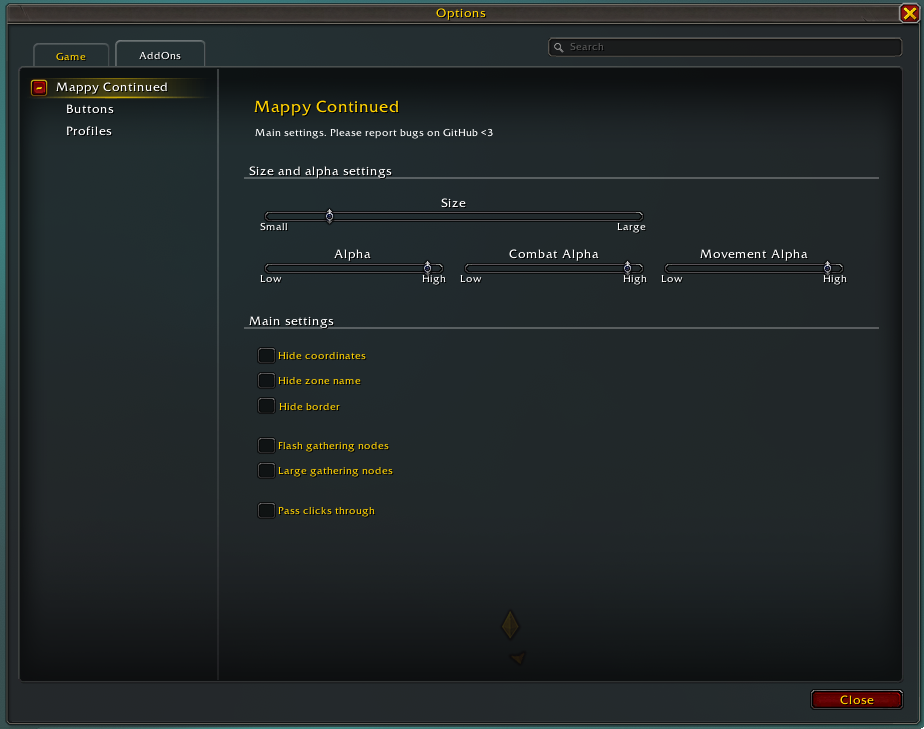
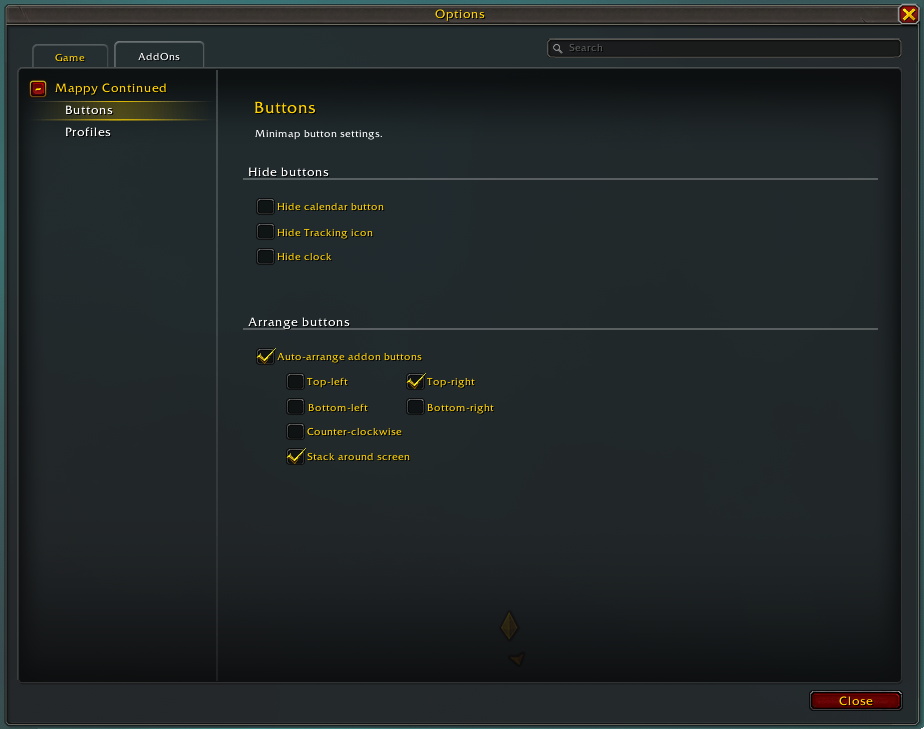
Please refer to the Images tab for examples on how the map can look like.
Attributions
- Mundocani (original author of Mappy)
- LynchburgJack (maintainer of Mappy-Shadowlands fork)
- Shushuda (maintainer of this fork - Mappy-Continued)
- wealdly (bugfixes and performance improvements)
- Little-Bunny-FuFu (bugfixes)
You must be logged in to leave a comment.