

LuQoL
Combo points on nameplates, quest mob highlights, swing timers, class-colored frames and whisper invites – all in one lightweight addon
Details
Expansion
 Forever
 Categories
Developers

Having issues?
LuQoL
Quality-of-life tweaks for World of Warcraft: Forever. It's lightweight, each feature turns on separately, and everything is set up in one settings window.
Features
Combo Points
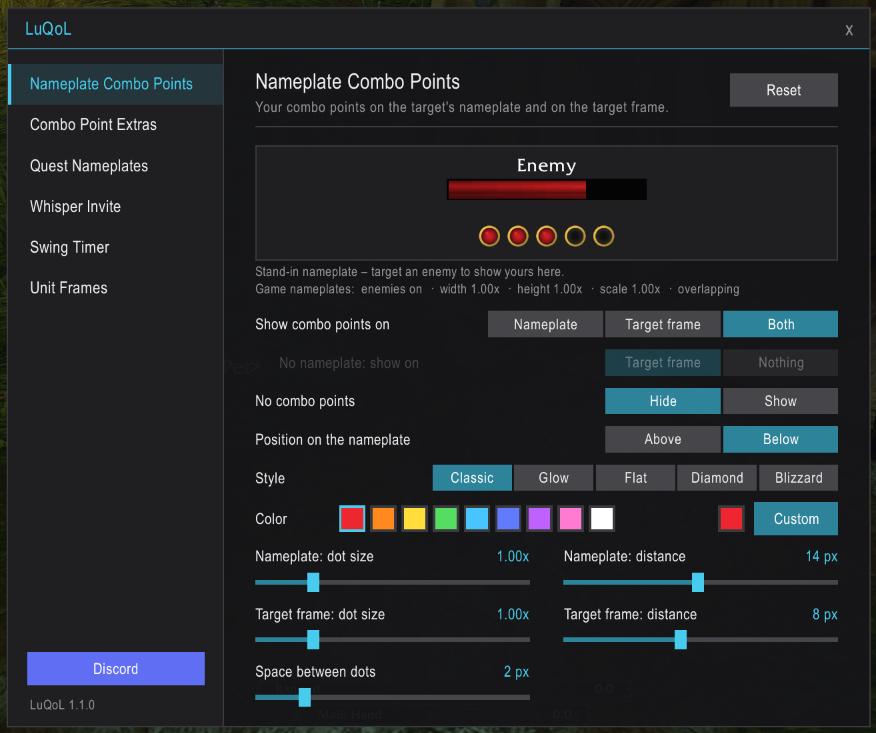
Shows your combo points on your target's nameplate, on the target frame, or on both, so you can follow them without looking away from the fight.
- Above or below the health bar, always centered
- Adjustable style, color, size and spacing
- Live preview that uses your own nameplate settings
- Hidden while you have no points
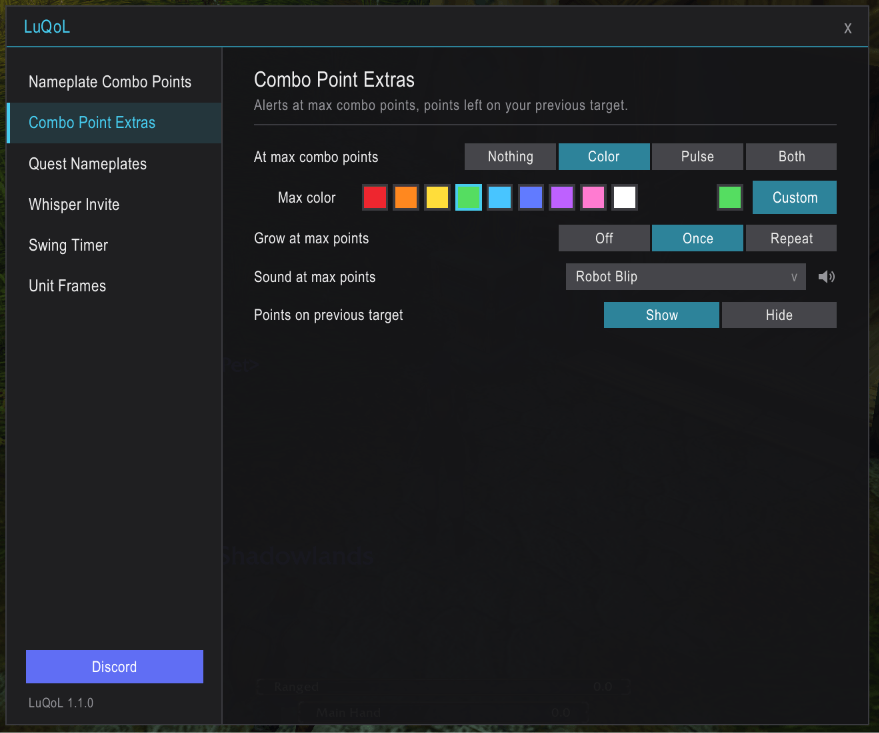
- Extras: color change and/or pulse at max points, dots that grow when you reach max, an optional sound alert (with a preview button for each sound), and points left on your previous target shown faded on its nameplate
Uses the game's own combo point display, so it works with Forever's protected combat values.
Quest Nameplates
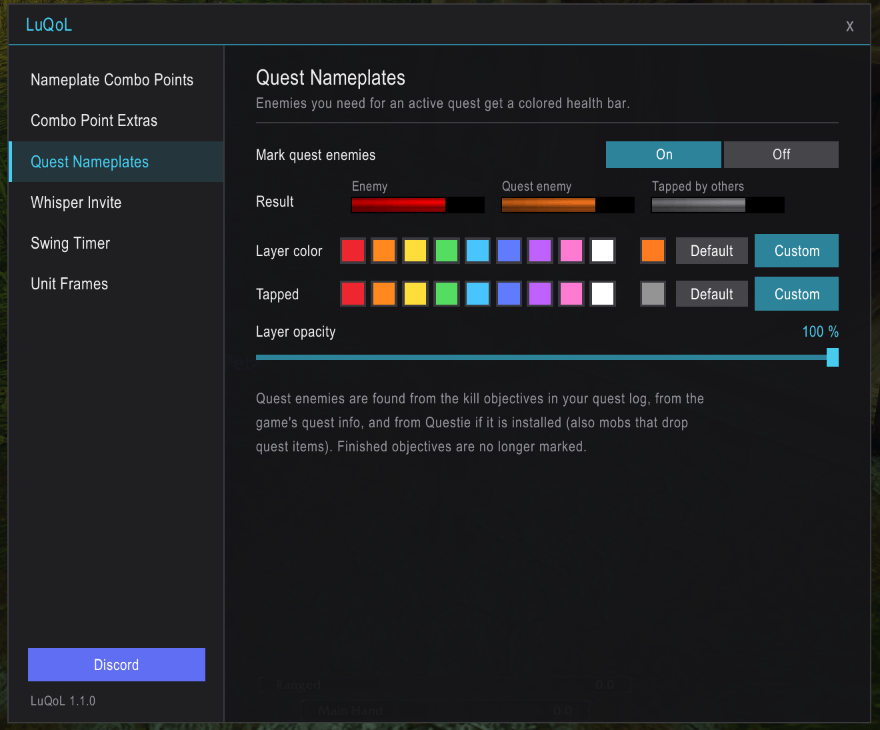
Enemies you still need for an active quest get a colored layer over their nameplate's health bar. You can change the color and opacity. Quest enemies tapped by someone else get a gray layer instead.
Swing Timer
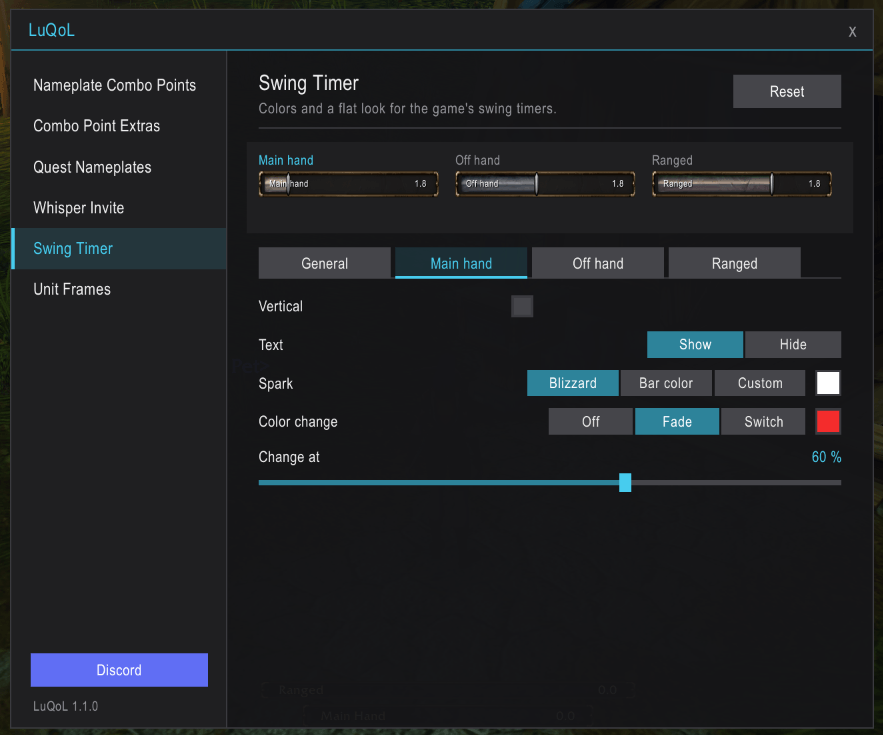
The game's own swing timers (main hand, off hand, ranged) in your colors:
- Horizontal or vertical bars
- Fade or color change from an adjustable percentage
- Custom spark color
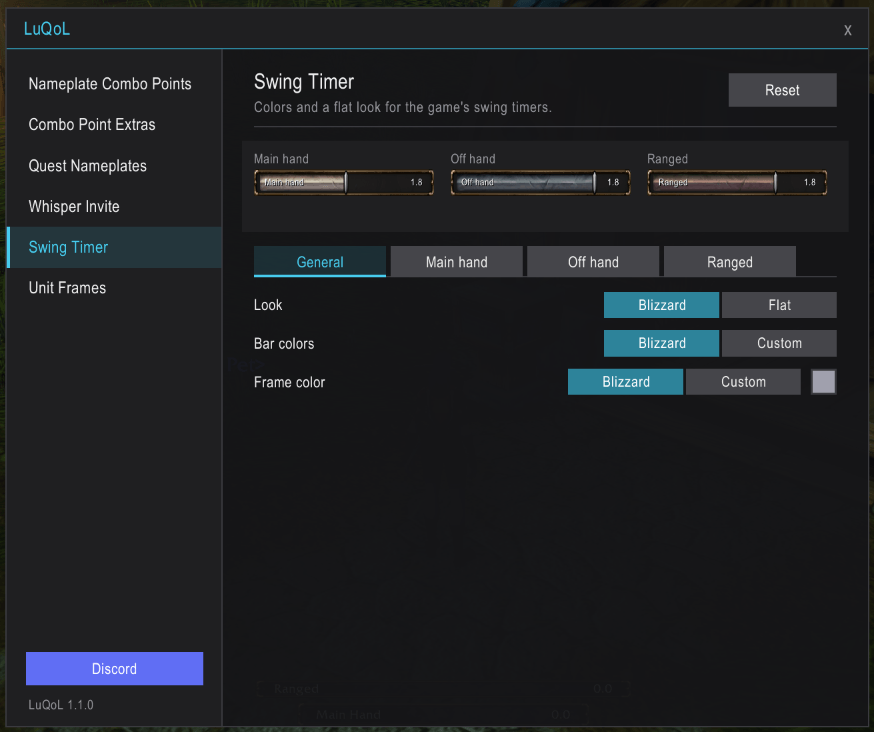
- Optional flat look with your own texture, background and border
- Live preview of all three timers
Unit Frames
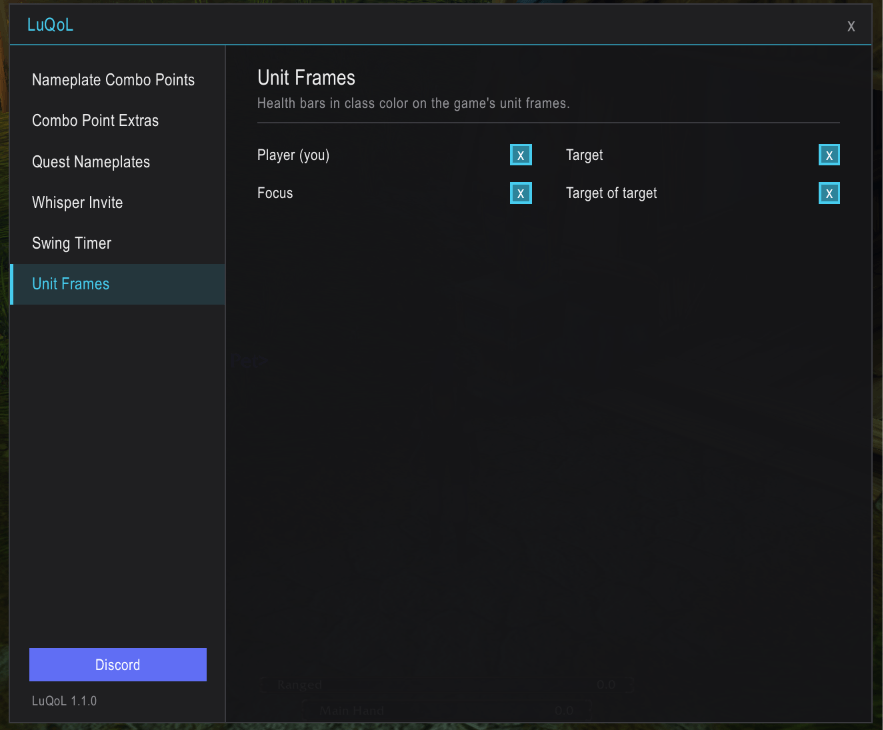
Class-colored health bars on the player, target, focus and target-of-target frames, each turned on separately. NPCs keep the game's colors.
Whisper Invite
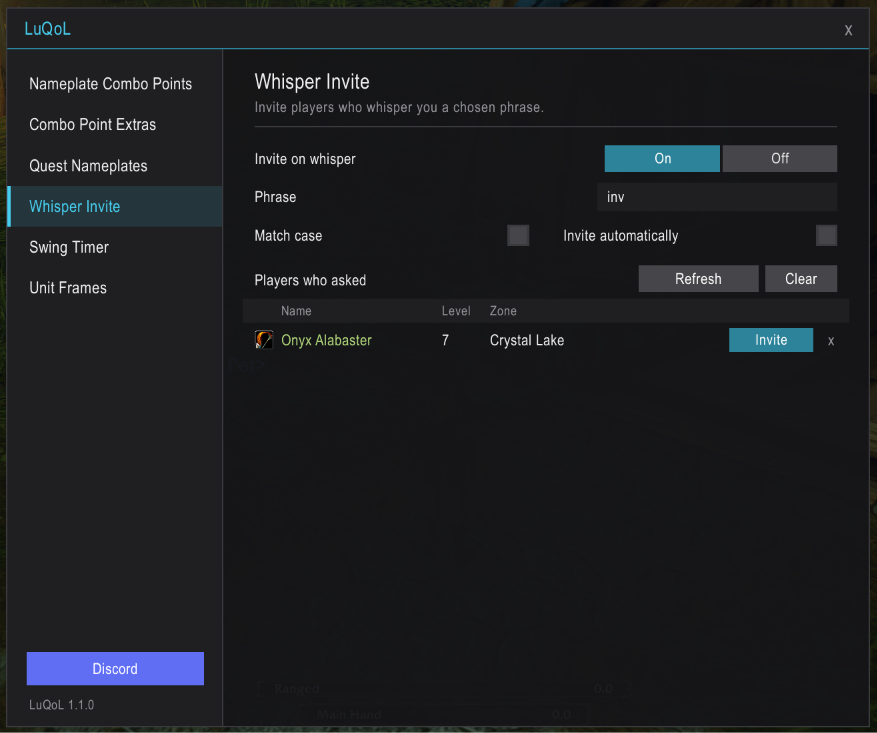
Players who whisper you a chosen phrase (e.g. inv) get a group invite, either automatically or from a list with class icon, level and zone. Case-sensitive matching is optional.
Commands
| Command | Effect |
|---|---|
/luth | Open the settings |
/luth debug | Diagnostic info for bug reports |
You can also open the settings via Esc → Options → AddOns → LuQoL or from the addon compartment button on the minimap.
Feedback
Found a bug or have an idea? Please leave a comment or open an issue, and include the output of /luth debug for bug reports.
You must be logged in to leave a comment.