
Lorti UI Port
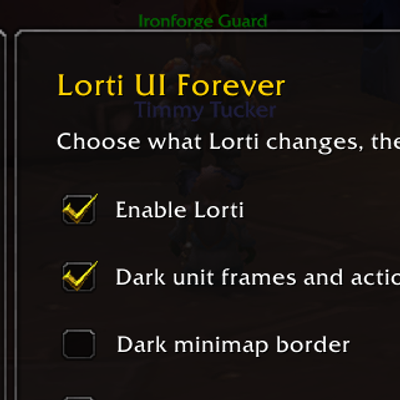
An unofficial Lorti UI port for Forever, with dark frame borders, glossy buttons and cropped icons.
Details
Expansion
 Forever
 Categories
Developers

Having issues?
Lorti UI Port
An unofficial port of Lorti UI for the World of Warcraft: Forever beta, maintained by Videocat.
What it changes
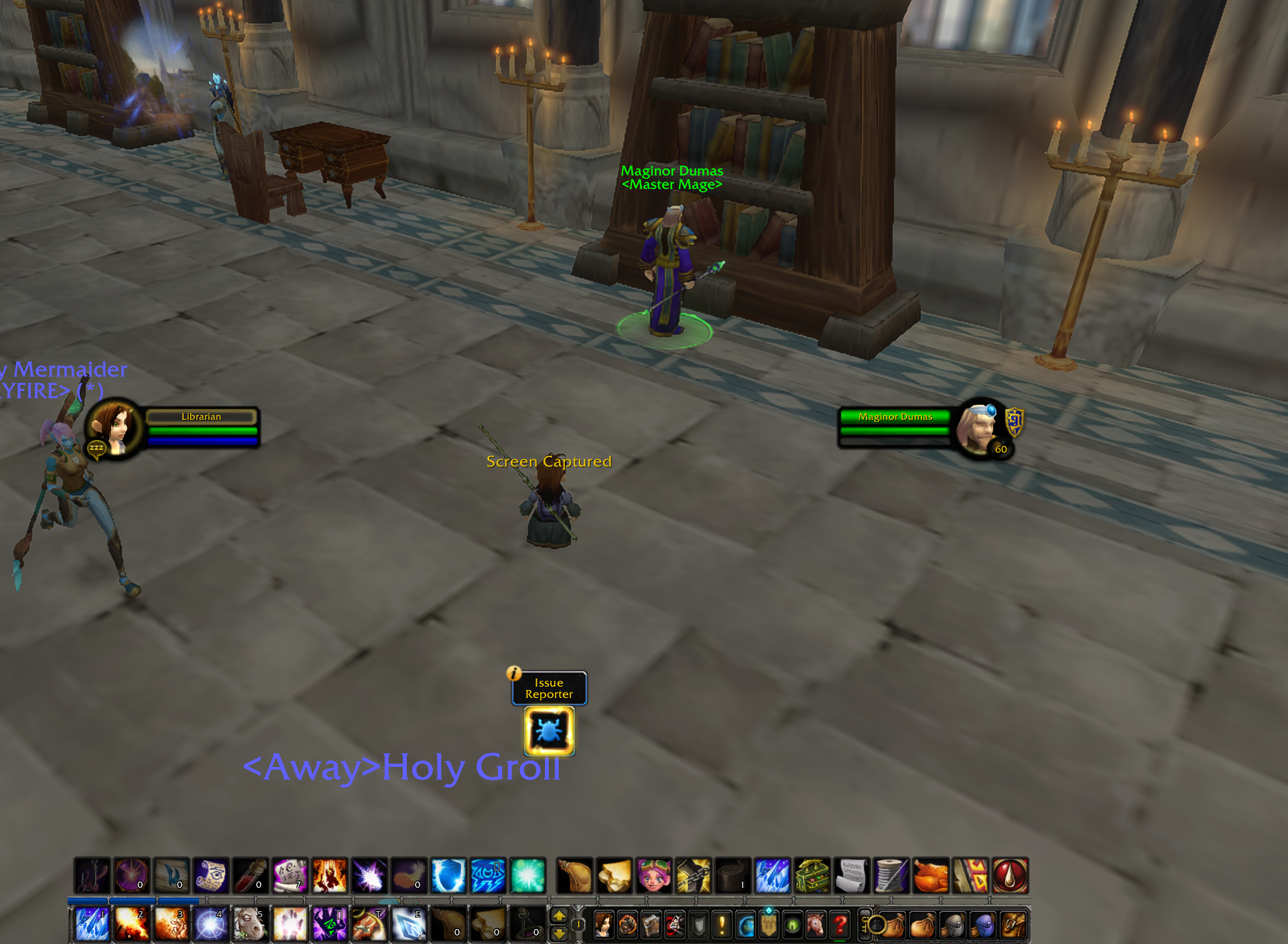
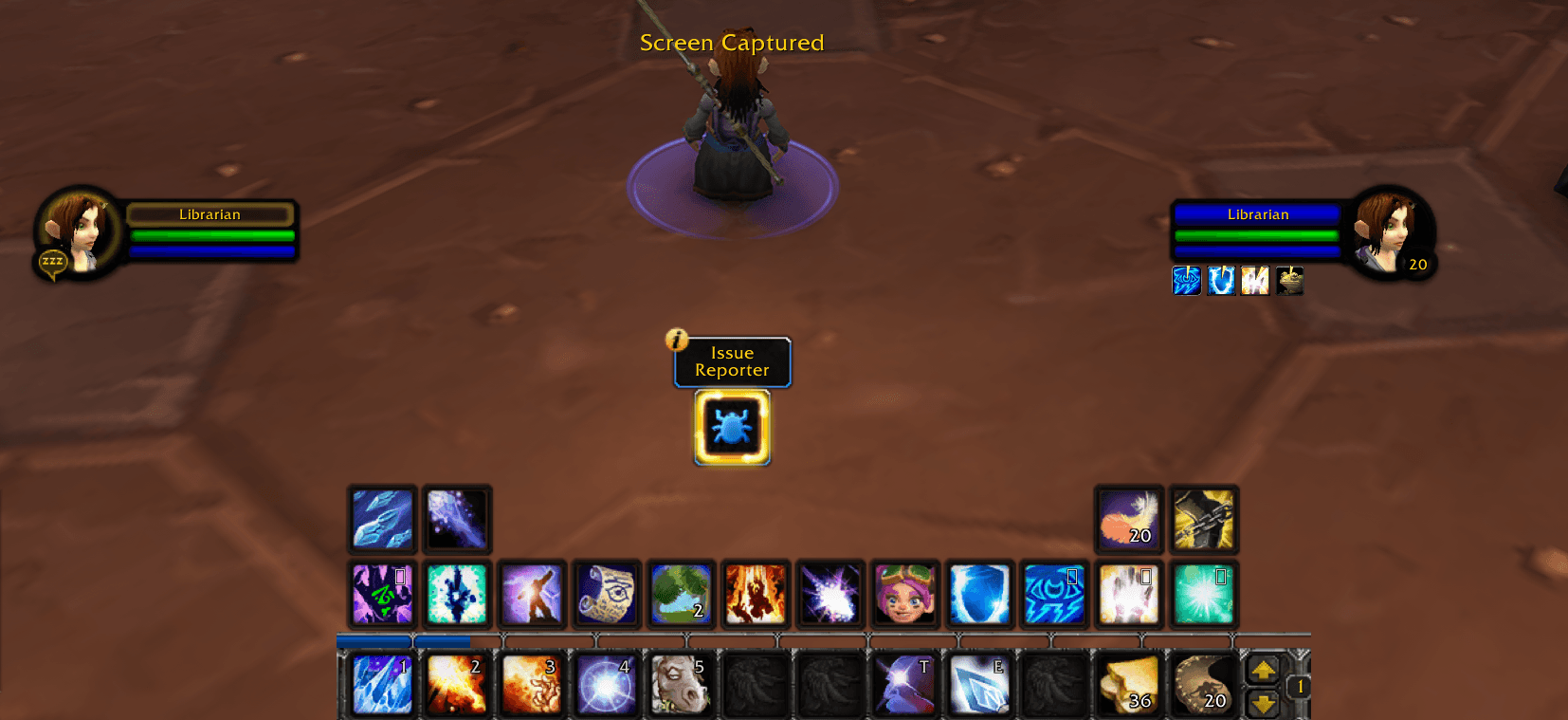
- Darkens supported player, target, focus, pet and party borders, the minimap ring and other exposed frame borders.
- Adds Lorti's glossy action buttons, cropped icons and shadows.
- Styles accessible buff icons while keeping native controls and frame positions.
Install and settings
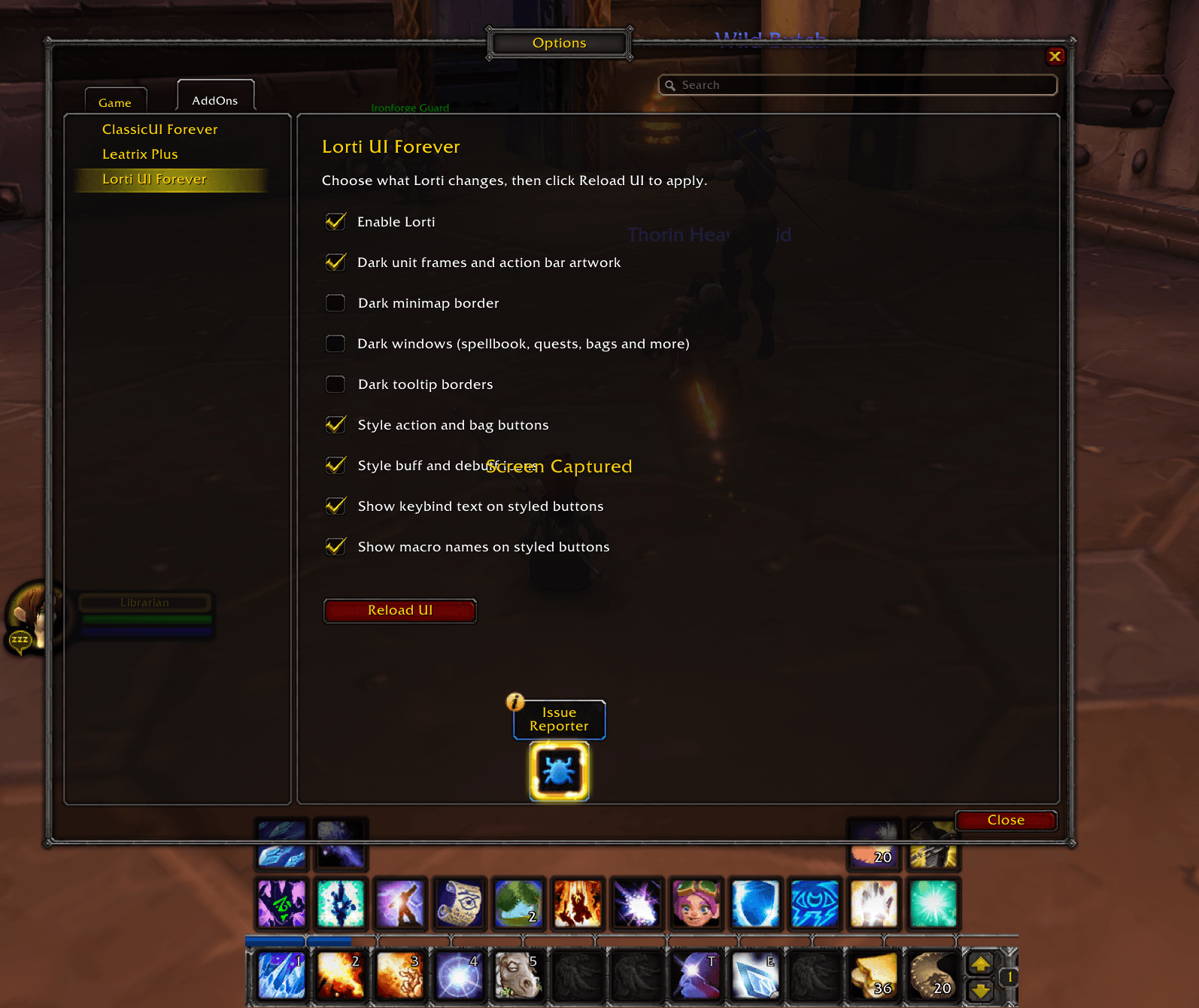
Extract the release into Interface/AddOns so the folder is named LortiUIForever. Enable Lorti UI Forever on the character screen. Disable overlapping UI skins when checking its appearance.
Type /lorti for status and settings. Use /lorti off or /lorti on, then /reload. You can also toggle frames, buttons, auras, hotkeys and macronames with on or off.
Beta notes
Version 0.1.0-beta targets Forever interface 16001. The Classic modules have been replaced with Forever modules and saved settings. Some protected auras and unsupported windows stay unchanged. Full combat, raid and taint checks remain outstanding. Please report the first full error and /lorti output.
Credits and license
- Lorti / lortipwnz created the original Lorti UI.
- Chordsy and upstream contributors adapted it for Classic.
- This port uses EzioAu/Lorti-UI-Classic, revision
7e0cf9162b6752adf20ead39d2ce0f992ed7b61b(Classic 1.1.0). - Videocat / coffeelover1010 maintains the Forever adaptation.
Released under GPLv3, as published by the original project. The release includes the full license and attribution notices. Original code and artwork remain credited to their authors. This is an unofficial port, with no endorsement by the original authors or Blizzard Entertainment.
You must be logged in to leave a comment.