

LoreVoiceTTS – Quest, Book & Tooltip Reader, Reading Log, and more
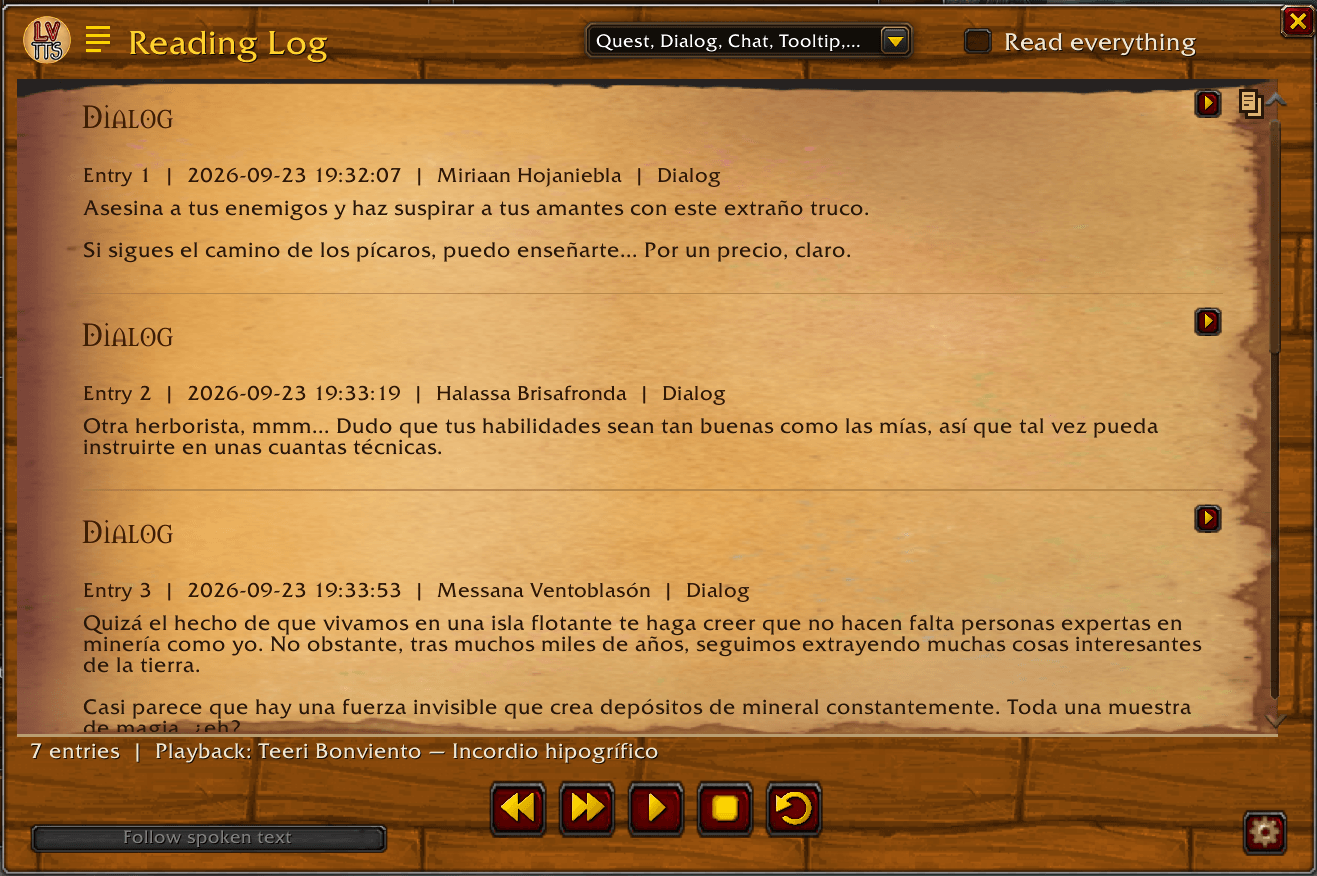
Reads quests, books & letters, NPC dialog & chat, and tooltips aloud using WoW’s built-in text-to-speech. Choose different voices for different text types. Many reading options, e.g. for automation & text highlighting. Adds a Reading Log to reread texts.
Details
Expansion
 Forever
 Categories
Developers

Having issues?
If you…
- find reading difficult,
- like having texts read aloud to you,
- would rather listen to the story of WoW than read it,
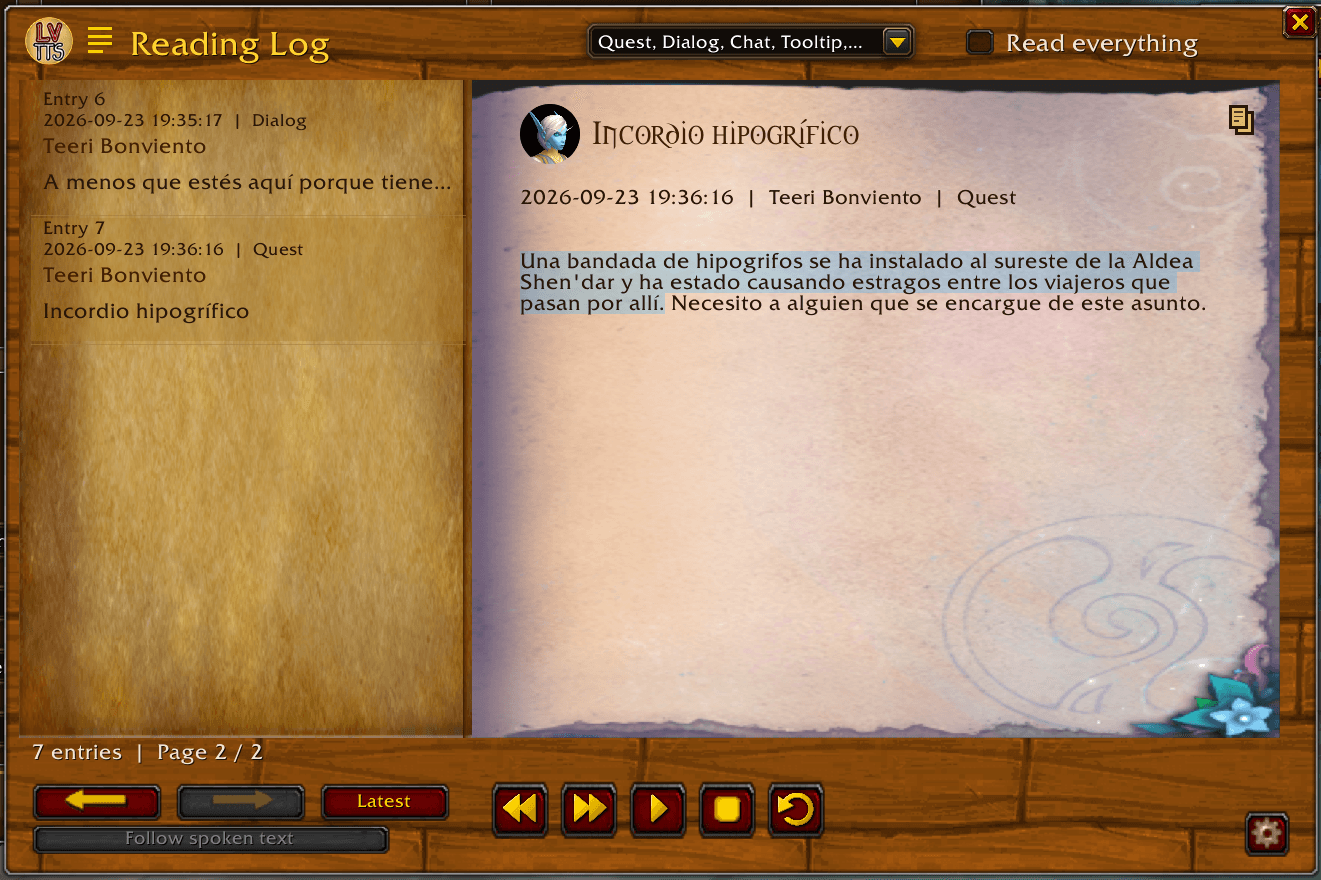
- would like to re-read Quests and Books etc. you read throughout your journey,
- want to improve a language through playing and listening to WoW lore,
- or simply don’t enjoy reading that much
...then this AddOn is just the thing for you!
LoreVoiceTTS offers a wide range of settings and customization options to specify which and how text is read to you, with the option to save read text in a Reading Log to reread it later. You have the option, to replace the Quest and/or Book windows, with a lot of customization options.
----------------------------------------------------
-------------------- Features ---------------------
----------------------------------------------------
- TTS reads quest, books/letters, NPC dialog texts, and more
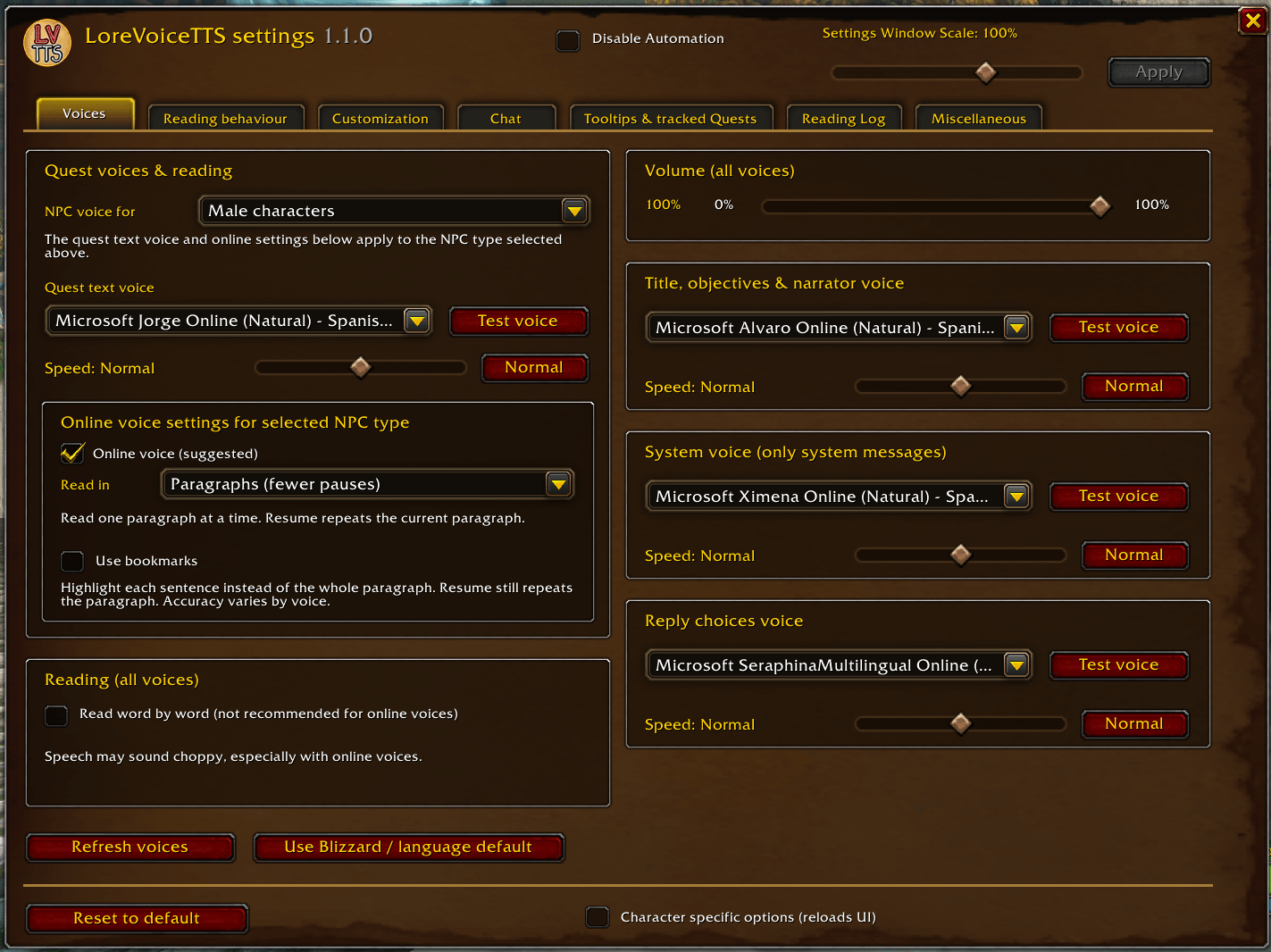
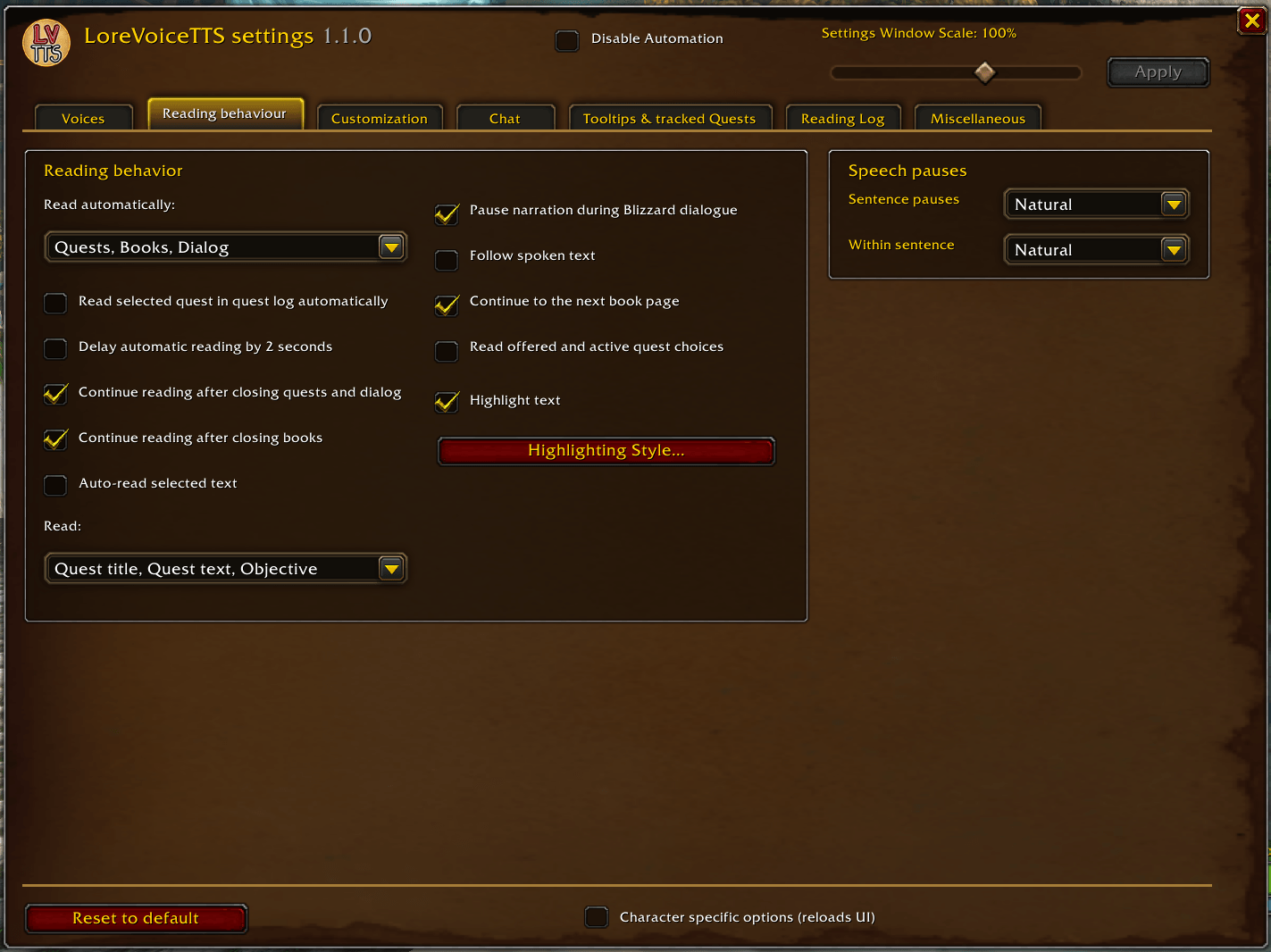
- multiple customization options (e.g. voices per gender and text type, speed and volume of reading, auto reading, etc.)
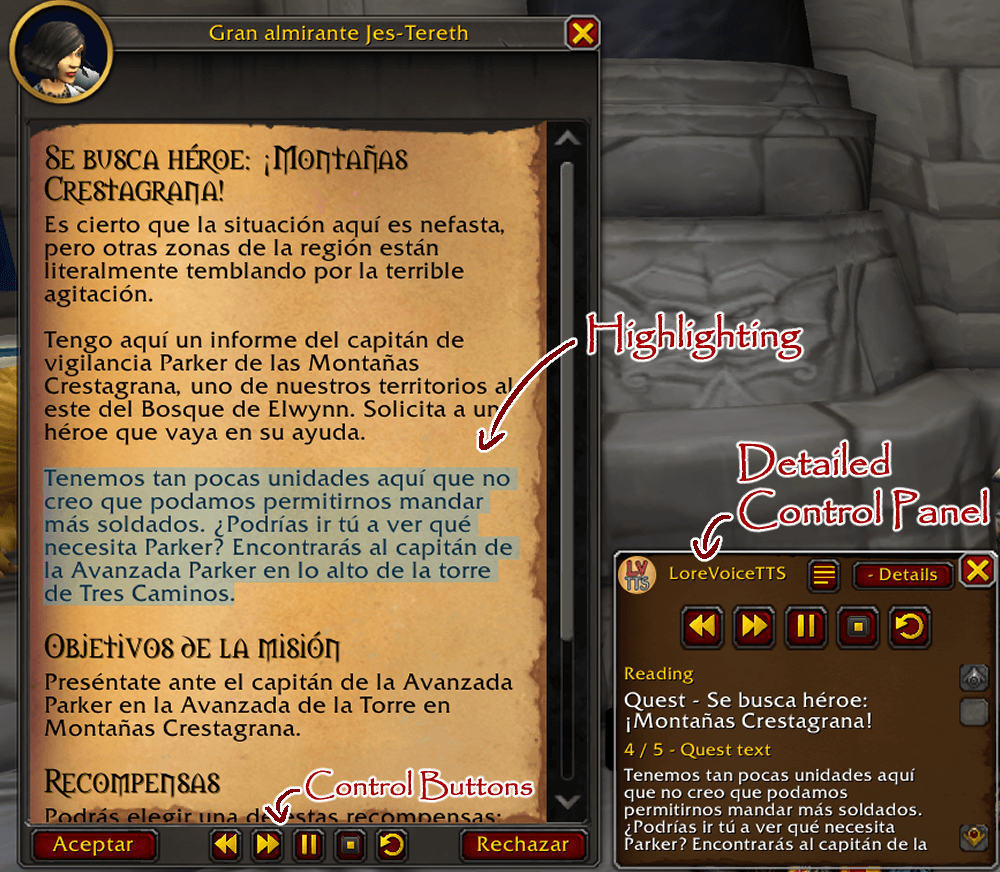
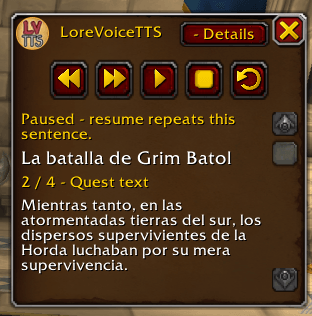
- Buttons for play/pause, skip, stop/restart
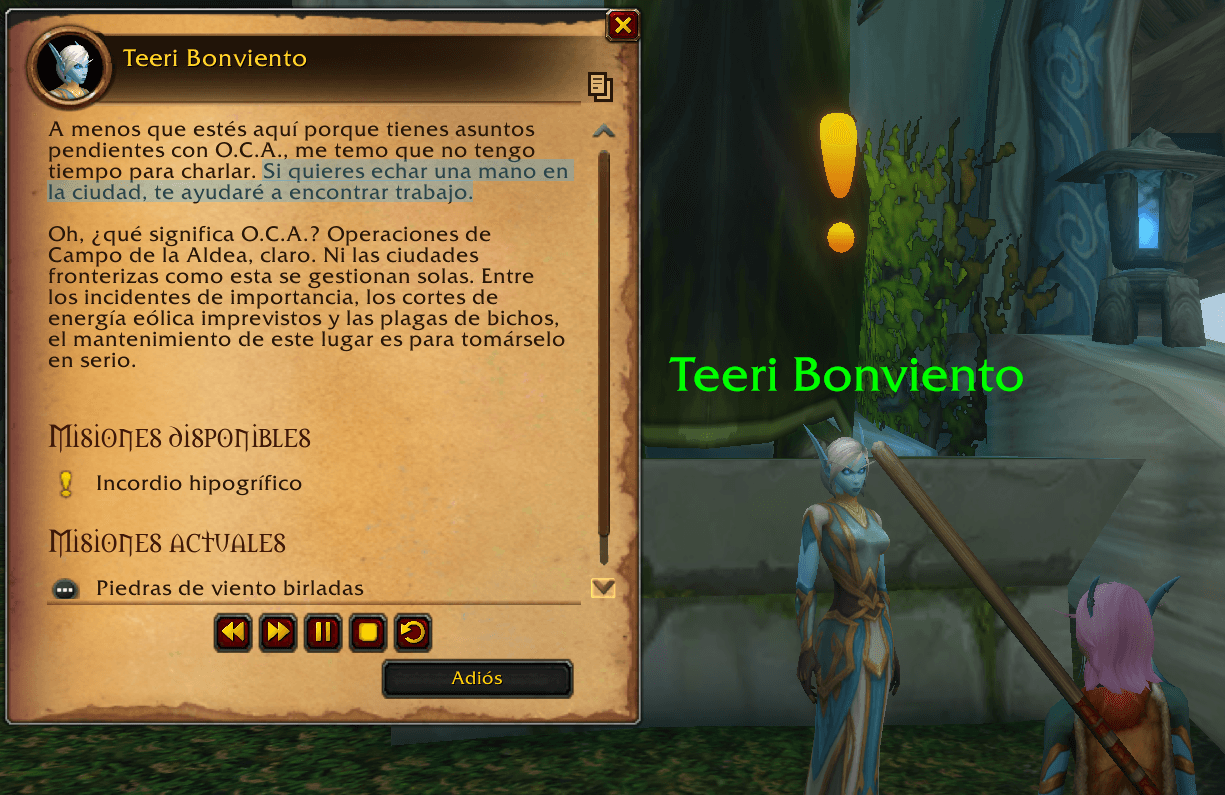
- Highlighting for currently read text in the quest/book and dialog window
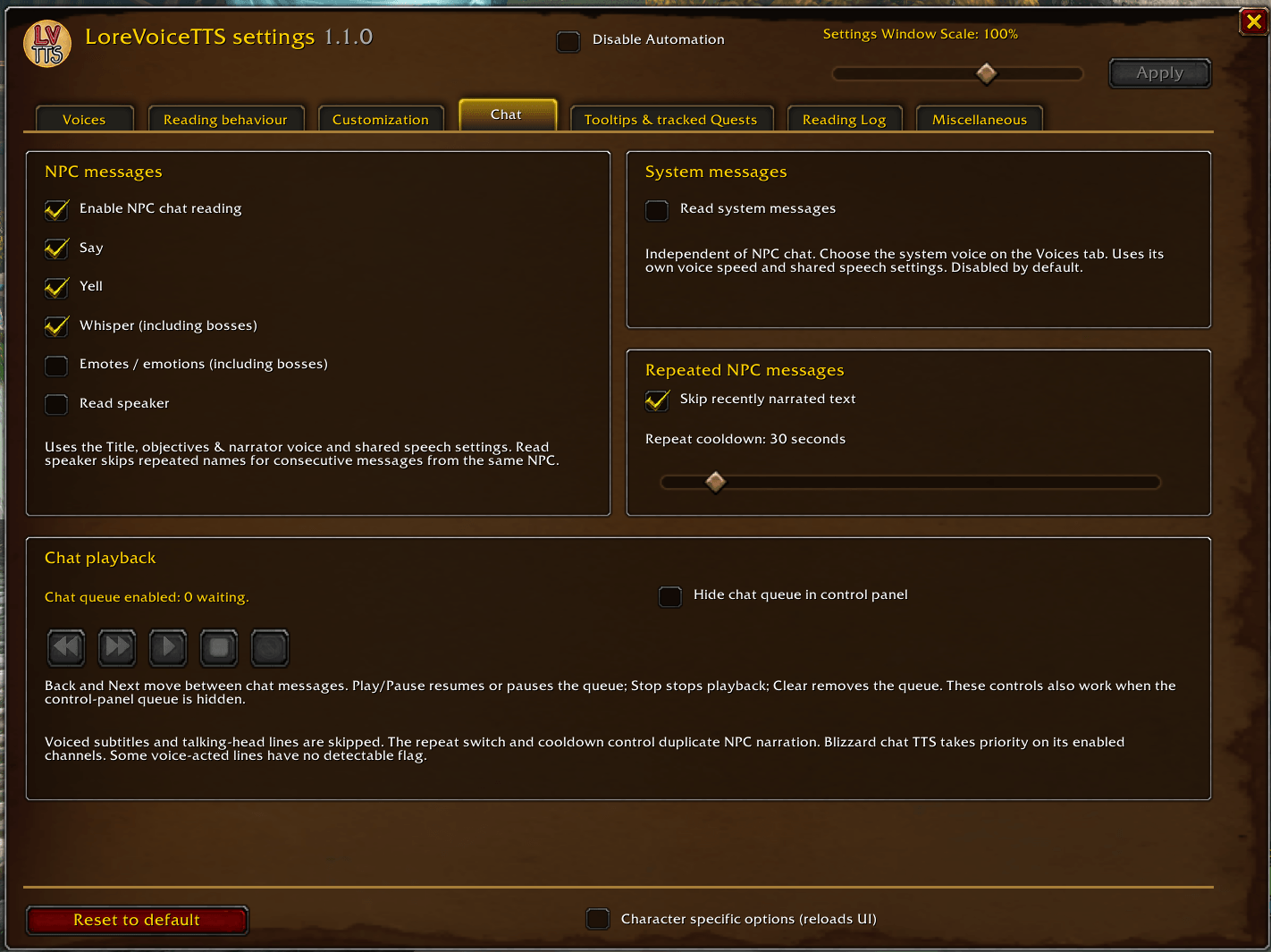
- Option to also read NPC chat message (built in TTS options may have to be disabled or configured to avoid redundancies/overlaps)
- Option to log all quest, book, dialog and npc chat texts for later re-reading in the Reading Log (saved per character)
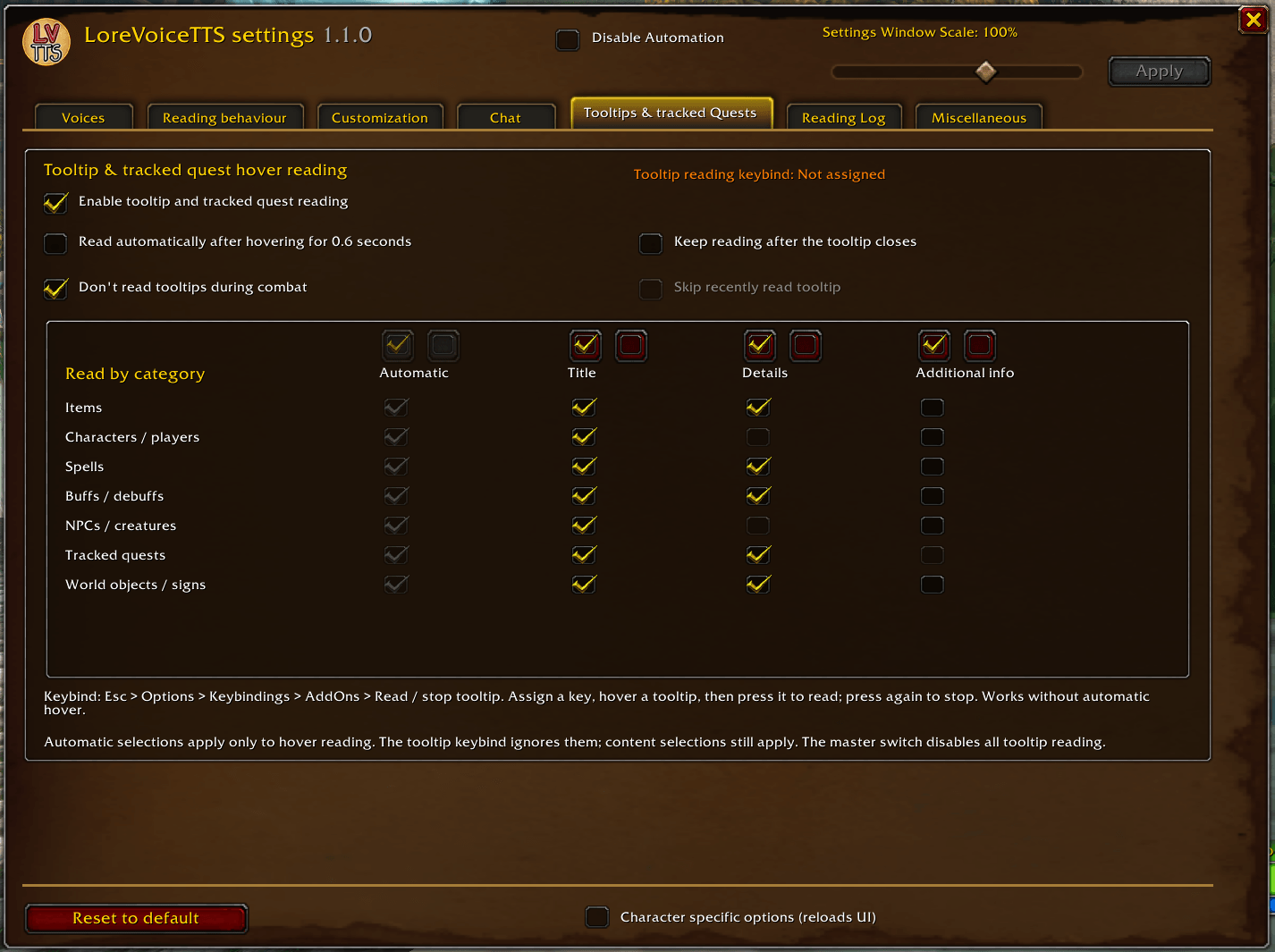
- Option to also read tooltips of items, spells, characters and more (either through hotkey or by mouse hovering)
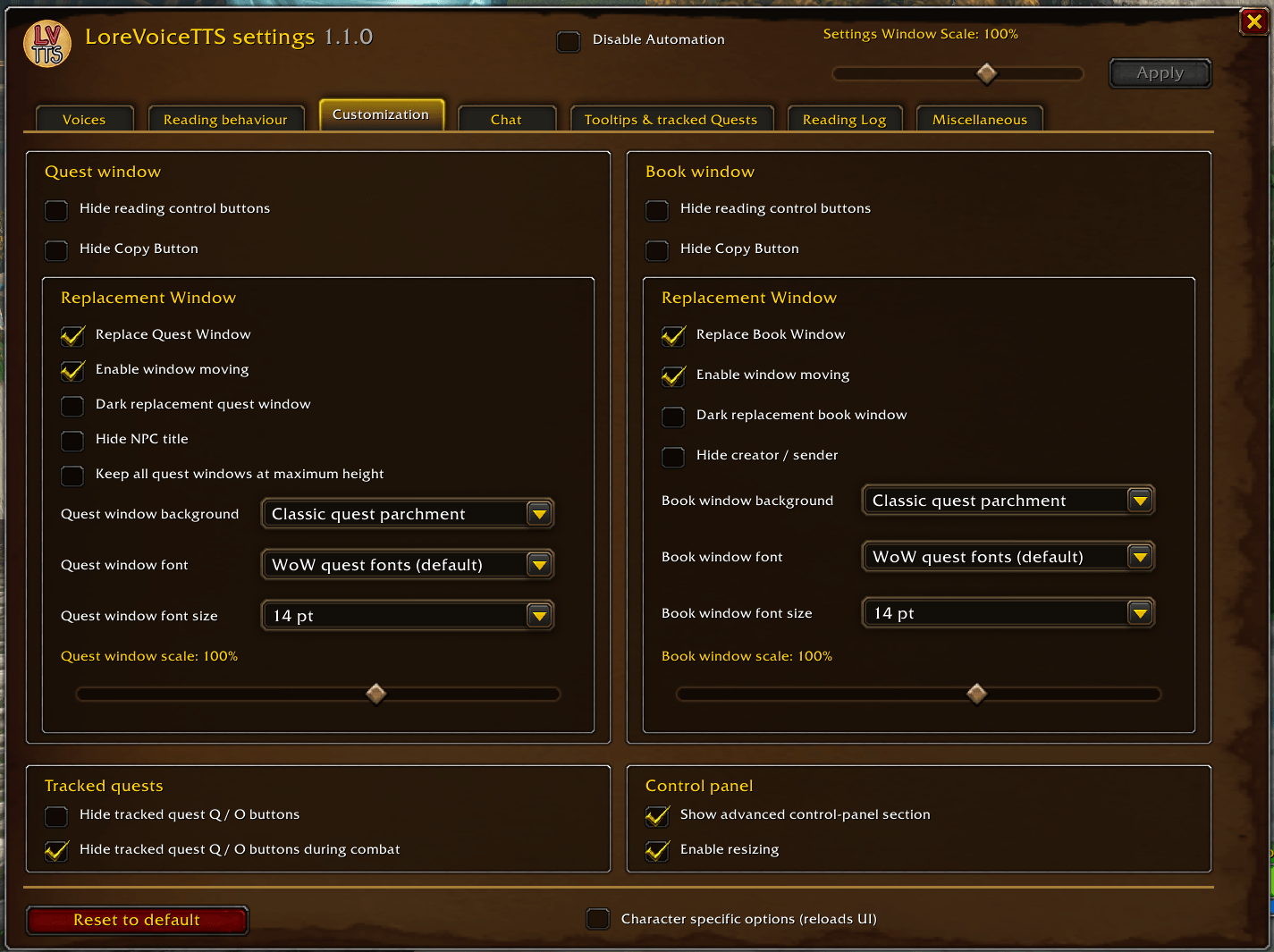
- Option to replace Quest and/or Book windows with the AddOn's own (moveable) windows - with a lot of customization options
- Copy Text Button in the Quest and Book windows and the Reading Log
- Options to hide and deactivate elements and functionalities of the AddOn you don't use/like
- Coming soon™:
- ScreenReader in game (Beta)
----------------------------------------------------
---------------------- Notes ----------------------
----------------------------------------------------
- only tested and verified on Windows
- supported interface languages: English and German (! This applies only to the AddOn’s UI – the available voices and the text read aloud depend on your WoW client settings and the TTS languages/voices installed on your PC !)
- Online (or cloud) voices (for example from https://github.com/gexgd0419/NaturalVoiceSAPIAdapter ) in general sound more natural, but will often have a short delay when reading a text. You can try to find the best fitting solution for you with multiple online voice setting options. Offline voices (e.g. the ones provided by Microsoft/Windows) should never have a delay.
----------------------------------------------------
------------------- Known Issues -----------------
----------------------------------------------------
currently none found/reported
----------------------------------------------------
If you have any problems, or suggestions to make the AddOn better, please let me know!
If you have an issue, please state the following (in a comment or direct message):
- what exactly is the issue?
- when, where and how frequent does it happen?
- do you have other addons enabled? Could one of them interfere with this addon?
----------------------------------------------------
You must be logged in to leave a comment.