
Forever Simple Loadout
Equipment slot buttons with item menus, placed and attached where you like, and your own gear sets to swap in one click.
Details
Addon ID:
27817
Addon Version:
0.5.2
Expansion:
1.60
Upload date:
Oct 06, 2026
Last Updated:
Oct 06, 2026
Downloads:
Less than 100
Website:
Source Link
Expansion
 Forever
 Categories
Developers

tarolg
Creator
Having issues?
Forever Simple Loadout puts your equipment slots on screen as buttons in World of Warcraft: Forever, and keeps your own gear sets. In game it is listed as Forever Loadout.
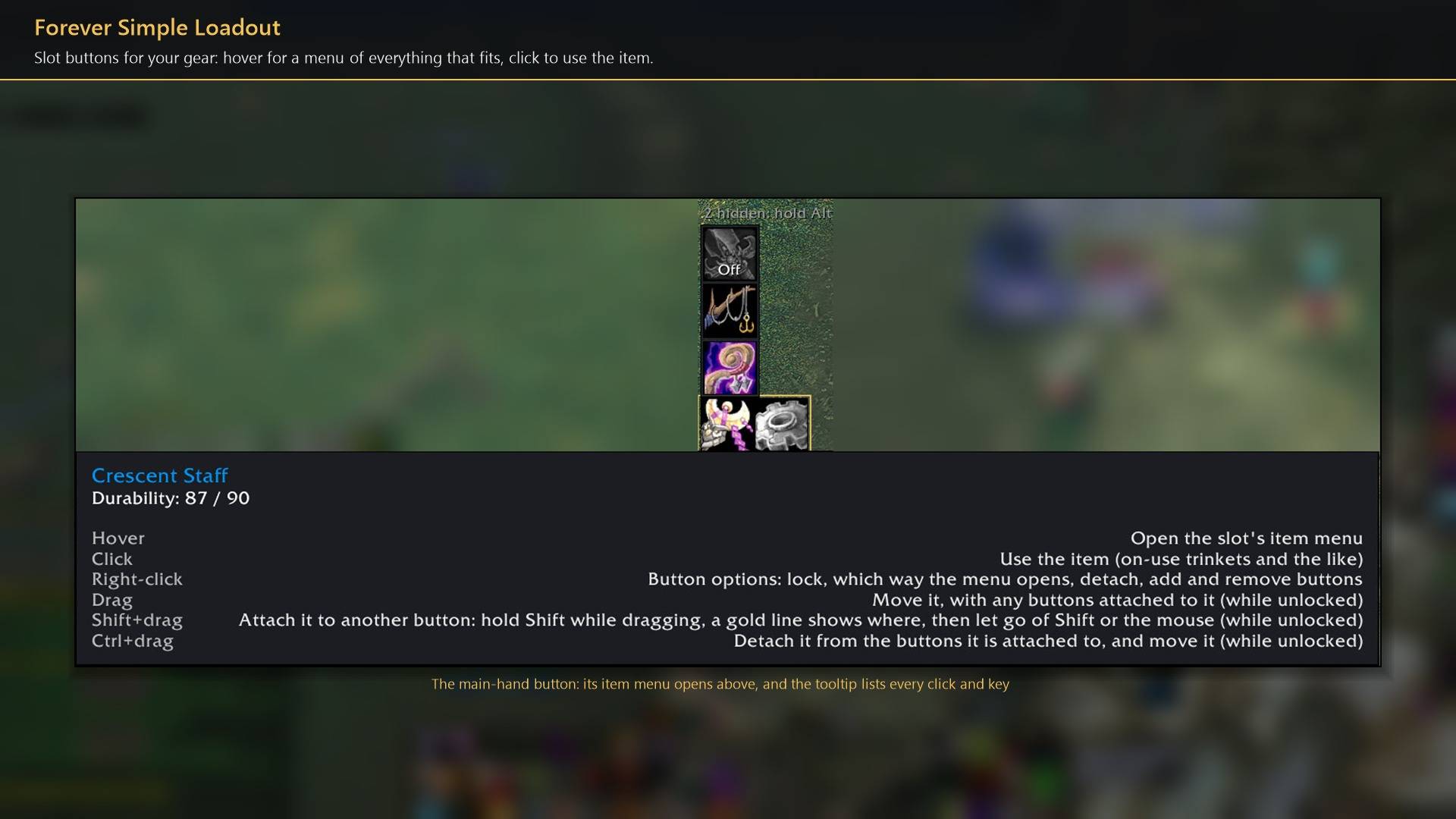
- Slot buttons. Add a button for any slot: click it in the settings' slot grid, or Alt+click the slot on your character sheet. Hover a button for a menu of everything you carry that fits that slot, and click one to wear it. Click the button itself to use the item, such as an on-use trinket.
- Place them your way. Drag a button anywhere. Drop it beside another button to attach it there (a gold line shows where), and attached buttons move together. Ctrl+click or Ctrl+drag detaches.
- Gear sets. Build a set slot by slot: an item, Off (take it off) or Skip (leave it alone). Name it, pick an icon, and equip it from the Sets button or
/fload equip <name>. Restore previous puts back what you wore before. - Combat aware. Weapons swap at once in combat; anything else waits, shown in orange on the button, and goes on when combat ends. Nothing changes while you are dead or casting. Click a waiting item again to cancel it.
- Hide items you never want in a menu with Alt+click. Items are matched by item ID, so hidden items and sets keep working after you level.
- Optional cooldown alerts for your own use of equipped items.
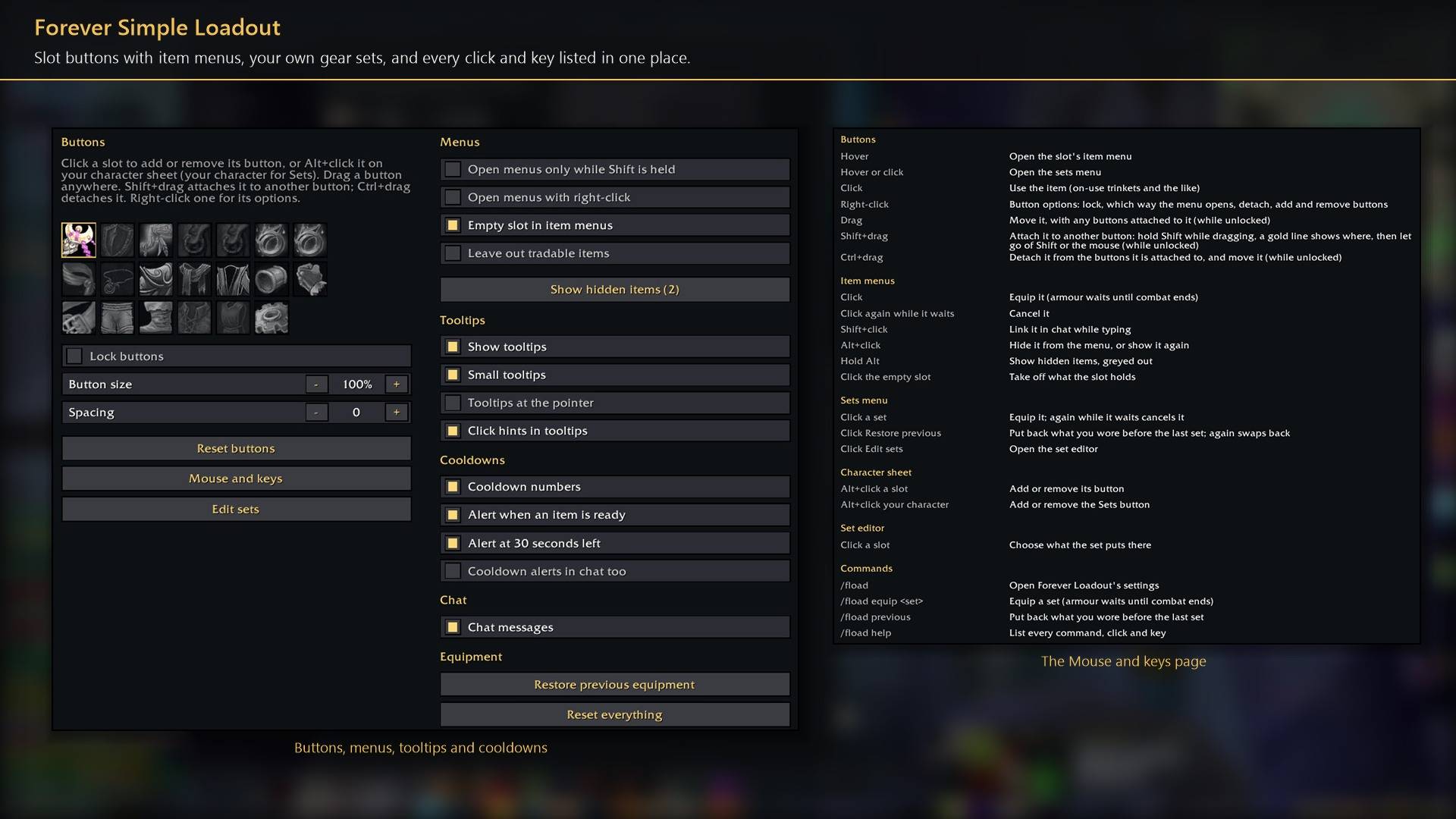
Everything is in Options → AddOns → Forever Loadout (or /fload), including a Mouse and keys page that lists every click and key.
Works better with
These addons are optional. Install any of them alongside this one for more:
- Forever Simple Junk: It keeps the items in your Loadout gear sets and never sells them as junk.
- Forever Simple Settings:
/floadopens these options in its big, resizable window, even in combat, instead of the game's small Options window.
You must be logged in to leave a comment.