

Forever Cooldown Tracker (Paladin & More)
Cooldown icons, buff timers, buff reminders and spell-rank checks for every class. Formerly Forever Paladin Cooldown Tracker.
Details
Addon ID:
25163
Addon Version:
2.0.2
Expansion:
1.60
Upload date:
Oct 06, 2026
Last Updated:
Oct 06, 2026
Downloads:
Less than 100
Website:
Source Link
Expansion
 Forever
 Categories
Developers

Uggezen
Creator
Having issues?
Formerly Forever Paladin Cooldown Tracker. It now covers every class. Updating keeps your settings, and paladins keep their setup exactly as it was.
Built for WoW Forever.
What it does
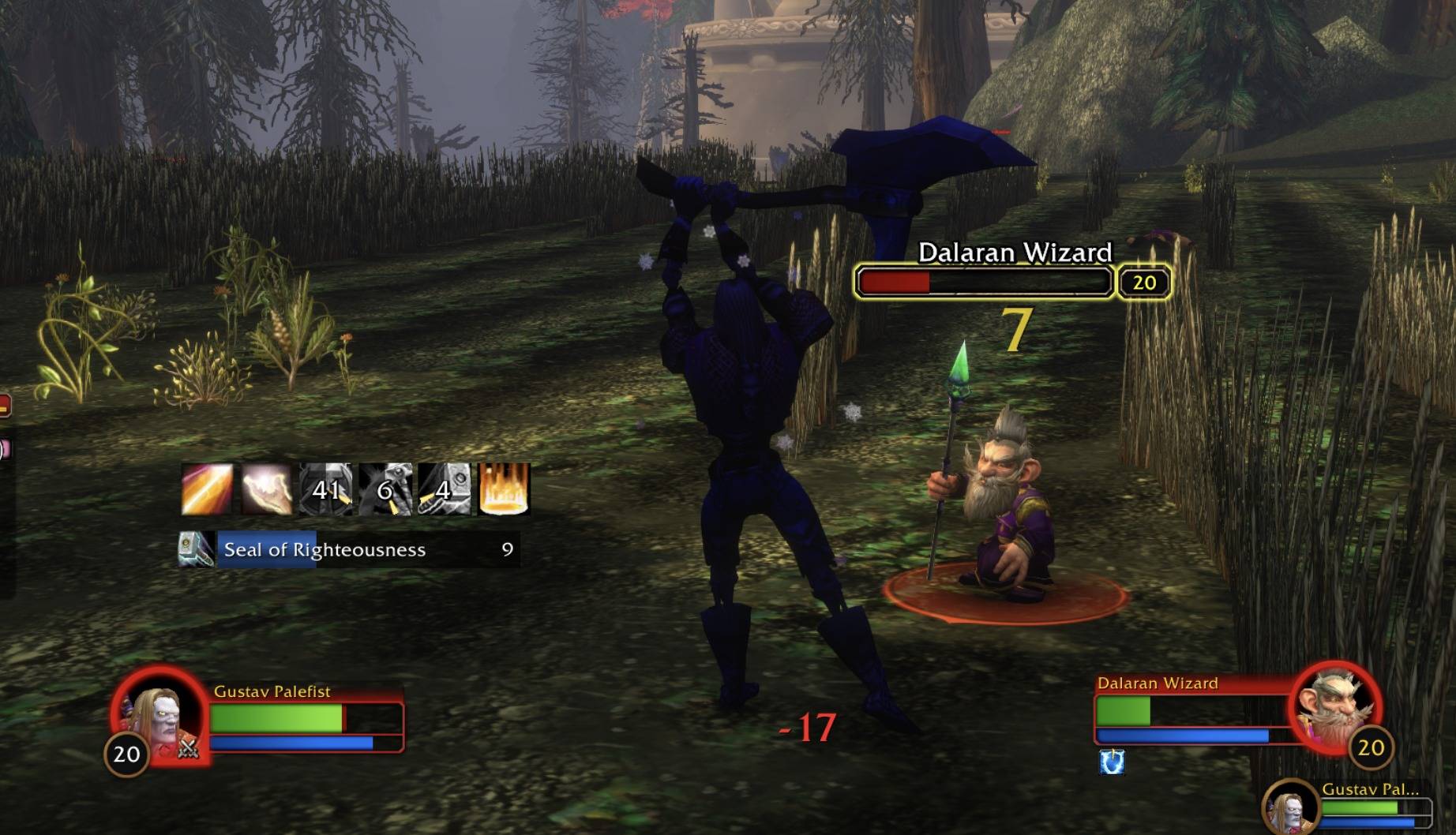
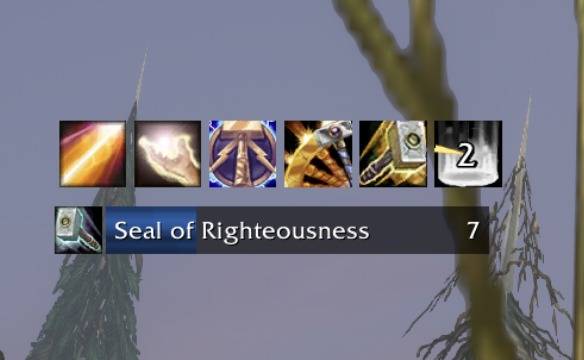
- Cooldown icons. A row of icons with a cooldown sweep and countdown numbers, also in combat. Healthstones and potions show up while they're in your bags, and pet abilities (such as the felhunter's Spell Lock) count too. Every class starts with its own defaults, and only spells you've learned get an icon.
- Buff bars. Timers for your own buffs. A name matches any buff that starts with it, so "Seal of" covers every seal. Bars keep up when you recast or switch mid-fight.
- Buff reminders. Out of combat, a line for each buff you're missing. If you like, it also names party members, or a friendly player you target, who are missing your buff and are in range: "Blessing of Might missing: John Morten". Paladins choose a blessing per class (Wisdom for casters, Might for melee, any for hybrids).
- Spell ranks. Action buttons that still hold an older rank get a green arrow and the old rank, plus a line in chat. Optionally, they're swapped for the newest rank as soon as you're out of combat. Keep any spell on a low rank on purpose with the keep list.
Settings
Open them from Options > AddOns > Forever Cooldown Tracker, a right-click on any icon or bar, or /fpct.
- A page per tracker, with a live preview. Switch the preview to Simulate combat to see icons go on cooldown and bars run down while you adjust sizes and numbers.
- Icons, not typing. Add spells and items by searching your spellbook and bags, or by dragging a spell or item onto the list. Drag to reorder, right-click to remove. Spells you haven't learned yet wait in their own section and join by themselves.
- Profiles. Save your setup, load it on another character, or share it: it turns into text you can paste to a friend, who imports it on their Profiles page. Each profile shows the class it came from.
- Per character. Each character keeps its own settings.
- Placement. Move each tracker by unlocking it, or in Blizzard's Edit Mode (positions are kept per layout). With Forever Immersion installed, the trackers can fade outside combat.
Commands
/fpct(or/fct) opens the settings/fpct rankslists the spells on your action bars with their rank and the newest rank you know/fpct resetgoes back to your class's defaults
Install
Copy the ForeverPaladinCooldownTracker folder into your Forever install's InterfaceAddOns folder and reload the UI. The folder keeps its old name, so updates and settings carry over.
You must be logged in to leave a comment.