

fadeui
Addon for hiding UI elements similar to Alt-Z
Details
Addon ID:
27870
Addon Version:
1.0.0
Expansion:
1.60
Upload date:
Oct 06, 2026
Last Updated:
Oct 06, 2026
Downloads:
Less than 100
Website:
Source Link
Expansion
 Forever
 Categories
Developers

bradtraine
Creator
Having issues?
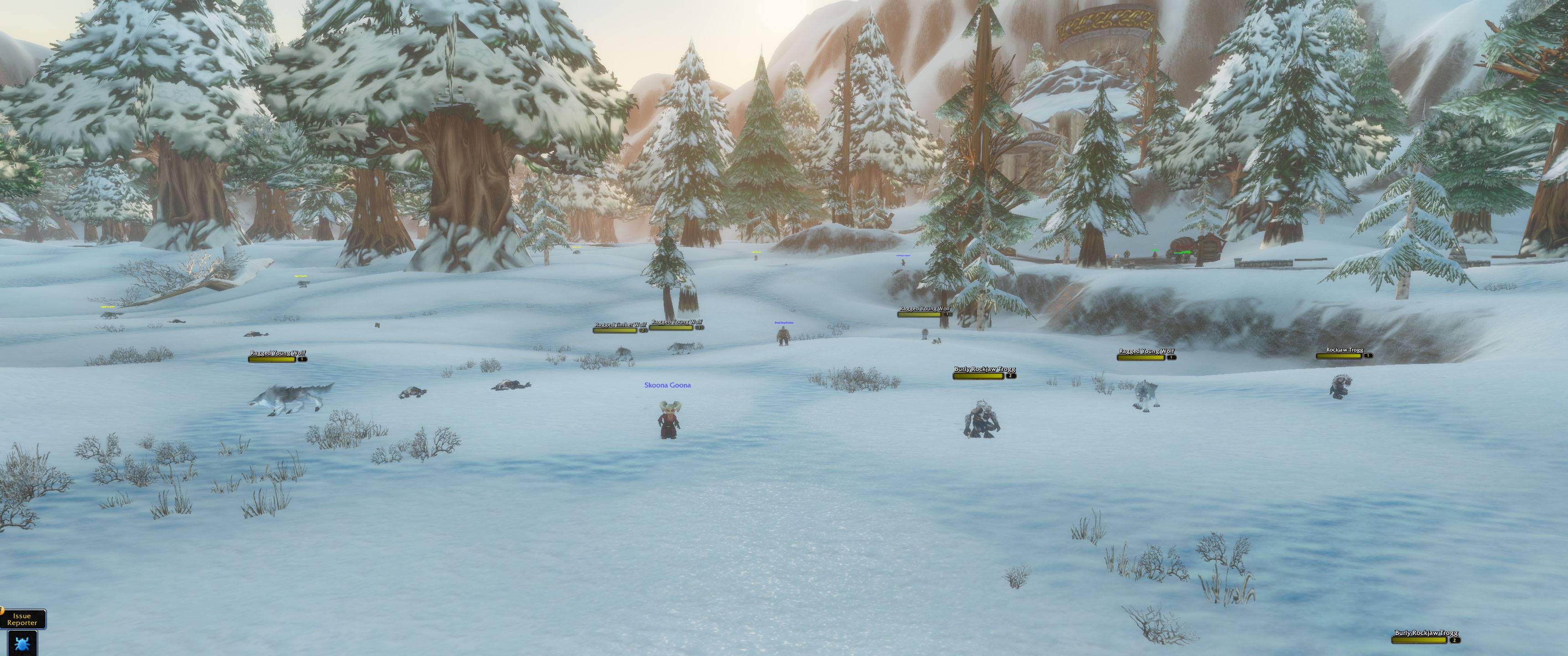
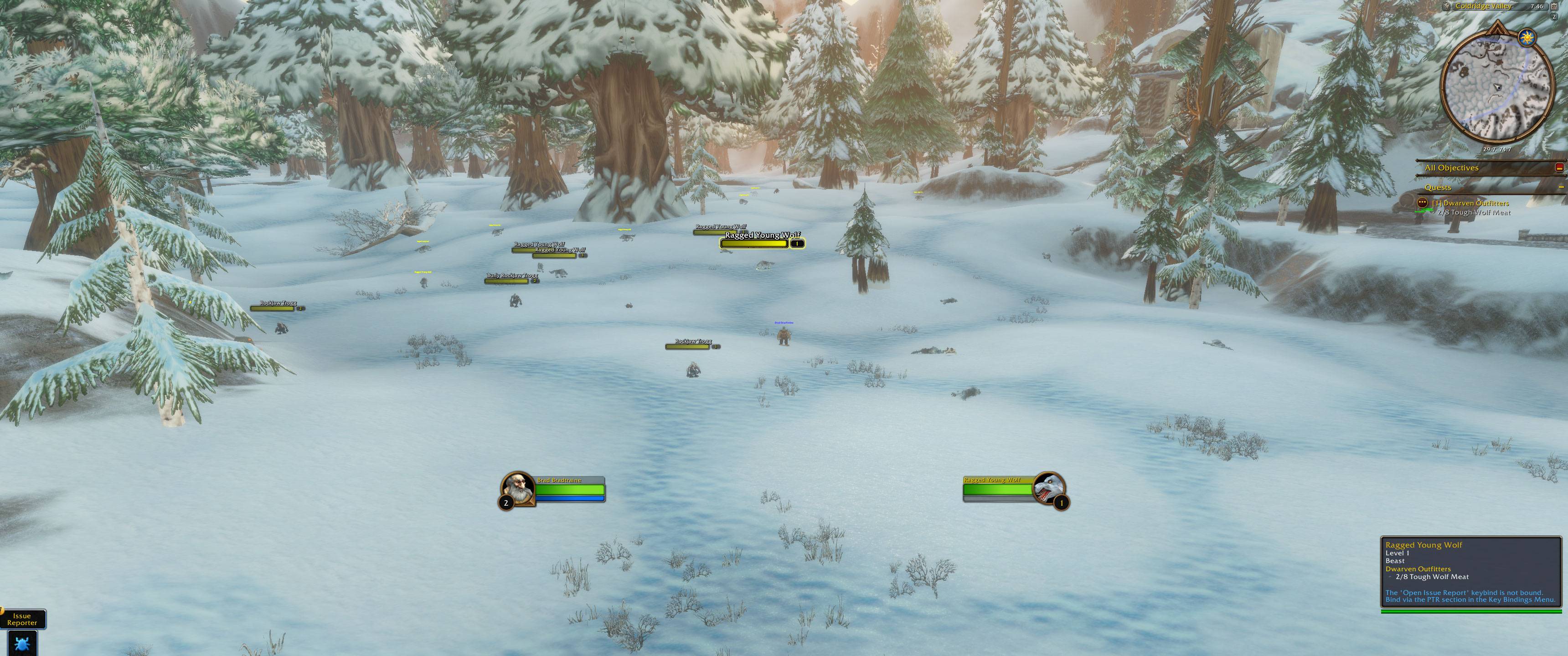
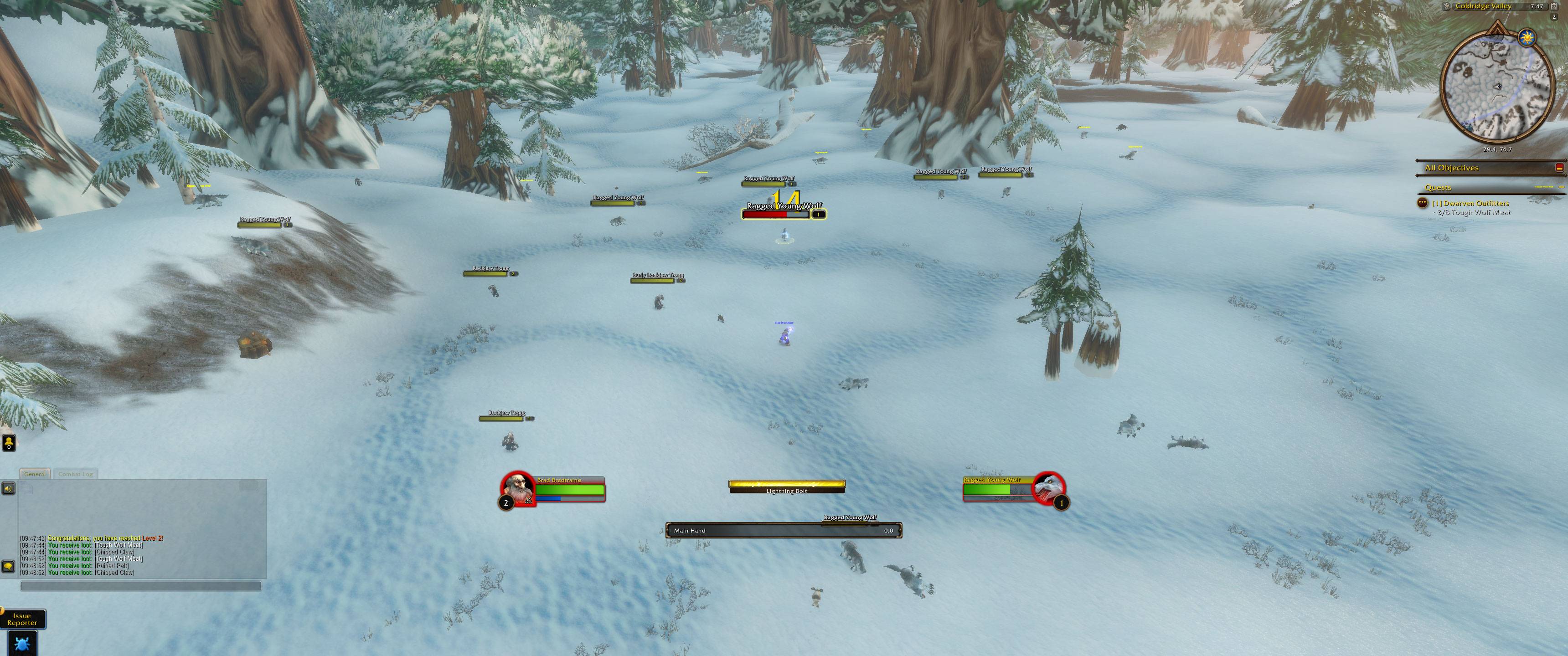
Hide the UI like Alt-Z, one element at a time. Keep your screen clear while you're out questing or standing around, and have the parts you need fade in the moment combat starts or you pick a target.
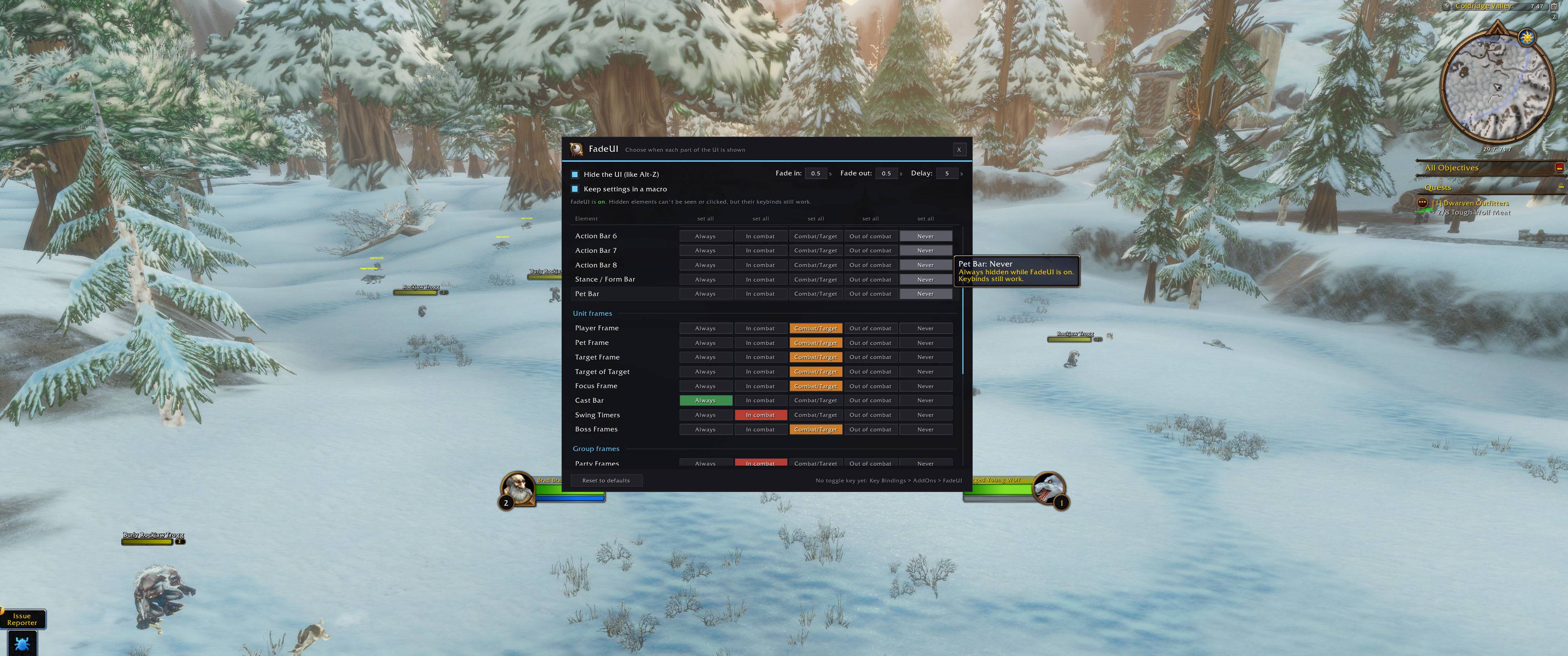
Every element gets one of five modes:
- Always: shown, like the normal UI
- In combat: shown only while you're in combat
- Combat/Target: shown in combat, and whenever you have something targeted
- Out of combat: shown only while you're not in combat
- Never: always hidden while FadeUI is on. Keybinds on hidden action bars still work.
Chat has its own modes instead: Always, When active (hides after a set number of idle seconds and comes back with the next message), or While typing.
- Action bars: Action Bars 1–8, Stance/Form Bar, Pet Bar
- Unit frames: Player, Pet, Target, Target of Target, Focus, Cast Bar, Swing Timers, Boss Frames
- Group frames: Party Frames, Raid Frames, Raid Manager Tab
- Everything else: Minimap, Buffs, Debuffs, Quest Tracker, Chat, Menu Buttons, Bag Buttons, XP/Rep Bars, Cooldown Manager, Damage Meter
- No combat taint: visibility runs on secure state drivers, so frames appear and disappear in combat without errors.
- Adjustable fading: set the fade-in time, the fade-out time, and a delay before fading out (for example, right after combat ends). In combat, elements always hide instantly.
- One-click setup: click a column header in the options window to set every element to that mode.
- Edit Mode friendly: everything is shown while Edit Mode is open, so you can still move your frames.
- Instant off switch: turning FadeUI off puts everything back exactly as Blizzard had it.
/fadeuior/fuiopens the options window/fui toggle,/fui onor/fui offswitches FadeUI on and off (like Alt-Z)/fui resetgoes back to the default settings- Key Bindings > AddOns > FadeUI has binds for the on/off toggle and for opening the options window
- Addon compartment button (minimap): left-click toggles FadeUI, right-click opens the options window
The Forever beta client currently forgets addon settings when the game restarts. FadeUI can keep a backup of your settings in one general macro and load it back at login. You can turn this off in the options once Blizzard fixes saved settings.
You must be logged in to leave a comment.