

FadeAnything
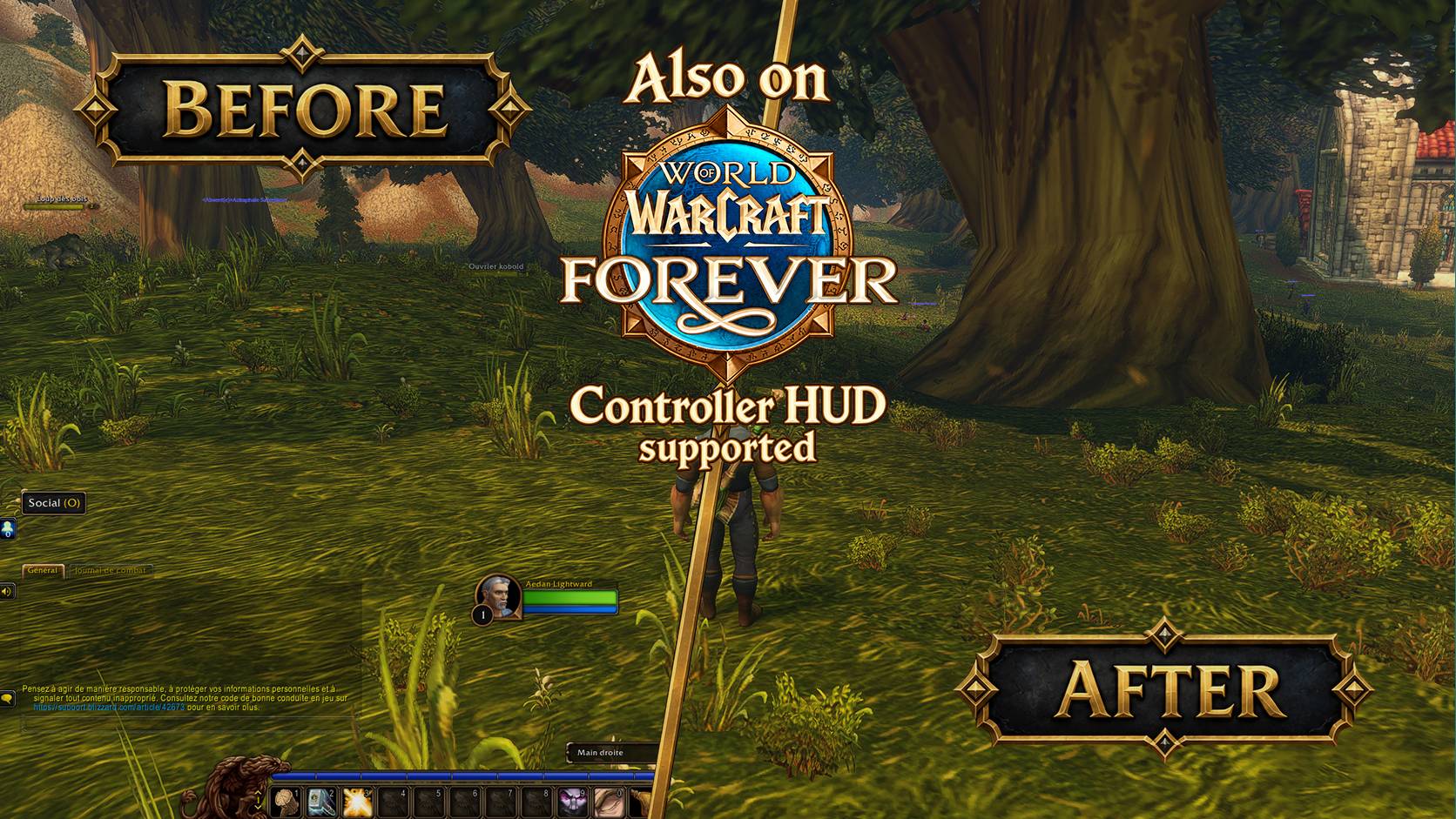
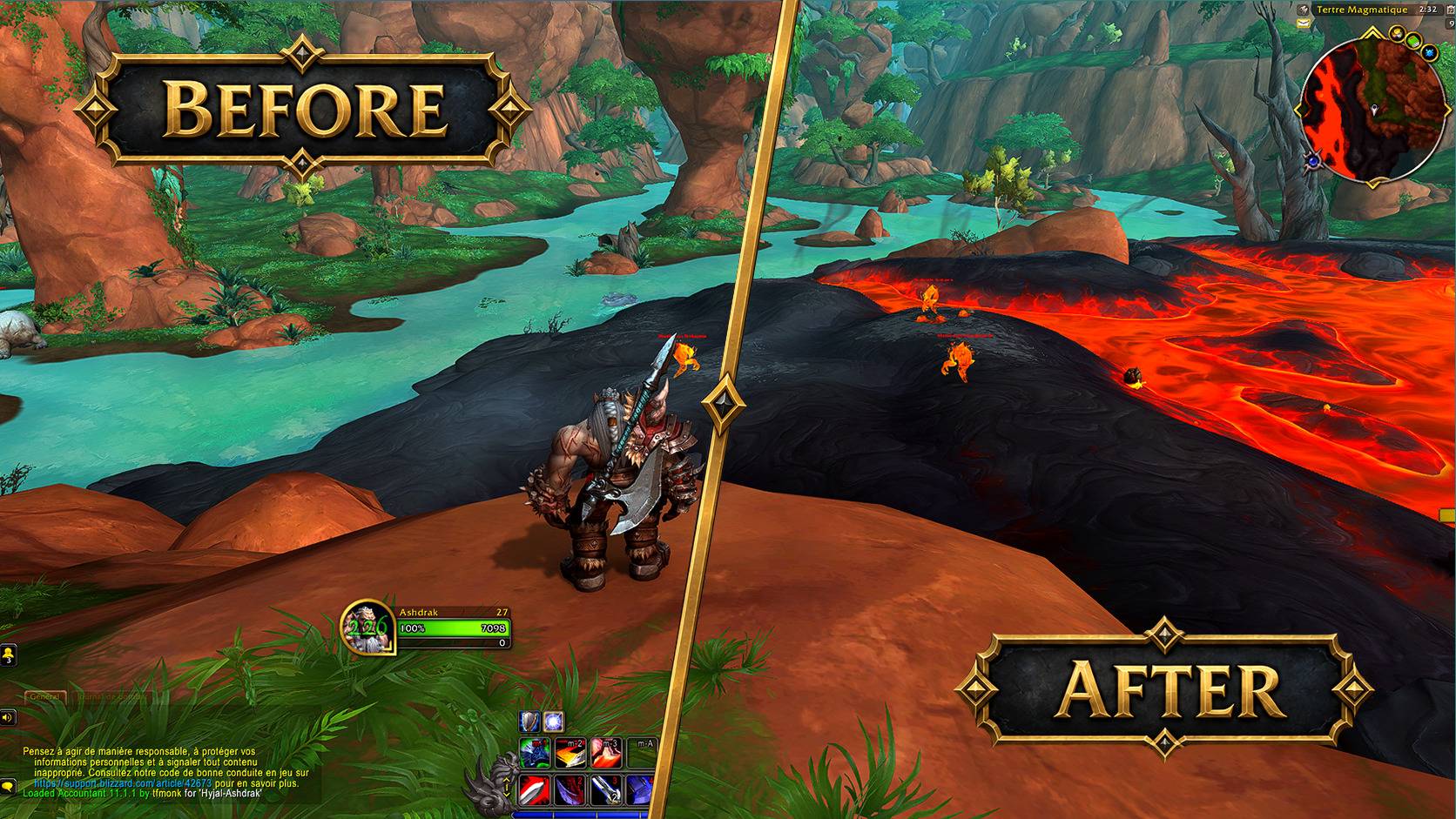
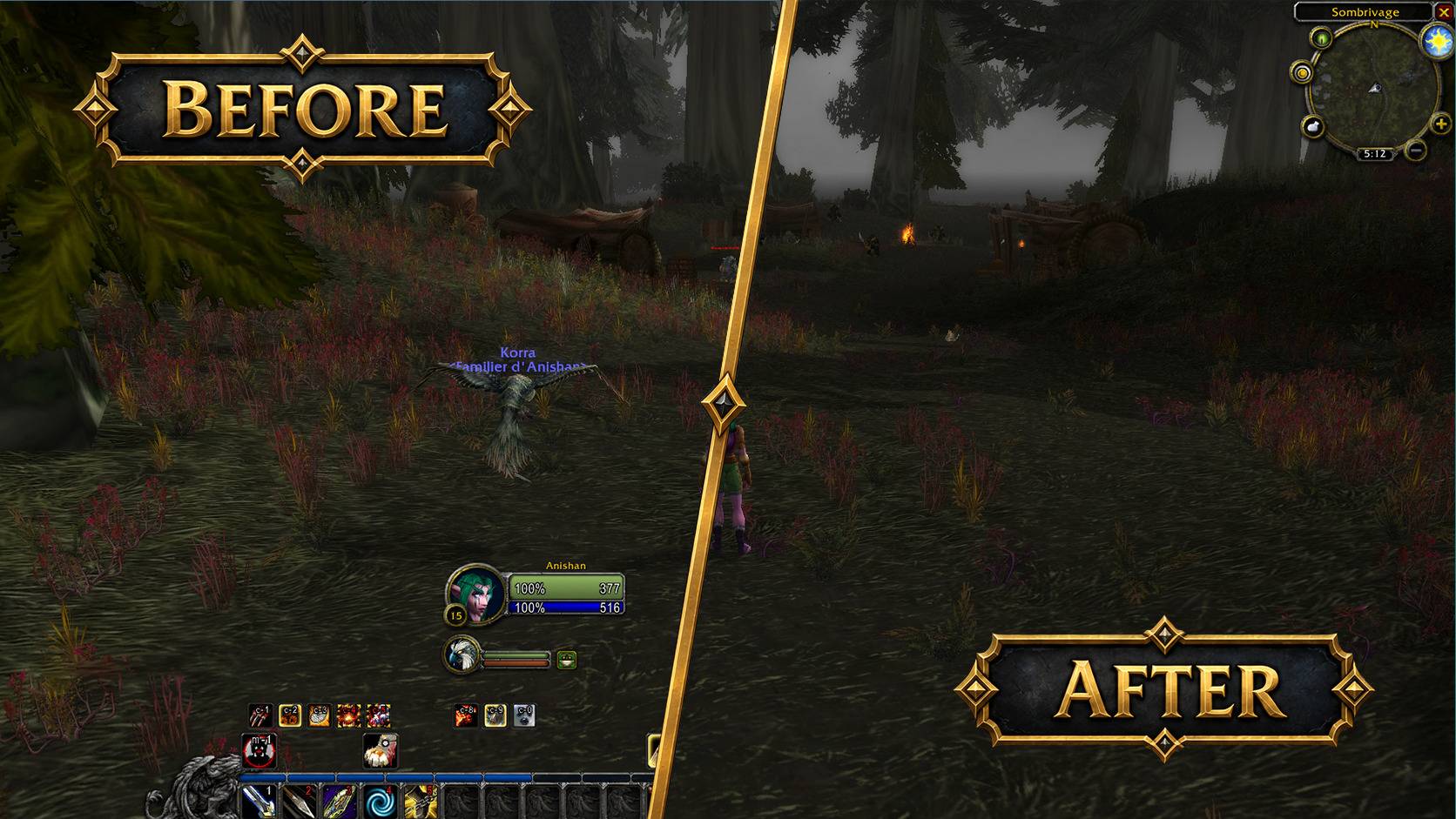
Automatically hide or fade Blizzard HUD elements, including action bars and unit frames. Reveal them on mouseover or in combat while keeping the default interface.
Details
Expansion
 Forever
 Categories
Developers

Having issues?
Hide your HUD. Keep the Blizzard look.
For WoW Forever, WoW Retail, Classic Anniversary and Classic Era. Forever support is experimental, including its controller HUD.
FadeAnything hides or fades the parts of Blizzard's interface you choose, while keeping your layout and controls. Hide action bars while exploring, bring them back in combat, or reveal individual elements on mouseover.
Nothing is hidden until you select it.
What you can do
- Reveal elements on mouseover, in combat, while casting or channeling, or when you have a target.
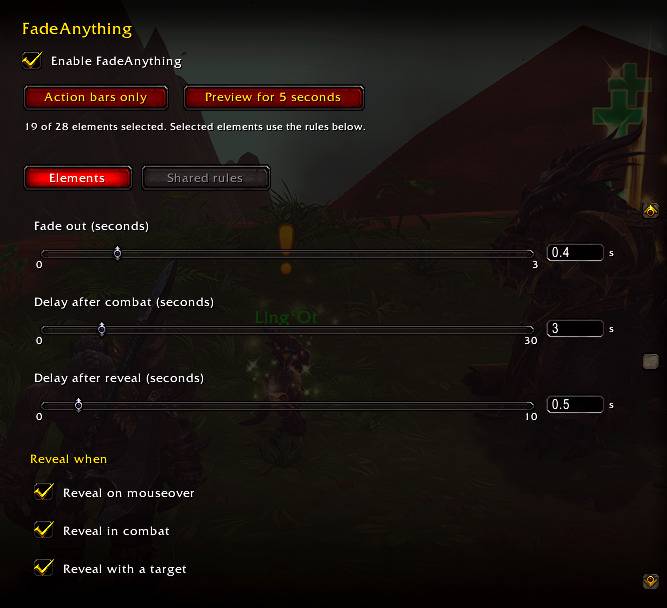
- Adjust opacity, fade speed and delays. The default delay after combat is 3 seconds.
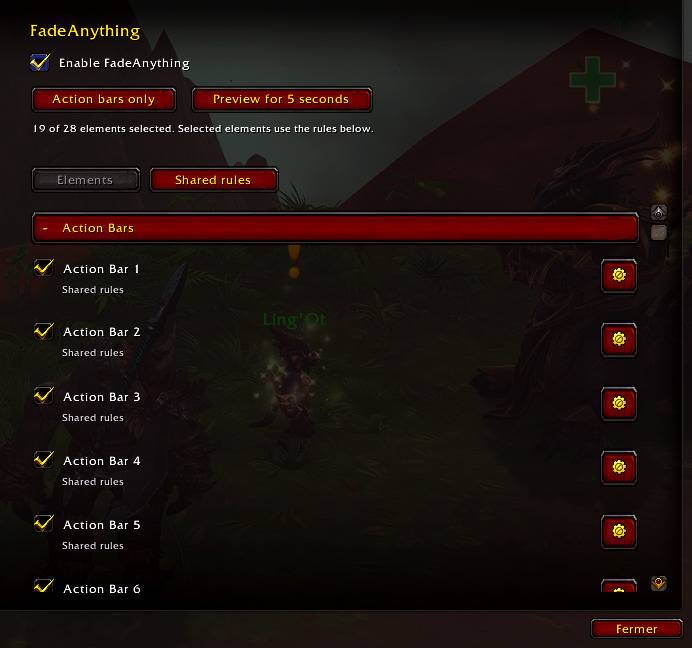
- Share rules across elements or customize each one.
- Choose where fading applies, such as the open world, dungeons or raids.
- Reveal Action Bar 1 and its linked artwork together. On Anniversary and Forever, you can also link the micro menu, bags and XP bar, with a preview to compare mouseover behavior.
Supported elements
Action bars, unit frames, pet and stance bars, the player cast bar, buffs and debuffs, chat, quest tracker, minimap, micro menu, bag buttons and XP/reputation bars. Minimap fading is experimental.
Some options depend on your game edition:
- Retail: action bars 1–8.
- Classic Anniversary: optional Questie tracker support.
- Forever: controller action bars, button prompts and Blizzard's main-hand, off-hand and ranged swing timers. Controller elements remain visible when needed for interactions, controller menus and vehicle controls.
See it in action
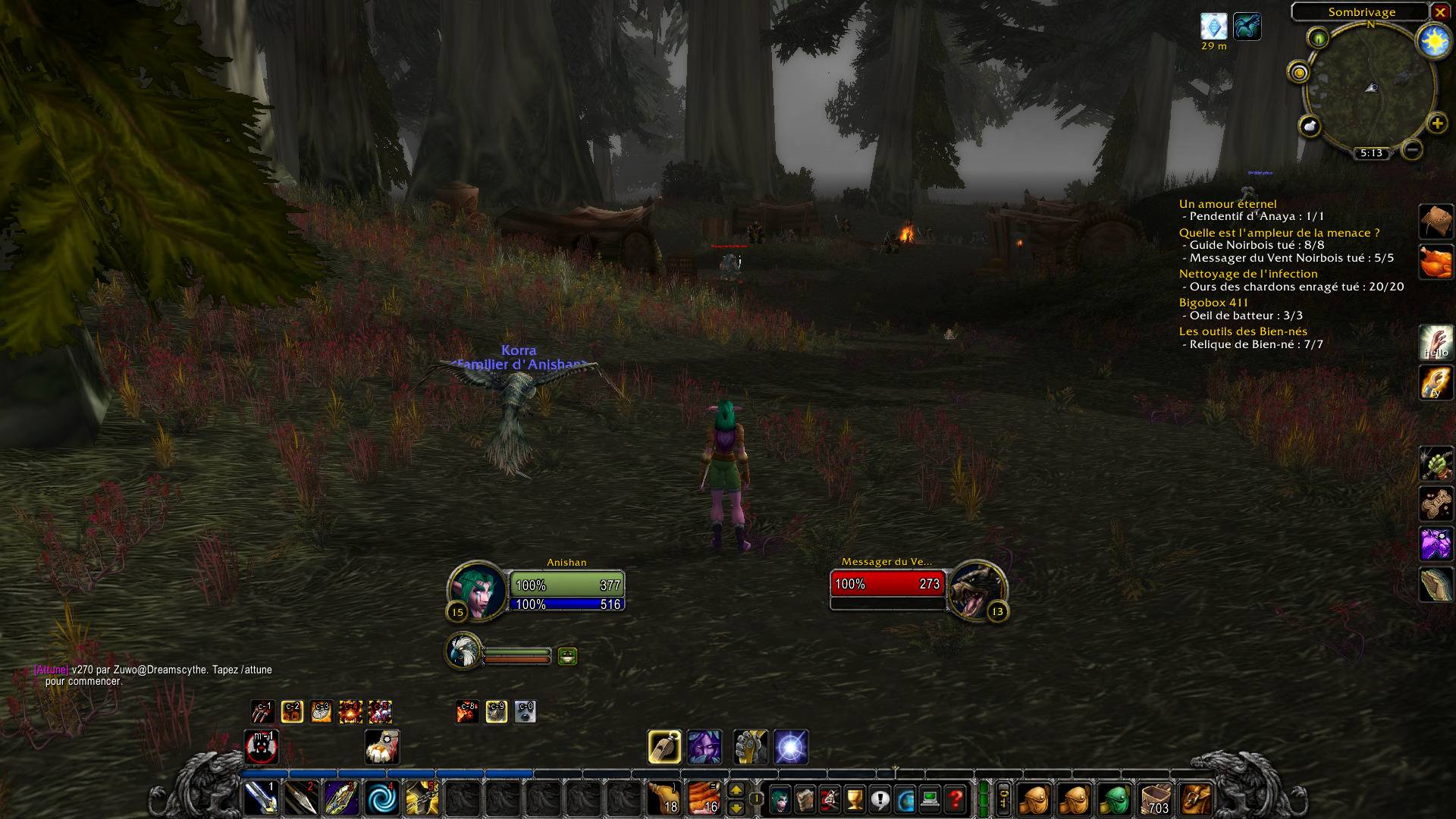
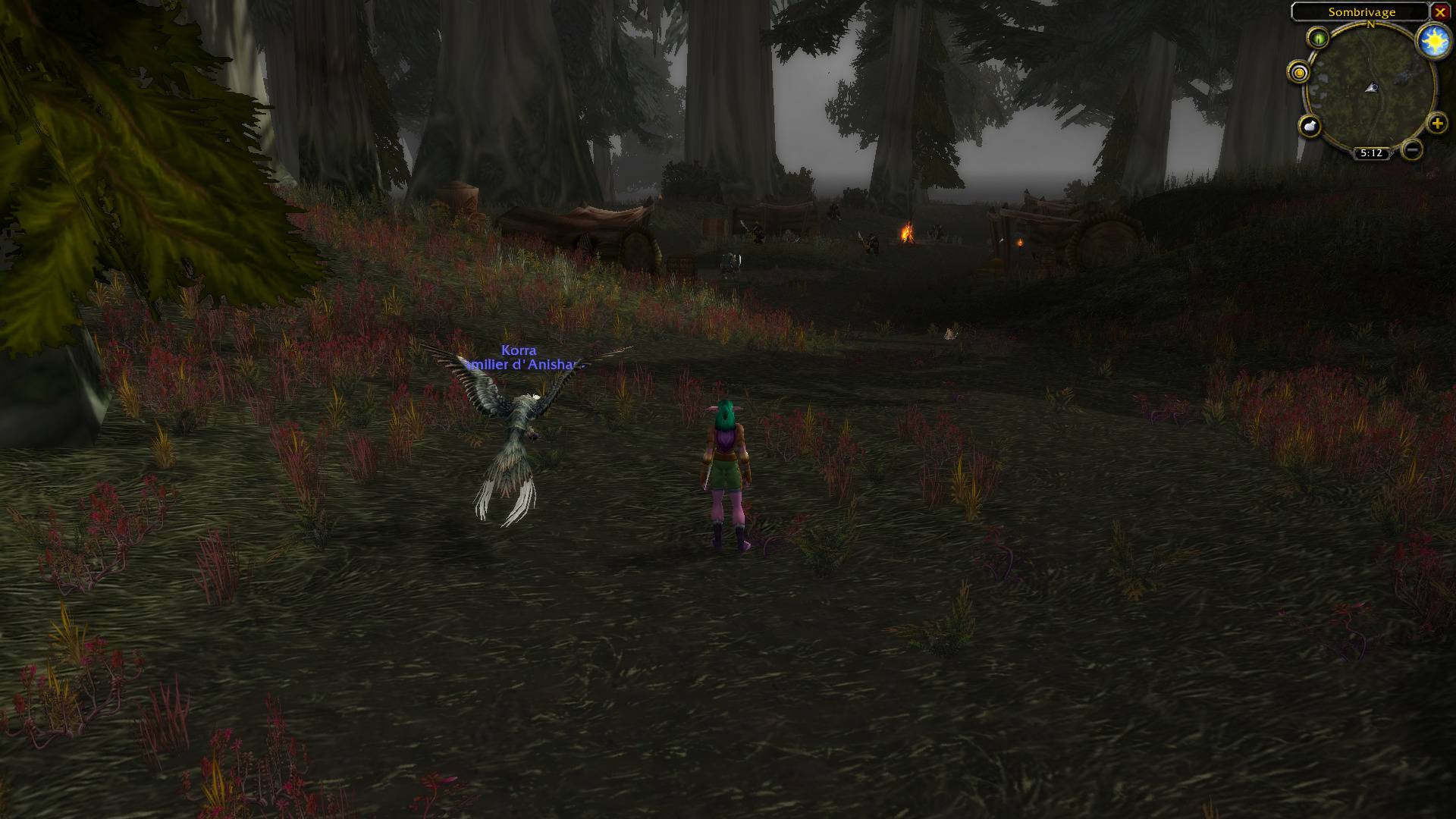
Fade after combat
Fade after NPC interaction
Getting started
- Install the file for your edition: Retail, Classic Anniversary or Forever.
- Type
/fadeanythingto open settings. - Select what you want to fade. Adjust Shared rules, or click a gear for individual settings.
Use /fadeanything toggle to pause or resume fading.
Compatibility
No other addon is required. Fading pauses while FadeAnything settings or supported Blizzard layout and keybinding tools are open. Clicks and keybindings still work when elements are faded.
Replacement UI addons are generally unsupported, apart from the Questie integration on Anniversary. Nameplates and opened windows, such as bags, are outside the addon's scope. Avoid having two addons fade the same element.
Other Classic editions are not currently supported. Forever support may need updates as its beta client changes.
Found a bug? Leave a comment with your game edition, game and addon versions, the affected element and any Lua error. For controller issues, include what you were doing when it happened.
You must be logged in to leave a comment.