
Daka Buff Reminder
A discreet reminder that shows an icon only when a long-duration buff is missing or about to expire, with one-click recast and a Well Fed food menu.
Details
Addon ID:
26178
Addon Version:
4.2.2
Expansion:
1.60
Upload date:
Oct 06, 2026
Last Updated:
Oct 06, 2026
Downloads:
Less than 100
Website:
Source Link
Expansion
 Forever
 Categories
Developers

Dakalysta
Creator
Having issues?
Daka Buff Reminder
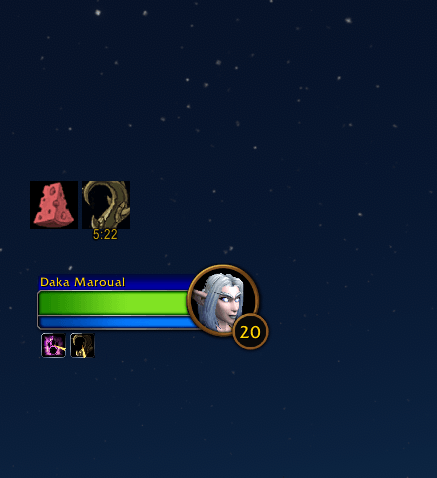
A quiet buff reminder for WoW Forever. Nothing on screen while your buffs are up. An icon appears only when one is missing or about to run out.
Features
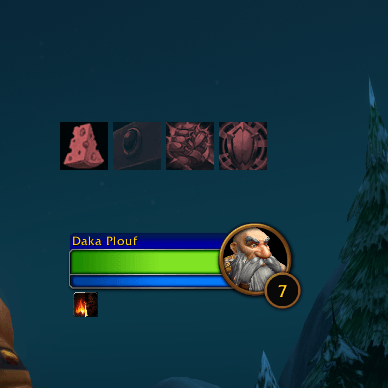
- Out of the way. No frame, no bars. Icons show up only when needed, and fade out as soon as the buff is back.
- Click to fix it. Click an icon to cast the buff on yourself, at its highest rank.
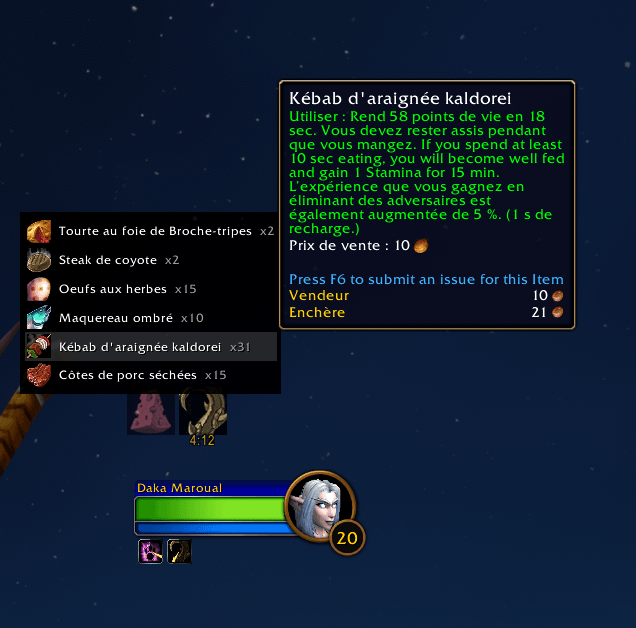
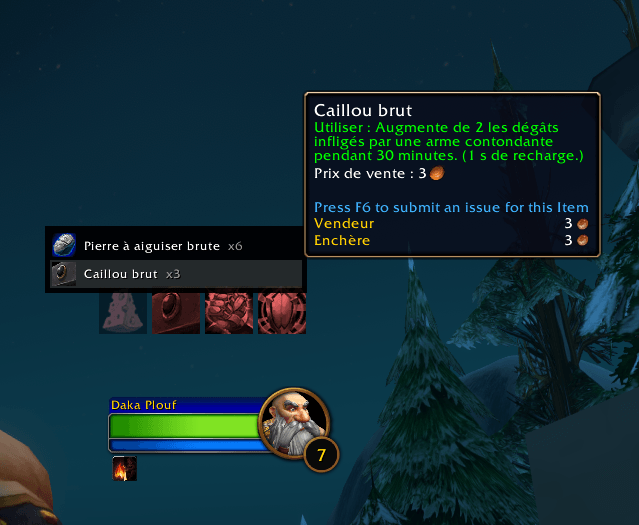
- Food menu. Click the Well Fed icon to list the foods in your bags that actually give Well Fed. Drinks and mana-only food are left out. Hover a line to see the item.
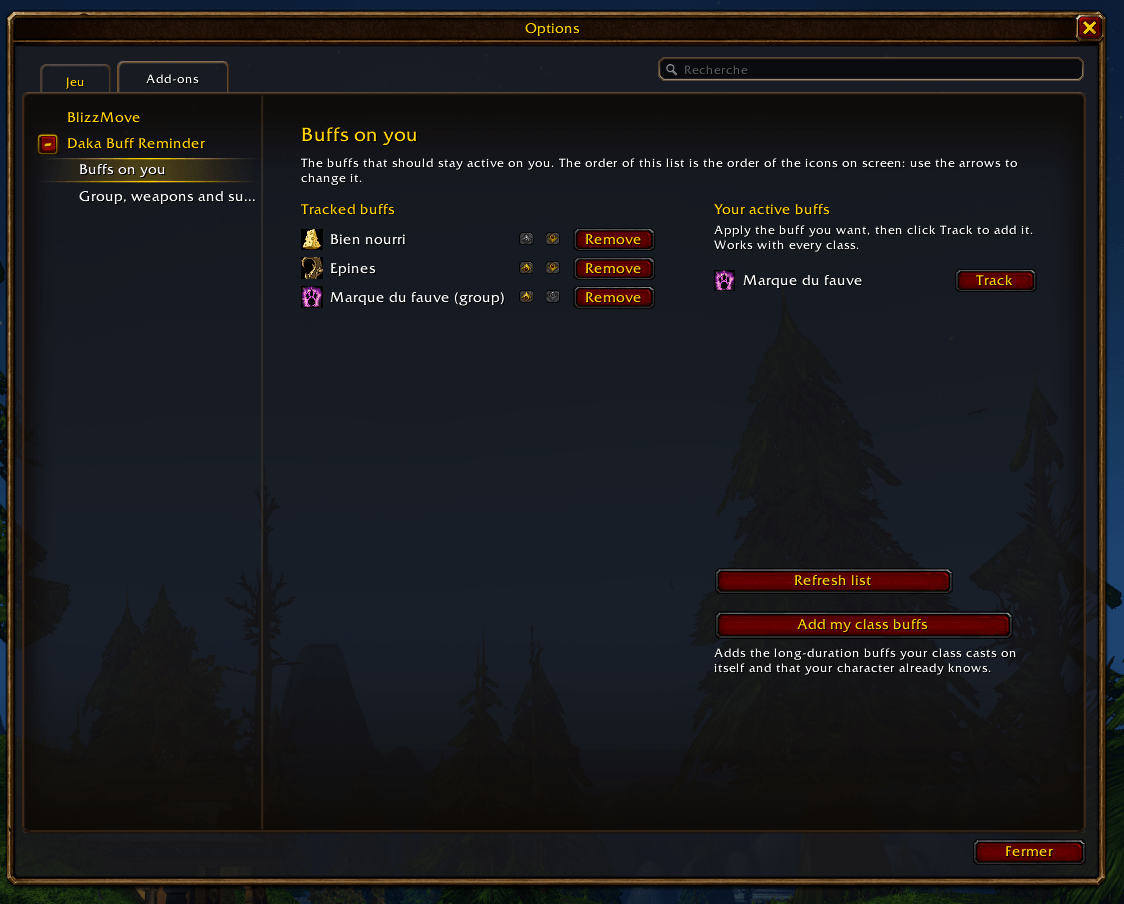
- Every class. One button fills the list with the long buffs your class casts on itself, only the spells your character already knows. You can also track any buff you are wearing, and reorder the icons with arrows.
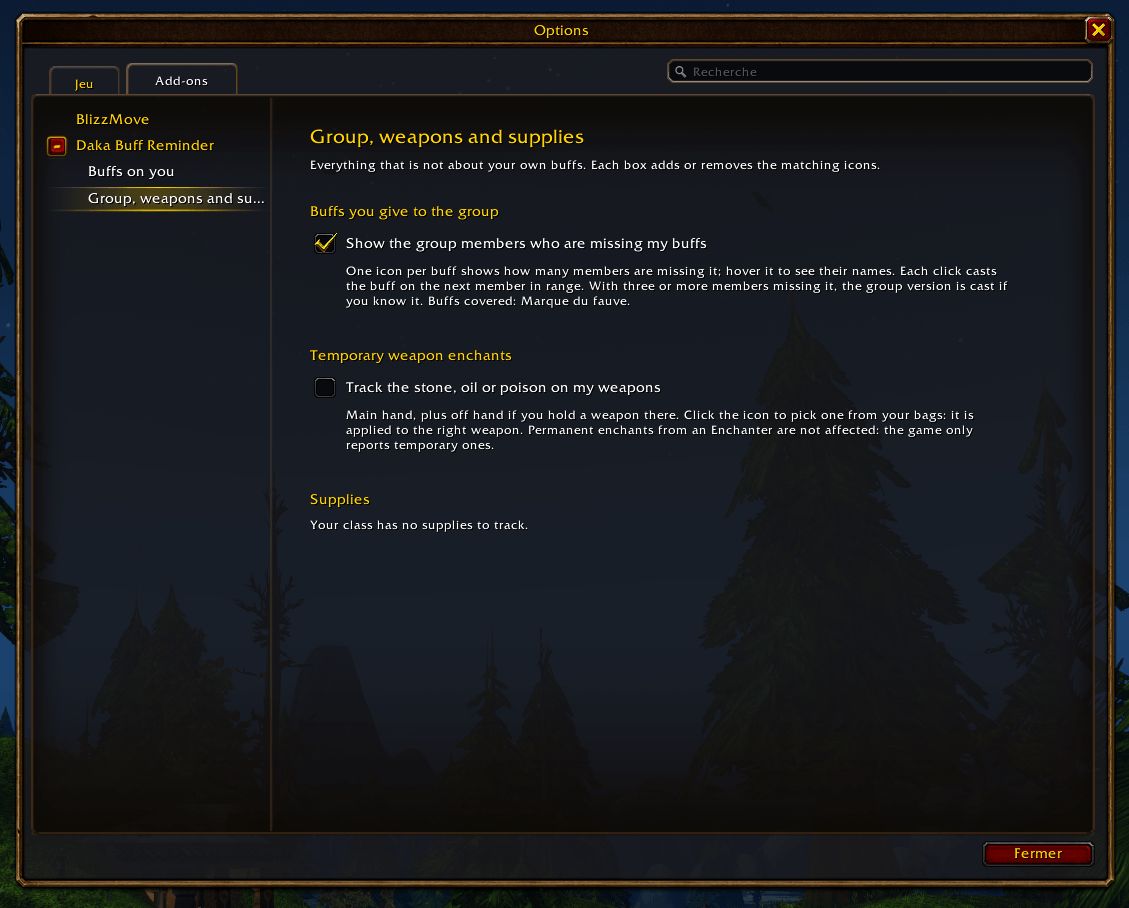
- Clear options. Three pages: general settings, Buffs on you, and Group, weapons and supplies with simple on/off boxes.
- Exclusive buffs handled. Hunter aspects, Mage armors, Paladin blessings and auras, Shaman shields and weapon imbues: when one is active, the others are not reported as missing. When none is active, a single icon shows the one you used last.
- Hunter aspects. Cheetah and Pack are never suggested as your aspect, and in combat they trigger an alert: one click puts you back in your combat aspect, even mid-fight.
- Weapon enchants. Sharpening stones, oils and poisons on both hands, and Shaman imbues, are read directly on your weapons. Click the icon to pick a stone, oil or poison from your bags: it is applied straight to the right weapon.
- Elixirs and flasks. Track any elixir you are wearing; click its icon to list the matching ones in your bags.
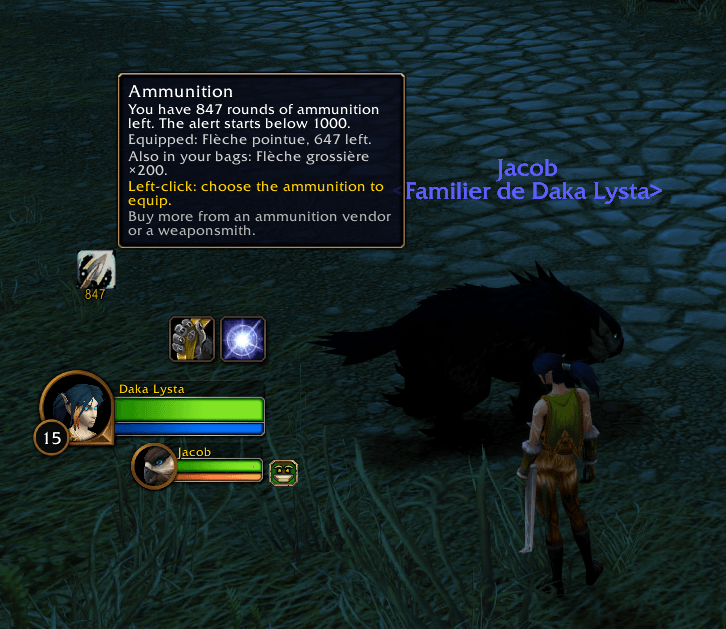
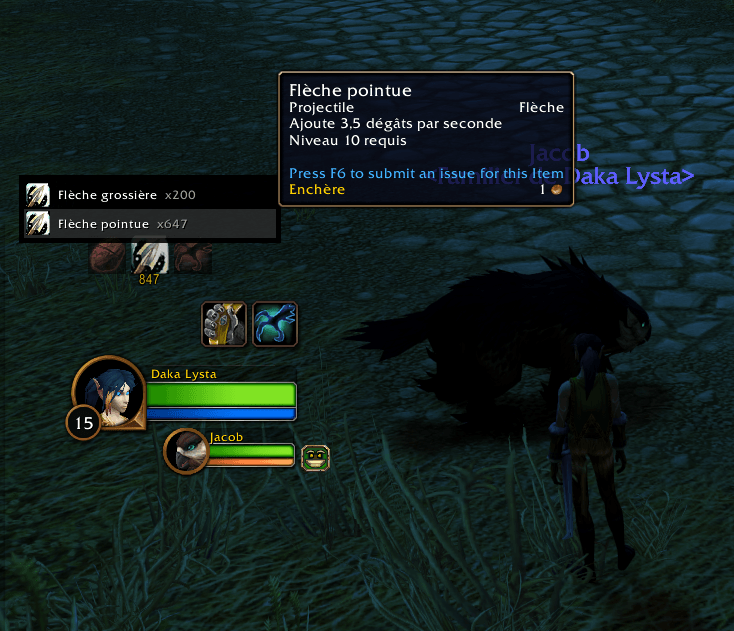
- Ammunition. Hunters get an alert below a threshold you choose (400 by default), counting every kind of ammunition that fits their weapon. It turns red when the equipped kind runs out while another is left, and a click equips the one you pick. It stays visible in cities, where you buy more. Warlocks get the same alert for Soul Shards.
- Buff your group. For the buffs you give (Mark of the Wild, Fortitude, Arcane Intellect…), an icon shows how many group members are missing it. Hover it to see who. Each click casts it on the next member in range, until everyone is covered. With 3 or more missing, the group version is used if you know it.
- Combat-aware. Icons keep updating in combat. When the game hides aura data during a fight, the addon relies on the last known timer instead of raising a false alarm.
- Optional sound alert. 16 sounds to choose from, or any sound ID. Pick the audio channel too, so you can set its volume on its own in the game's Sound options.
- English and French. Follows your game language, or pick one with the flags in the options.
Getting started
- Type
/dakabuffsto open the options. They are also in Options > AddOns, and behind the minimap button. - On the Buffs on you sub-page, click Add my class buffs.
- On the Group, weapons and supplies sub-page, tick what applies to you.
- Back on the main page, click Move icons on screen and drag the icons where you like.
Commands
/dakabuffs— open the options/dakabuffs edit— move the icons/dakabuffs class— add your class buffs/dakabuffs status— show the state of each tracked buff/dakabuffs language fr|en|auto— set the language/dakabuffs sound <id>— use any sound by its ID/dakabuffs diag— full diagnostic, useful for bug reports/dakabuffs reset— move the icons back to the center/dakabuffs weapon— track your weapon enchants/dakabuffs group— add the buffs you give to the group/dakabuffs shards <number>— set the Soul Shard alert threshold/dakabuffs ammo <number>— set the ammunition alert threshold/dakabuffs food— show what the addon reads in each food's description
Good to know
- The game forbids addons from preparing a spell or an item during combat. The food list cannot be opened in combat, and the group buff button keeps the member chosen before the fight. Buttons prepared before the fight still work.
- Buff names come from your game client. English and French clients are supported for now. Switching the client language is handled: the list translates itself at login.
- Made for WoW Forever (1.60.x).
Feedback
Found a bug? Type /dakabuffs diag and paste the result in a comment.
You must be logged in to leave a comment.