

Custom XP Bar
Simple Customizable XP Bar
Details
Addon ID:
25760
Addon Version:
1.6.3
Expansion:
1.60
Upload date:
Oct 06, 2026
Last Updated:
Oct 06, 2026
Downloads:
Less than 100
Website:
Source Link
Expansion
 Forever
 Categories
Developers

enineer
Creator
Having issues?
This addon is made possible by the following community libraries:
- Ace3 — AceAddon, AceDB, AceDBOptions, AceConfig, AceConsole, and AceGUI
- CallbackHandler-1.0 — by the Ace3 team
- LibSharedMedia-3.0 — by Elkano
- LibStub — lightweight library versioning
- LibDBIcon-1.0 and LibDataBroker-1.1 — minimap button and launcher support
Your XP bar, your way
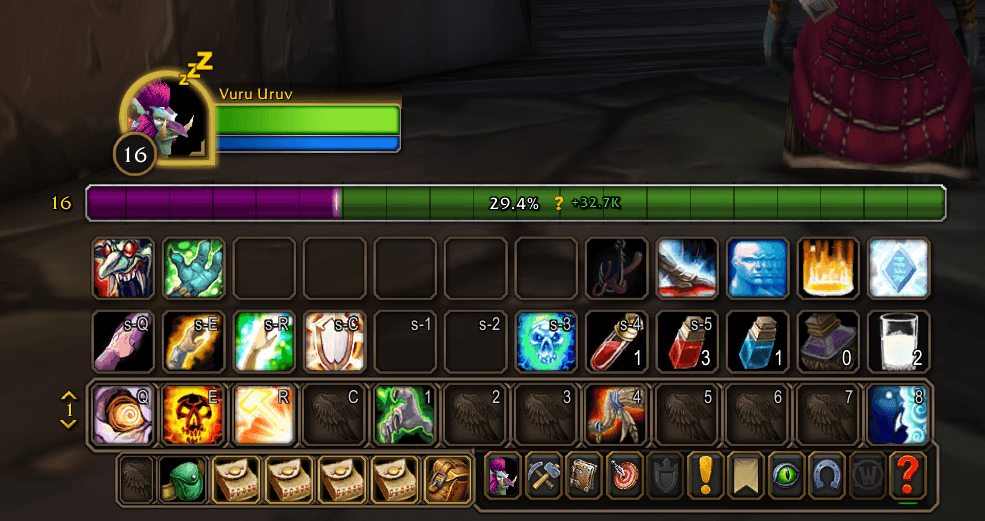
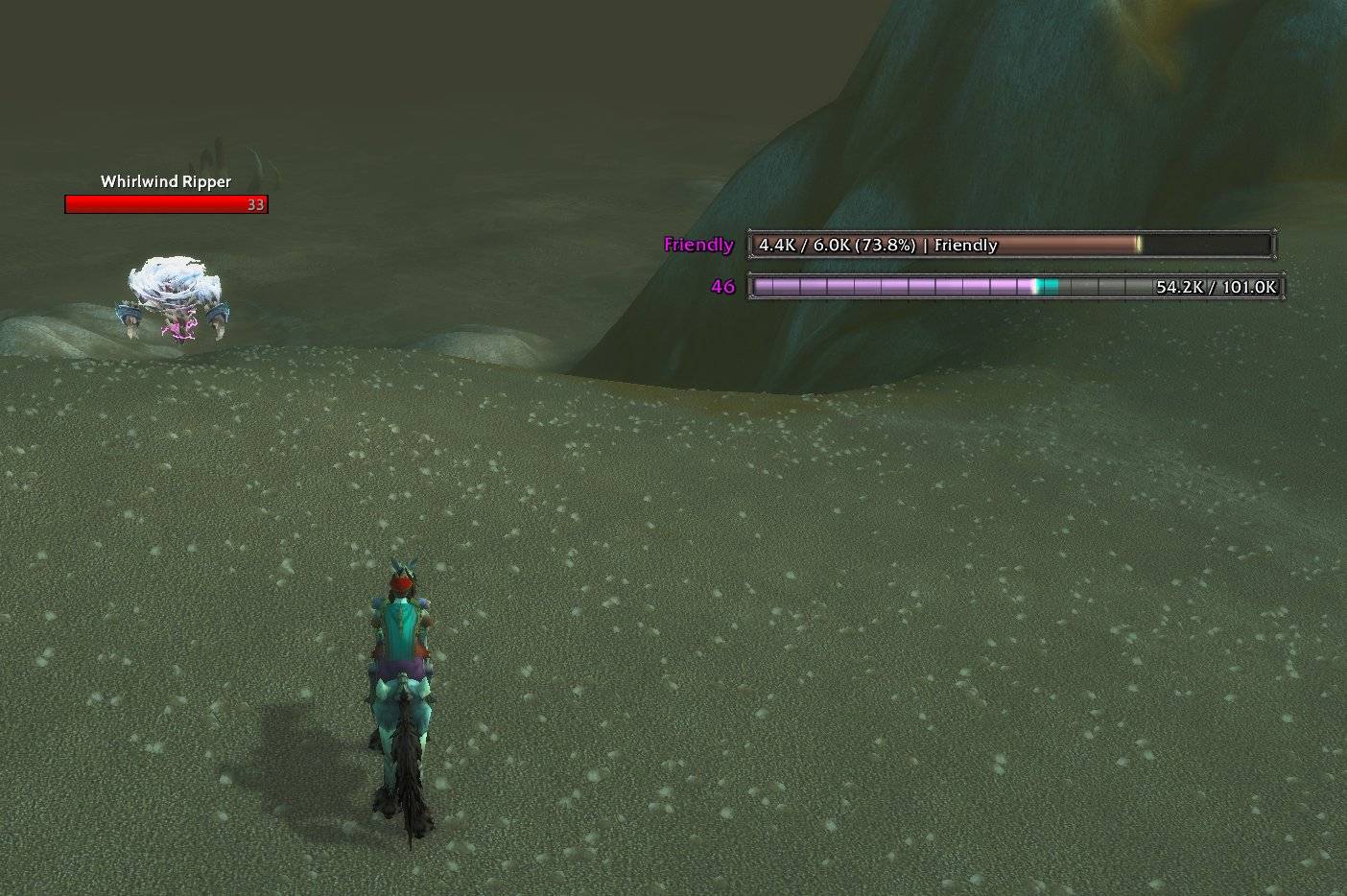
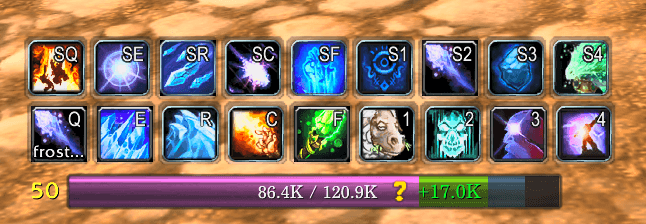
CustomXPBar replaces the default experience bar with a customizable display for XP, rested XP, completed quests, and reputation.
Make it fit your UI
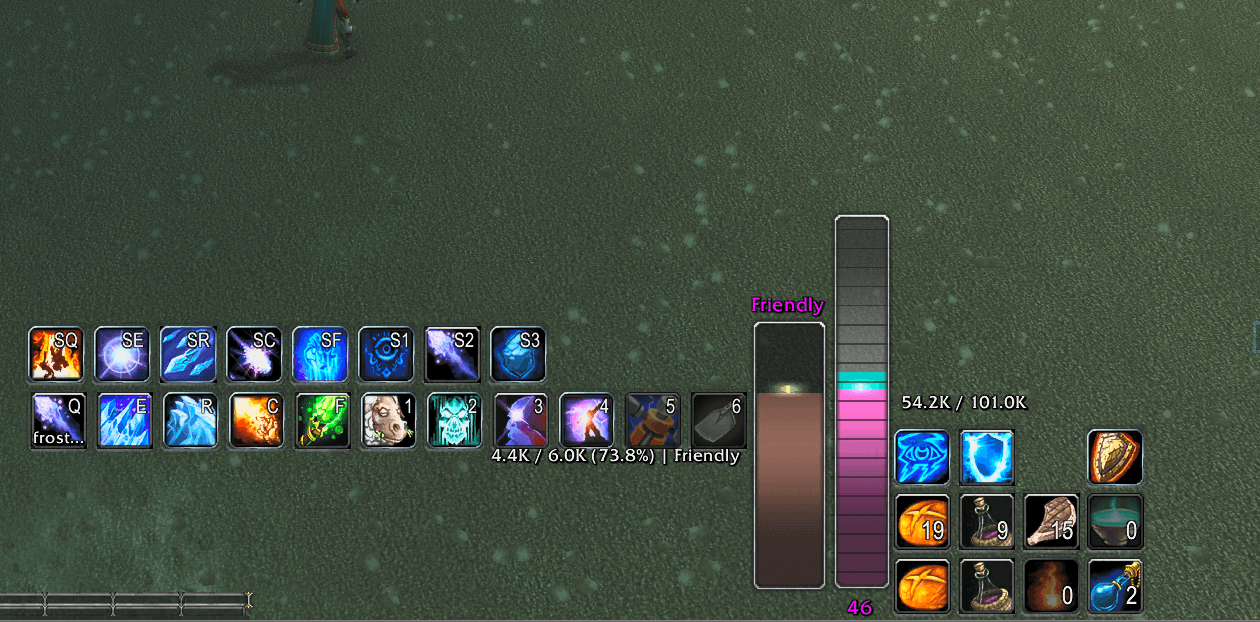
- Customize the look: resize, reposition, or rotate your bar, then choose textures, colors, borders, fonts, and markers.
- See upcoming progress: display rested and completed-quest XP as overlays or separate bars, with an optional glow when your quests could earn a level.
- Track reputation: switch the main bar to reputation or display a separate reputation bar.
- Choose your effects: smooth progress animations, scrolling textures, shimmer, floating XP text, and level-up celebrations.
- Control visibility: keep the bar visible, show it after progress changes, or use combat fading.
Easy to configure
Click the minimap button or type /cxpb to open settings.
Use Search settings and press Enter to find controls quickly. Advanced options stay tucked away until needed, while themes, a sample-bar preview, and Undo Theme make experimenting easier.
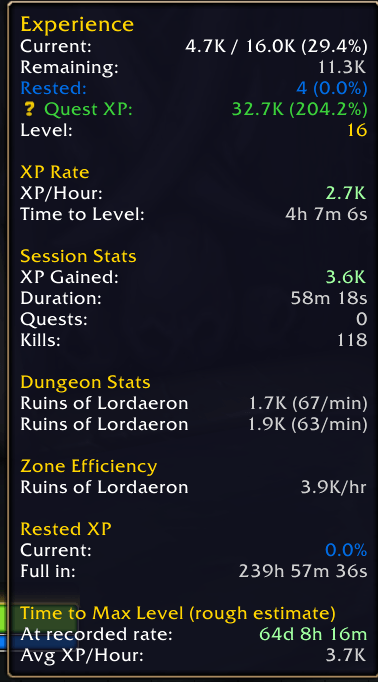
Save your setup with profiles, and choose which statistics appear in the tooltip—including XP per hour, session progress, dungeon and zone statistics, and time estimates.
Experimental features
These features are available under Experimental and have not been fully tested:
- Sound Alerts: configurable sounds for XP gains, level-ups, depleted rested XP, and progress milestones.
- Party XP: share and view progress with group members who also use CustomXPBar.
- History: save session summaries and explore your progress in a history graph.
Feedback and bug reports are welcome!
You must be logged in to leave a comment.