

Conceal
Hide Player Frame and Action Bars when not in use.
Details
Expansion
 Forever
 Categories
Developers

Having issues?
Conceal
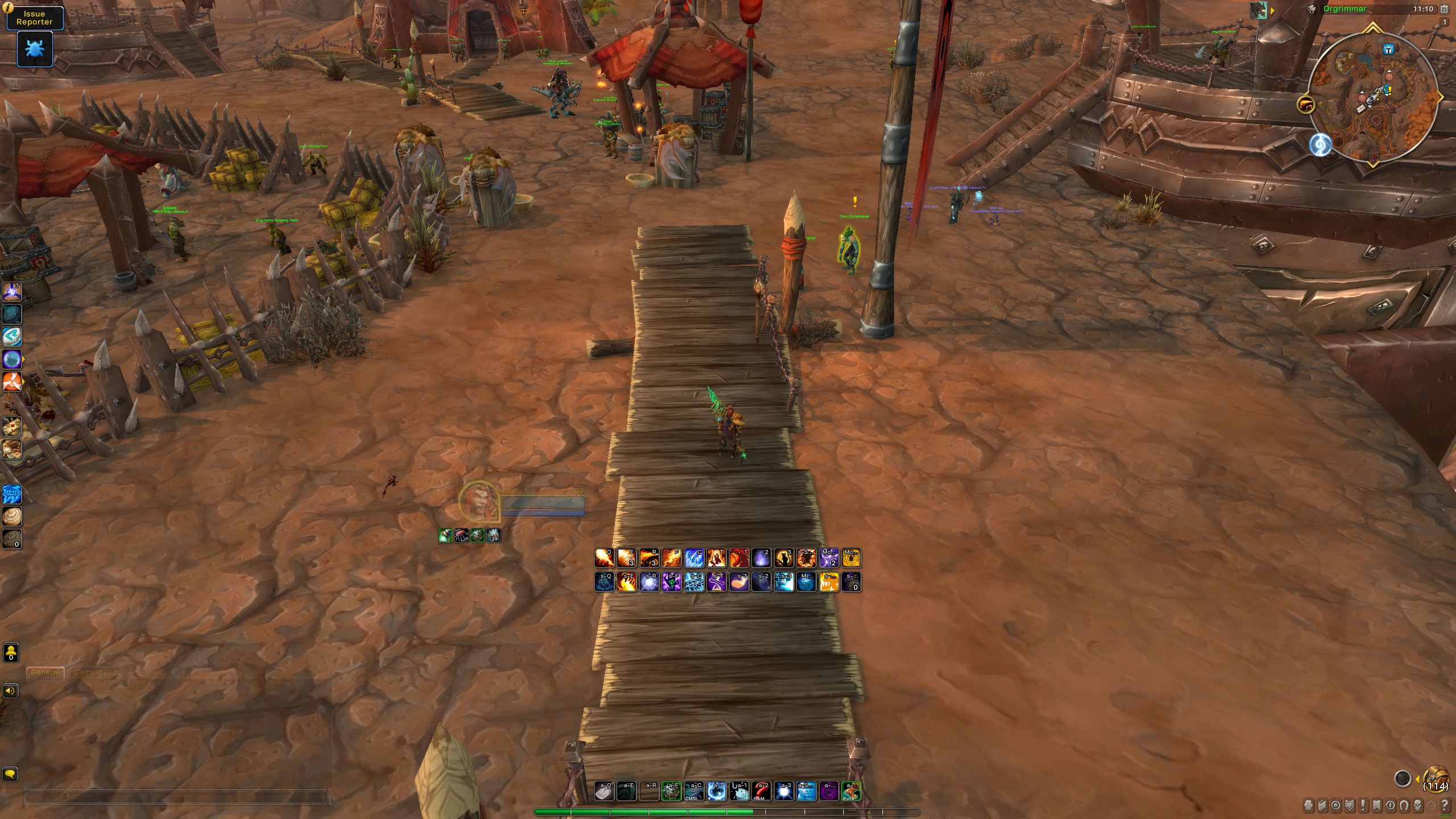
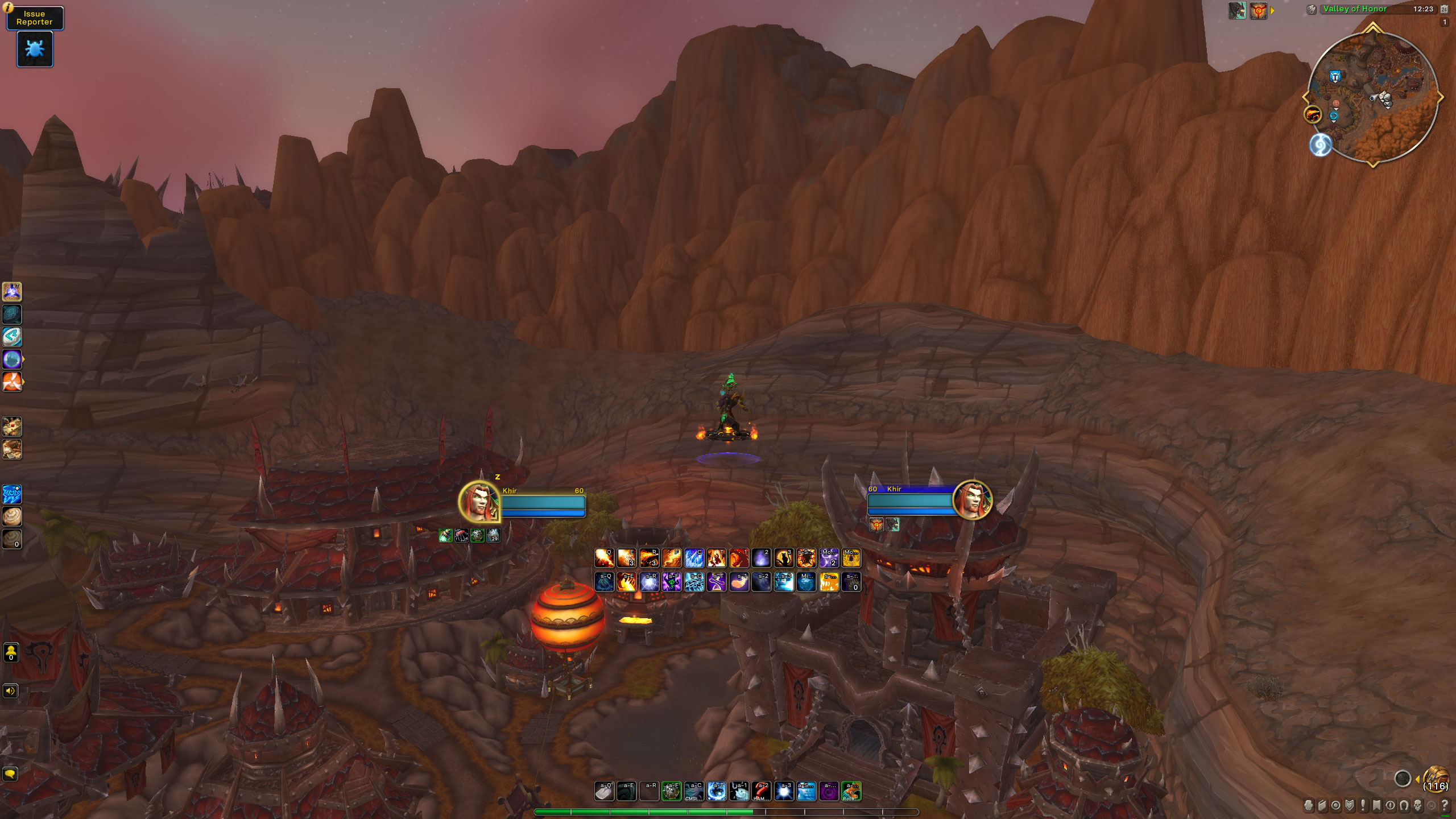
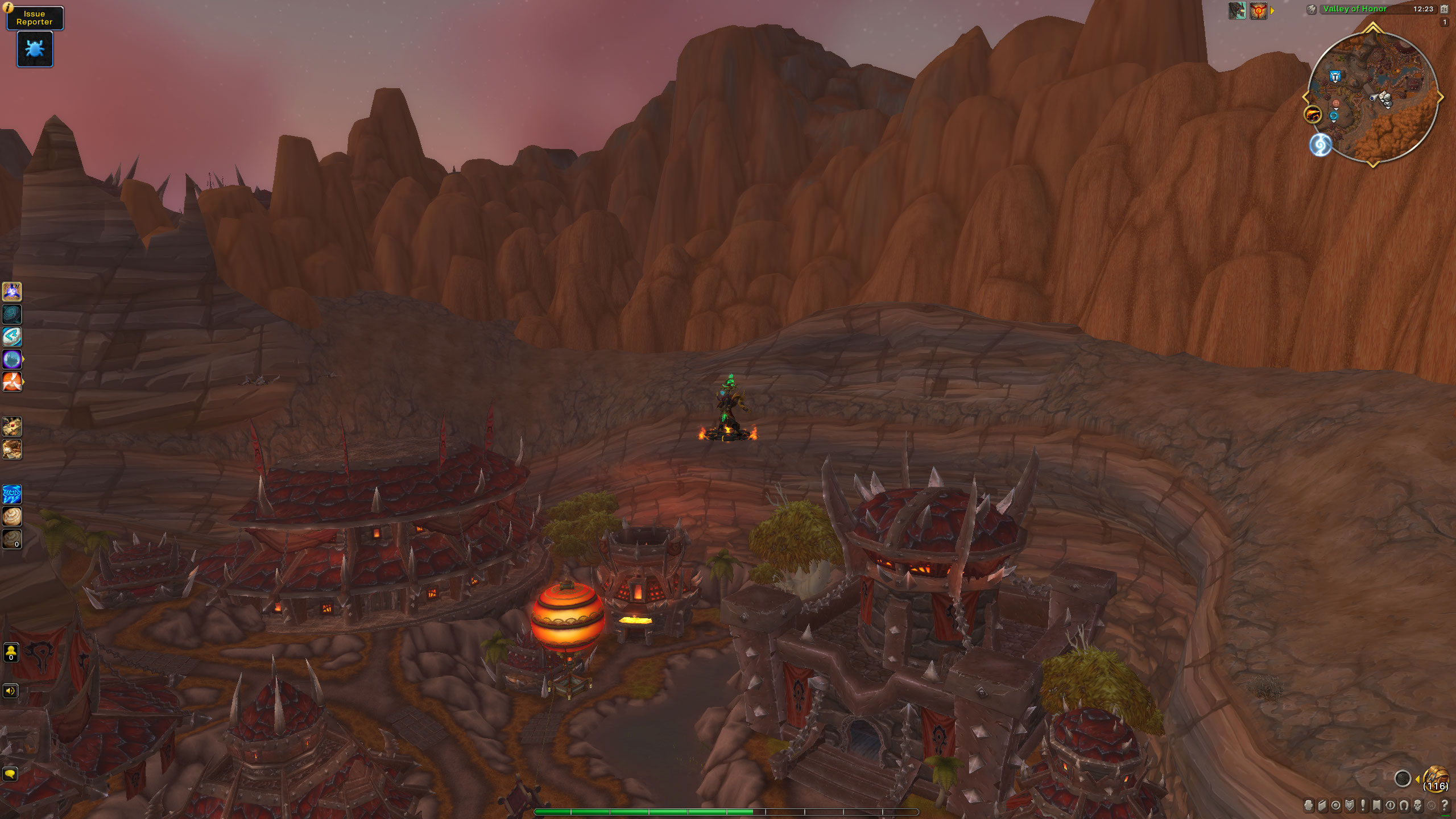
Conceal lowers the opacity of parts of the default UI while you're out of combat and have no target. When you enter combat, select a target, or move the mouse over a faded element, it returns to full opacity.
Conceal only changes the opacity of Blizzard's frames, so your Edit Mode layout is left alone.
How it works
You turn each element on separately in the settings. Once it's on, it fades out when you leave combat and clear your target, and fades back in when you enter combat or pick a target again. Hovering over an element always shows it.
Most elements also have a "Hide in combat" option. With it on, the element stays faded during combat as well, and you hover over it when you need it.
Elements
Combat Elements
- Player frame (the pet frame follows the same setting)
- Target frame
- Buff list
- Debuff list
- Main hand, off hand and ranged swing timers, on clients that have them
- Cast bar. This option turns the player cast bar off entirely and ignores the fade rules.
Cooldown Manager
- Essential Cooldown Viewer
- Utility Cooldown Viewer
- Buff Icon Cooldown Viewer
Action Bars
- Action bars 1 to 8, each with its own setting
While a spell flyout is open (a portal or teleport list, for example), the bars stay visible until it closes.
Extra Elements
- Pet action bar
- Stance bar
- Micro menu
- Bags bar
- Experience and reputation bar
- Minimap. At 0% opacity it's hidden outright, because some of its parts ignore opacity.
- Objective tracker
- Social (Quick Join) button
Settings
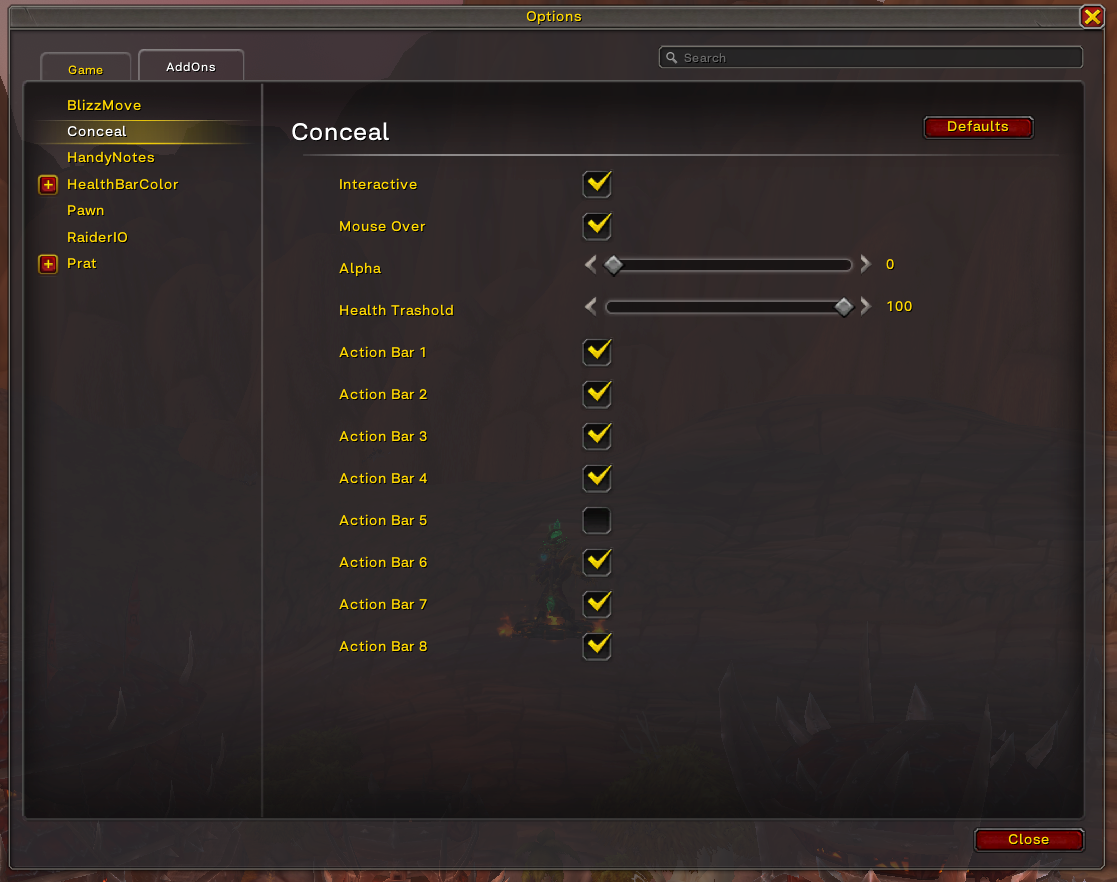
The settings are under Options > AddOns > Conceal.
- Opacity sets how visible faded elements are, from 0 to 100%.
- Fade In Time and Fade Out Time set how long each fade takes, from 0 to 2 seconds.
- Action Target Mode stops a target from bringing elements back, so only combat and hovering do. This helps if you play with action targeting, where you almost always have a target.
- Every element listed above has its own checkbox, plus a "Hide in combat" checkbox where one applies.
You must be logged in to leave a comment.