

Commodum (Quality of Life • Auto Sell, Auto Repair, Loot Control & more)
This addon adds a few quality-of-life improvements to everyday gameplay.
Details
Expansion
 Forever
 Categories
Developers

Having issues?
Commodum


Smooth out the little things.
Commodum is a World of Warcraft addon that adds a few quality-of-life improvements to everyday gameplay.
⚠️ Important! This addon requires Arcane Wizard: Library. See Installation & Quick Start for installation details.
Key Feature
Quality of Life Tweaks - Adds lightweight, optional convenience improvements to the default interface for smoother everyday gameplay.
Features
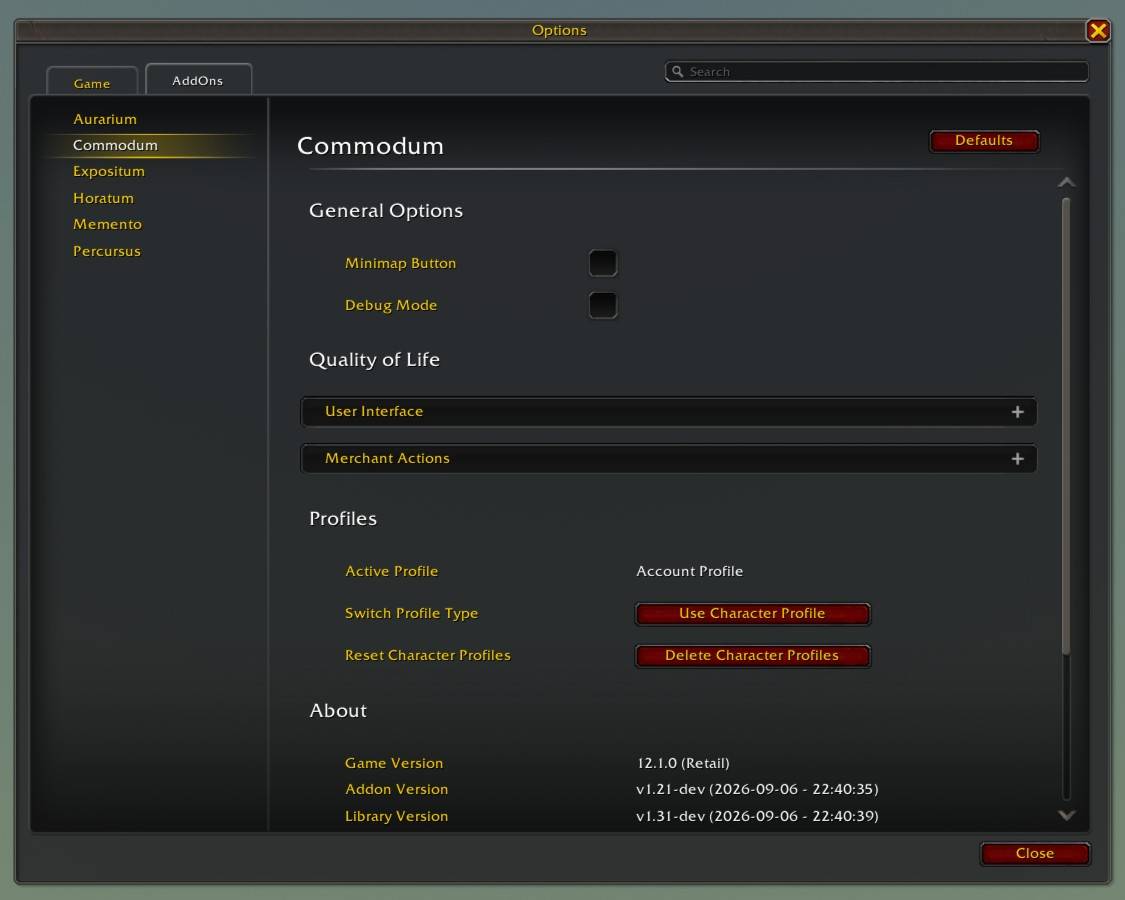
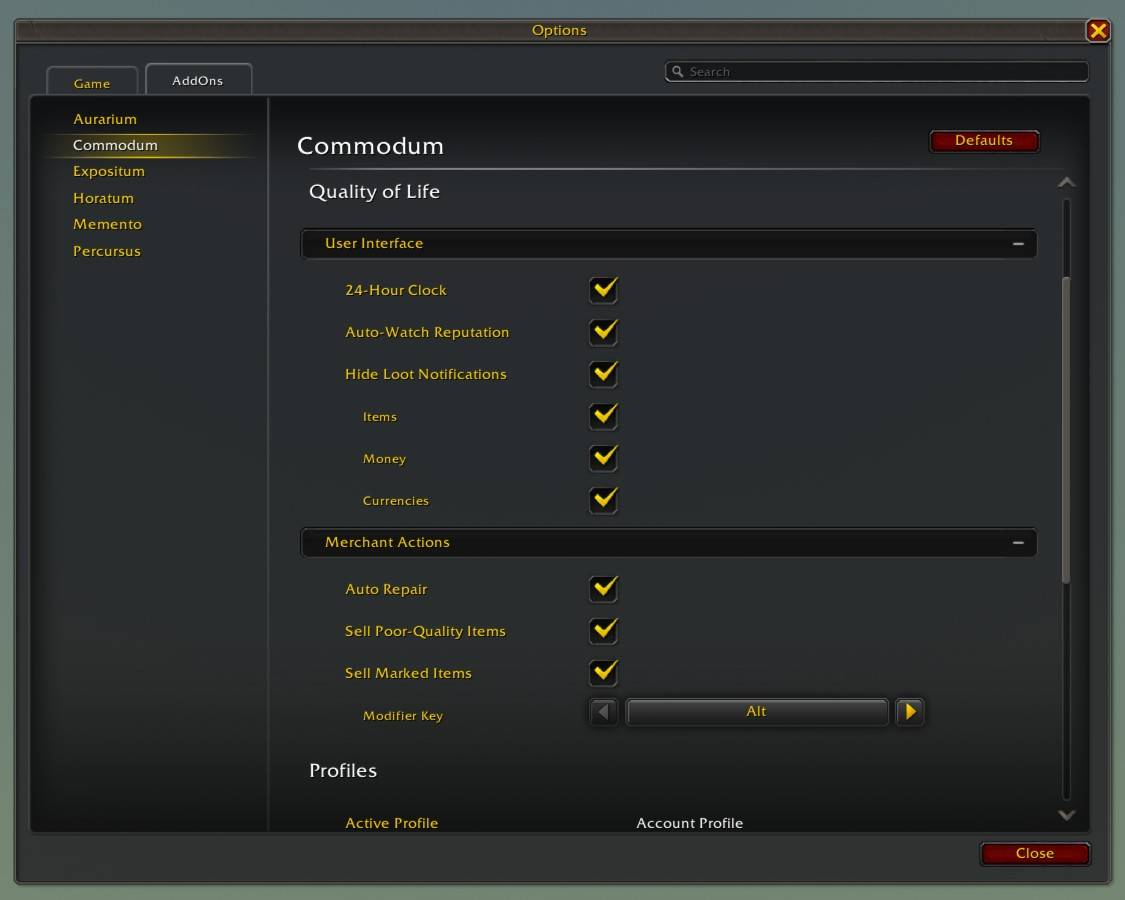
Individual features and display options can be configured in the addon settings. Commodum supports an account profile and character profiles.
User Interface
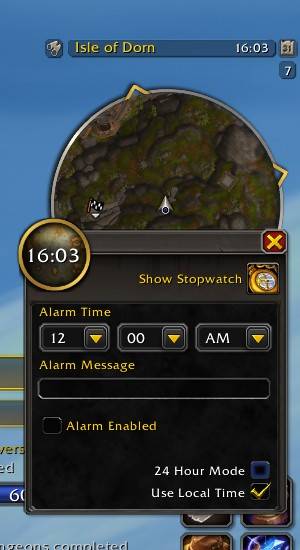
- Uses the 24-hour clock for the in-game time display and automatically reapplies the setting after login/UI reload to work around a known Blizzard UI issue.
- Automatically sets the faction whose reputation changed as the watched faction.
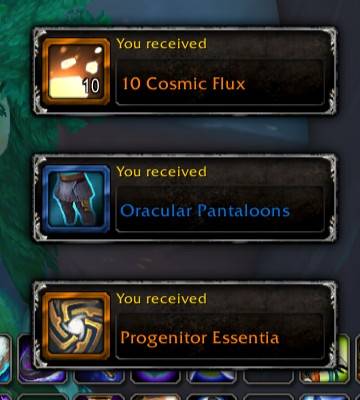
- Can independently hide general loot notifications for items, money, and personal currencies*.
* This feature is only available in Retail.
Merchant Actions
- Automatically repairs all damaged items using personal funds when a repair merchant window opens.
- Can independently sell every poor-quality (gray) item when a merchant window opens.
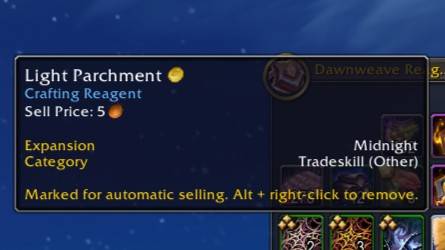
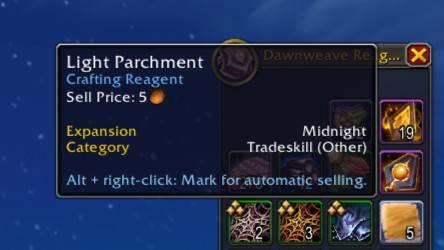
- Marks item types with a configurable modifier key plus right-click and automatically sells every matching item from the bags when a merchant window opens. Item markings are always saved per character, even when using the account profile.
Supported Languages & Flavors
- Languages: English, German
- Flavors: Forever, Retail
Installation & Quick Start
Required Dependency: This addon requires the Arcane Wizard: Library. If you install Commodum via the CurseForge client, the library will be downloaded automatically. If you install the addon manually, via Wago, or through another third-party updater that does not resolve dependencies, you must download and enable the library separately.
To manage the addon, use the following commands in your chat and press enter:
- Type
/comor/commodumto access the addon options menu. - Type
/com changelogor/commodum changelogto open the changelog.
Bugs & Feedback
If you find a bug or have a suggestion, please use the GitHub Issues or the CurseForge comments.
Translation Support
If you would like to localize this addon into other languages, your contribution would be very welcome. Please submit your translations directly via GitHub.

You must be logged in to leave a comment.