
ClassUIEnhanced – Cooldown Manager, Resources and More
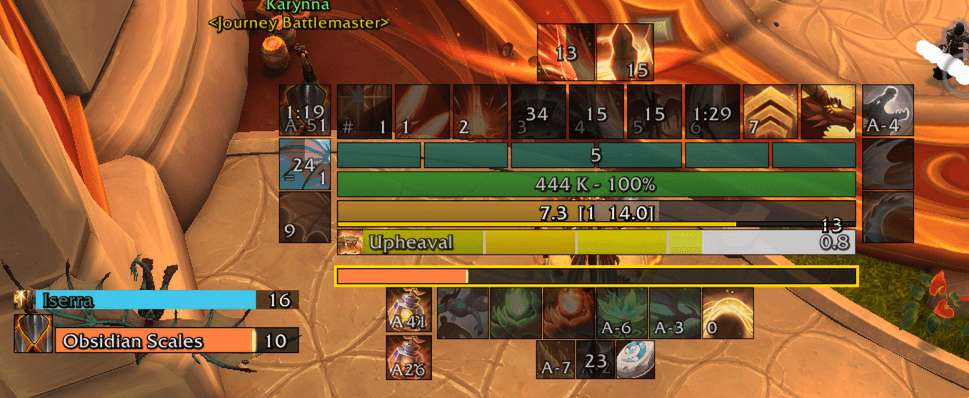
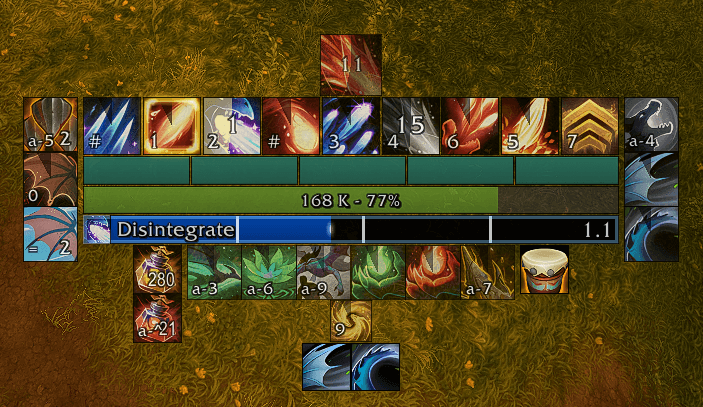
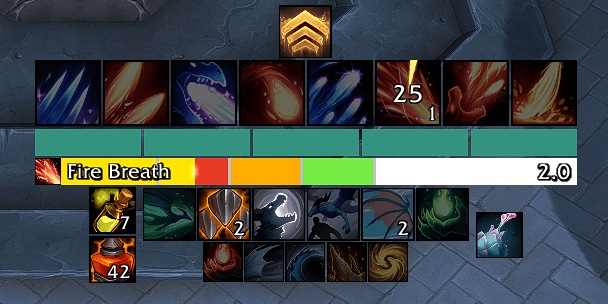
A comprehensive class UI replacement that brings your cooldowns, resources, cast bars, and buffs together into one fully customizable, anchored layout — all configurable directly through WoW's Edit Mode.
Details
Expansion
 Forever
 Developers

Having issues?
ClassUIEnhanced
A comprehensive class UI replacement that brings your cooldowns, resources, cast bars, and buffs together into one fully customizable, anchored layout — all configurable directly through WoW's Edit Mode. Runs on Midnight (12.1.0 and 12.1.5) and WoW Forever.
Works with or without Blizzard's Cooldown Manager. The Essential, Utility, Buff, and Buff Bar trackers read your CDM arrangement by default — the spells you picked, in the order you put them — or ignore it entirely and track only spells you add by hand. CUE can also replay the alerts you configured in Blizzard's own CDM, so turning its viewers off costs you nothing; it asks once per character before hiding them. Cast bars, resource bars, health bar, GCD, and the trinket / racial / consumable / consumable-buff / raid-buff / outbound-buff trackers never need it.
Cooldown & Buff Trackers
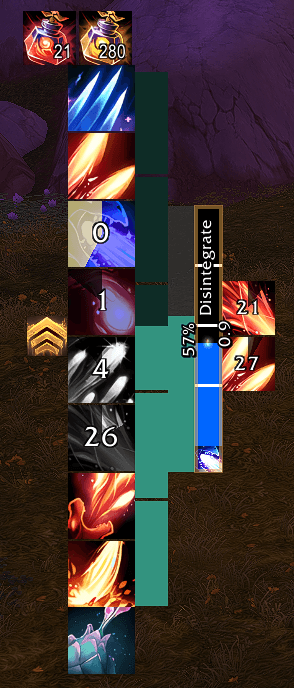
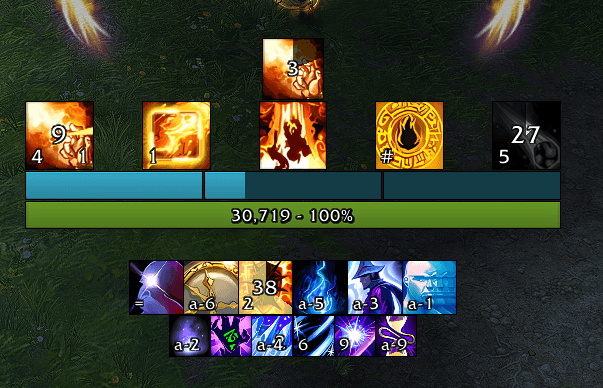
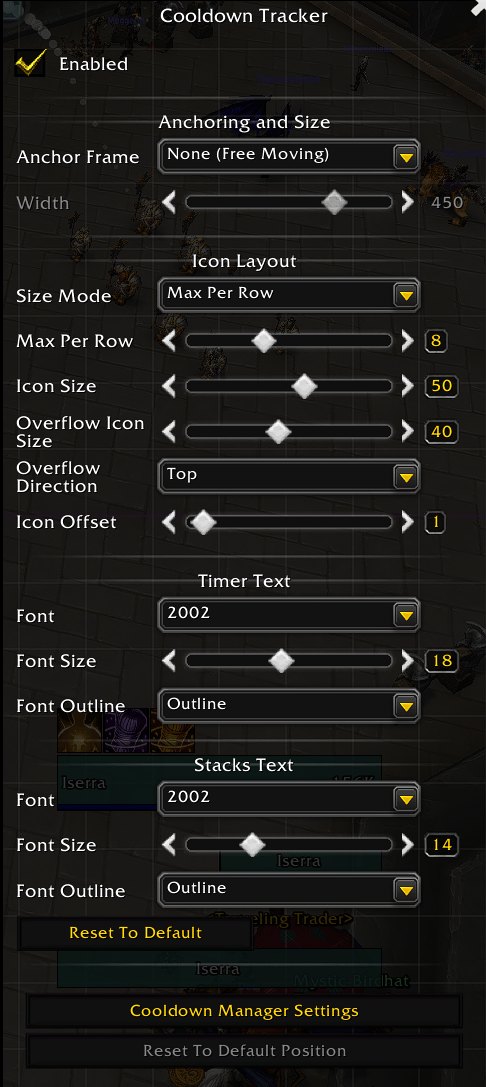
Ten trackers with four sizing modes, multi-row overflow, and independent layouts:
- Essential Cooldowns — core class abilities
- Utility Cooldowns — secondary utility abilities
- Buff Tracker — tracked buffs and debuffs with pandemic border glow, optionally greyed out while inactive
- Buff Tracker Bars — buff durations as progress bars (icon & name, icon only, name only, or bar only), plus optional totem bars for summons that place no buff on you — Dreadstalkers, Demonic Tyrant, shaman totems — one per totem slot
- Trinket Tracker — on-use trinket cooldowns with auto-detection and reserve slots
- Consumable Tracker — potions and healthstones with item counts and "best only" logic
- Consumable Buff Tracker — flask, food, augment rune, weapon oil, and weapon buff status with missing-buff glow and click-to-use
- Raid Buff Tracker — class raid buff status with missing-buff glow and click-to-cast
- Outbound Buff Tracker — buffs you apply on party/raid members (e.g. Prescience) rendered as horizontal status bars with class-colored recipient names and remaining duration
- Racial Tracker — racial ability cooldowns with auto-detection
All icon trackers support keybind and button-press overlays, GCD swipe hiding, and configurable glow effects (ready flash, pulse, approaching cooldown, low health border). Icons dim when an ability cannot be cast and turn red when the target is out of range. Icon order is yours to set in the Tracking tab, or leave it and inherit Blizzard's. Essential, Utility, and icon-style Custom Trackers also surface Blizzard's Assisted Combat rotation hint as a marching-ants overlay on the suggested next-cast spell.
Cast Bars
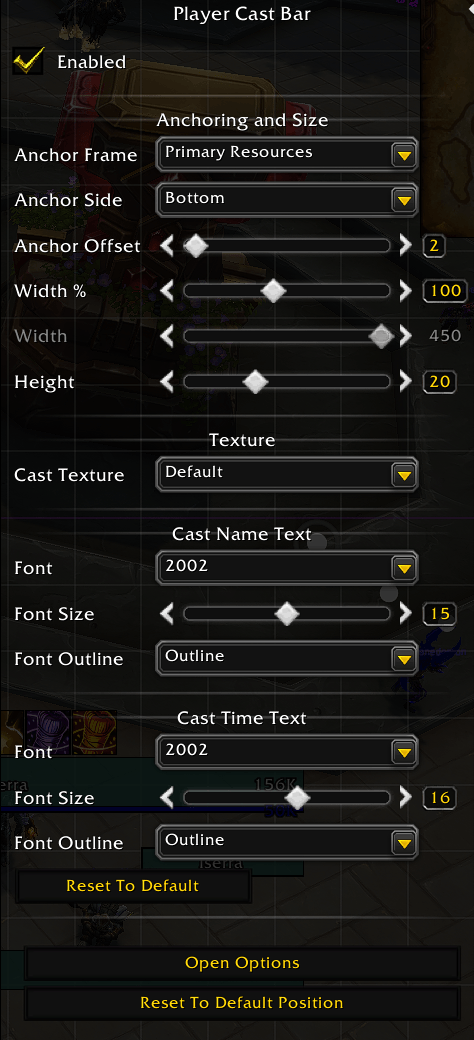
Custom cast bars with per-state colors, optional vertical orientation, spell icon, and a choice of time readout (elapsed or remaining, with or without the total):
- Player Cast Bar — with channeled spell tick marks, pushback that shows the time you lost, and an optional latency overlay
- Target Cast Bar — with optional non-interruptible shield indicator
- Focus Cast Bar — with optional non-interruptible shield indicator
- Global Cooldown — GCD timer bar with real measured client-server latency overlay
Resource Bars
- Primary Resource — every power type with bar smoothing, value display, per-type colors, mana auto-hide for DPS specs, and per-spec breakpoint pips; Augmentation Evokers can track Ebon Might in place of mana
- Player Health Bar — class-color or health-gradient coloring with heal prediction and absorption overlays
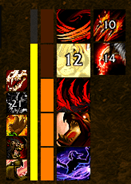
- Secondary Resource — every class's secondary resource as individual segments with smooth fill, per-resource colors, builder prediction, and spec-aware behavior. Several readouts can share the frame, stacked in rows — including stack strips (Sweeping Strikes, Teachings of the Monastery, Shatter, Wild Imps, Arcane Salvo, Unbound Flame, nearby Soul Fragments, Art of the Glaive), as one segment per stack or a single continuous fill, with threshold colors.
Appearance & Edit Mode
Independent borders (color, thickness, inside/outside), icon zoom with aspect-ratio control, optional component backgrounds, and configurable fonts and shadows. Every component is a first-class Edit Mode citizen: drag to position, anchor chains between components, width inheritance (percentage or absolute), cascading opacity, and stackable visibility rules (mounted, out of combat, no target) with per-component show/hide toggles.
Tracking Tab & Custom Trackers
One Tracking tab lists every tracker and Custom Tracker side by side. Drag spells to reorder them or move them between trackers, add your own spells by ID, set per-spell bar colors, and replace any icon via a searchable icon picker. Arrangements can be kept per specialization on top of an all-specs default. Custom Trackers hold the spells you pull out of the main trackers and can also serve as anchor targets.
Profiles
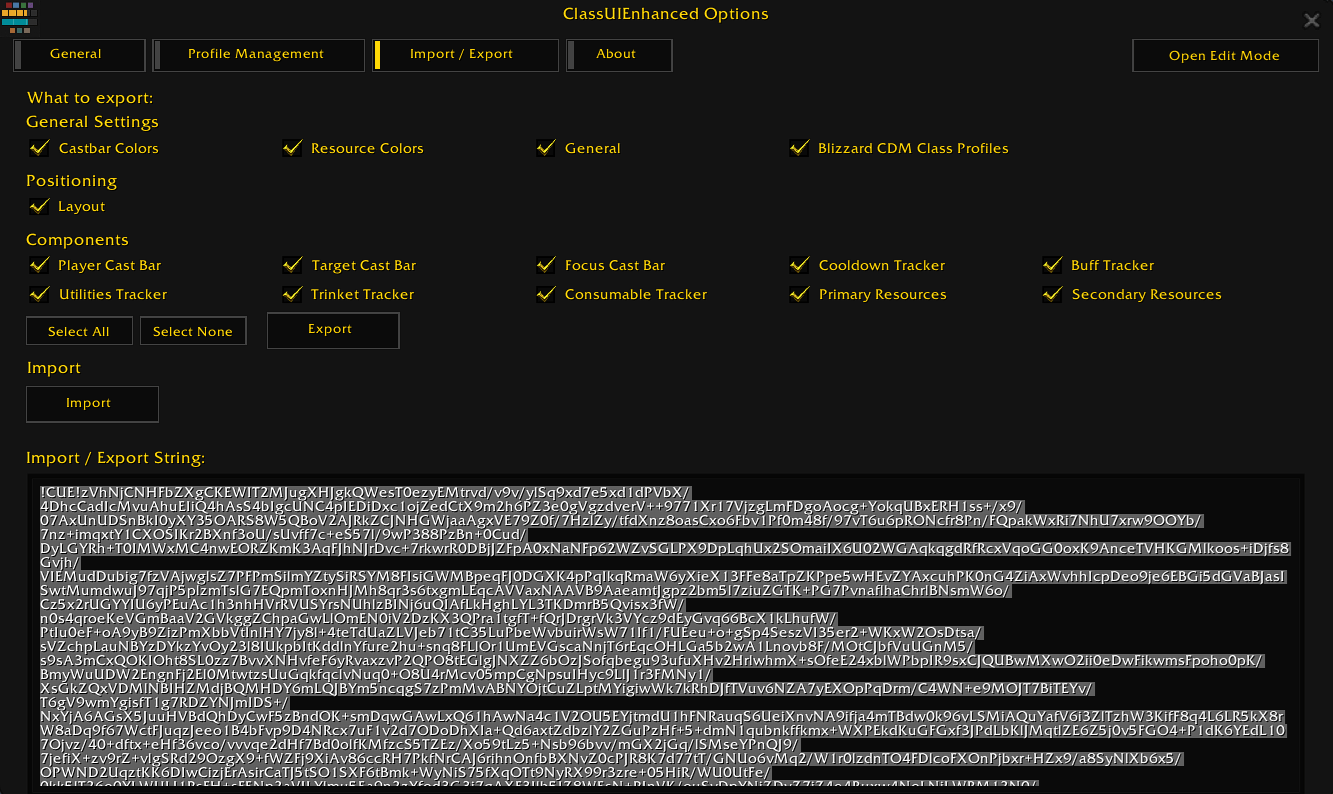
Create, switch, copy, and reset profiles. Import/export full profiles or individual segments as compressed strings. Per-spec Blizzard Cooldown Manager layout sync and automatic profile switching by specialization or role.
Integrations
- Wago — public API for Wago Companion and UI pack installers
- External addons — register frames as anchor parents via
ClassUIEnhancedAPI.AddAnchors() - Localization — all 11 WoW client languages; translate on CurseForge
Getting Started
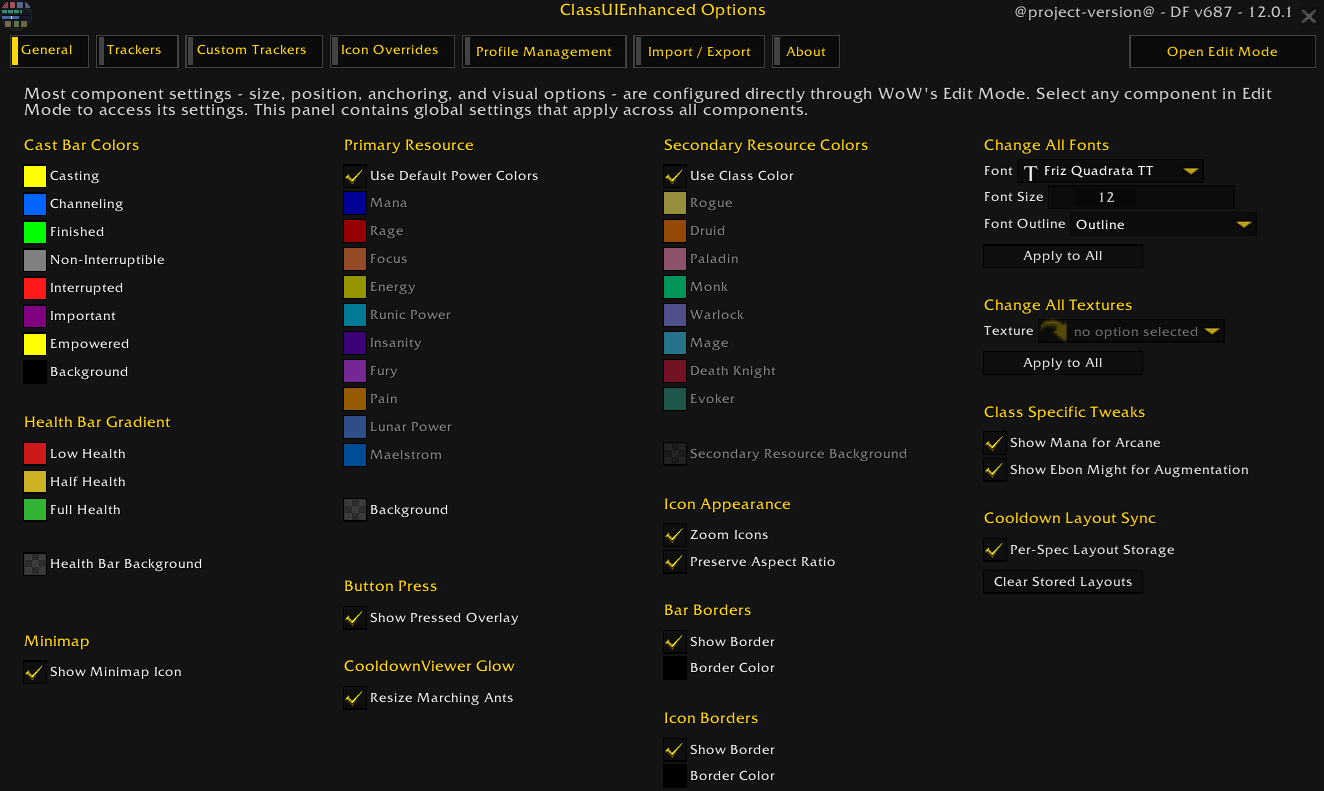
Type /cue or click the minimap button (left-click for Edit Mode, right-click for Options). Also available from the addon compartment.
Links
- Discord: https://discord.gg/8dWuth44Dx
- Donations: cont1nuity · tercio
- Patreon: cont1nuity · tercio
You must be logged in to leave a comment.