
CharacterNotes
Create private notes for players, guild members, NPCs, and map locations. See them in chat and tooltips, search your records, share notes, place map pins, and import or export your data.
Details
Expansion
 Forever
 Categories
Developers

Having issues?
Character Notes
Remember the players you meet, track noteworthy NPCs, and save important map locations—all through one private, searchable note database.
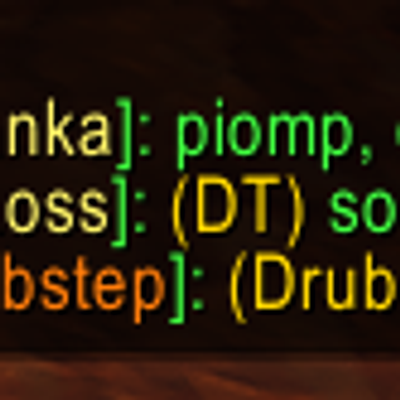
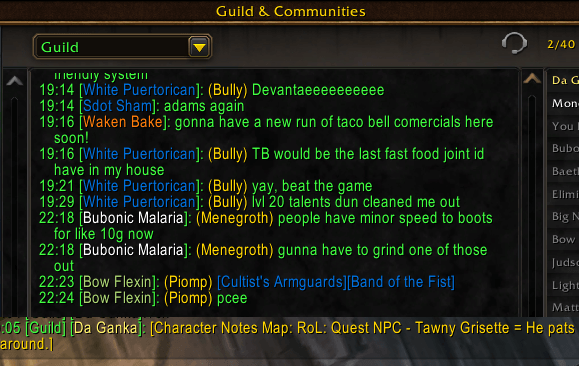
Character Notes displays your notes directly in chat and unit tooltips, helping you recognize people and NPCs without opening another window. Notes are stored locally and remain visible only to you unless you deliberately share one.
Features
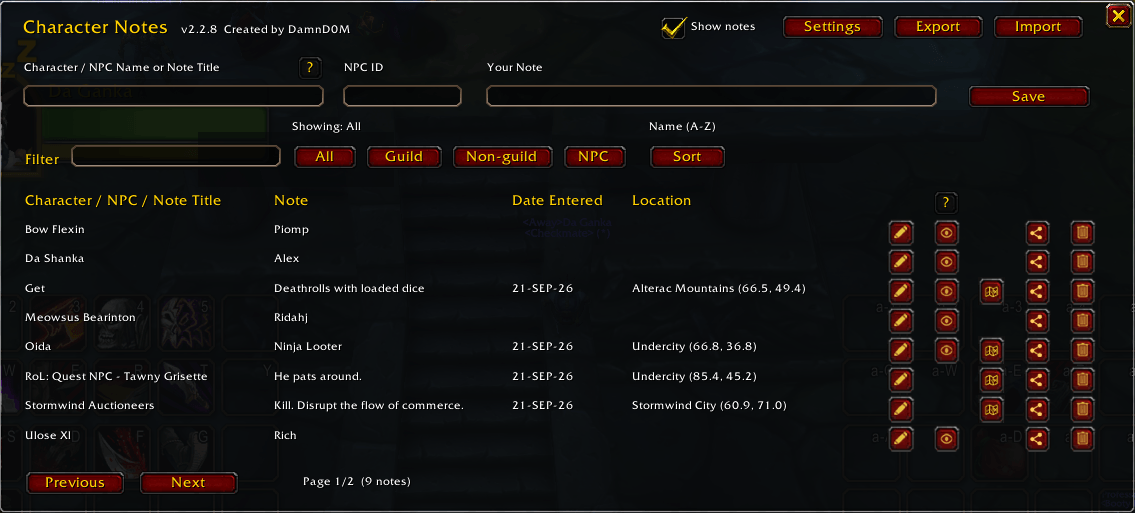
- Save private notes for players, guild members, NPCs, and map locations.
- Display notes in Guild, Raid, Party, numbered Channels, and Whispers.
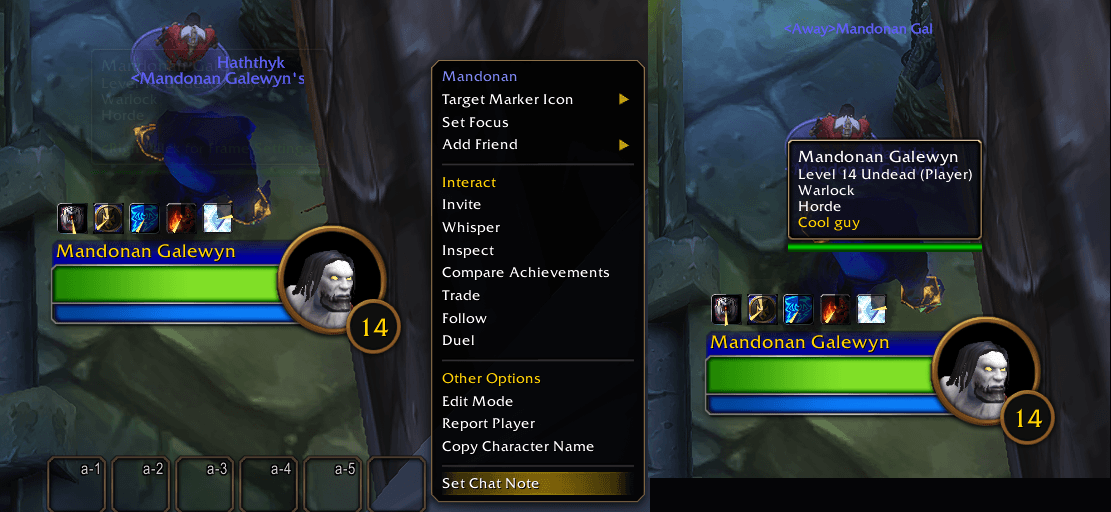
- View player and NPC notes in unit tooltips.
- Search by character or NPC name, note text, note title, or location.
- Filter entries by All, Guild, Non-guild, or NPC.
- Sort by name, note, map, or date.
- Record dates, zones, maps, and coordinates automatically.
- Edit saved maps and X/Y coordinates.
- Hide individual notes from chat and tooltips without deleting them.
- Share individual character, NPC, and map notes through chat.
- Review shared notes before inserting or overwriting anything.
- Export or import your complete note collection.
- Import only new entries or replace matching or entire categories.
- Create native map pins from saved locations.
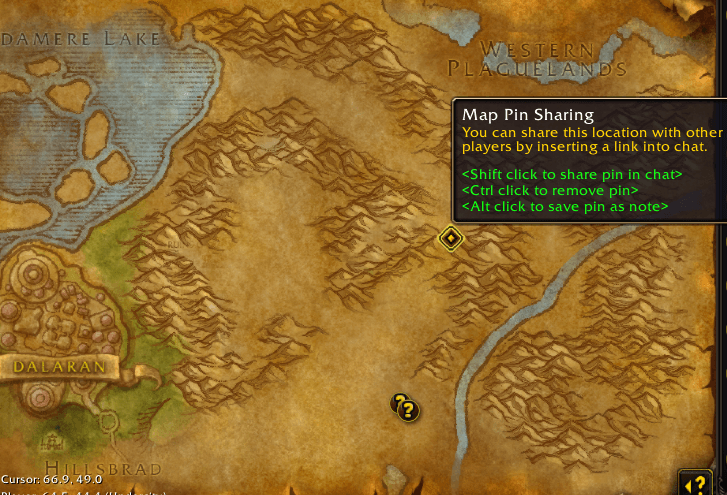
- Alt-click a Map Pin Sharing pin to save it as a map note.
- Open Character Notes from a draggable minimap button.
- Protect saved data with synchronized account-wide and per-character storage.
NPC Notes
NPC notes are stored using the NPC’s unique ID. This allows one note to apply to every spawn of the same NPC.
You can enter an NPC ID manually. If the client does not know its name yet, Character Notes saves a temporary placeholder and updates it automatically after you encounter that NPC.
Map Notes
Save a location with a custom title, note, map, and coordinates. Entries with location data can reopen the correct map, create a native shared map pin, and super-track the saved position.
Alt-click an existing Map Pin Sharing pin to create a note at its exact location.
Private and Local
Character Notes does not modify public guild notes or access officer notes. Your custom notes, hidden-note choices, and settings are stored locally.
Other players only receive a note when you intentionally share it through chat. Shared notes always open in a review window before they can be saved.
Commands
Open Character Notes with:
/cn/cnotes/characternotes
Upgrading from Guild Chat Notes 1.3.0
Guild Chat Notes 1.3.0 did not include an export function. Use the separate GuildChatNotes 1.3.1 Migration Exporter before installing Character Notes:
Install the migration package over Guild Chat Notes 1.3.0.
Log in and run
/gexport.Copy the generated text.
Install Character Notes.
Paste the text into Import and select Replace All.
Confirm your notes before removing the old addon.
The migration exporter only reads your existing custom notes. It does not modify or delete them.
You must be logged in to leave a comment.