

BuffWarden
Shows the buffs you and your group are missing, and casts or asks for them. Part of YippYapp
Details
Expansion
 Forever
 Categories
Developers

Having issues?
BuffWarden
See which buffs you and your group are missing, and fix them in one click - for WoW: Forever.
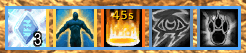
BuffWarden shows a small row of icons for the buffs you're missing: your own self-buffs, and the group buffs someone in your party can give. If you can cast it, a click casts it on the groupmate who needs it. If someone else has it, a click whispers them to ask. When nothing is missing, the row disappears.
It works on its own - nobody else in your group needs the addon.
Beta. Built for WoW: Forever. Expect a few rough edges, and please report what you find.
Features
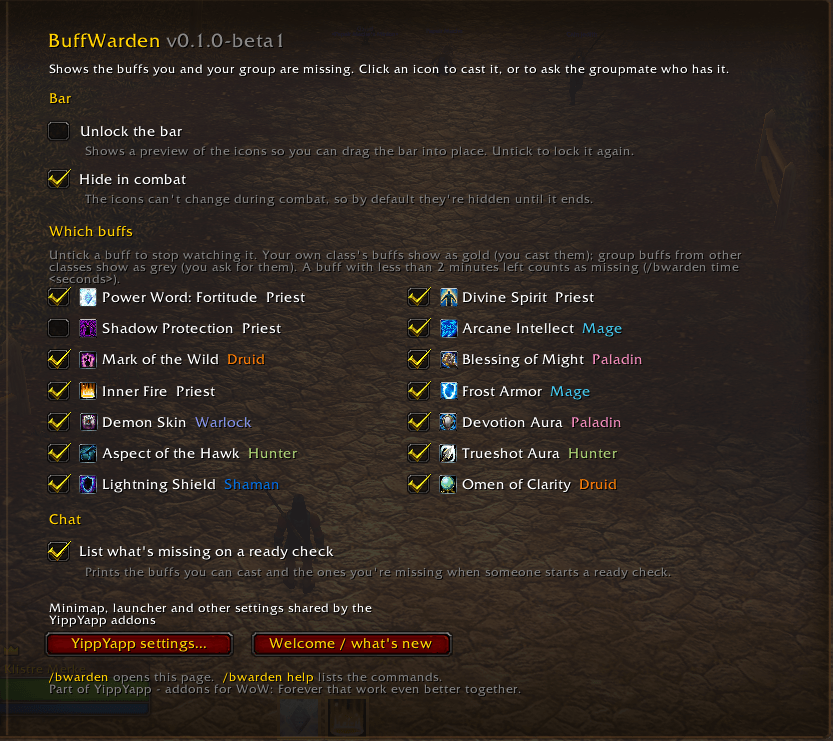
- Your own buffs - Inner Fire, Mage Armor, Demon Skin, Paladin auras, Aspects, Trueshot Aura, Lightning/Water Shield and Omen of Clarity, for the classes that use them.
- Group buffs - Power Word: Fortitude, Divine Spirit, Arcane Intellect, Mark of the Wild and Blessings. Shadow Protection can be turned on in the settings.
- Gold icon: you can cast it. The number shows how many are missing it; a click casts it on the nearest one.
- Grey icon: a groupmate has it. A click whispers them a polite request. BuffWarden only asks groupmates who are high enough level to have the spell, and only asks for a talent buff like Divine Spirit once someone in the group is seen with it.
- Orange icon: running out soon.
- Blessings done right - one Blessing from each paladin in the group; as a paladin, BuffWarden suggests the right one per class.
- Ready check - optionally lists what you can cast and what you're missing.
About combat: Forever doesn't let addons read buffs during combat. BuffWarden hides in combat by default; if you keep it shown, it keeps its pre-pull state with a small clock and updates the moment combat ends. It never guesses.
Getting started
- Left-click the BuffWarden icon on the minimap (or type
/bwarden unlock). - Drag the preview where you want the bar, then click the icon again to lock it.
| Command | What it does |
|---|---|
/bwarden | Settings |
/bwarden unlock / lock | Move the bar / lock it |
/bwarden scale <0.5-2> | Resize the bar |
/bwarden status | List what's missing in chat |
/buffwarden works too.
Part of YippYapp
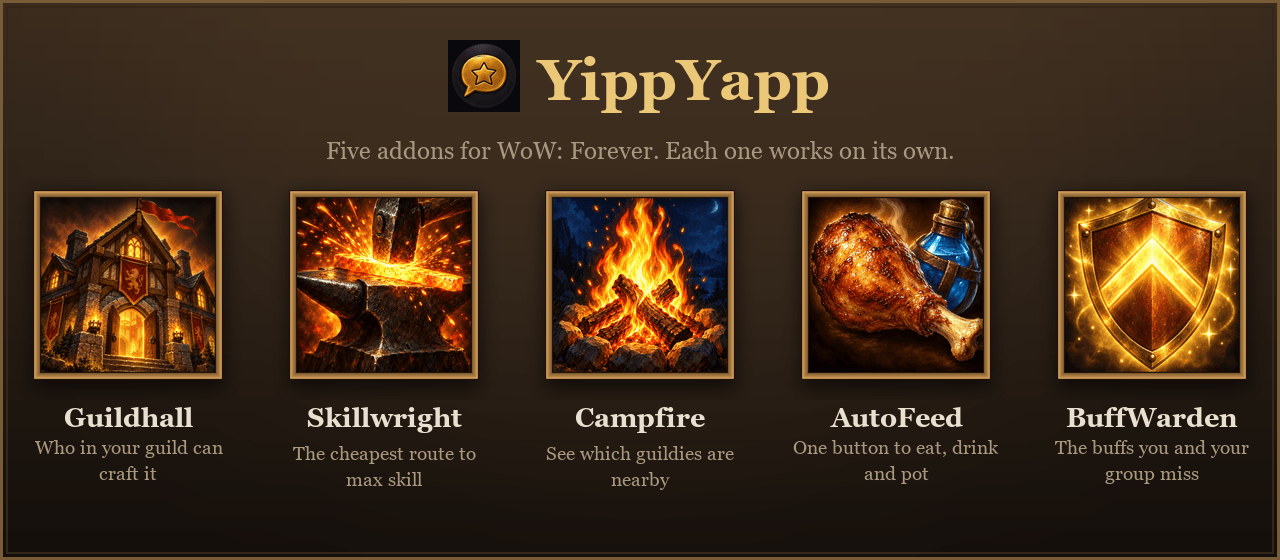
BuffWarden works fully on its own. It is also part of YippYapp, a small family of addons for WoW: Forever that work even better together:
- AutoFeed keeps one-button macros for your best food, water, potions, scrolls and bandages. Together they cover your buffs: BuffWarden the class buffs, AutoFeed the food and scroll buffs from your bags.
- Guildhall is your guild's crafting directory: who can craft what, who has it and who wants it.
- Skillwright plans the cheapest or fastest route to max profession skill.
- Campfire shows which guildies are nearby.
Installed together they share one minimap button, one welcome window (/yippyapp) and one settings page under Options → AddOns → YippYapp.
You must be logged in to leave a comment.